Templates · references · 30 models
Start from a curated workflow, add the details that matter, and generate polished visuals without learning prompt engineering.

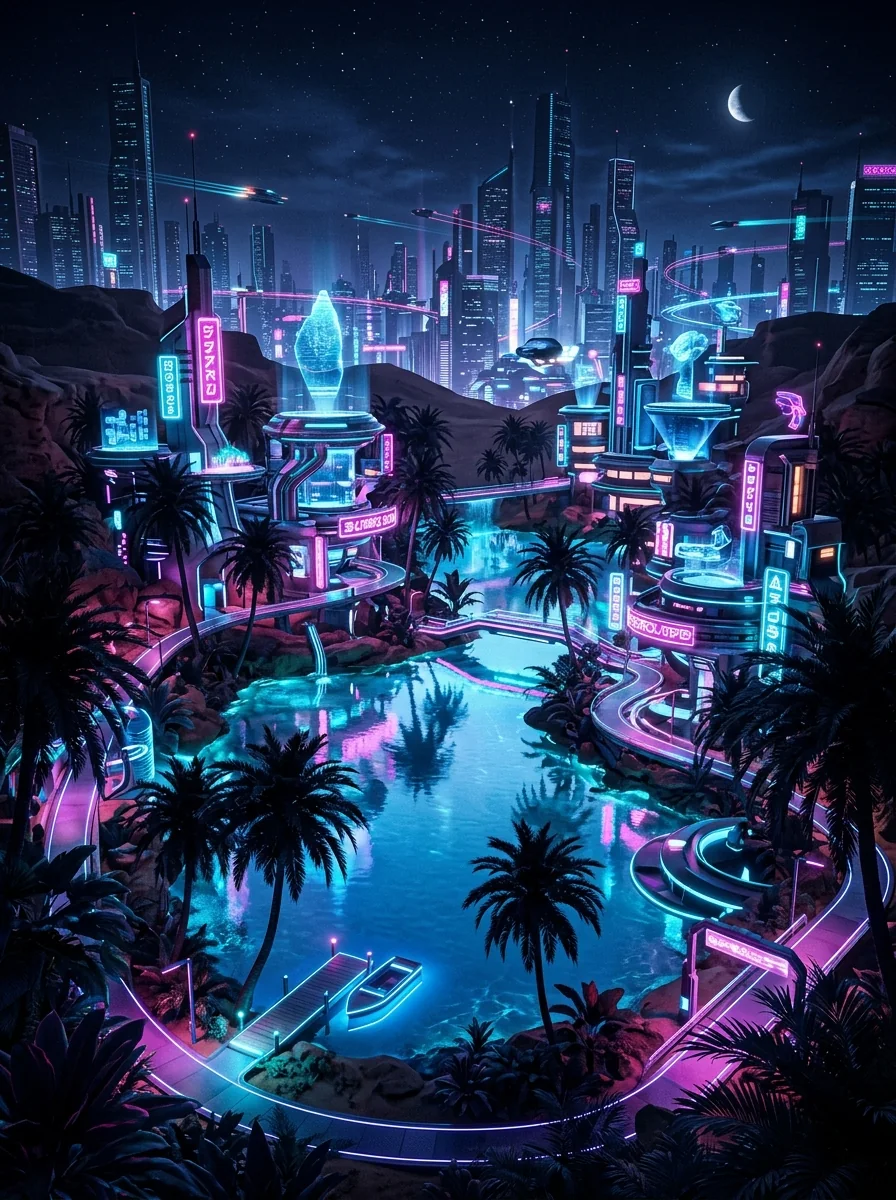

See what others are creating
Real images from the Phosphene community.
Three ways to create
All modes share the same workspace. Switch anytime, your work carries over.


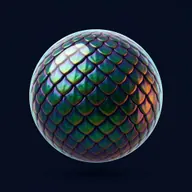

Graph Mode
Best when you have a vague idea and want to explore.
Browse a tag library organized by zones — Subject, Scene, Mood, Style. Click tags to add nodes to your graph. Connect them to define relationships. Phosphene writes the AI prompt for you from your graph structure.
- Click to explore, no typing needed
- AI generates child tags as you browse
- 45+ relationship types between nodes
Flow Mode
Best when you need precise control over composition.
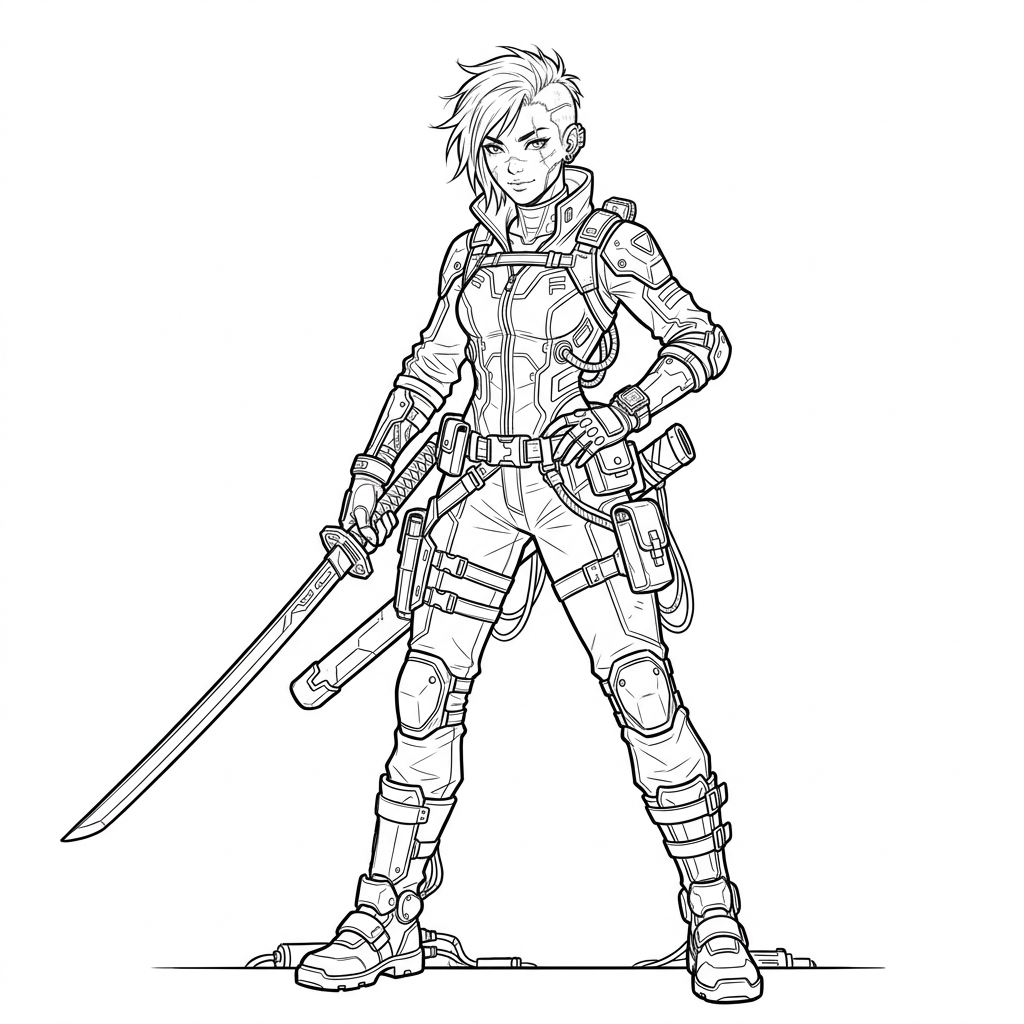
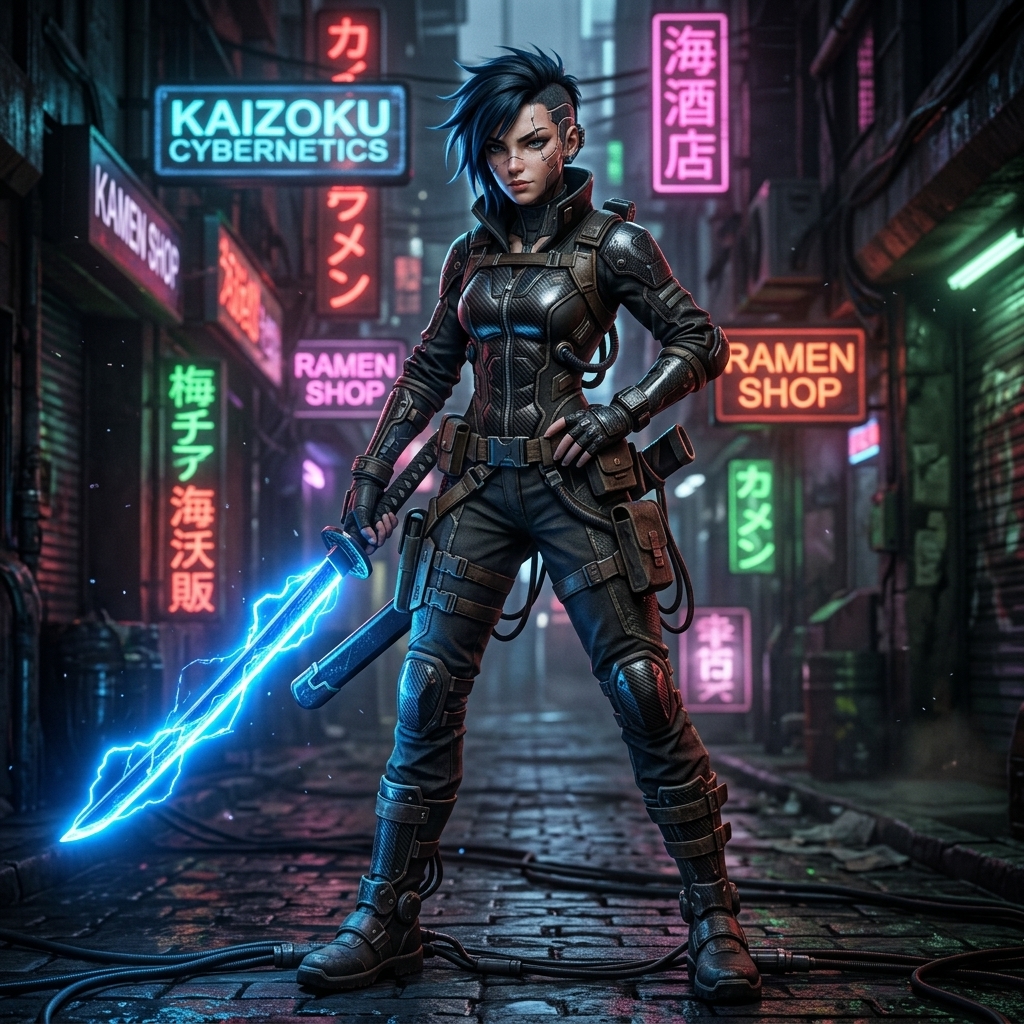
A node-based pipeline editor. Drag modules onto canvas and wire them: Graph (prompt) and Image (reference). Connect to an output node, pick a model, generate.
- Mix graphs + reference images + drawings
- Drag & drop connections
- Save module setups as presets
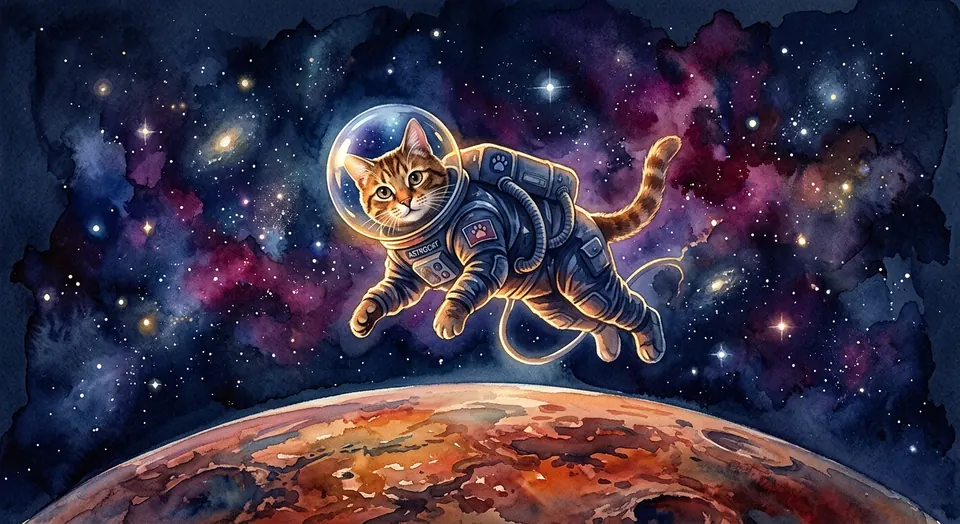
Simple Mode
Best when you know what you want.
Type a prompt, pick a model and aspect ratio, generate. Has AI prompt enhancement built in — write a rough idea, Phosphene expands it. Switch to Graph or Flow anytime.
- Fastest path from idea to image
- AI prompt enhancement & variations
- Same 30 models, same image vault
30 models from 8 providers
Same prompt, different aesthetics. Switch per generation.
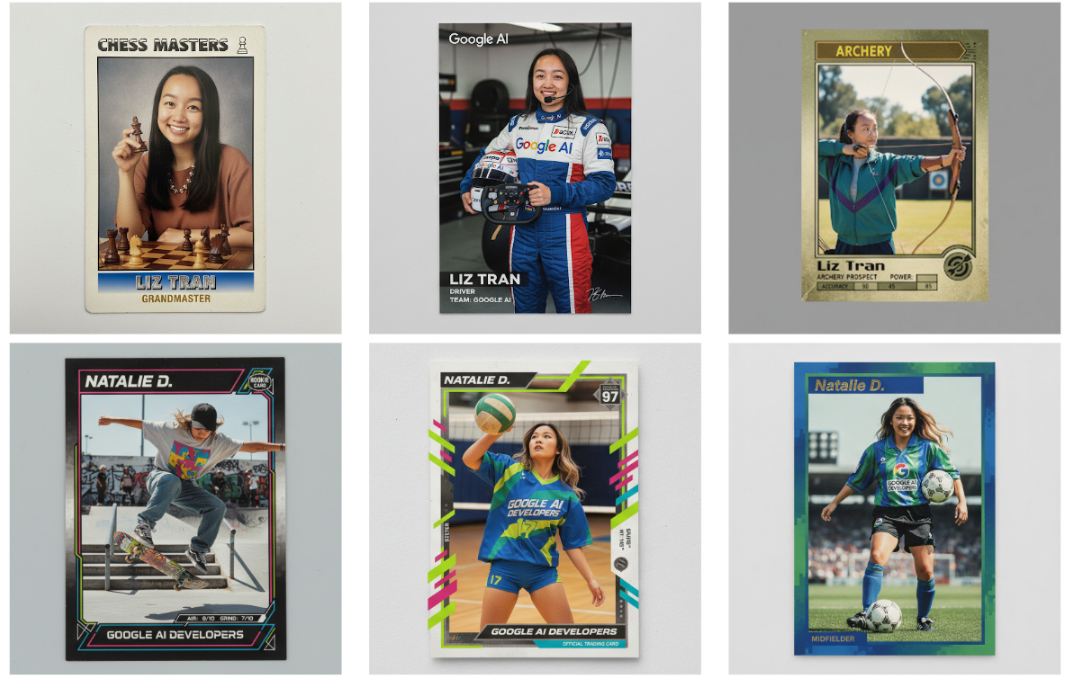
Pro-quality at Flash speed. Enhanced realism and text rendering.
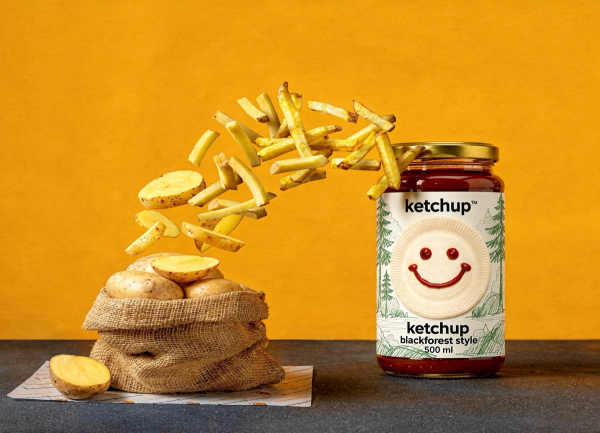
State-of-the-art realism. Top-tier detail.
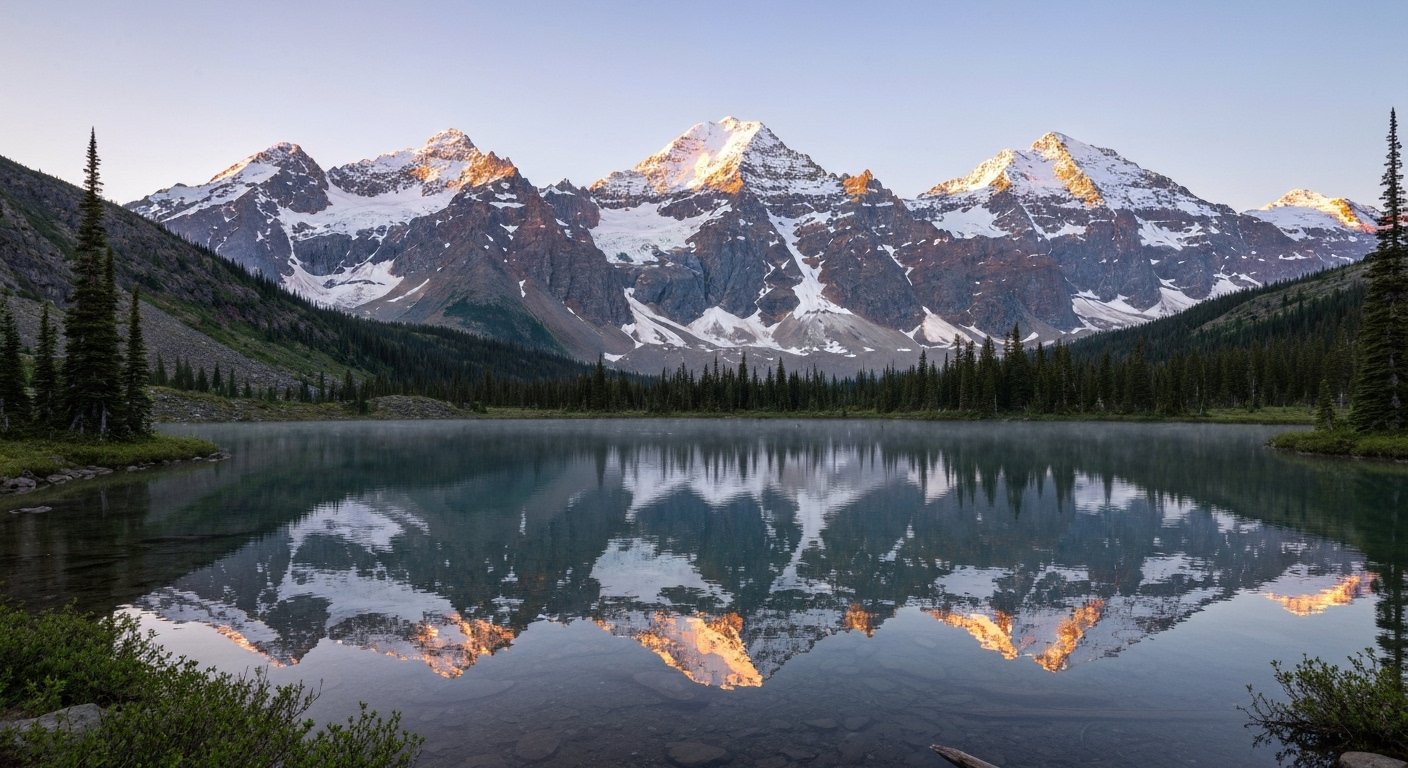
Dedicated image generation from DeepMind.
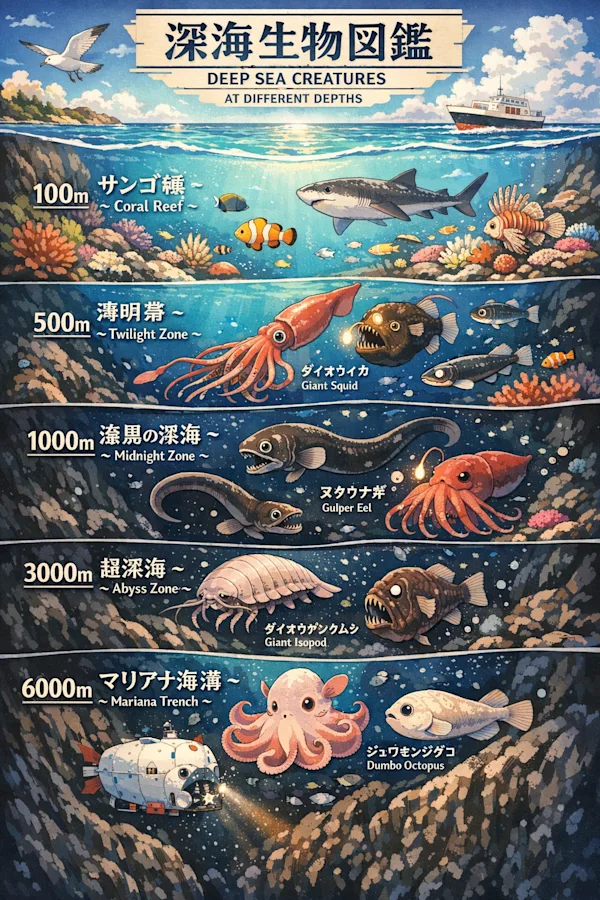
Transparent backgrounds, 4x faster.
Photoreal concepts and single-reference edits.

Unified generation and editing.
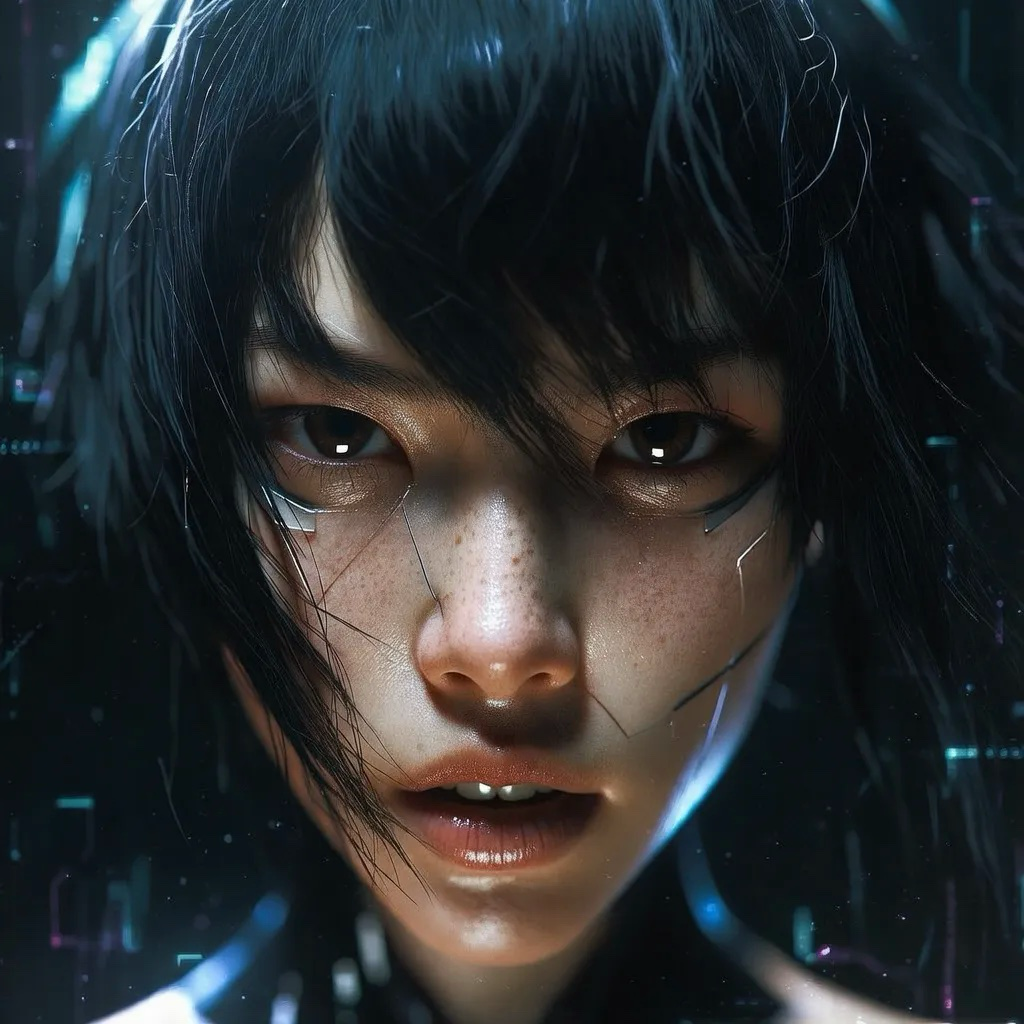
Raw cinematic aesthetics.
+ 23 more including FLUX.2 Pro, Hunyuan, Gemini 3 Pro, and more.
See what doesn’t
exist — yet.
You don’t need the right words — just the right feeling. Explore visually, click what resonates, and let AI do the rest.