Two Files In, a Music Video Out: When the Director Is a Vision Model
A Japanese ComfyUI author reports a pipeline that turns one reference image and one audio track into a music video with stereo sound and lip sync, running on a single mid-range GPU per the author
AI-assisted draft. Reviewed and edited by the Phosphene team before publication.
On this page
For the past year the honest recipe for an AI music video has been a stack of tools and a lot of evenings. One model writes the song, another makes stills, a third animates them, and you assemble the result. When a solo creator documented that version properly, it took three weeks for four minutes of video (the post-mortem is worth reading).
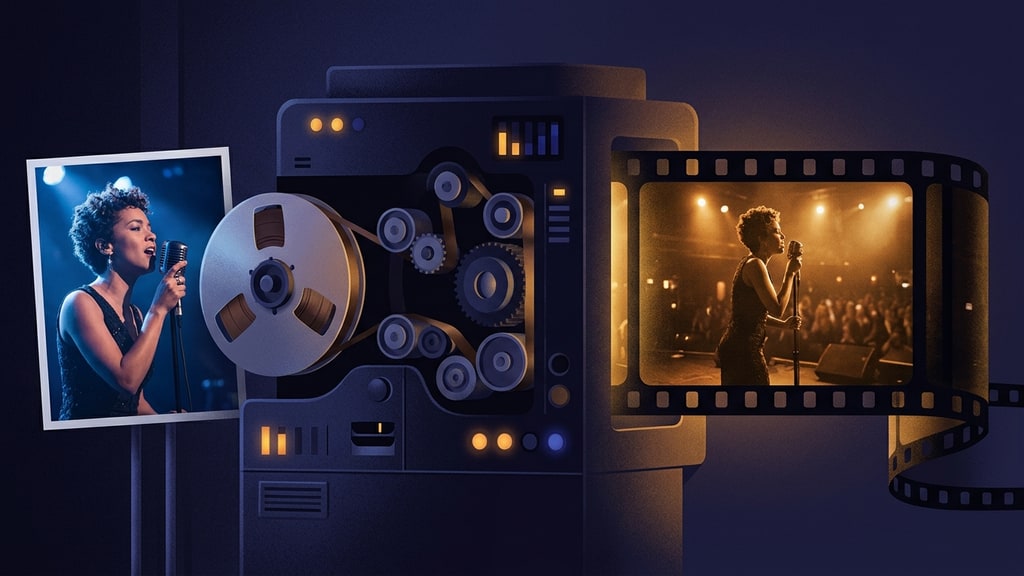
A ComfyUI author publishing as Ai-Hakase just demonstrated the opposite extreme: a pipeline where the entire human input is one reference image and one audio file. The output is video with synchronized stereo audio, background music, sound effects, and lip sync, rendered locally on a single graphics card.
No prompt writing. No scene list. The file goes in and a music video comes out.
What is actually running
The pipeline has two halves, and the split is the interesting part.
The first half is a vision-language model, a Gemma 4 12B engine in the author's build. It listens to the audio track and reads the reference image, then writes the scene structure and the generation prompts itself. Lyrics, mood, and pacing become a shot plan without a human typing one.
The second half is MiniMax H3, which generates the video and its stereo audio in a single pass rather than rendering a silent picture and dubbing sound onto it afterwards.
That division of labor is the real story. The mechanical work of direction, deciding what happens in each segment and writing the instructions for it, moved from the creator to the model.
Fitting a 62B model onto a 3060
MiniMax H3 is a 62B-scale multimodal model that in its raw form wants roughly 48GB of VRAM, by the author's figures. Three changes bring it down to mid-range cards like an RTX 3060, 4070, or 3090:
- A distilled Turbo LoRA that cuts sampling to 4-8 steps.
- INT8 ConvRot quantization, which reduces memory pressure instead of just trading quality for speed.
- A dual sigma shift for video and audio that keeps output quality from collapsing under distillation.
We covered the manual version of this speed trick when the first MiniMax H3 Turbo LoRA landed, including the sigma-shift wiring that breaks the upgrade when you skip it (four times faster, with caveats). The same physics apply here, packaged so you never touch a node.
The reported render time is 80 seconds to 3 minutes per generation, about a fifth of the author's previous pipeline. One smaller detail is easy to skim past and genuinely useful: video models accept only fixed frame buckets, and a clip whose length lands between buckets gets its tail truncated into a frozen ending. The valid lengths follow a 17n+5 rule per the author, where n is any non-negative integer, giving the series 5, 22, 39, 56, and so on. The workflow applies an automatic frame correction against that series: a 200-frame request, for example, sits between 192 frames (n=11) and 209 frames (n=12), so the correction snaps the clip to the closer valid bucket and the ending lands where the music ends instead of stuttering to a stop.
Your taste moves into the reference image
If the model writes the prompts, where does your creative input live? In the image you feed it.
The author's suggested shortcut for input material is to generate a 2-by-2 grid of the character in different poses with an image model like Nano Banana and hand that grid to the pipeline as the reference. It is direction by collage: you choose the character, the wardrobe, and the range of poses, and the pipeline distributes them across the song.
There is a clear thread running from that idea to the pose contact sheets approach used with Seedance, where creators stopped scripting motion in prose and started handing the video model a sheet of chosen poses. Both treat the reference image as the creative control surface and the prompt as plumbing.
Keep the claims in proportion
Everything above comes from one creator's writeup, published alongside a paid workflow distribution, and the "cinematic quality" framing is the author's own. The benchmark numbers are his, not ours. Treat the piece as a credible demonstration of a pipeline shape, not as a review verdict on MiniMax H3's lip sync.
But the shape itself is the signal. Workflow-building, the thing ComfyUI people spent the last two years learning as a craft, is now being packaged into products where the user supplies two files. When a full music video costs three minutes of render time, the scarce input is no longer effort. It is knowing which reference image is worth three minutes.
That is the same bet we make at Phosphene with templates: package the mechanics, keep the taste human. If you want the lighter-weight version of this idea, curated creation workflows where you fill in the creative fields and bring your own references, the template gallery is built for exactly that.
The people who spent this era assembling node graphs are shipping the graphs. The layer above them, deciding what the video should actually be, still has no automation in sight.