Video workflows
Plan shots, guide motion, and carry a visual idea through a complete sequence.
Start here
A useful video starts before the motion prompt. Establish your reference frame, decide what moves, and plan how shots connect. Work through consistency first, then camera instructions and production sequencing. Guides distinguish reported third-party workflows from features available in Phosphene.
- Keep the sequence coherent
Establish reference and continuity decisions before rendering shots.
- Describe the camera
Replace vague style words with focus, light, and movement decisions.
- Plan the production
Use approved still frames to organize an advertising sequence.
Explore the topic
29 articles · Page 1 of 3
Swapping the Person in Footage You Already Have
A ComfyUI workflow that replaces the subject of an existing clip with a reference character, and why the swap and the background repair are two stages instead of one. Plus the hardware reality.

A 30-Second Anime Short Inside One Month of Firefly Credits
A beginner AI anime workflow built backwards from a credit budget: 5 credits a still, 450 for a 15-second clip, and every expensive decision made only after the plate is approved.

RefMod: A 1.5MB Face Anchor for MiniMax H3 That Skips LoRA Training
RefMod encodes a character once into a small latent file, then loads it into every MiniMax H3 generation. What it replaces, where it gives up detail, and how to check whether your cast actually survives.
Fix the Face First: A Three-Pass Finish Workflow for MiniMax H3 Wide Shots
MiniMax H3 faces melt in wide shots even when close-ups come out clean: the failure tracks on-screen head size, not output resolution. A Japanese ComfyUI builder added a per-frame face-refinement pass in front of the audio and upscale relay, and the ordering rule is the part worth stealing.
Why Your Turbo LoRA Isn't Making MiniMax H3 Faster
Distillation cuts the step count, but attention compute and VAE decode still own most of MiniMax H3 render time. A Japanese ComfyUI workflow pairs a baked-in fused Turbo with SLA sparse attention and a latent upscale pass, and the way it splits the problem is worth copying.
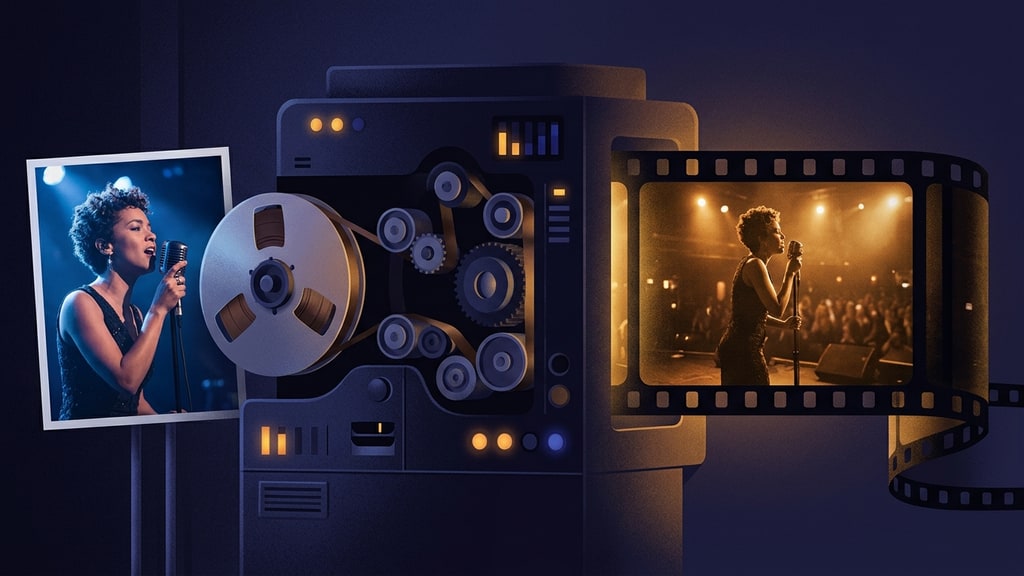
Two Files In, a Music Video Out: When the Director Is a Vision Model
A Japanese ComfyUI author reports a pipeline that turns one reference image and one audio track into a music video with stereo sound and lip sync, running on a single mid-range GPU per the author

Cinematic AI Video Prompts: Camera, Focus, Light, and Motion
Write AI video prompts as concrete camera decisions. Use a shot diagram, example prompts, and a review checklist to diagnose flat lighting and weak depth.
Let the Model Move: Pose Reference Contact Sheets for AI Music Videos
Verbose motion prompts control every beat but grade your taste. A six-panel posing contact sheet built in Nano Banana Pro hands the choreography to Seedance 2.5, and the model often moves harder than anything you would have scripted. Here is the recipe, plus a decision rule for when to write motion and when to hand it over.
AI Video Can Beat Playback Speed Under the Right Conditions. The Price Tag Is the Story.
An accelerated MiniMax H3 variant called H3 Max can generate some clips faster than they play. Under favorable loads, buffered interactive AI livestreams are already running. Here is how the trick works, what happened on Twitch and Kick, and what a nonstop stream actually costs.
Finish the Audio Last: A Three-Pass MiniMax H3 Refine Workflow
Fast MiniMax H3 passes look fine and sound wrong. A Japanese ComfyUI builder chains an acceleration LoRA draft, a video-frozen audio refinement pass, and a latent upscaler into one relay that finishes a single shot properly. The packaged workflow is membership-only, but the techniques are public and worth stealing.

Build the World Before the Music Video: A Three-Week AI Production Post-Mortem
A Japanese solo creator spent three weeks on one AI music video and calls the result "60 points." The production log shows where the time went: a week of world design before any generation, a hand-built storyboard player, and a stack of five narrow AI tools instead of one. An honest adaptation, including the parts that did not work.

Why Japan's Most Rigorous AI Character Animation Course Spends 56 Pages on Setup
A new 320-page Japanese guide breaks down how professionals actually learn character animation with generative AI: pinned environments, character sheets as motion anchors, and a pipeline that treats law and ethics as production stages.