OpenAI
GPT Image 2.5
Best for prompt adherence, readable text, product and brand images.
Or run a ready prompt
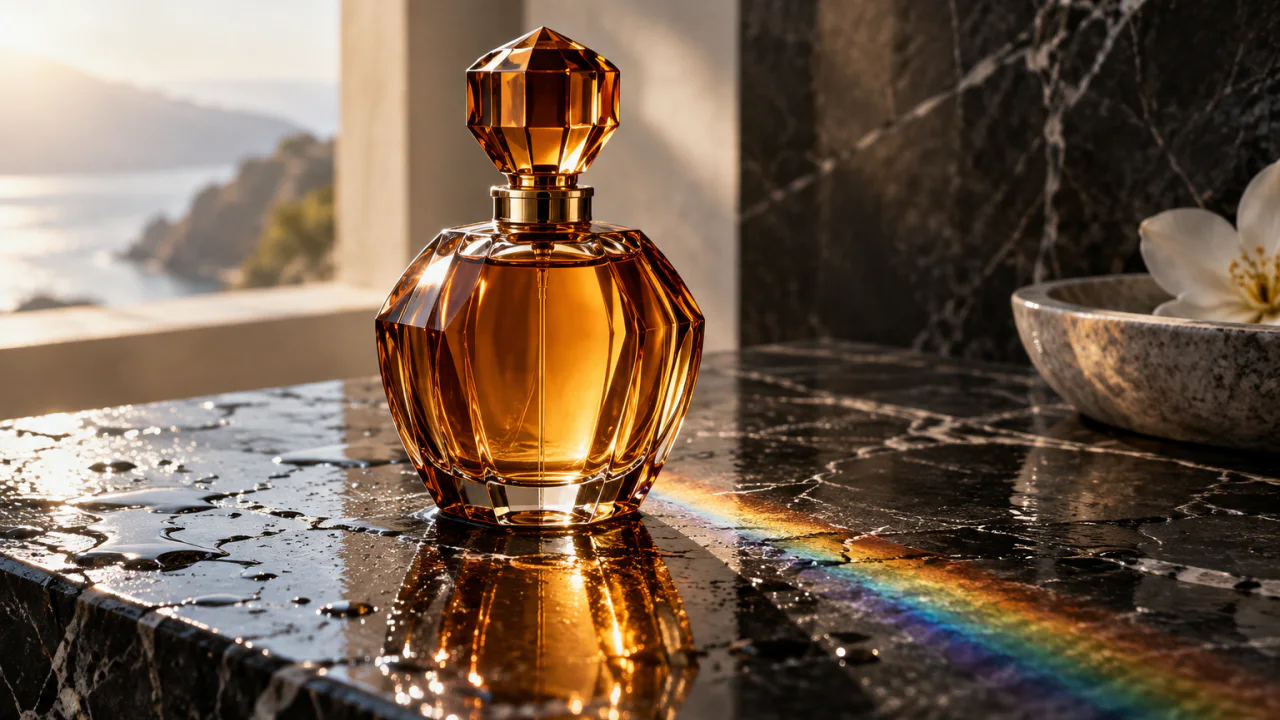
What GPT Image 2.5 is good at
GPT Image 2.5 holds the top two places on the Arena text-to-image leaderboard. Its successor, GPT Image 2.6, is now OpenAI’s newest image model and the Phosphene default. Phosphene still runs both 2.5 versions: Flare for fast everyday work, Sunburst when the result is the final asset.
Strong at
- Following long, specific prompts without dropping details
- Exact text on packaging, posters and UI mockups
- Editing a reference photo while keeping the face, product and layout
- Product shots and brand assets that need to look finished
Keep in mind
- Superseded by GPT Image 2.6, which adds animated GIF output
- Sunburst takes around 20 seconds per image; Flare is the quick option
- Five aspect ratios only (square, 3:4, 4:3, 9:16, 16:9)
Tips for GPT Image 2.5
- Put the exact words you want in quotes, like "NORTH ROAST", so they are spelled as written.
- Draft on Flare at Medium quality, then switch to Sunburst or High quality for the final image.
- When you edit a photo, say what must stay the same (the face, the label, the layout) as well as what should change.
How GPT Image 2.5 ranks
In the Artificial Analysis Image Arena, GPT Image 2.5 Sunburst at its highest quality setting ranks first for both text-to-image and image editing, with Flare second in both. Source: Artificial Analysis (artificialanalysis.ai), as of October 16, 2026.
Versions in Phosphene
- From 1 credit
GPT Image 2.5 Flare
Fast OpenAI image generation and reference-photo editing for typography, product mockups, and complex prompts.
- From 1 credit
GPT Image 2.5 Sunburst
OpenAI’s most precise image model. Slower than Flare, built for finished assets and edits that must keep faces, products and layout intact.
GPT Image 2.5 specs
| Flare | Sunburst | |
|---|---|---|
| Price per image | From 1 credit | From 1 credit |
| Resolution | 1K, 1.2K, 1.5K, 4K | 1K, 1.2K, 1.5K, 4K |
| Aspect ratios | 1:1, 3:4, 4:3, 9:16, 16:9 | 1:1, 3:4, 4:3, 9:16, 16:9 |
| Quality setting | Low, Medium, High | Low, Medium, High |
| Reference photos | Yes | Yes |
| Typical time | About 9 seconds | About 20 seconds |
GPT Image 2.5 price per image
Credits for one image from a prompt, at each setting the composer offers.
Flare and Sunburst
| Resolution | Low | Medium | High |
|---|---|---|---|
| 1K | 1 | 1–2 | 4–6 |
| 1.2K | 1 | 1–2 | 4–7 |
| 1.5K | 1–2 | 2–3 | 4–8 |
| 4K | 2–3 | 3–5 | 11–19 |
One reference photo adds up to 2 credits; more photos add up to 15 in total.
A range means the price depends on the aspect ratio. The composer shows the exact price before you generate.
Questions about GPT Image 2.5
- How much does GPT Image 2.5 cost in Phosphene?
- GPT Image 2.5 Flare and Sunburst: from 1 credit at 1K Low quality to 19 at 4K High. One reference photo adds up to 2 credits; more photos add up to 15 in total. The composer shows the exact price before you generate.
- What is the difference between Flare and Sunburst?
- Flare is the fast version, about 9 seconds per image, and the one most people should start with. Sunburst is slower and more precise; use it for final images and for edits that must keep a face, product or layout intact.
- Can GPT Image 2.5 edit my own photo?
- Yes. Attach a photo in the composer and describe the change. Both Flare and Sunburst accept reference photos.
- Do I need an OpenAI account or API key?
- No. Phosphene runs the model for you and charges credits per image from your Phosphene balance.
Other image models
- GPT Image 2.6Readable text, product images, precise edits and short animated GIFs
- Nano Banana 2.1Clear text, detailed images and edits with up to 14 references
- Nano Banana 2High-quality images fast, clear text and reference edits
- Seedream 5Campaign images, multilingual typography and realism
- MAI-Image 2.6Photoreal people, complex scenes and accurate text
- Muse ImageReadable text, accurate layouts and multi-reference edits at a low price
- Krea 3Fast edits that change one thing and keep the rest of the photo
- Qwen Image 3.0Multilingual text, infographics and packaging, with reference edits
- Grok ImagineTypography, posters, precise edits and polished campaign images
- Ideogram 4.5Posters, logos and exact text, with edits that keep the framing
- FLUX 3Text-rich layouts and photoreal scenes, plus Klein for fast, low-cost drafts