AI product photography
How do I make product photos with AI from one photo?
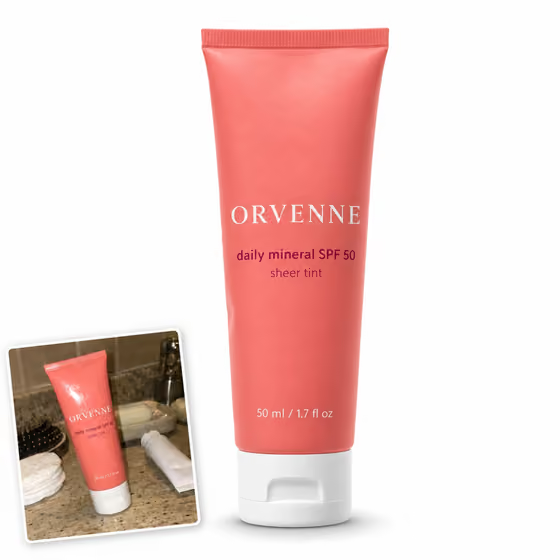
Open a product photo look in Phosphene, upload one clear phone photo of your product, pick the options, and generate. The template treats your photo as the only source of the product, keeping its shape, colors, finish, and every printed word on the label, and changes only the background, surface, props, and light. Check small print on the result before you publish, and run it again if a detail drifts.
What is AI product photography?
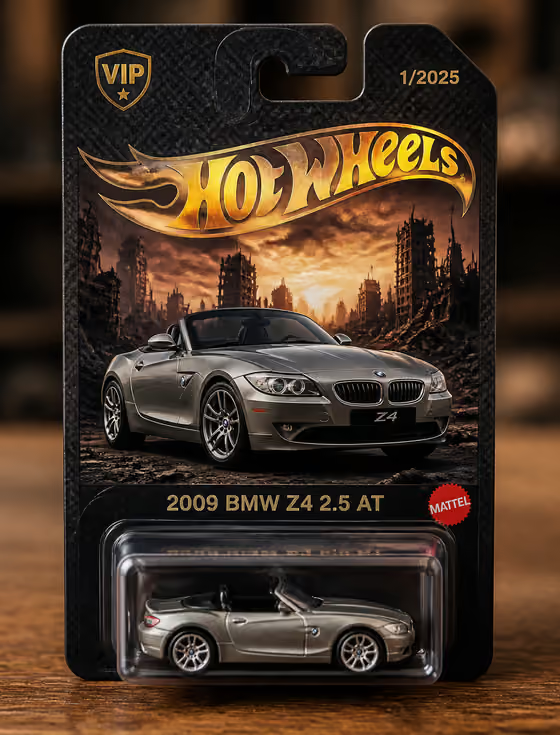
AI product photography places a real product into a new photo setup without a studio shoot. In Phosphene you start from your own phone photo, so the result shows your actual product, not a similar one, on a new set with new light.
Will it keep my label and logo?
The template tells the model to copy every printed, stamped, or embossed word, number, and logo exactly, in the same typeface, color, size, and position, and never to re-letter or translate it. Very small print can still drift, so zoom in on the result before you use it in a listing.
Which product photo looks are there?
Seven: Marketplace White, Colour Studio, Sunlit Shadow, Lifestyle, Ingredient Story, Product In Hand, and Menu Photo for food. A Holiday Gift look joins each year from November 10 to January 5. Each look has its own options, such as shadow and fill for white, or place, styling, and light for lifestyle.
Can it make food photos for delivery apps?
Yes. Menu Photo for Delivery Apps keeps the same plate, every ingredient with its count and portion, and the viewing angle, and replaces only the table, props, and light. It does not make the dish look bigger or richer than it is. Check each delivery app's own photo rules before you upload.
What shapes can I export?
Each look starts at the shape its job needs, such as square for a marketplace main image or 4:3 for a menu, and you can switch between square, 3:4, 4:3, and 9:16 for Stories before you generate.
What does a product photo cost?
Each product photo uses credits from your Phosphene account, on the web at phosphene.cc or in the iOS app, with one account on both. The plans page lists current credit amounts.