
AI WORKFLOWS

AIHeadshotGeneratorFromOnePhoto

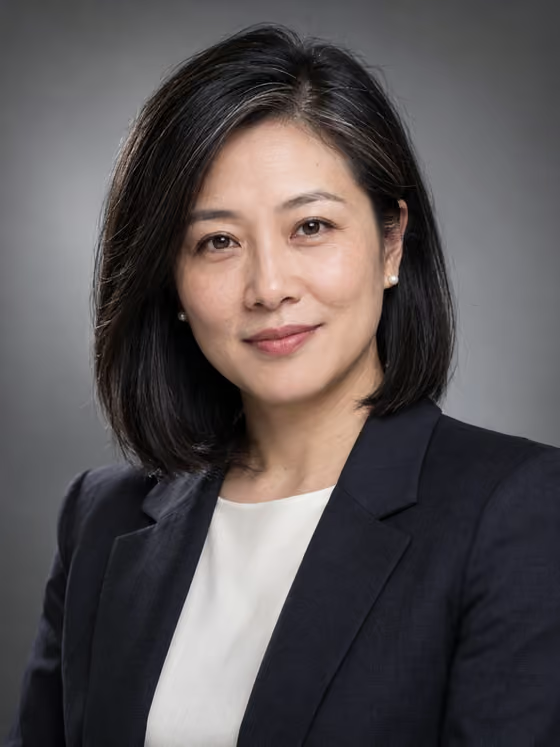
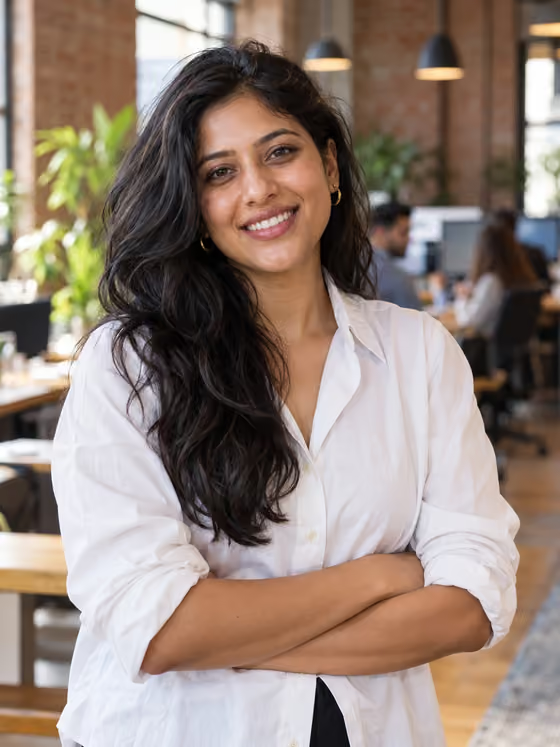
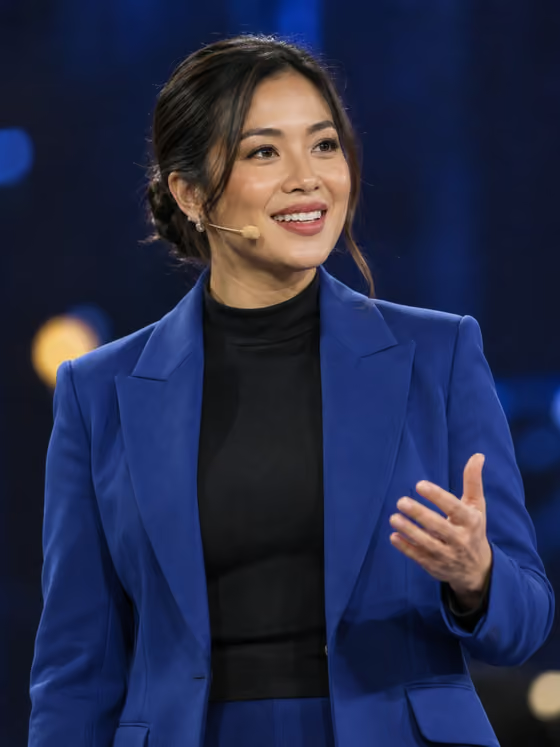
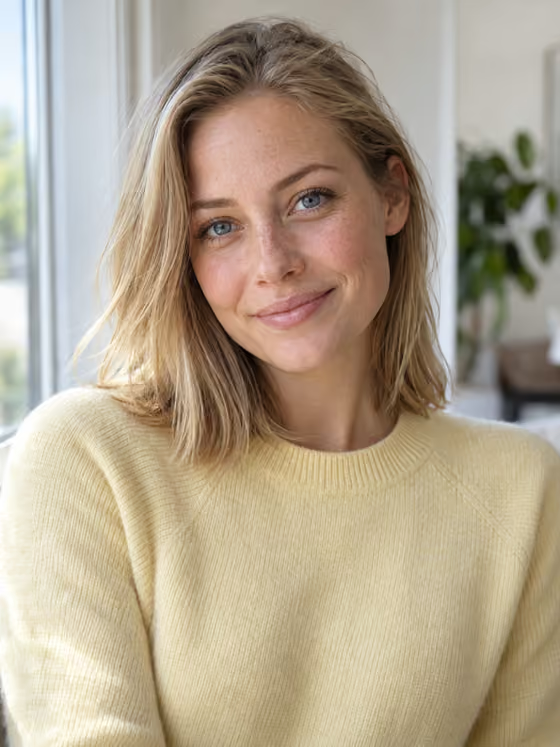
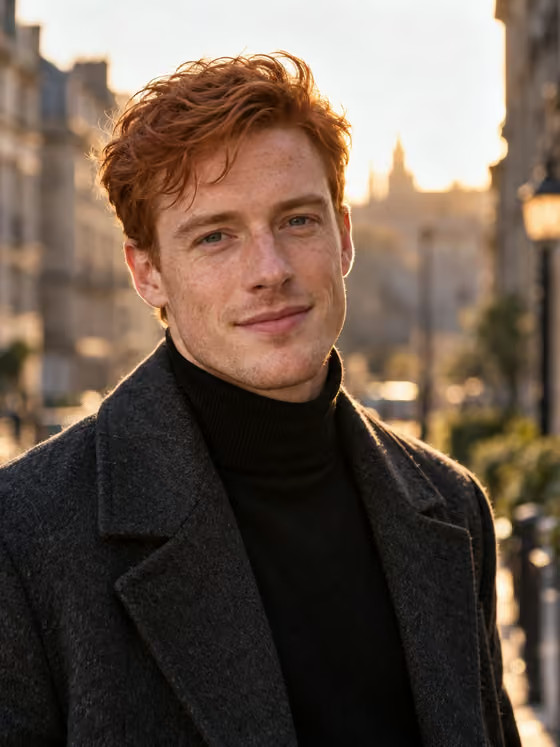
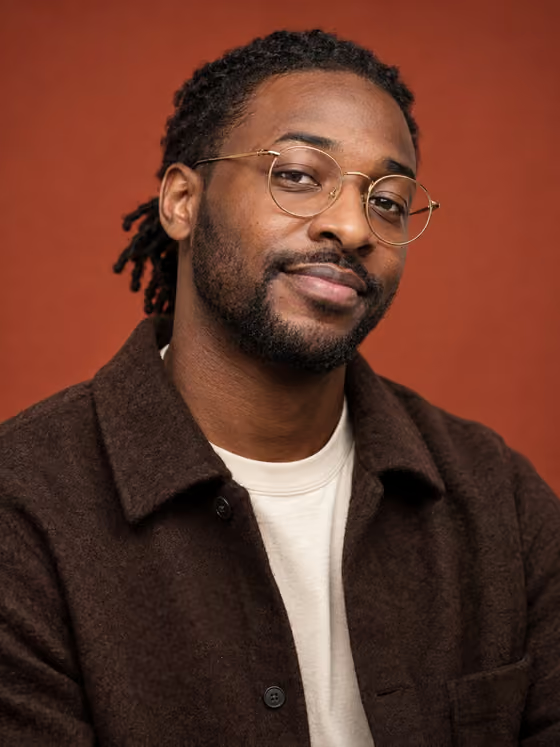
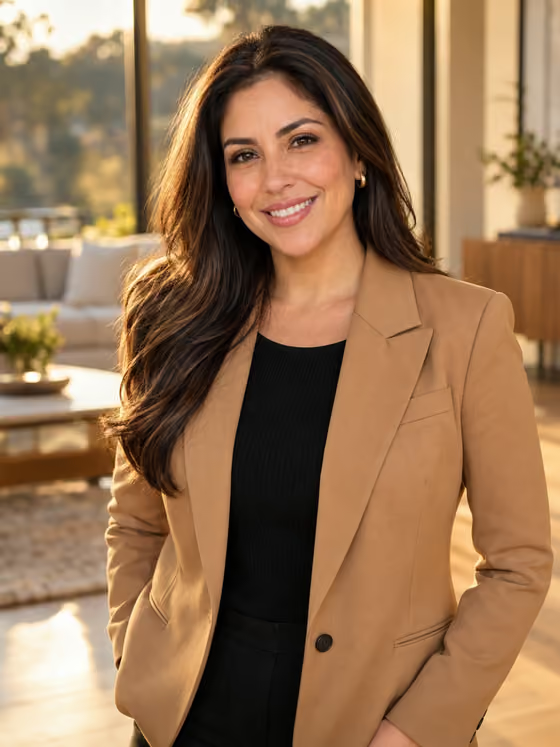
Turn one photo into a professional headshot. Upload one clear photo and pick a look, from corporate studio grey and window light to founder office, clinic, speaker stage, and outdoor golden hour. Your face stays yours; only the outfit, background, and light change.

Upload one photo
Pick one of 8 looks
Keep your real face
Headshots collection

Pick the look first.

Upload happens after you choose a style, so the first decision is the final vibe.

AI headshot generator

How do I make a professional headshot from one photo?

Open a headshot look in Phosphene, upload one clear, straight-on photo of yourself, choose the outfit, backdrop, and expression, and generate. The template keeps your face shape, skin tone, hair, and glasses as they are in your photo and changes only the outfit, background, light, and pose. Likeness is not guaranteed, so start from a sharp, well-lit photo and run it again if a detail drifts.

What is an AI headshot generator?

An AI headshot generator turns an everyday photo of you into a portrait that looks like it came from a professional session. In Phosphene each headshot look fixes the light and framing of a real portrait setup, and you pick the outfit, backdrop, and expression from short lists.
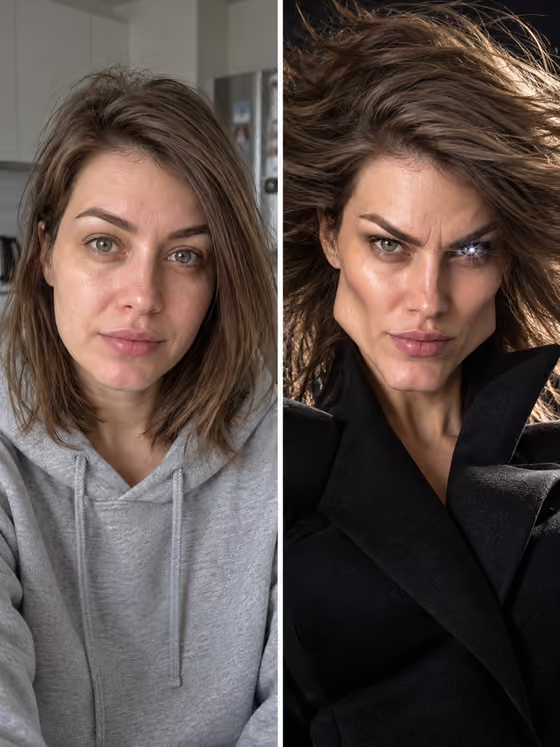
How many photos do I need?

One. Each look takes a single photo of one adult with the face fully visible. You can type a description of a person instead, which is useful for a mock-up, but only a photo produces a headshot of you.

Will the headshot look like me?

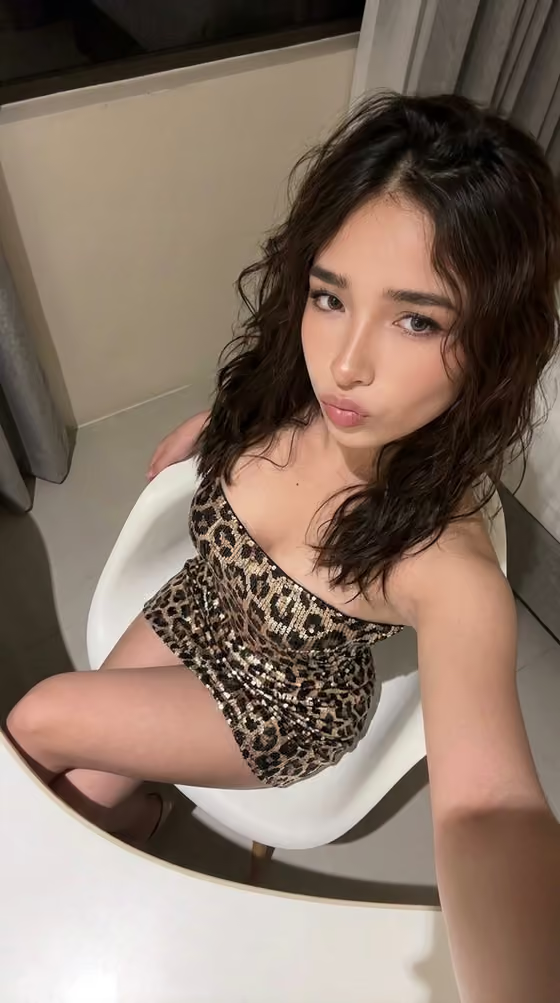
The template treats your photo as the only source of identity and refuses beautification: no skin smoothing, no face slimming, no change to skin tone or age, and real skin texture is kept. Likeness is still not guaranteed. A sharp, evenly lit, straight-on photo gives the best match, while a tilted or very close arm selfie can carry its angle into the result.

Which headshot looks are there?

Eight: Corporate Studio Grey, Natural Window Light, Creative Agency, Startup Founder, Doctor or Clinic, Real Estate or Sales, Speaker or Conference, and Outdoor Editorial. Every look has its own outfits and backdrops, plus a slight or warm smile.

Can I keep my own clothes?

Yes. Every outfit list ends with Keep my outfit, which keeps the garment, color, and neckline from your photo and only tidies it. Glasses stay exactly as they are in the photo.

What does a headshot cost?

Each headshot uses credits from your Phosphene account, on the web at phosphene.cc or in the iOS app, with one account on both. The plans page lists current credit amounts.

Workflow

How to make an AI headshot from one photo

  1. Pick a lookChoose one of the eight headshot looks on this page, such as Corporate Studio Grey or Natural Window Light.
  2. Upload one photoAdd a clear, straight-on photo of yourself with the face fully visible and good light.
  3. Choose outfit, backdrop, and smilePick from the look's options, or keep the outfit you are wearing in the photo.
  4. Generate and compareRun it, then reuse the same photo in another look and keep the headshot you like best.

Where people use it

  • A LinkedIn or resume profile photo.
  • A team page or company directory photo.
  • A speaker bio photo for a conference or podcast.
  • A profile photo for a clinic, agency, or real estate listing.

Better source photos

  • Face the camera straight on at eye level, or ask someone else to take the photo.
  • Use soft daylight from a window and avoid harsh overhead light.
  • Keep one person in the frame, with no sunglasses or hat hiding the face.
  • Use a photo of yourself, or get permission from the person in it.

More templates

Browse the full catalog.

3941 total
Open all categories
8 templates
Looks Machine OverdriveNew
Looks Machine Overdrive
Her Final Form
Her Final Form
Jawline DLC
New
Desk Figurine Capsule
New
New Hair Era
New
My Action Figure Box
New
Softmax Studio
New
After-Dark Glow Up
New
Polaroid With Another Me
Elevator Transformation
New
Mogged By The Algorithm
New
2016 Camera Roll
Mog Shot
Chrome Toy Self
New
Paparazzi Arrival
New
Fit Check Max
Plush Version of Us
New
Miniature Room of Me
New
Main Character Photo Dump
New
Photo Booth Bestie
New
Past Me Meets Future Me
New
Mirror After The Serum
New
3D Caricature Portrait
New
Riviera Cafe Oil Painting
New
Plans Cancelled Night In
New
Winter Fae Glow-Up
New
1980s Snapshot Portrait
Rose Field Run
New
Polaroid Fashion Diary
New
Early-Internet Profile Homepage
New
Chick Circle Editorial
New
Chibi Character Sheet
New
Cat Peekaboo Selfie
New
Fisheye Sip Portrait
New
Marble Fashion Statue
New
Lime Accent Fashion Editorial