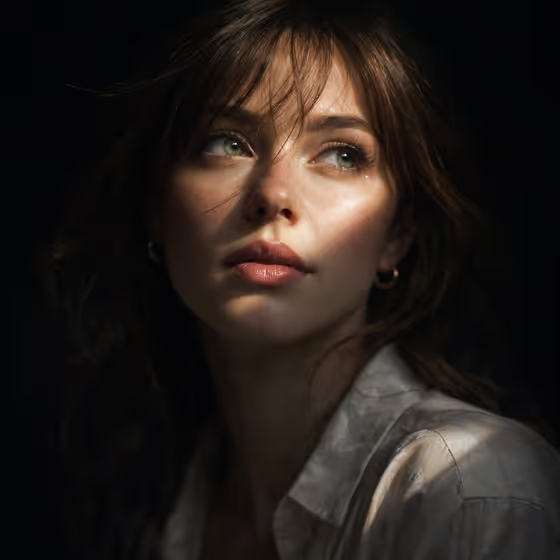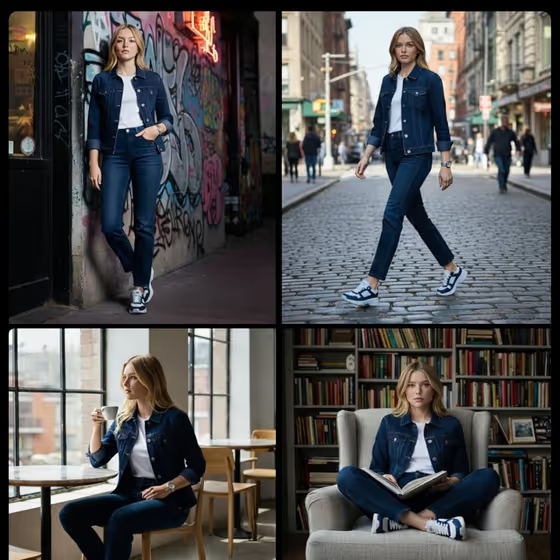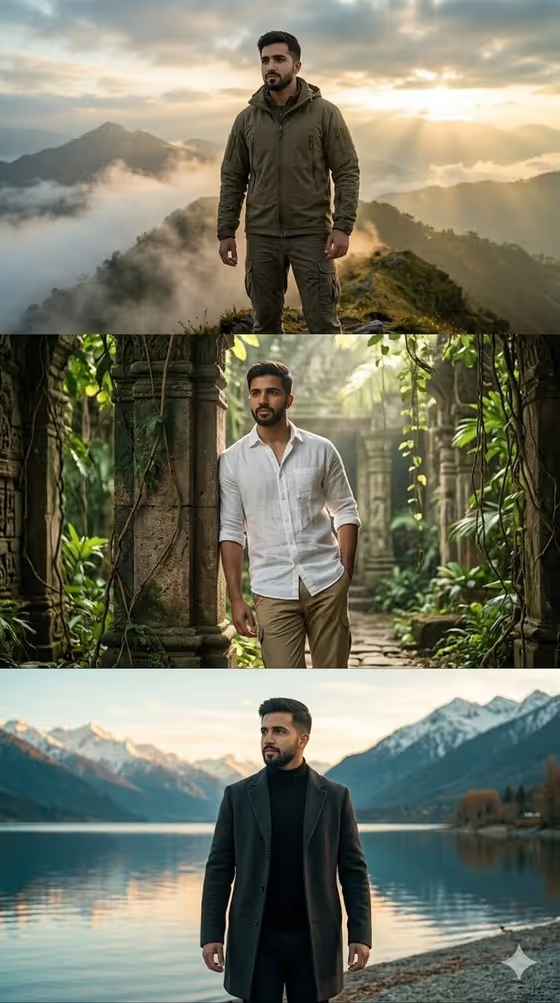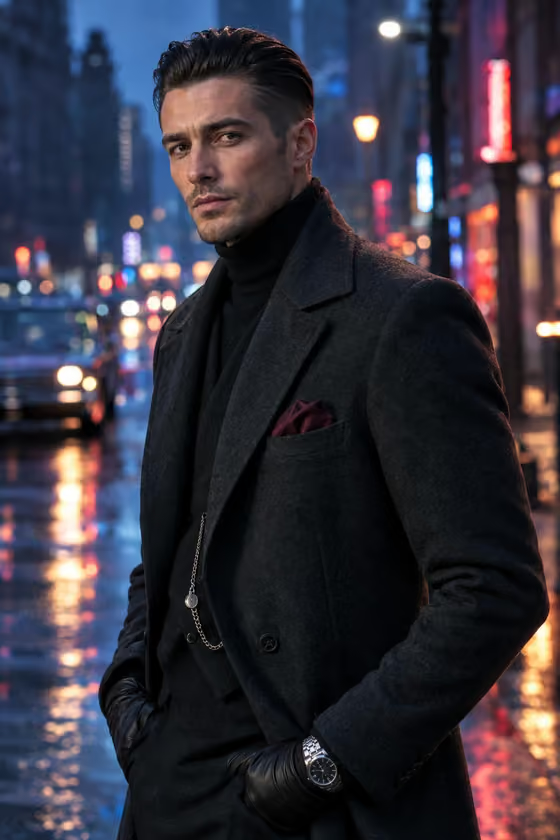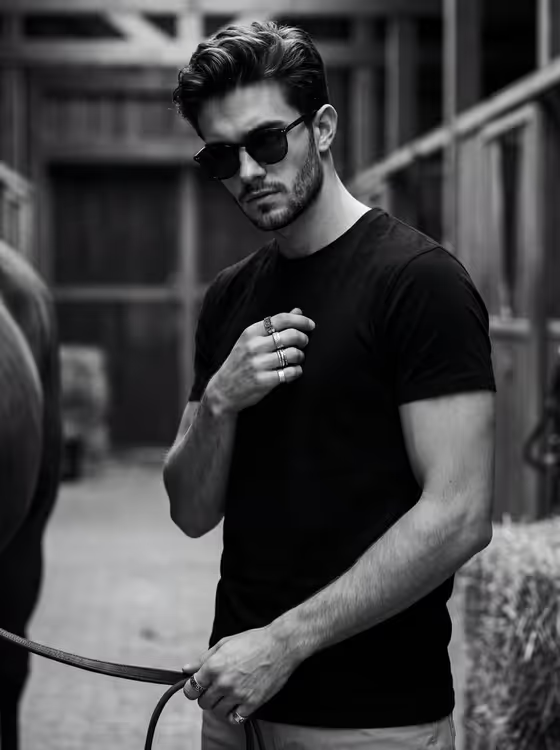
Horse-Lead Monochrome turns your photo into a high-contrast black-and-white portrait of you standing off-center in dark sunglasses, holding a horse lead with a steady, slightly detached gaze. The result is a 3:4 image with a stable-yard fashion feel, deep background separation and crisp wardrobe detail.
It suits anyone who wants an editorial, equestrian-flavored profile shot, a moody streetwear-style portrait, or a cohesive monochrome image for a portfolio or social feed. You upload one photo and describe two things: who the subject is and how they stand.
What works best as input
- Upload one clear photo where your face is sharp and well lit, since the template is built to preserve the uploaded face, natural skin texture and light stubble.
- Pick a photo with a neutral expression and no heavy filters, so the monochrome lighting can add contrast without fighting your original edits.
- In the Portrait Subject field, briefly describe the person (for example a lean young adult with dark curls) or keep the placeholder wording that refers to the uploaded photo.
- If you wear rings or sunglasses in your usual look, mention them in your subject description. The template already leans toward dark sunglasses and ring detail.
How to use it
- Open the Horse-Lead Monochrome template in Phosphene and upload your photo.
- Fill in Portrait Subject with a short description of who is in the picture, or use one of the example phrases as a starting point.
- Fill in Standing Attitude with the pose you want, such as a three-quarter stance holding the horse lead or an off-center pose with rings near the chest.
- Generate the image, then review the face, hands, lead and stance. Adjust the Standing Attitude wording and run it again if something feels off.
Tips for a better result
- Use the example attitudes as a base and change one detail at a time, like swapping a downward gaze beside a black horse for a relaxed lead hand, so you can see what each change does.
- Keep Standing Attitude to a single clear pose. A short, concrete phrase gives the model less room to produce awkward anatomy.
- Try a few different attitude phrases with the same photo to build a small set of portraits in the same monochrome style.
- Choose a source photo with a similar head angle to the pose you ask for, so the face and body direction feel natural together.
Common mistakes
- Writing a long, crowded pose description with several actions at once. This makes the stance and the horse lead less believable.
- Uploading a blurry, heavily filtered or very small photo, which gives the template less real face detail to preserve.
- Asking for changes the template is not built for, such as a different age or a colorful scene. It is designed as a monochrome portrait with no age alteration.
FAQ
Do I need to upload a photo?
Yes. The template expects one uploaded photo, and the Portrait Subject field can describe or refer to that person.
Will the result be in color?
No. The template is built for a high-contrast black-and-white portrait.
Can I change the pose?
Yes. The Standing Attitude field controls the stance, gaze and how the horse lead is held. Use a short, specific phrase.
What shape is the output image?
The image comes out in a 3:4 portrait format.