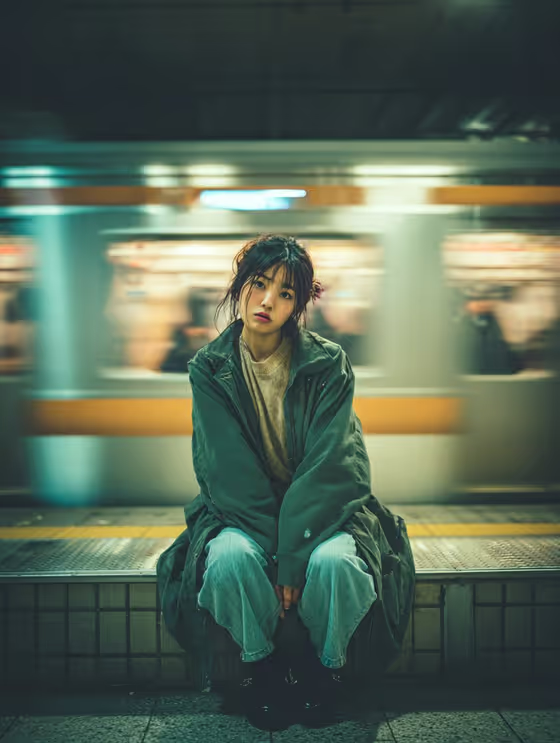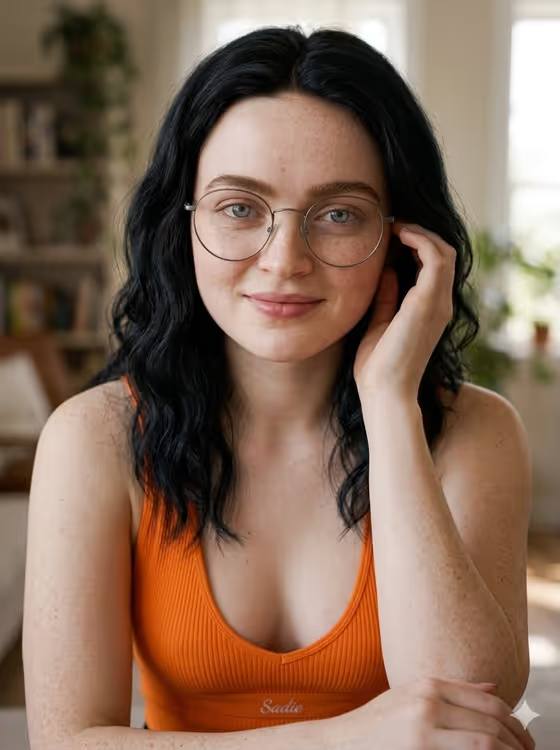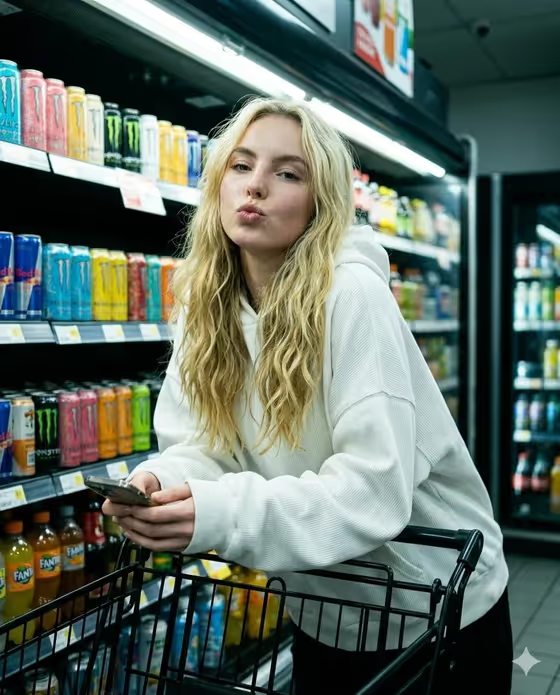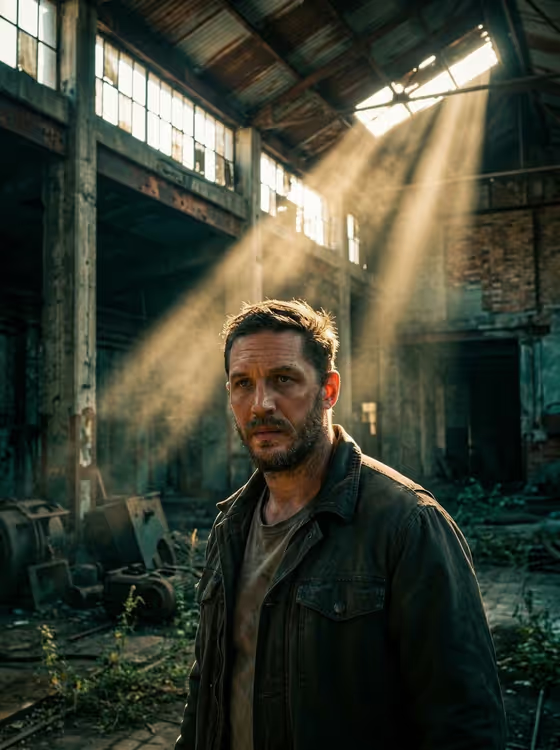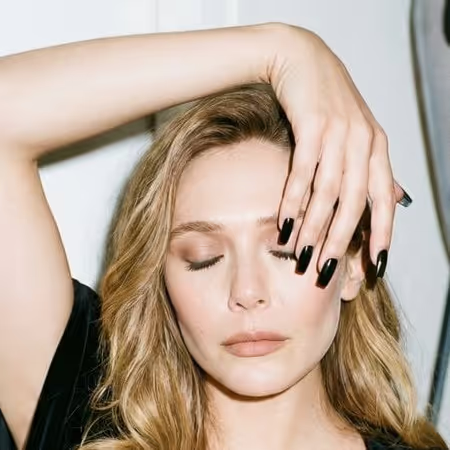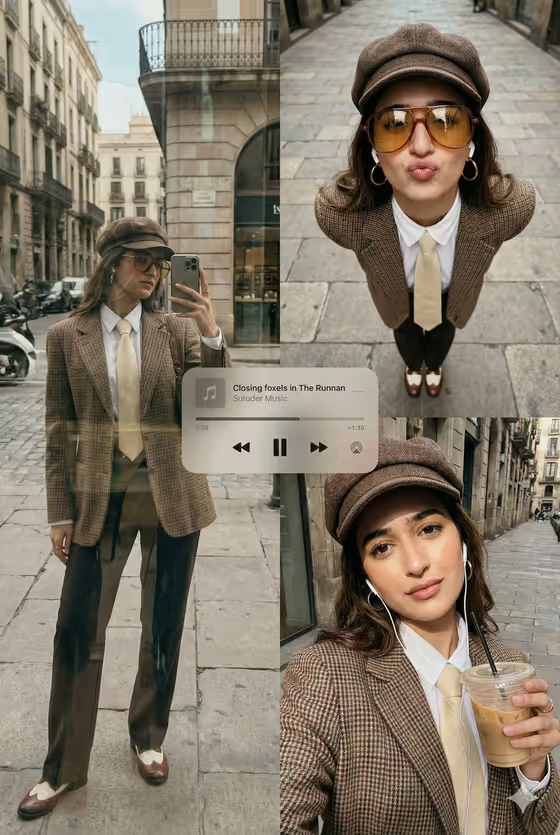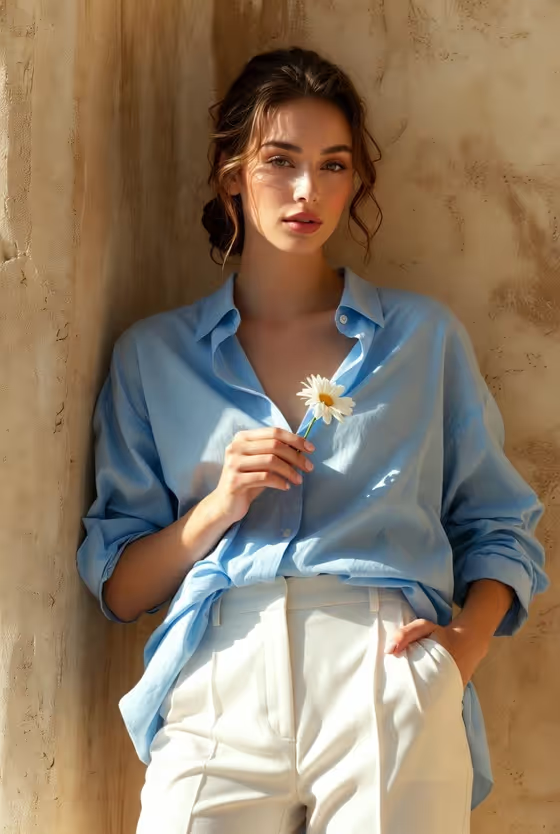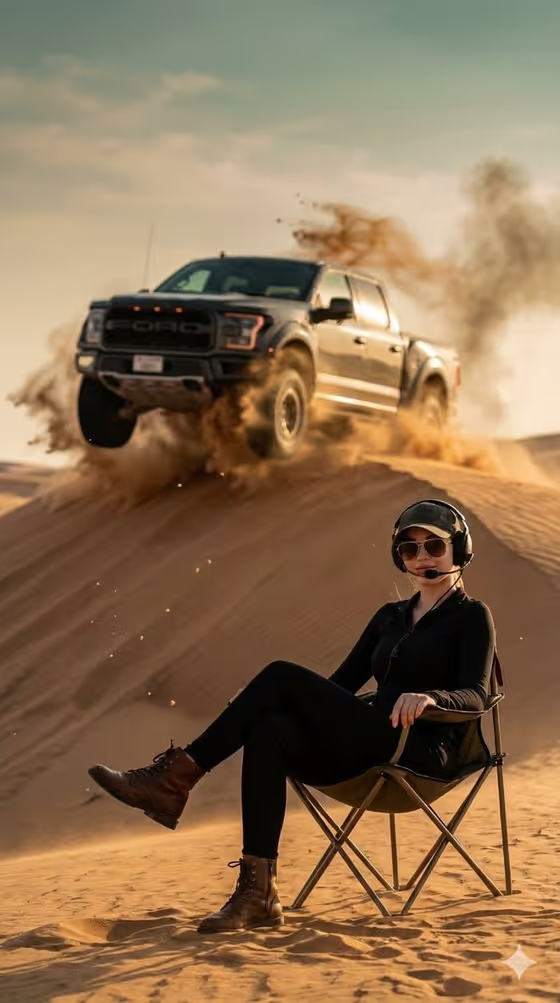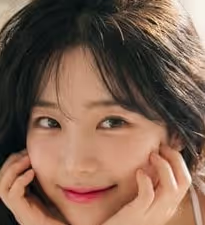
Pillow Film Portrait creates a glossy, soft-focus portrait in a K-pop editorial style. The scene is a bright white daybed with linen, a cushion and sheer curtains, with warm morning light coming in from the right and a hazy, dreamy mood. The look centers on doe eyes, glossy gradient pink lips, light blush and long, wavy dark hair.
It suits anyone who wants a polished, airy beauty portrait from a single reference or a short description. The output is a 3:4 image, so it works well for vertical posts, profile visuals and mood boards.
What works best as input
- For the first field, upload one clear photo of the person you want in the portrait, or type a short description instead. The field accepts both.
- Pick a photo where the face is sharp, evenly lit and facing the camera, since the template builds a close, face-focused portrait around it.
- Keep the framing simple, with one person, no heavy filters and nothing covering the eyes or mouth, so the likeness carries through.
- If you type a description, keep it short and concrete, like the placeholder examples (a Korean pop portrait subject, an editorial portrait subject, a candid everyday subject). Only upload or describe people you have permission to use.
How to use it
- Open the Pillow Film Portrait template in Phosphene.
- In the first field, upload your reference photo or type a short description of the subject.
- In Pose and scene, choose how you want the portrait framed, such as a quiet close portrait, a three-quarter editorial frame or an environmental candid frame.
- Generate the image, then check the result for face likeness, soft lighting and the white pillow and daybed setting. Adjust your inputs and run it again if needed.
Tips for a better result
- Try each Pose and scene option with the same reference photo to compare how close or wide the portrait feels.
- A reference with soft, natural light tends to match the bright high-key mood of the template better than a harsh flash photo.
- Switching between an uploaded photo and a typed description is a quick way to explore different looks without changing anything else.
- The template keeps its styling fixed (glossy lips, blush, wavy hair, white resort outfit), so put your effort into the subject and the framing choice.
Common mistakes
- Using a dark, blurry or heavily filtered photo, which gives the portrait less to work with.
- Writing a long, detailed description in the subject field. The template already sets the styling, so a short subject description works better.
- Expecting to change the outfit, setting or lighting. Those are fixed parts of this template's look.
FAQ
Do I have to upload a photo?
No. The first field accepts either an uploaded reference photo or a typed description of the subject.
What aspect ratio does the result use?
The image is made in a 3:4 vertical format.
Can I change the clothing or background?
Not through the fields. The white resort outfit, white daybed, sheer curtains and morning light are part of the fixed direction. You can change the subject and the Pose and scene choice.
What does Pose and scene change?
It sets how the portrait is framed, with options like a quiet close portrait, a three-quarter editorial frame or an environmental candid frame, while the signature look stays the same.