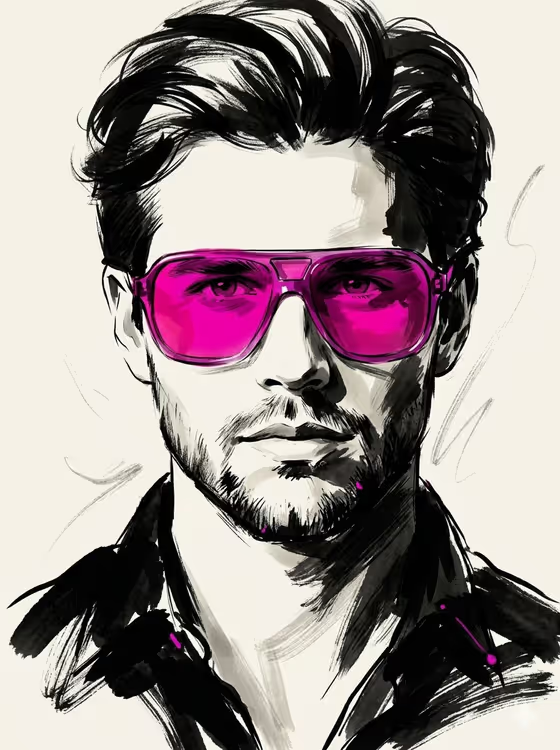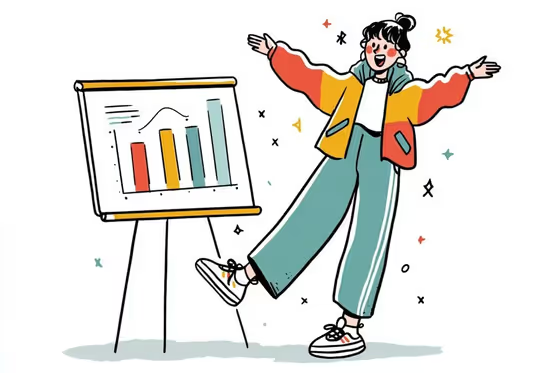
This template turns a short description into a hand-drawn character illustration with loose, playful linework, flat color accents, and a clean white background. The cover shows the idea: a cheerful figure in a bright jacket and wide-leg trousers, mid-gesture beside a simple bar chart, with a few small sparkles around them.
It suits anyone who wants a friendly, editorial-style character for a presentation, a report, a blog header, or an infographic. You pick four things: the subject, the outfit, the action, and the facial expression, and the template builds the illustration around them in a quirky, minimal style.
What works best as input
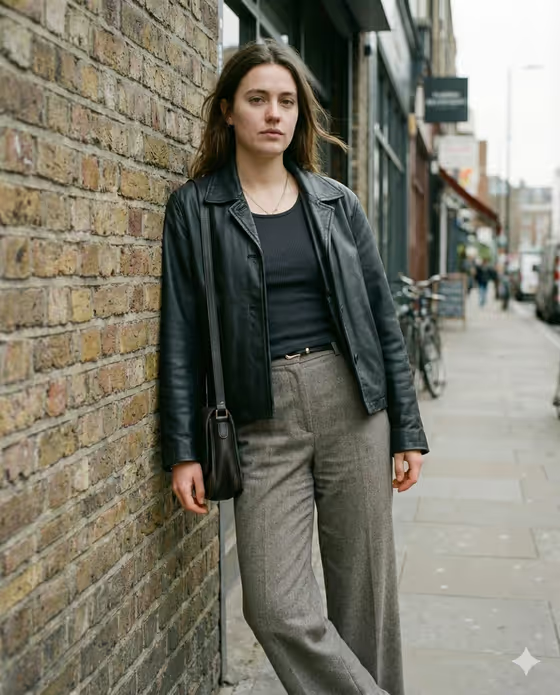
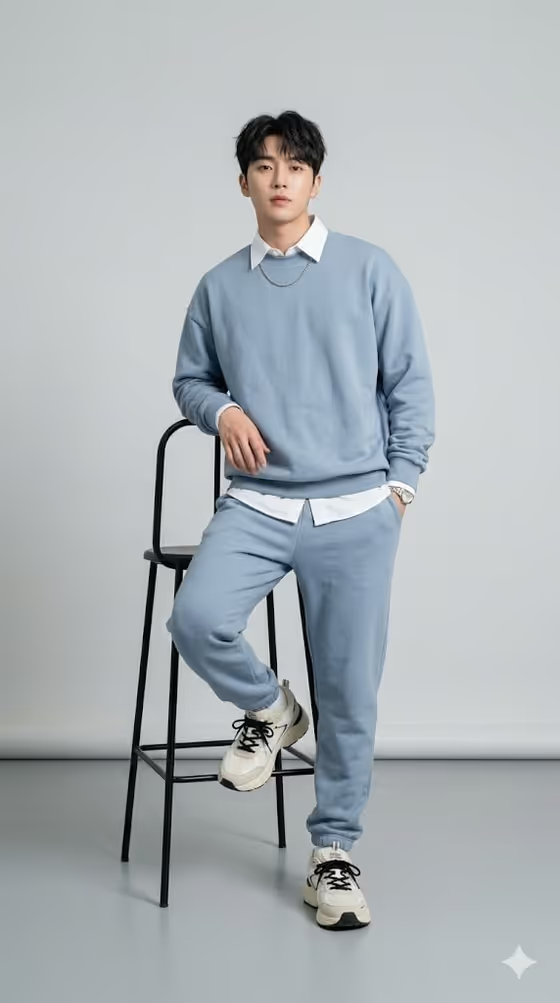
- The Subject and Outfit fields accept either text or a photo reference. If you use a photo, pick one with a clear, uncluttered view of the person or the clothing so the key details translate into simple linework.
- The template lists 2 or more photos as its upload requirement, so if you go the photo route, add references for the fields that accept them rather than relying on one image alone.
- Action and Facial Expression are text only, so describe them in a few plain words, such as a pose or a mood, instead of trying to upload a reference.
- Keep descriptions short and concrete. The style is minimal, so a clear outfit like 'a bold retro look' or 'a relaxed linen ensemble' works better than a long list of tiny details.
- Only use photos of people you have permission to depict, and treat the result as a stylized sketch, not a likeness portrait.
How to use it
- Open the Playful Line Character Illustration template in Phosphene.
- Fill in Subject and Outfit by typing a description or adding a photo reference. Use the placeholder examples, like 'A poised creative professional' or 'A technical outdoor outfit', as a starting point.
- Type your Action and Facial Expression. These are required text fields, so describe what the character is doing and how they look.
- Generate the image, then review the 3:4 result. Check that the pose, outfit, and expression match what you asked for, and adjust the fields and run it again if needed.
Tips for a better result
- Pair the action with a setting idea in mind. The cover shows a character presenting beside a chart, which suits infographic and business uses, so an action like presenting or celebrating can fit that kind of project.
- Change only one field at a time between runs. Swapping just the Outfit or just the Expression makes it easy to see what each field contributes.
- Use the built-in examples for Subject and Outfit as a base, then add one distinctive detail of your own, such as a colorful jacket or wide-leg trousers.
- Pick a clear, readable expression and a big, open posture. The playful linework style tends to show off exaggerated gestures well.
Common mistakes
- Writing very long, detailed descriptions. The style is deliberately minimal, so too many details can work against the simple linework look.
- Leaving the Facial Expression field on its placeholder text. The placeholder is not really an expression, so replace it with a mood like cheerful, surprised, or calm.
- Expecting a photo-realistic portrait. This template aims for a quirky hand-drawn illustration, so a close likeness of a photo is not the goal.
FAQ
Which fields can I use a photo for?
Subject and Outfit accept a photo reference or a text description. Action and Facial Expression are text only.
What does the output look like?
It is a 3:4 image of an illustrated character in playful, hand-drawn linework with a clean white background, similar to the cover example.
Do I have to fill in every field?
Yes, all four fields (Subject, Outfit, Action, and Facial Expression) are required.
Can I use this for charts and infographics?
The template sits in the Infographics category and the cover shows a character next to a bar chart, so it works well as a friendly character to accompany that kind of content.