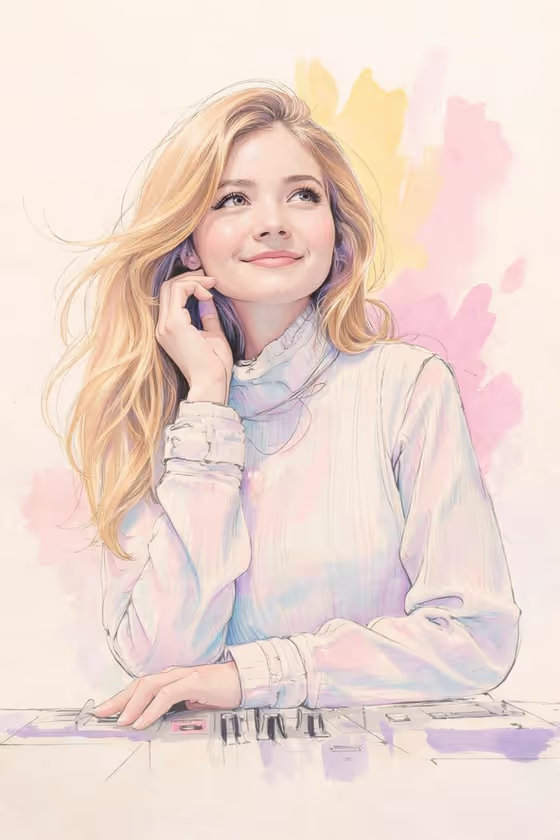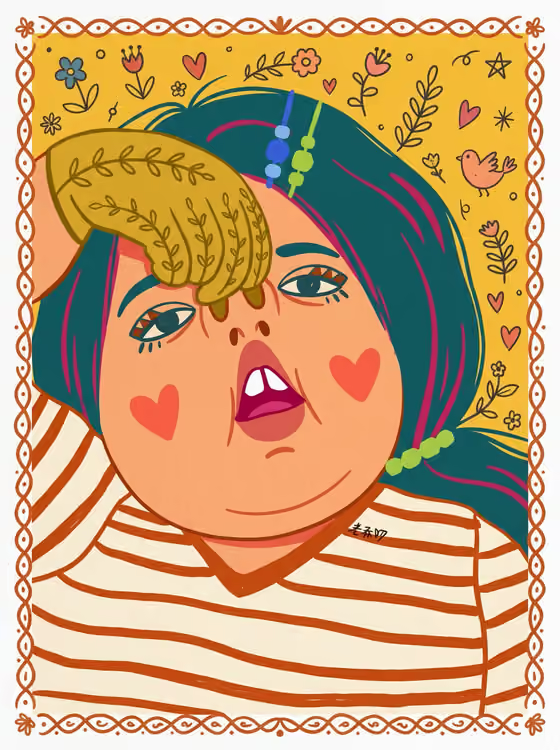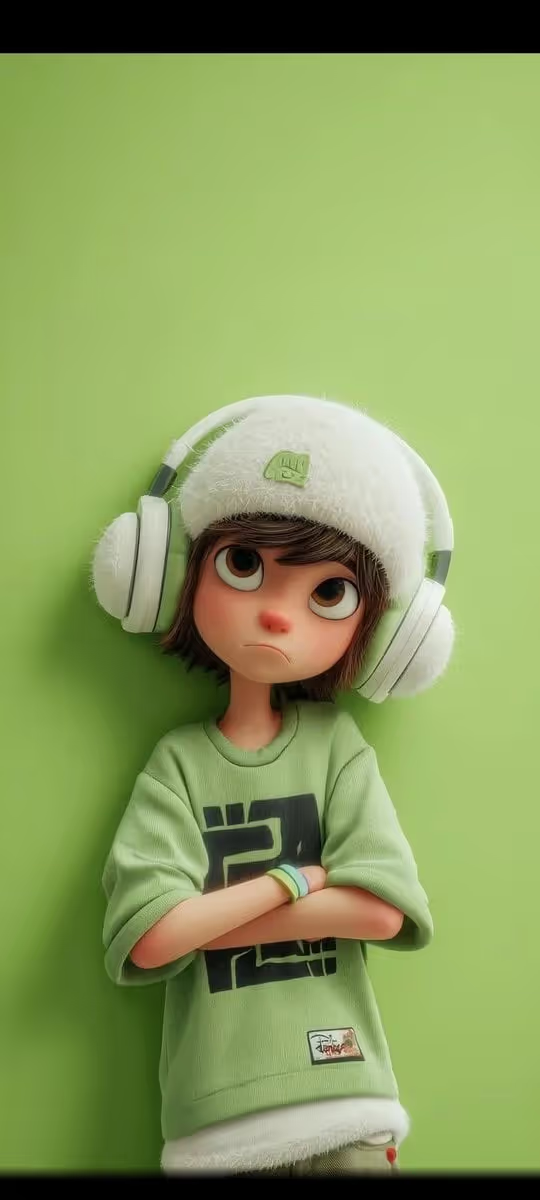
Whimsical Character Garden turns a character idea into a storybook illustration in a simplified, bold-lined children's book style. Your character appears with a small rounded head and minimal facial marks, exploring a world of oversized organic shapes, with clean linework and a restrained, cohesive palette on a soft neutral background.
It suits anyone who wants a playful illustrated portrait or character scene, such as a gift for a child, a picture-book style avatar, or a themed illustration for a story or invitation. The output is a 3:4 image, so it works well as a portrait-oriented print or card.
What works best as input
- The Storybook Character Object field accepts a photo, so you can add an exact visual reference of the person or character instead of only describing them. Choose a clear photo where the subject is easy to see.
- If you describe instead of uploading, use a short, concrete phrase in the style of the examples, such as "a curious child explorer" or "a playful young gardener". Name a role or personality, not a long list of details.
- Keep the subject simple. The style uses minimal facial marks and storybook clothing, so one clear subject reads better than a busy group.
- The Oversized Symbolic Objects field is text only, so describe the giant shapes in words. Specific material and color wording, like "giant cobalt flowers and cream leaves", gives the model a clear palette to follow.
How to use it
- Open the Whimsical Character Garden template in Phosphene.
- In Storybook Character Object, describe your character or add a visual reference photo.
- In Oversized Symbolic Objects, write the giant forms you want around them, for example oversized fruit and curling vines.
- Generate the image, then review the 3:4 result for a coherent scene, a clearly readable character, and no stray text. Adjust either field and generate again if needed.
Tips for a better result
- Pick objects that fit your character's story. A "gentle forest inventor" pairs naturally with leaves and vines, while a "dreamy traveling musician" suits abstract clouds and musical shapes.
- Name a limited color palette in the objects field. The template leans toward cobalt and cream restraint, so color words that stay within a few tones keep the look cohesive.
- Try the same character with different object themes, such as paper stars and crescent moons, to get a set of matching illustrations in one style.
- Keep each field to one idea. A focused character and a focused set of giant forms keep the scene lively rather than cluttered.
Common mistakes
- Packing too many objects or colors into the Oversized Symbolic Objects field, which works against the clean, limited-palette look.
- Writing a long, detailed character description full of small features. The style simplifies faces and clothing, so fine details are unlikely to carry over.
- Leaving a required field empty. Both the character and the oversized objects need an entry before you generate.
FAQ
Do I have to upload a photo?
No. The Storybook Character Object field accepts a photo as a visual reference, but you can also just type a description such as "a curious child explorer".
Can I upload a photo for the giant objects too?
No. Oversized Symbolic Objects is a text field, so describe those shapes in words.
What shape is the finished image?
The template outputs a single image in a 3:4 portrait aspect ratio.
Will the result look exactly like my photo?
The template draws your character in a simplified storybook style with a small rounded head and minimal facial marks, so expect a stylized illustration rather than a likeness copy.