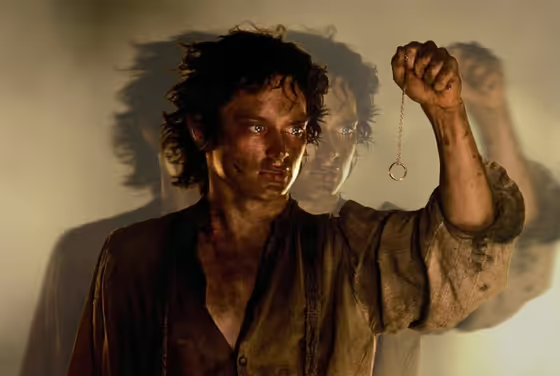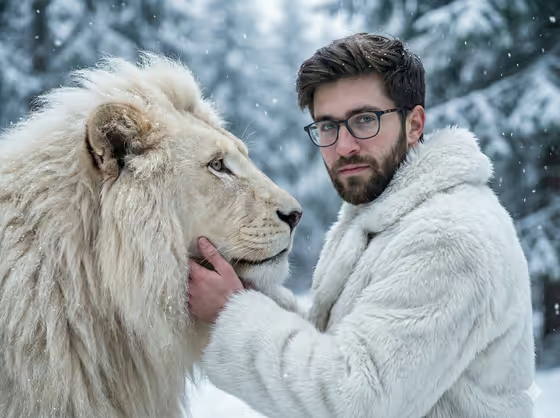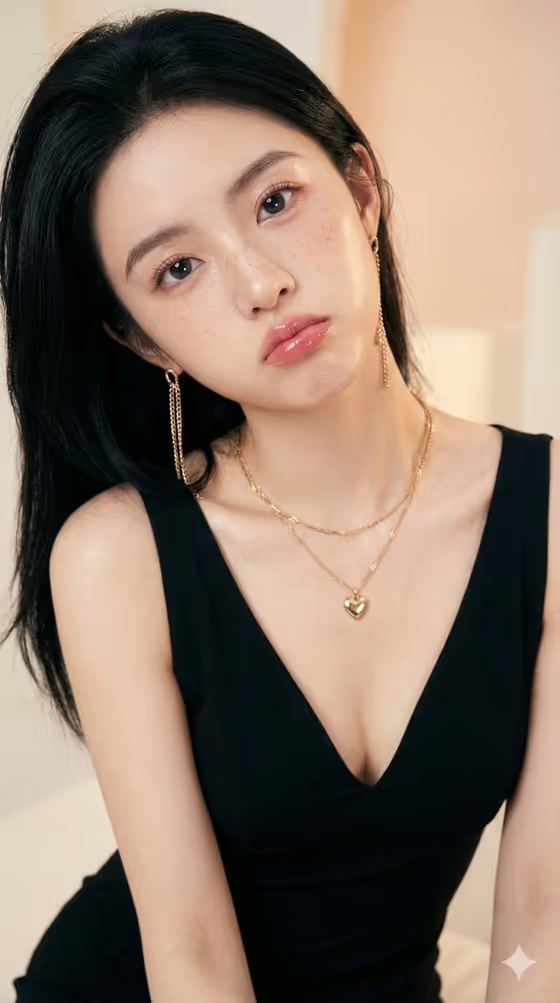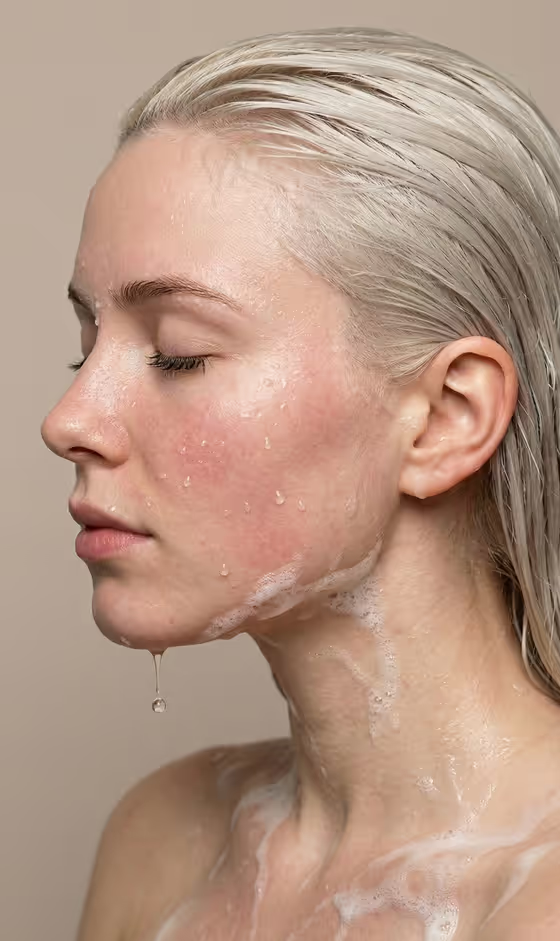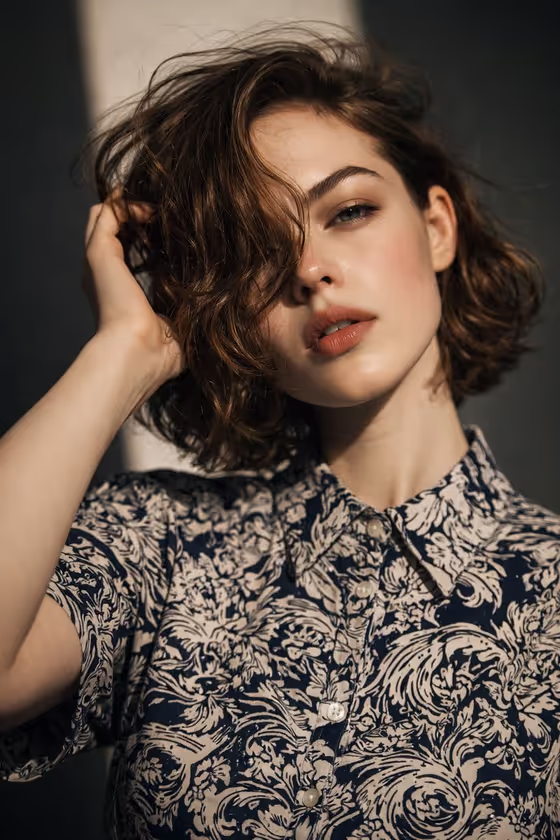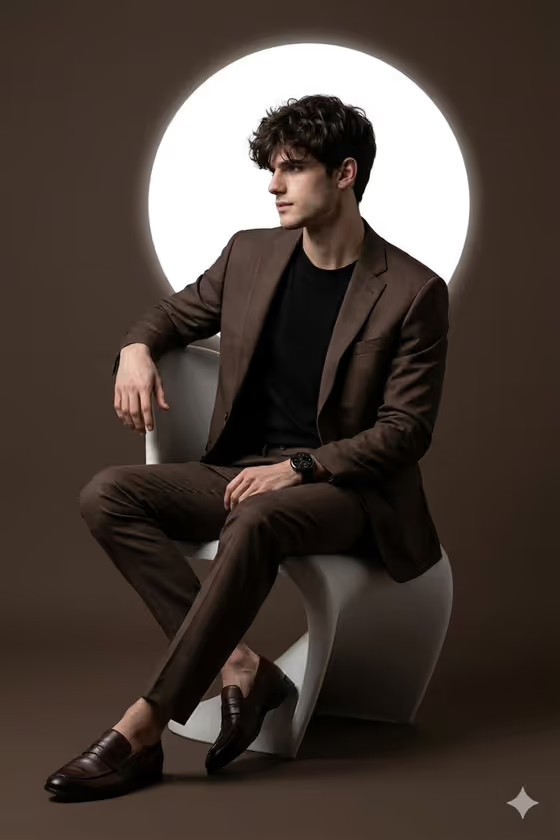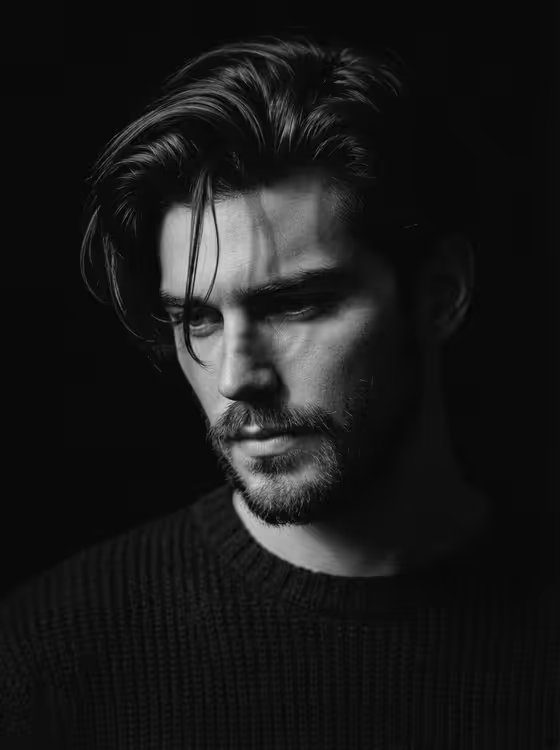
This template makes a close, black-and-white portrait where one narrow beam of light crosses the face and everything else falls into deep black. The result is a moody, high-contrast image with tactile hair, skin and beard texture, framed in 3:4.
It suits anyone who wants a dramatic profile picture, a character study, or an artistic portrait of themselves or an imagined subject. You describe the person and choose an emotion, and the template handles the lighting, framing and monochrome treatment.
What works best as input
- In the Portrait person or subject field you can upload a photo or type a description, such as the example "rugged bearded adult man" or "short-haired adult woman".
- If you upload a photo, pick a clear, sharp image of one person with the face fully visible and not heavily cropped.
- Photos where the person is looking slightly downward or off-camera tend to match the downward gaze this template aims for.
- Faces with visible texture, like stubble, loose hair or natural skin detail, give the beam something to catch.
- Only use photos of yourself or people who are happy for you to use their image.
How to use it
- Open the Single-Beam Monochrome Portrait template in Phosphene.
- In Portrait person or subject, upload a reference photo or type a short description of the person.
- Choose a Portrait emotion, for example pensive downward gaze, quiet defiance, exhausted reflection or calm solitude.
- Generate the image, then review how the beam falls on the eye, cheek and beard, and run it again if you want a different result.
Tips for a better result
- Try the same subject with different emotions. Calm solitude and quiet defiance will read quite differently under the same single beam.
- Use descriptive details in the subject field, like messy hair or a short beard, since the template is built to preserve rough textures.
- Compare a photo-based run with a text-only description of the same person to see which look you prefer.
- Keep your subject description short and focused. The lighting and framing are already set by the template.
Common mistakes
- Uploading a dark, blurry or tiny photo, which leaves little facial detail for the beam to reveal.
- Writing a long, busy description with backgrounds, props or colors. This template uses a deep black background and monochrome output, so extra scene details will not help.
- Expecting the whole face to be lit. The design leaves most of the head in shadow and keeps only selected eye, cheek and beard detail.
FAQ
Can I use my own photo?
Yes. The Portrait person or subject field accepts an uploaded photo as a reference, or you can type a description instead.
Will the image be in color?
No. The template produces a black-and-white portrait with high contrast.
Why is so much of the face in shadow?
That is the look of the template: a single narrow beam lights only part of the face while the rest falls into deep black.
What aspect ratio does it make?
The output is a 3:4 image, a close portrait format.