Skip to content

What would you like to make?

Single-task tools for the job in front of you. Expand a photo, turn a portrait into a character, restyle an image, swap yourself into a video clip, take something out of one, read an image back into words, or make product photos and video ads. Each tool opens ready to use.
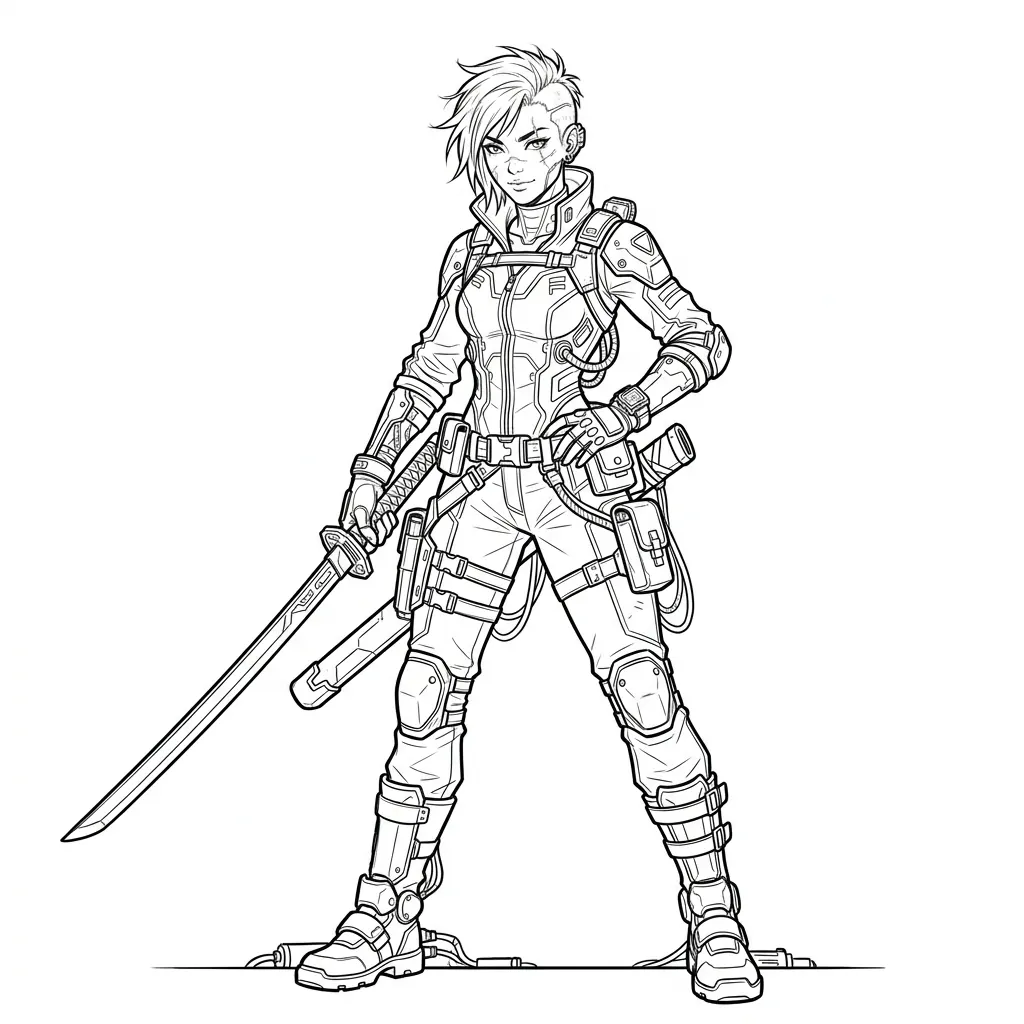
Create or convert SVG artwork

Sign in

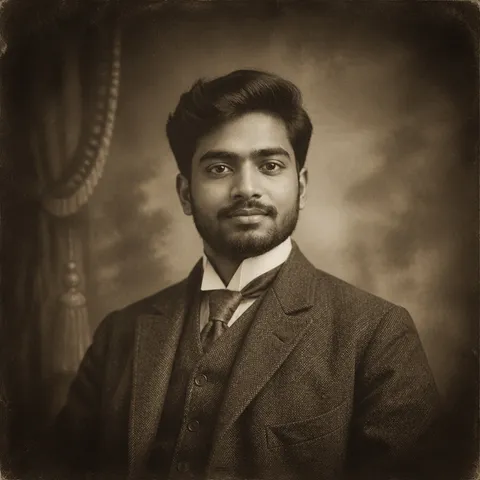
Describe a design or convert an existing image. Download editable vector artwork.

Open SVG tool

Expand an image

Sign in

Add space around your photo. Choose the edges, preview the new frame, then extend.

Open image extender

Turn yourself into a character

Sign in

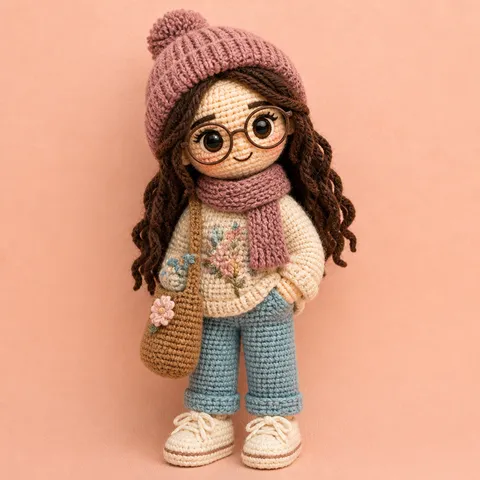
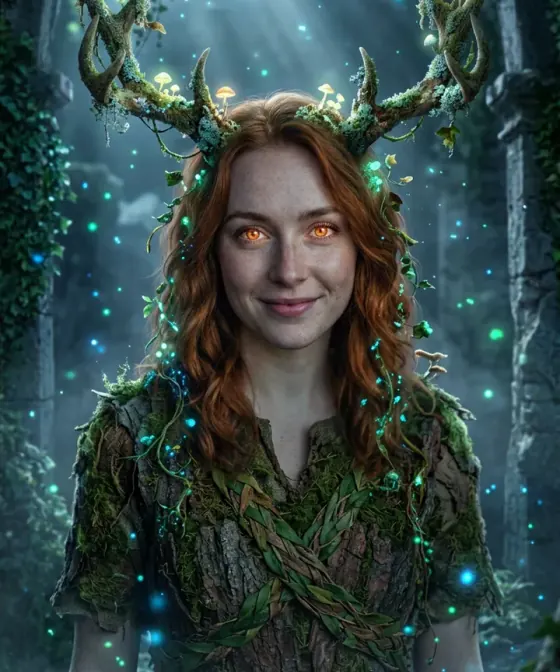
Start with a portrait. Explore 3D, clay, storybook and more looks with the same photo.

Explore character looks

Restyle any image

Sign in

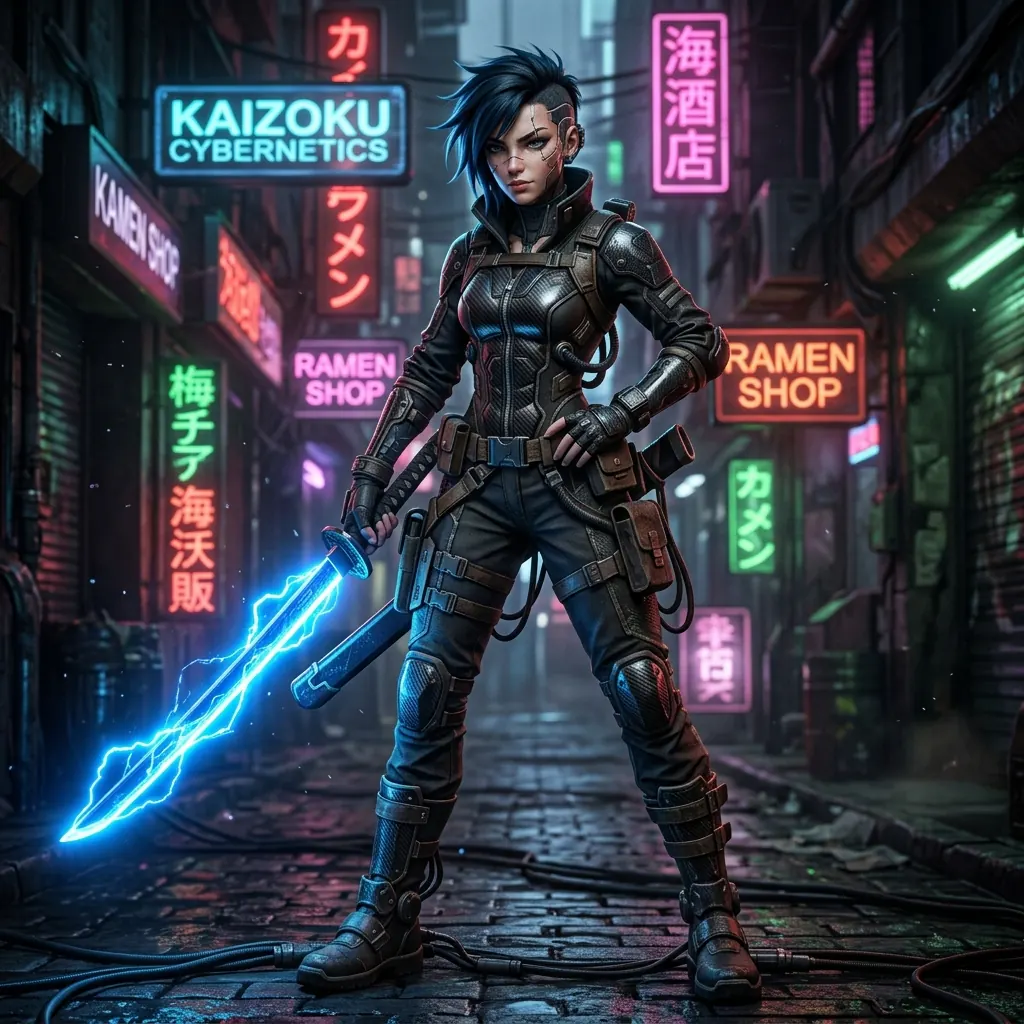
Upload a photo or describe a scene, then pick a style: Ghibli, pixel art, cyberpunk and more.

Open restyle

DoppelGenger

BetaSign in

Put the person from your photo into a video clip. The moves and camera stay, the face and outfit are yours.

Open DoppelGenger

Ghosting

BetaSign in

Take a person or an object out of a video clip. The space fills with what was behind them, and the rest of the shot stays as it was.

Open Ghosting

Genlight

BetaSign in

Give a video clip new light: golden hour, neon night, a studio softbox. The person, moves and camera stay as filmed.

Open Genlight

Isekai

BetaSign in

Put yourself somewhere else: a Tokyo street at night, a beach at sunset, a snowy mountain. Your moves and the camera stay as filmed.

Open Isekai

Describe an image

Sign in

Upload any photo. Get a detailed description or a prompt that recreates it, ready to copy.

Describe an image

Make product photos

Sign in

Upload one product shot. Get a white-background listing photo, a styled scene or a poster with your headline.

Open product photo tool

Make a product video ad

Sign in

Describe the ad or add a product photo. Get a short vertical video, with the price shown before you generate.

Open product video generator