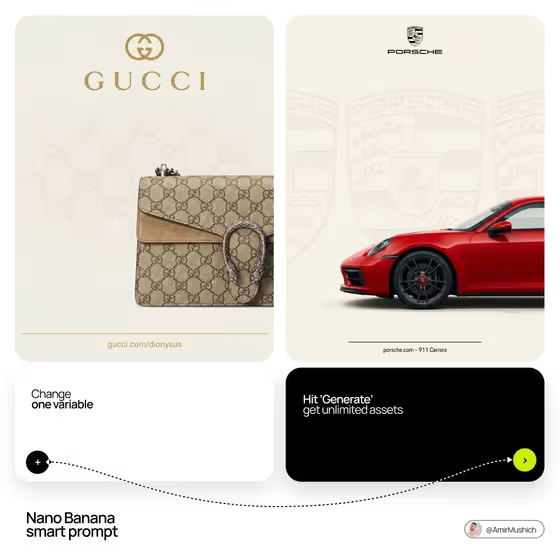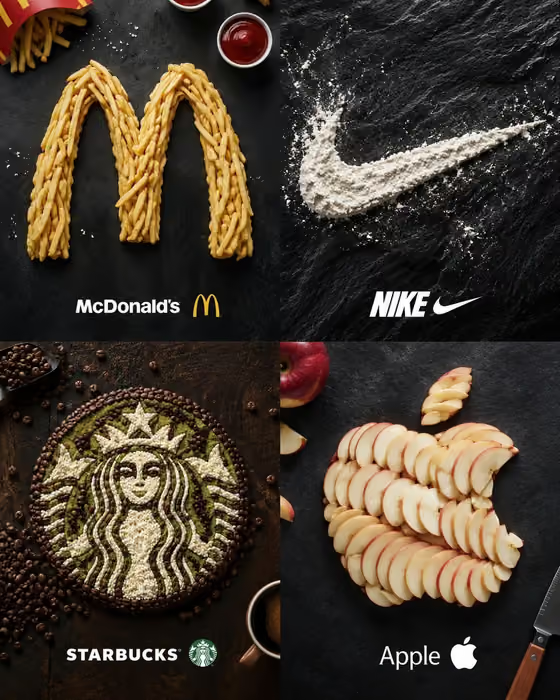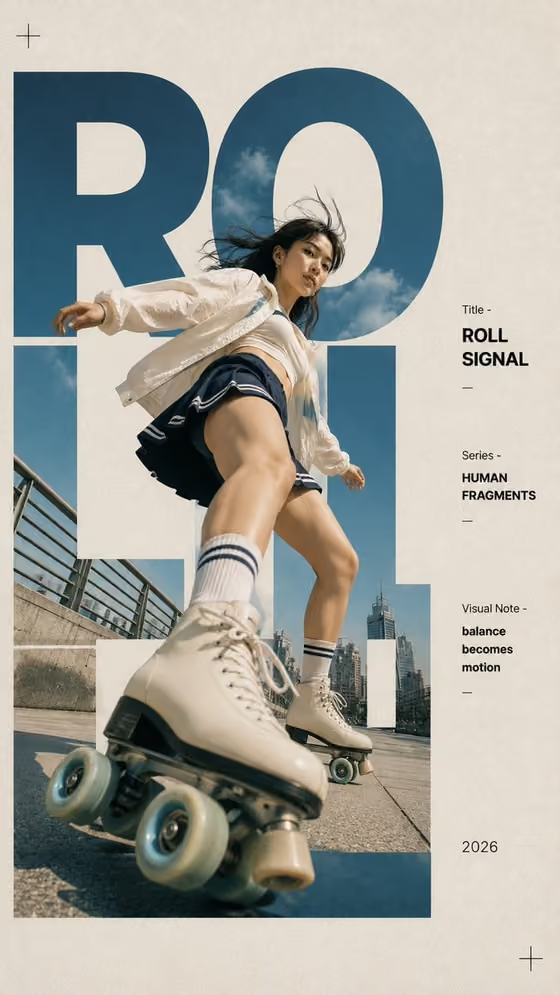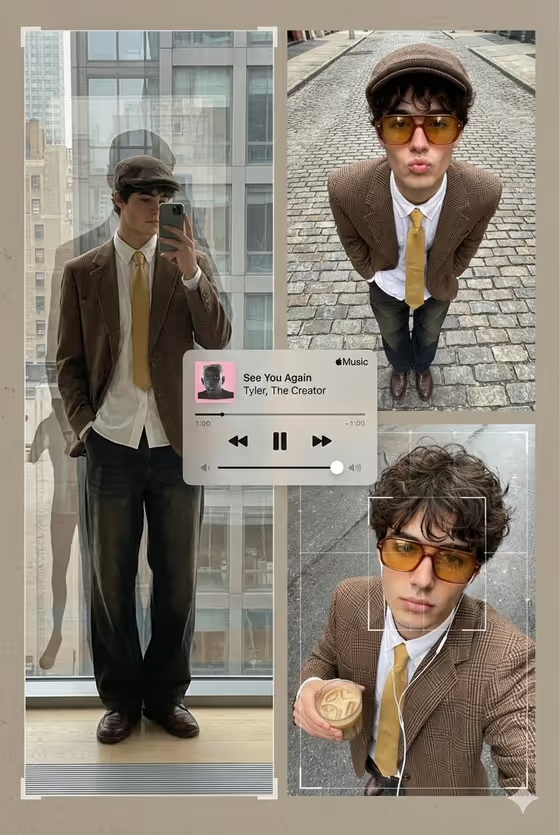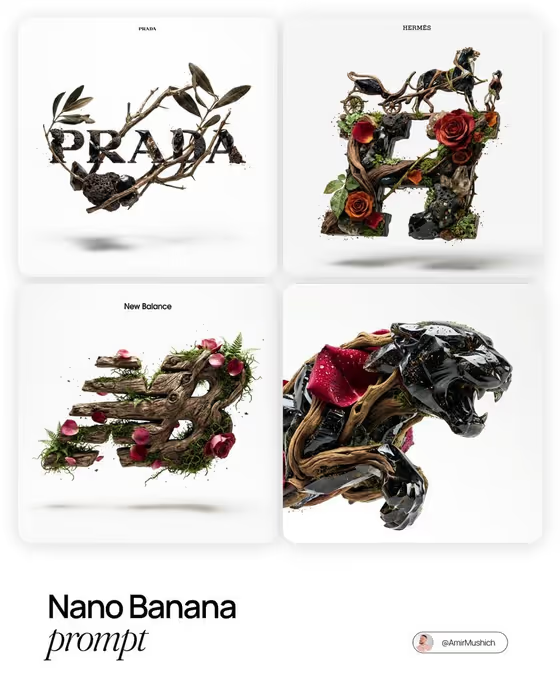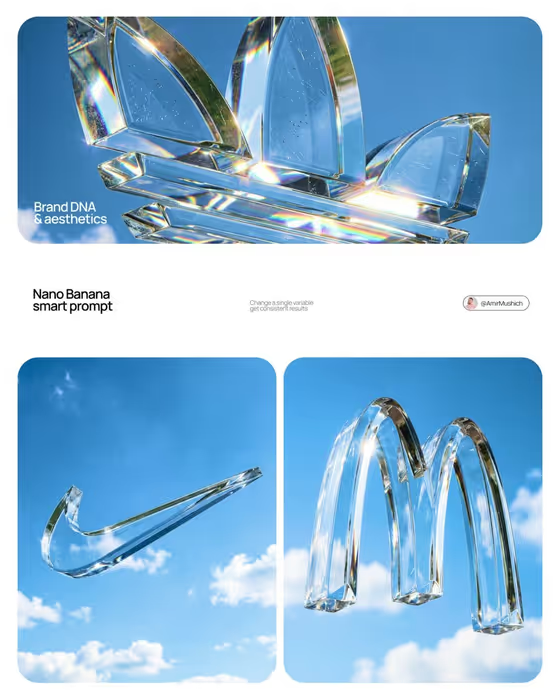
This template turns a brand mark into a monumental crystal sculpture floating in bright open sky. The logo is extruded into a single solid, colorless optical-crystal object, centered in the frame, with sunlight bending through its beveled edges and throwing rainbow fringes across the facets, as in the cover image.
It suits designers, marketers and small brand owners who want a clean, high-impact square image of a logo as a physical object. The sky is only atmosphere, so nothing competes with the mark: no land, trees, supports or extra text.
The result is a 1:1 image, which works well for social posts, brand moodboards and presentation slides.
What works best as input
- For the Brand logo field, you can either describe the mark or upload the official logo reference. Uploading the real file is the safest way to keep the proportions accurate, since the template aims to preserve the exact geometry.
- Use a clean, high-contrast logo image with the mark isolated on a plain background. Cropping out taglines and surrounding text helps, because the template does not add typography.
- Simple, bold shapes (emblems, monograms, single icons) read best as thick crystal. Very thin lines or tiny details can get lost once the mark becomes a heavy solid.
- If you describe the logo instead of uploading it, be specific about its shape, such as 'a precise geometric emblem' or 'an angular automotive mark'.
- The Crystal character field also accepts a photo, but a short text phrase like 'crystal with faint seed bubbles' is usually enough to set the material feel.
How to use it
- Open the Crystal Logo in Open Sky template in Phosphene.
- Fill in Brand logo by describing the mark or uploading your logo reference. The template asks for at least two photos, so add a second reference if prompted, such as another view of the logo or a material reference for the crystal.
- Pick a Sky atmosphere option, for example 'bright blue with sparse cumulus', then describe the Crystal character, such as 'pristine optical crystal' or 'fire-polished glass with fine scratches'.
- Generate the image, then check that the logo shape matches your original and that the crystal looks solid and sunlit. Adjust the fields and run it again if needed.
Tips for a better result
- Change one field at a time. Keeping the logo and sky fixed while swapping the Crystal character makes it easy to compare pristine crystal against bubbles, scratches or inclusions.
- Try the different sky options to shift the mood: deep cobalt with small white clouds gives a more dramatic backdrop, while pale summer blue with thin wisps feels lighter.
- Use heavier character phrases like 'heavy glass with subtle inclusions' when you want visible internal detail, and 'pristine optical crystal' for a cleaner, more minimal look.
- Generate a set with the same sky and crystal settings across several logos to get a consistent series.
Common mistakes
- Uploading a logo that includes a slogan, wordmark clutter or a busy background. The template wants a single isolated mark, so extra elements can confuse the shape.
- Describing the crystal as water, gel, plastic or colored glass. The template is built around heavy, colorless optical crystal, so those terms work against it.
- Writing a vague logo description like 'a cool logo'. Without a clear shape or a reference image, the mark may not match what you had in mind.
FAQ
Will the logo keep its exact shape?
The template is directed to preserve the official proportions and geometry, but results depend on your input. An official, clean logo reference gives the best match, so check the output against your original.
Can I add text or a tagline to the image?
No. The template is set up with no extra typography, so the crystal logo stands alone in the sky.
Can I change the background from sky?
The scene is fixed as a floating sculpture in open sky with no land, trees or supports. You can only vary the look of the sky through the Sky atmosphere field.
Can I describe my logo instead of uploading it?
Yes. The Brand logo field accepts a text description or an uploaded reference. Uploading usually gives a more faithful shape, while a description is fine for quick explorations.