Curated Visual turns a place you name into a styled 3:4 image. You pick the subject, such as a city landmark, a neighborhood or a cultural destination, then choose a creative treatment, and the template applies a signature material look to it.
It suits anyone who wants a polished, art-directed take on a location without writing a long prompt. There is no photo upload here, so everything comes from the two fields you fill in.
What works best as input
- This template has no photo slot, so your result depends on the words you type. In Scene subject or place, name one clear subject, like a landmark or a lively neighborhood, rather than a vague region.
- Be specific enough to give the image a clear focal point. The template aims for one, so a single well-defined place works better than a list of several.
- Use the examples as a guide to the right level of detail: 'a famous city landmark', 'a cultural destination' or 'my chosen place' are short but still point to something concrete.
- For Creative treatment, pick a direction that fits the mood you want, such as Clean editorial, Cinematic dramatic, Playful crafted or Quiet premium.
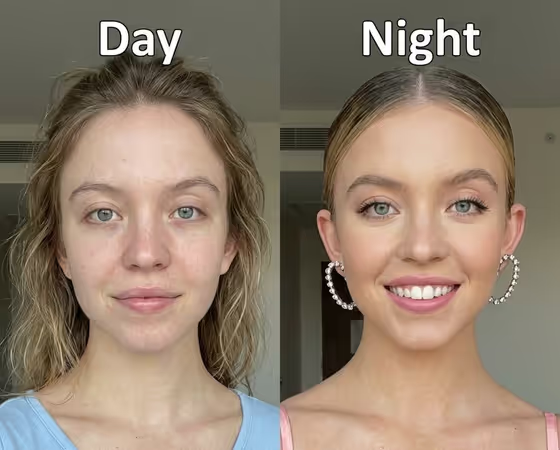
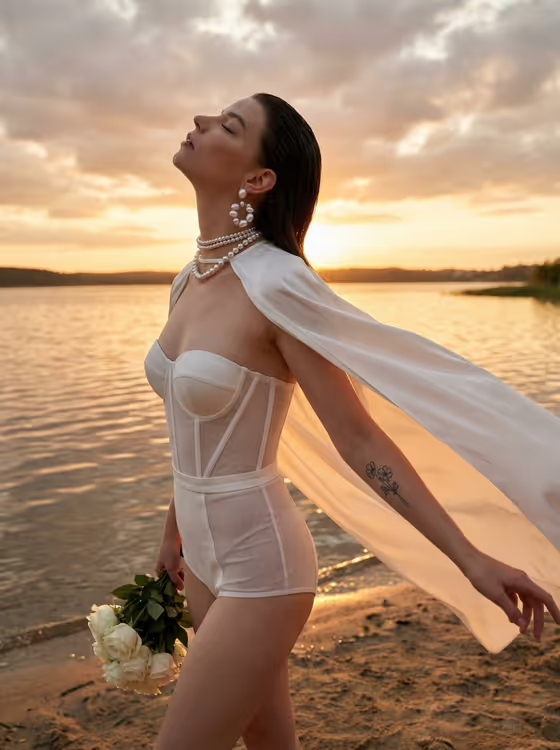
- The cover shows a refined, detailed portrait with delicate ornament and a soft, even backdrop. If you want that kind of crafted, polished feel, lean toward Quiet premium or Clean editorial.
How to use it
- Open the Curated Visual template in Phosphene.
- In Scene subject or place, type the landmark or location you want, or start from one of the suggested examples.
- Set Creative treatment to the style you prefer, for example Cinematic dramatic or Playful crafted.
- Generate the image, then review it. Check that the place reads clearly and the material treatment looks the way you expected, and adjust your two fields if not.
Tips for a better result
- Run the same place with different treatments. Switching between Clean editorial and Cinematic dramatic is a quick way to see how much the look changes.
- Name the place plainly and let the treatment carry the style. Overloading the subject field with adjectives can blur the focal point.
- Try a neighborhood or cultural destination as well as a single landmark, since the template accepts both and the composition may feel different.
- If a result is close but not right, change only one field at a time so you can tell what caused the difference.
Common mistakes
- Typing a very broad subject like 'a country' or listing many places at once. The template works around one clear focal point, so keep it to a single subject.
- Looking for a photo upload field. This template only takes text and a treatment choice, so describe the place in the subject field instead.
- Changing both fields every attempt, which makes it hard to learn what improved or worsened the result.
FAQ
Do I need to upload a photo?
No. The template has no photo slot. You only fill in Scene subject or place and Creative treatment.
What can I put in Scene subject or place?
A landmark, a lively neighborhood, a cultural destination or your own chosen place. The placeholder suggests something like 'a famous city landmark'.
What does Creative treatment change?
It sets the style applied to your place. Examples include Clean editorial, Cinematic dramatic, Playful crafted and Quiet premium.
What shape is the output?
The template produces a single image in a 3:4 aspect ratio.