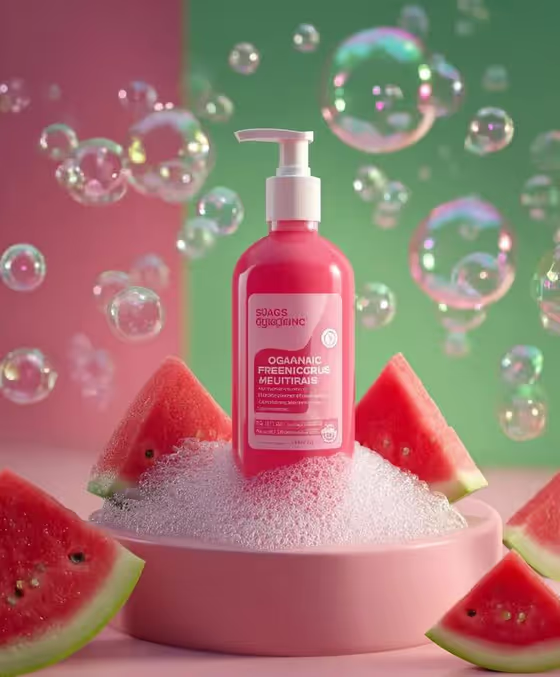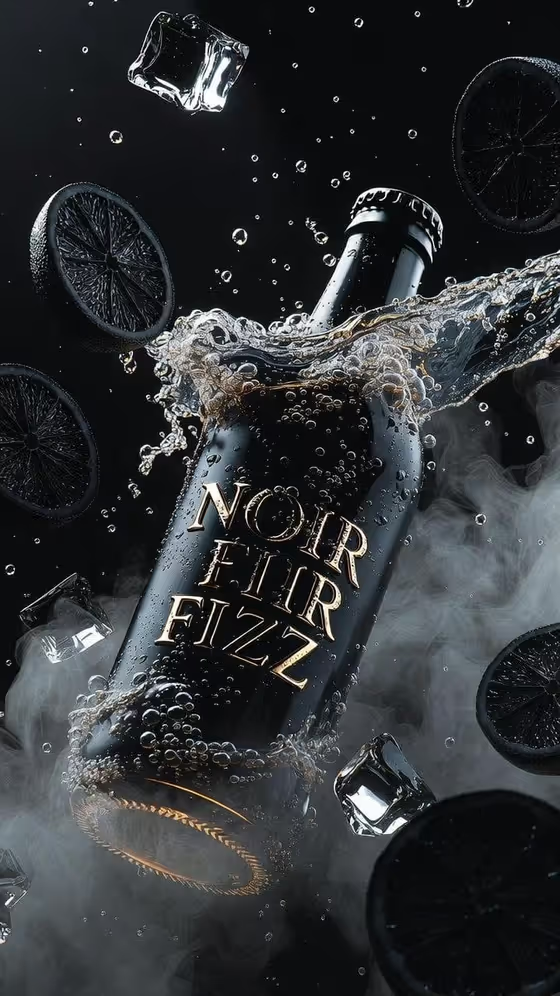
Dark Fizz Suspension turns a beverage product into a dramatic advertisement-style image. Your bottle or can is tilted on a sharp diagonal and frozen mid-air, with splashing liquid, bubbles, ice and citrus-style accents hanging around it, all in a moody black-and-gold look like the cover image.
It suits drink brands, small beverage makers, and anyone building a campaign visual or product mockup for a soda, cola, sparkling drink or similar product. The output is a 3:4 image, so it fits a tall poster or social layout.
What works best as input
- For the Beverage product or bottle field, you can type a description or upload a matching reference photo. A photo of your actual bottle or can helps the result stay close to your real packaging.
- If you upload, use a clear, well-lit shot of the product with the label facing the camera and nothing covering it. The template aims to keep the label and package sharp, so a legible source gives it more to work with.
- If you describe instead, be specific about material, color and branding, in the style of the examples: 'matte black NOIR FIZZ bottle' or 'smoked-glass cola bottle'.
- The field also accepts other formats such as a can ('black cherry soda can'), so name the container type you actually want.
How to use it
- Open the Dark Fizz Suspension template in Phosphene.
- Fill in Beverage product or bottle by typing a description or uploading a reference photo of your product.
- Choose your Suspended accents, for example black citrus, ice and soda waves, or gold citrus, bubbles and glass shards.
- Generate the image, then check that the bottle shape, label and accents match what you intended before using or regenerating it.
Tips for a better result
- Match the accents to your flavor. Dark berries, mist and liquid ribbons suit a berry drink, while gold citrus and glass shards push toward a more luxurious look.
- Keep the product description short and concrete. A clear color, material and name usually guides the scene better than a long list of adjectives.
- The template is built around a black-and-gold palette with deep shadows, so dark or metallic packaging tends to blend best with the lighting.
- If the first result is close but not right, regenerate or adjust the accents choice to vary the arrangement while keeping the same product.
Common mistakes
- Uploading a cluttered, dim or heavily angled product photo, which makes the label and shape harder to carry into the final image.
- Writing a vague product description like 'a drink' instead of naming the container, color and label text.
- Picking accents that clash with the product, such as unrelated ingredients, so the composition no longer reads as one flavor story.
FAQ
Do I need to upload a photo?
No. The Beverage product or bottle field accepts a typed description, or you can upload a matching reference photo if you want the result to follow your real product.
Can I use my own brand name on the bottle?
You can describe your product and its label text in the product field, or upload a reference photo of it. The template aims to keep the label sharp, but check the generated text carefully.
What can I change about the scene?
You choose the product and the Suspended accents. The diagonal composition, lighting and black-and-gold mood are fixed by the template.
What shape is the image?
The output is a single image in a 3:4 aspect ratio, suited to tall posters and social posts.