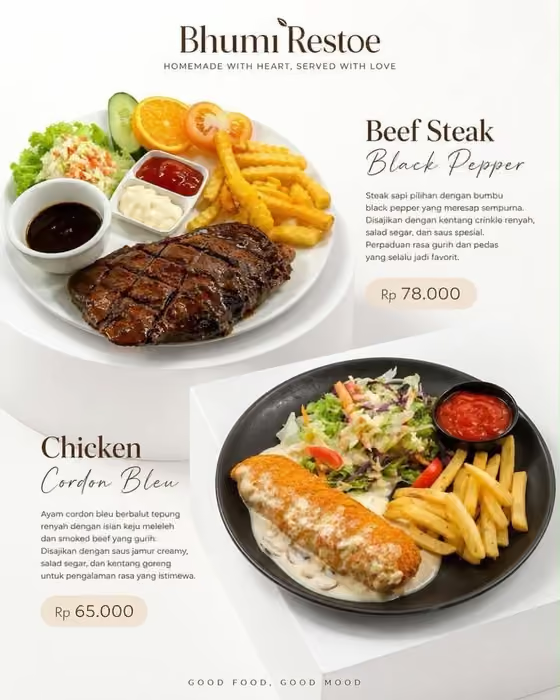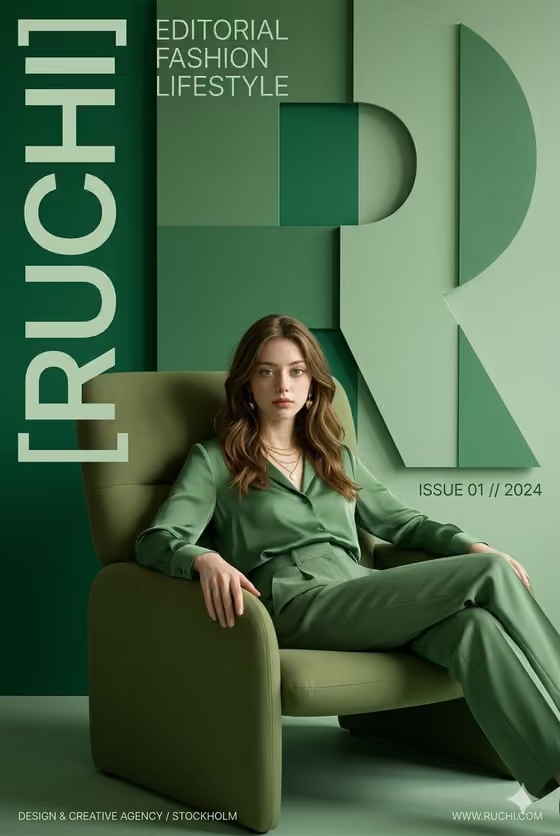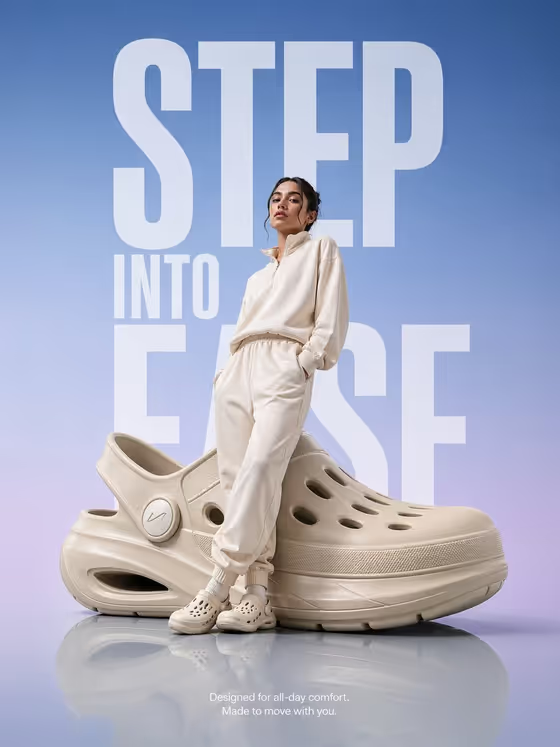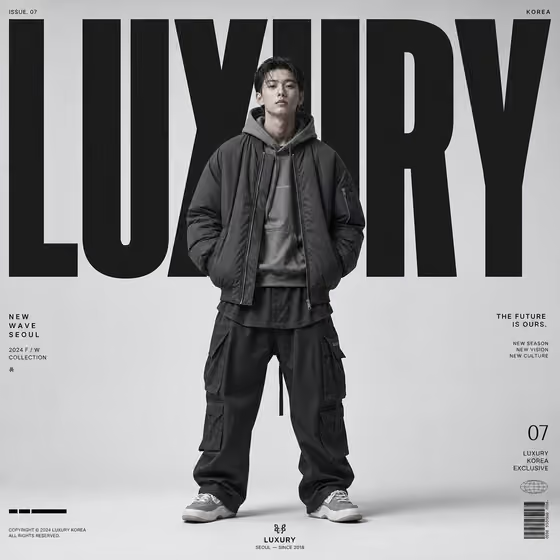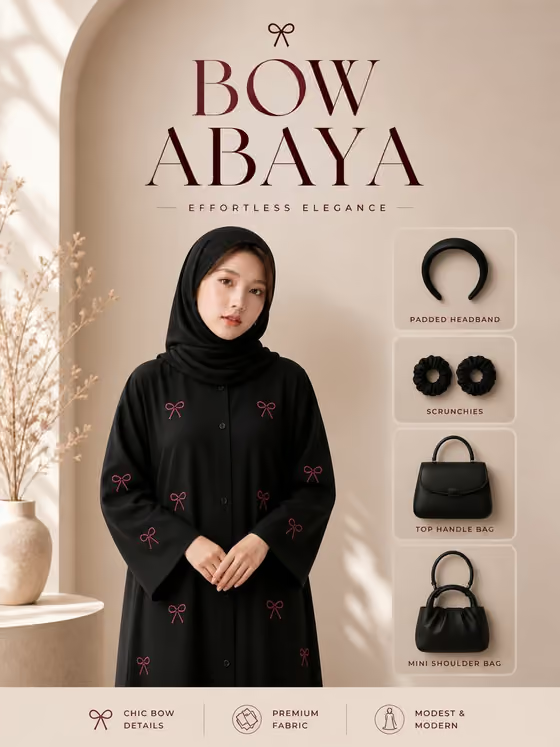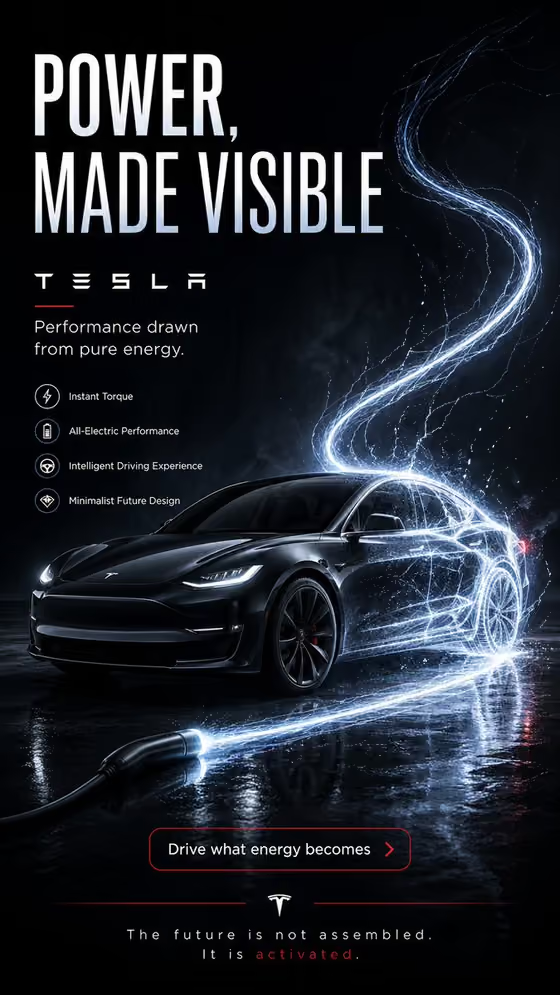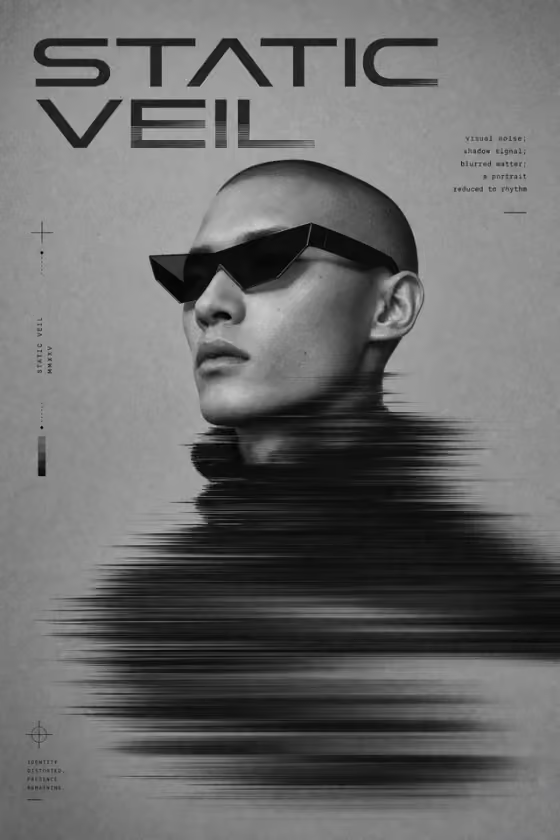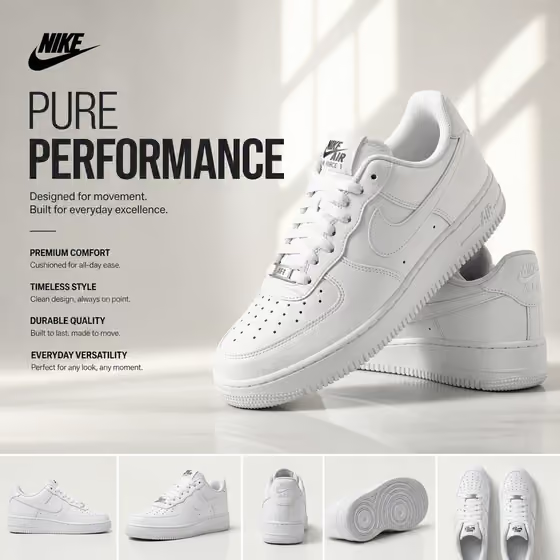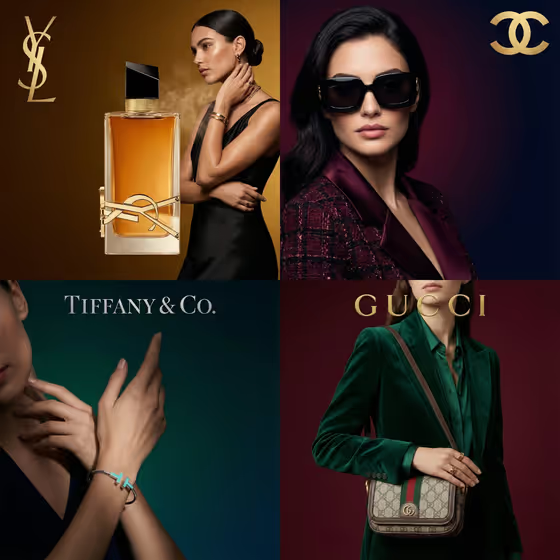
Luxury Product Editorial turns a product and a model into a single polished editorial poster in a 3:4 portrait frame. It is built for the kind of deep-colored, studio-lit layout you see in the cover image, where the product and the person share the frame and a small brand mark sits quietly in a corner.
It suits small brands, jewelry and accessory sellers, stylists, and marketers who want a campaign-style visual without organizing a studio shoot. You supply the product, the brand name, and the model, and the template handles the lighting, color, and composition.
What works best as input
- For the Luxury Product slot, a clear photograph of the exact item works best because the template is set to keep the referenced product unchanged. If you have no photo, describe it precisely instead, for example a designer handbag or a sculptural wristwatch.
- Choose a product photo with the whole item visible, even lighting, and a plain background so the shape, hardware, and materials are easy to read.
- For the Editorial Model slot, you can describe the model in words (such as a poised fashion model) or add a reference portrait. A sharp, front-facing or three-quarter portrait with good light gives the clearest reference.
- Only use portraits of people who have agreed to appear in your poster, and avoid using the likeness of public figures.
- In the Brand Name slot, type the name exactly as it should be recognized, since it guides the logo placement. This slot is text only, so there is no photo upload for it.
How to use it
- Open the Luxury Product Editorial template in Phosphene and review the three fields: Luxury Product, Brand Name, and Editorial Model.
- Add your product photo or describe the item in Luxury Product, type your brand in Brand Name, and add a portrait or a short description in Editorial Model.
- Generate the poster and wait for the 3:4 image to appear.
- Review the result, checking that the product looks like your original, the model presents it naturally, and the logo is small and legible. Adjust your inputs and generate again if something is off.
Tips for a better result
- Be specific about the product in text, naming material and style (for example a premium leather shoe), to help the template render surface detail accurately.
- Vary the model description to change the mood. A sophisticated mature model, an androgynous runway model, and a charismatic editorial model will each give the poster a different character.
- Pick products that suit a close, elegant crop, such as jewelry, bags, eyewear, or watches, since the layout favors a model presenting one hero item with clean negative space.
- Try a few generations with small wording changes in the model or product fields and compare them before choosing a final poster.
Common mistakes
- Using a cluttered or low-resolution product photo, which makes it harder for the template to keep the item faithful to the original.
- Writing a vague brand name or adding extra words to the Brand Name field, which can confuse the logo placement. Keep it to the brand name only.
- Expecting added taglines or captions. The template is set to produce no extra copy or watermark, so the poster carries only the subtle brand mark.
FAQ
Do I have to upload photos?
The product and the model can each be either a photo or a text description. The Brand Name is text only.
Will my product be changed in the poster?
The template is directed to keep the referenced product unchanged while the model wears or presents it. Always compare the result with your original item.
Can I add my own text or slogan to the poster?
No. The template aims for no extra copy, so the only branding is the subtle logo placement based on your Brand Name.
What shape is the output?
It creates a single image in a 3:4 portrait ratio, designed as an editorial poster.