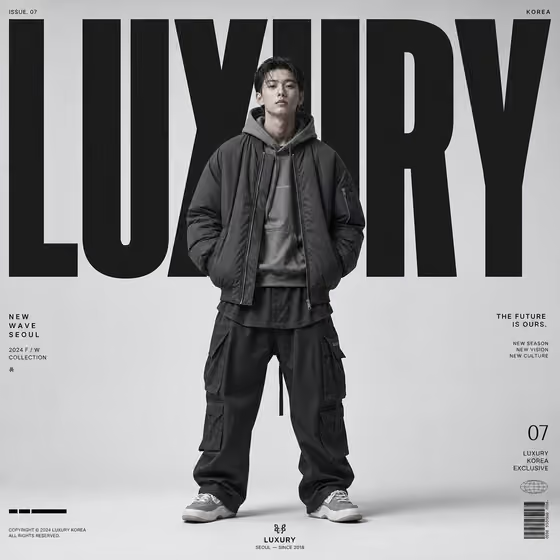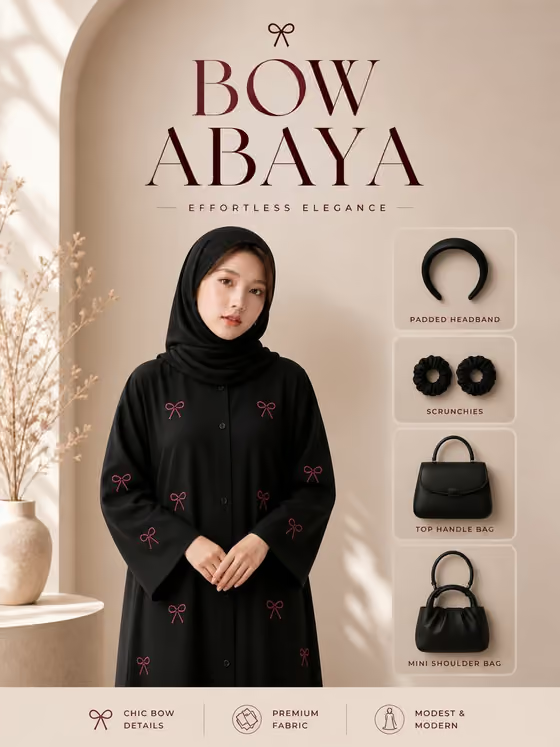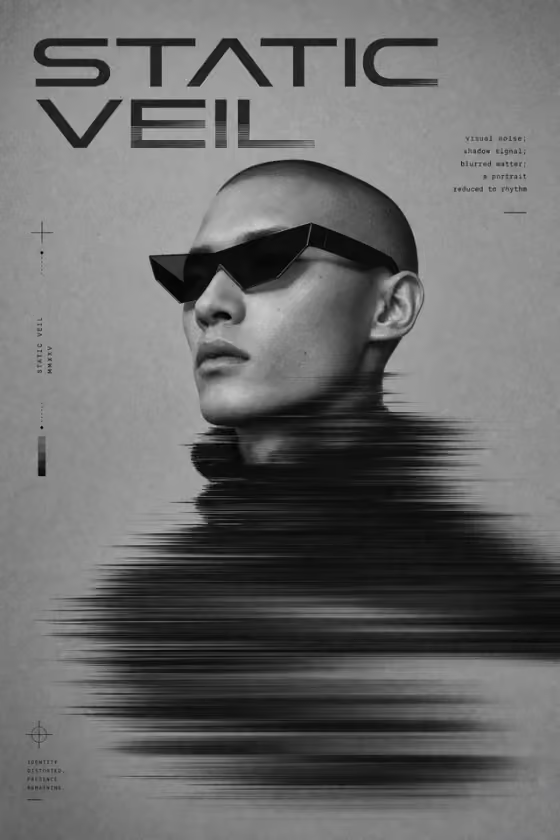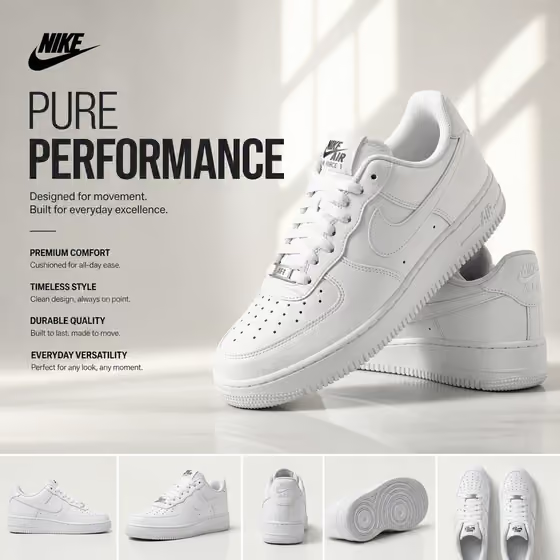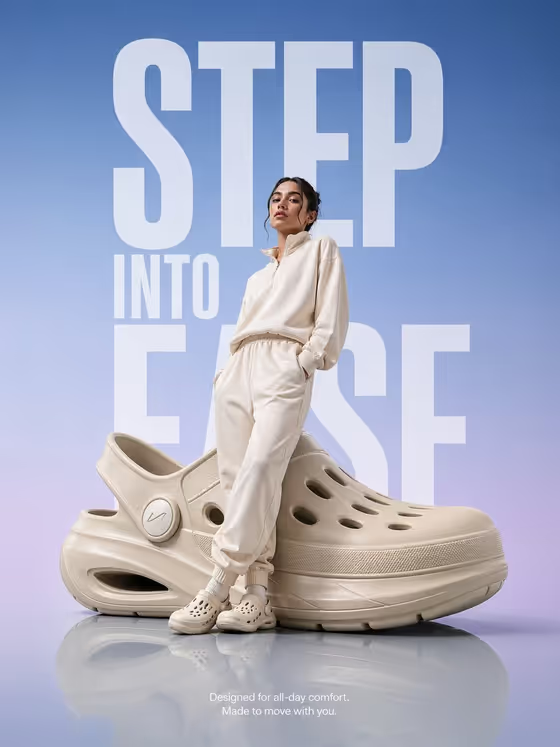
Step Into Ease builds a footwear campaign poster in a 3:4 portrait frame. Your model stands full-body and leans against an oversized version of your shoe, which sits on a glossy floor with a soft reflection. A sky-blue to lavender gradient fills the background, and huge vertical sans-serif lettering rises partly behind both the model and the product.
It suits footwear brands, small shop owners and marketers who want a bold hero visual for a launch, a landing page or a social post. You describe or upload the shoe, choose or upload the model, and set the headline. The template handles the staging, lighting and typography, and adds one small comfort line near the bottom.
What works best as input
- For the Footwear product or shoe slot, either type a short description such as the placeholder's "oversized futuristic comfort clog" or upload a reference photo. A clear, well-lit shot of the shoe from the side helps the silhouette stay recognizable.
- For the Campaign model or person slot, you can pick a described model (like "adult model in beige athleisure") or upload your own model photo. A full-body or near full-body photo with a clear view of the outfit gives the template more to work with.
- This template asks for 2 or more photos in total, so if you go the upload route, provide both a product reference and a model reference.
- Keep the product photo uncluttered. A plain background and no overlapping props make it easier to keep the shoe's shape accurate once it is scaled up.
- Write the Campaign headline in short, punchy words. The examples ("STEP INTO EASE", "MOVE IN COMFORT", "LIGHT ON YOUR FEET") are all three or four words, which suits tall stacked lettering.
How to use it
- Open the Step Into Ease template in Phosphene.
- Fill the Footwear product or shoe field by typing a description or uploading a reference photo of the footwear.
- Choose or upload your Campaign model or person, then enter your Campaign headline in capital-friendly wording.
- Generate the image, then check the result for the shoe's shape, the model's pose against it, and how the headline reads behind them. Adjust your inputs and run it again if something is off.
Tips for a better result
- Match the outfit to the mood. The template examples lean on soft, neutral clothing like beige athleisure, ivory sportswear or soft-gray leisurewear, which sits well against the airy blue and lavender palette.
- Try different product descriptions to change the prop's character, for example a giant sculptural sneaker versus a minimal recovery sandal.
- Test two or three headline options. Shorter lines tend to fill the vertical space more cleanly, and a longer line may need a rewrite.
- If you want a campaign that feels like your brand, use the "my uploaded footwear" and "my uploaded model" style options with real reference photos instead of generic descriptions.
Common mistakes
- Using a cluttered or low-resolution shoe photo, which makes it harder to keep the enlarged product's silhouette unmistakable.
- Writing a very long headline. The typography is meant to be massive and vertical, so a long sentence will not read as a bold campaign line.
- Providing only one photo when you want both your own product and your own model. The template expects 2 or more photos for that setup.
FAQ
Can I use my own shoe and my own model?
Yes. Both the footwear and model slots accept a photo, so you can upload a reference for each instead of describing them in text.
Can I change the headline text?
Yes. The Campaign headline slot is a text field, so you can replace the placeholder with your own line, such as one of the examples or your brand's wording.
What size is the output?
The template produces a single image in a 3:4 portrait ratio.
Can I change the background colors or the floor?
No, those are part of the template's fixed direction: a sky-blue to lavender gradient, a glossy reflective floor and large vertical type. You control the shoe, the model and the headline.