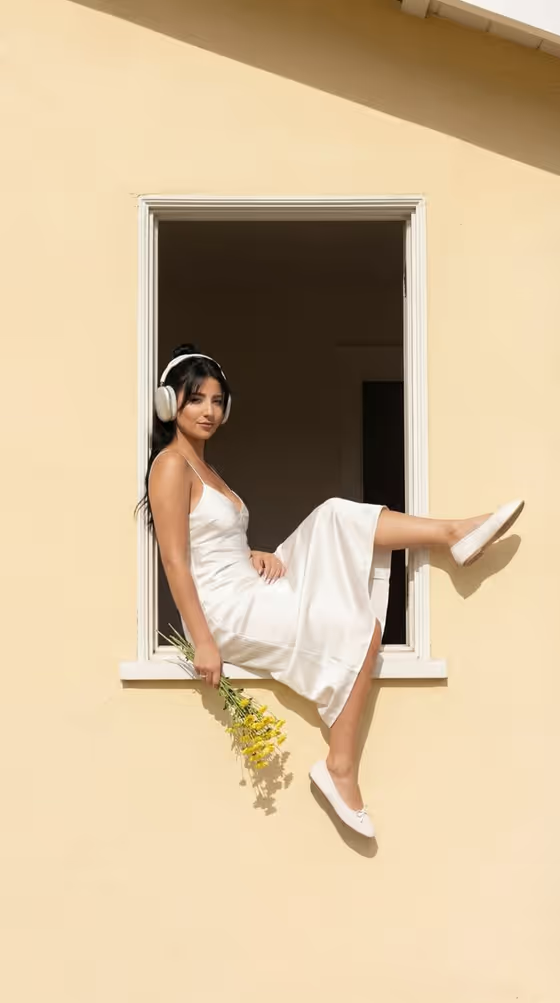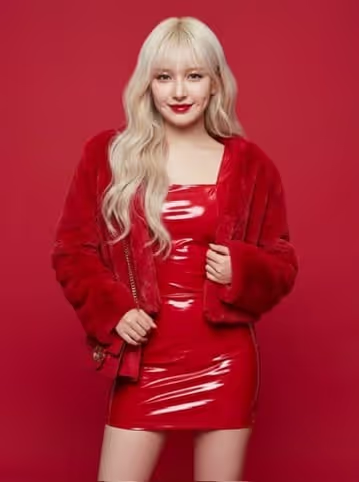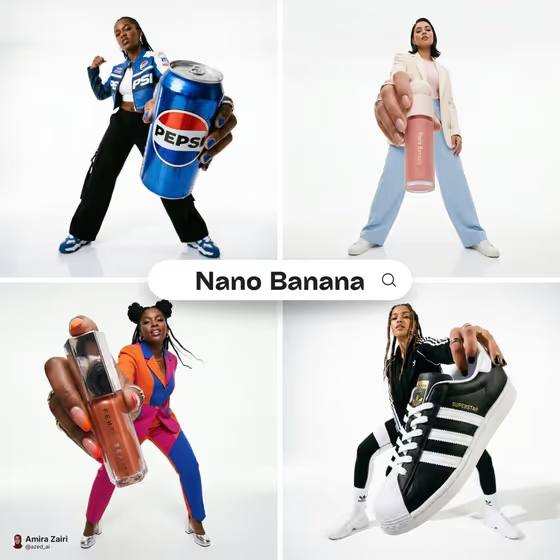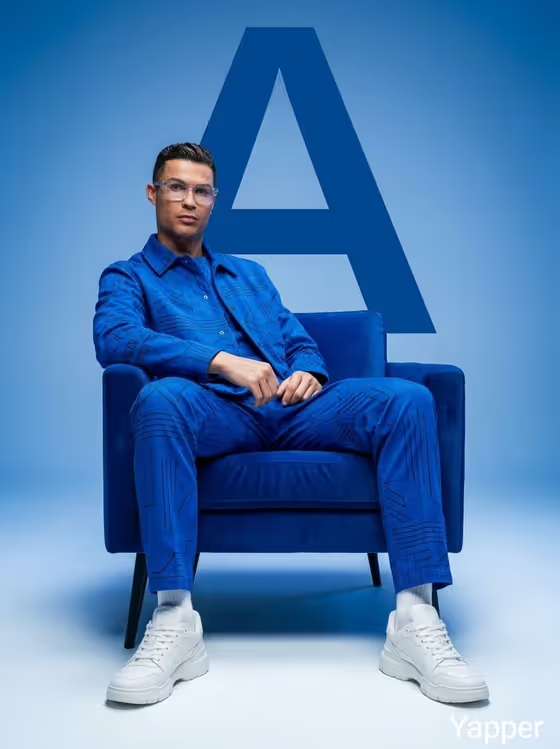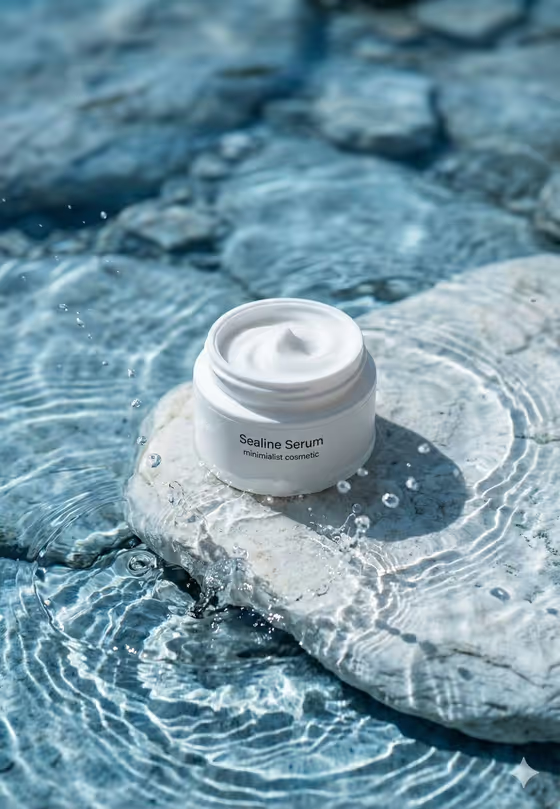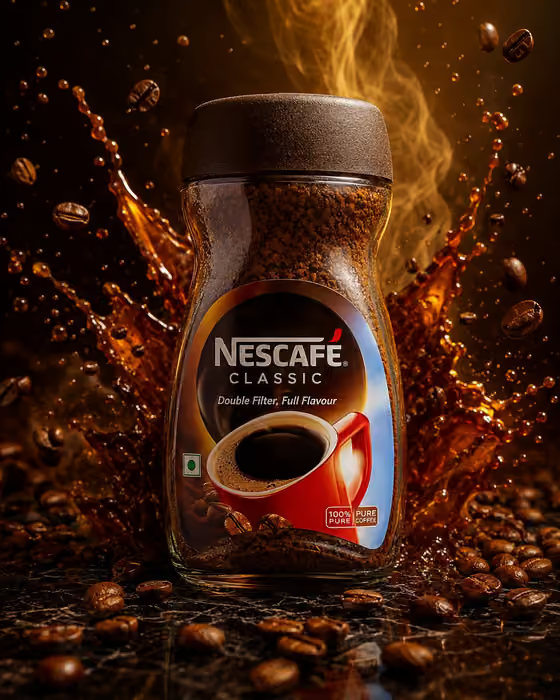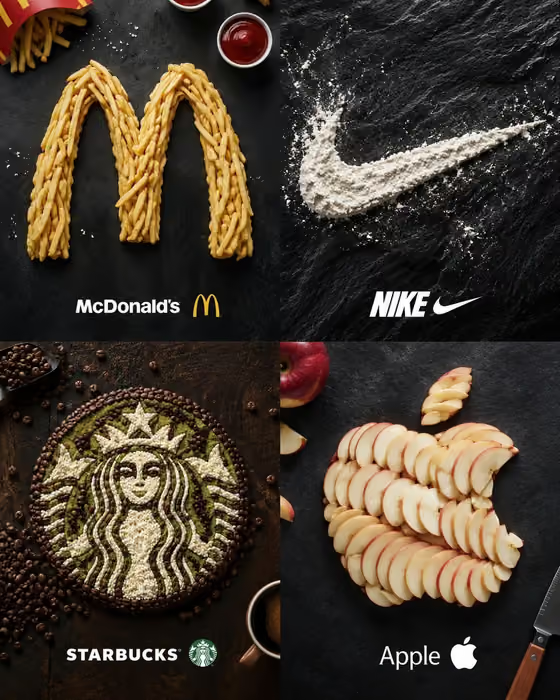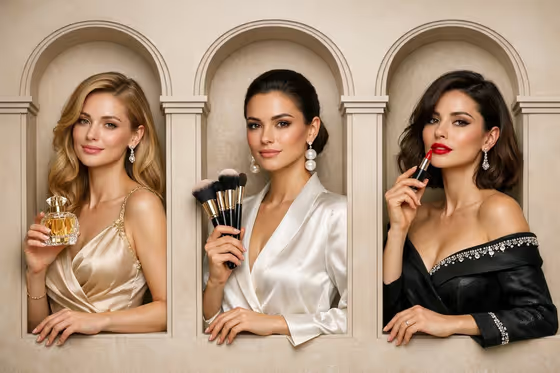
Luxury Trio Campaign turns your inputs into a three-panel, wide-format luxury advertisement. Three figures stand side by side, each in their own arched architectural window niche, shown waist-up with hands and props resting near the frame edge, as in the cover image with its warm cream wall and refined detailing.
It suits anyone who wants a polished editorial campaign look for a brand or product: small label owners, creative studios, or anyone mocking up a luxury ad concept. You describe the brand, the people and the featured object, and the template handles the framing, lighting and layout.
What works best as input
- The template asks for 2 or more photos, so plan your references before you start. Each of the four fields (Brand Identity, Athlete, Subject, Object) accepts either a text description or a photo reference.
- For Athlete and Subject, use clear, well-lit photos where the face and upper body are easy to see. Only use photos of people you have permission to depict.
- For Object, a clean photo of the product from a single angle works best, such as a bottle, device or packaged item. If you type instead, be specific about shape and material, like 'A sculptural fragrance bottle'.
- For Brand Identity, either describe the brand in a short phrase (for example 'A boutique hospitality brand') or add a visual reference such as a logo or mood image.
- Keep every description short and concrete. One clear idea per field gives the template less to guess.
How to use it
- Open the Luxury Trio Campaign template in Phosphene.
- Fill in the four fields: Brand Identity, Athlete, Subject and Object. For each one, type a description or add a photo reference, and make sure you provide at least two photos in total.
- Generate the image. The output is a 16:9 three-panel composition.
- Review the result, check that all three window frames are fully visible and the hands and props look natural, then adjust your inputs and generate again if needed.
Tips for a better result
- Use the built-in examples as a starting point, such as 'A sustainable outdoor label' for Brand Identity, then make them more specific to your own brand.
- Pick an Object with a distinct silhouette so it reads clearly in the hands of a waist-up figure.
- If you use photo references for the people, choose images with similar lighting and a similar distance from the camera so the three panels feel cohesive.
- Try different Brand Identity phrases with the same people and object to see how the styling shifts across brand types.
Common mistakes
- Writing long, multi-idea descriptions in a single field. Overloaded inputs can muddy the focal point the template is trying to keep clear.
- Using cropped, blurry or heavily filtered reference photos, which makes faces and the product harder to reproduce accurately.
- Leaving fields vague or contradictory, for example describing a rugged outdoor adventurer for a delicate fragrance brand, which can make the campaign feel inconsistent.
FAQ
How many photos do I need to upload?
The template requires 2 or more photos. Each of the four fields can take a photo reference or a typed description.
Do I have to upload photos for every field?
The inputs accept either text or a photo, but the template as a whole needs at least two photos, so mix as needed across the fields.
What shape is the final image?
It is a wide 16:9 image with three vertical window niches side by side.
Can I change the layout to two or four panels?
No. The layout is fixed as a three-panel row, so your inputs control who and what appears, not the number of panels.