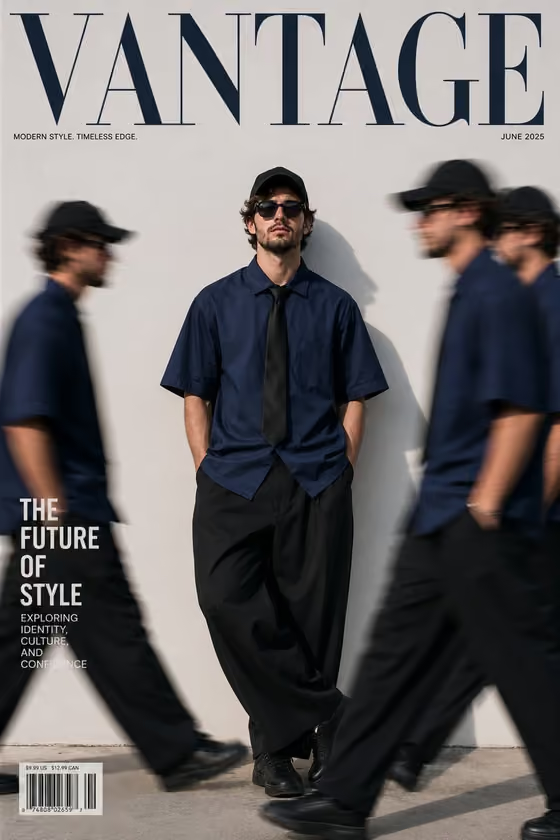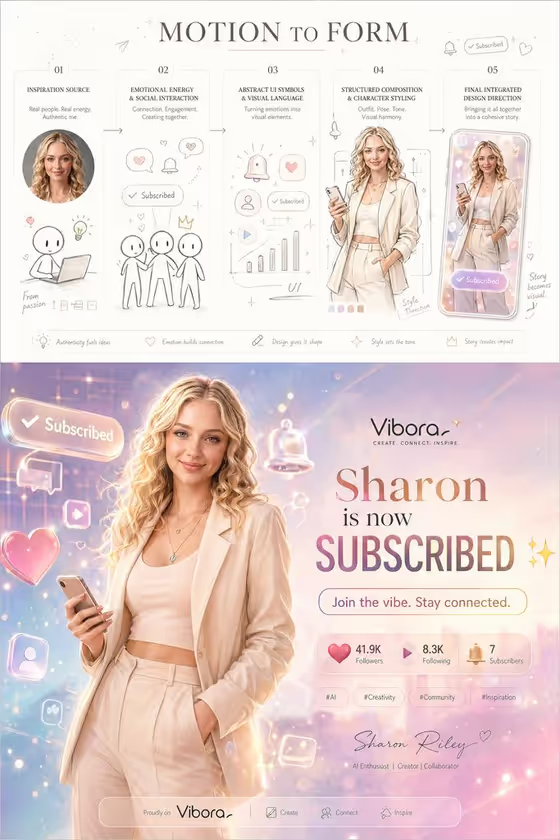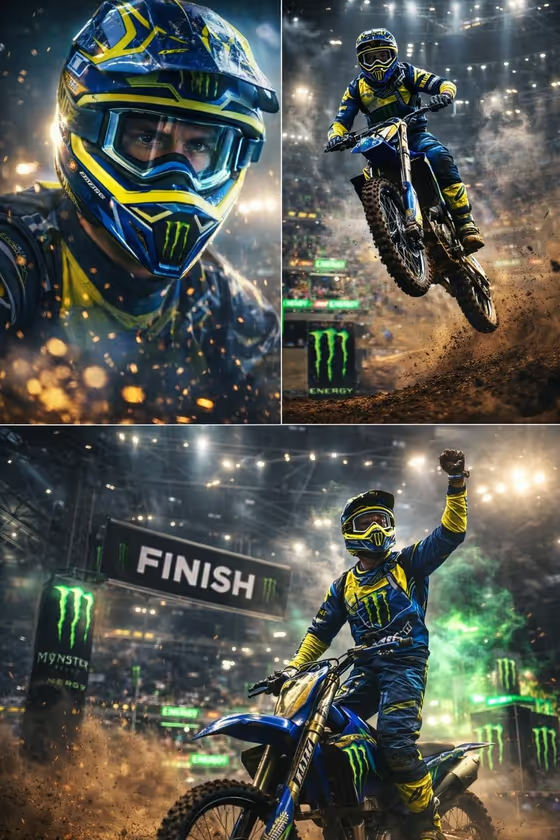
Meaning as Monument builds a vertical 3:4 concept poster around a single line of text that you supply. The headline becomes a giant, fractured set of characters that fills most of the frame, and a visual metaphor of your choosing sits inside and around the lettering, as in the cover where a small figure walks through a gap between the characters toward a distant sun.
It suits people who want a literary, exhibition-style poster for a word or phrase: designers working on marketing visuals, writers sharing a line of poetry, or anyone making a mood piece for a campaign, a quote or a personal blessing. You only fill two text fields, so no photo is needed.
What works best as input
- There is no photo upload here. Both fields are text, so your result depends entirely on how clearly you write the Headline Text and the Visual Metaphor.
- In Headline Text, give the exact words you want on the poster. The template is built around Chinese characters, so enter the phrase precisely as it should appear, and keep it short, since a few characters read best at giant scale.
- In Visual Metaphor, describe one concrete image rather than a list. The examples ('a lone figure crossing fractured type', 'a road disappearing through the characters') show the pattern: one subject plus how it interacts with the letters.
- Pick a metaphor that matches the meaning of the headline. Growth suits a word about rebirth, a road or a figure suits a journey, and empty architecture suits silence.
How to use it
- Open the Meaning as Monument template in Phosphene.
- Type your text into Headline Text, using the placeholder ('Solitary Courage') and examples as a guide to the kind of phrase that works.
- Describe one image in Visual Metaphor, such as 'new growth breaking from stone letterforms', then generate the poster.
- Review the result. Check that the headline characters are complete and correct, that the metaphor touches the lettering, and that the small text zones feel restrained. Adjust either field and generate again if needed.
Tips for a better result
- Keep the metaphor to a single subject. The template aims for one precise idea, so a crowded description tends to dilute the poster's focus.
- Describe how the metaphor meets the characters, for example passing through, growing out of, or being framed by them. This is what makes the text and image feel like one piece.
- Try the same headline with different metaphors to compare moods. A road, a figure and a plant will each give the same word a different emotional tone.
- Choose headline text with a clear meaning. The poster's color and atmosphere follow the semantics, so a warm blessing and a cold, quiet word will look quite different.
Common mistakes
- Writing a long sentence as the headline. Giant characters need a short phrase, otherwise the lettering cannot fill the frame cleanly.
- Describing several unrelated images in Visual Metaphor. This works against the single, restrained concept the template is designed to produce.
- Skipping a careful check of the characters in the result. Since the exact text matters, confirm the headline reads correctly before sharing or using the poster.
FAQ
Do I need to upload a photo?
No. Both fields are text only, and the template does not accept a photo.
What language should the headline be in?
The template is built around a Chinese headline, and its direction avoids unnecessary English. Enter your headline in the form you want it to appear.
What is the small text around the headline?
The poster includes a few restrained text zones: a few keywords at upper left, a single vertical line at right, and a short summary at lower left, as seen on the cover.
What shape is the poster?
It is a vertical 3:4 image, suited to poster-style display.