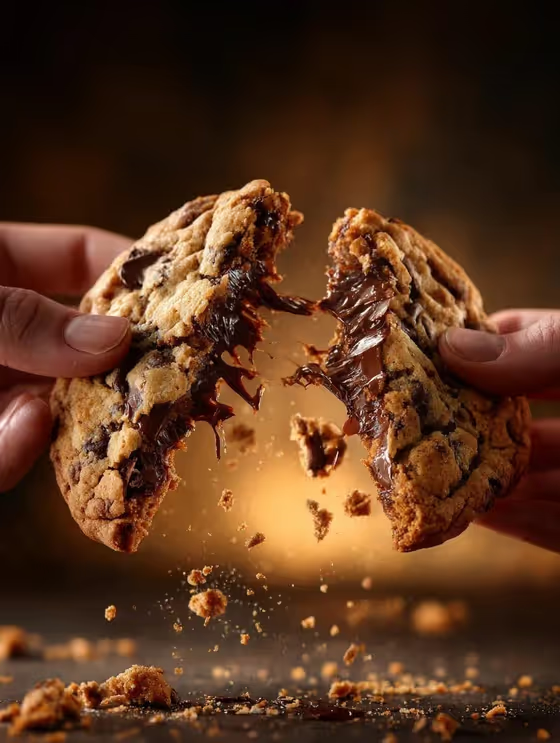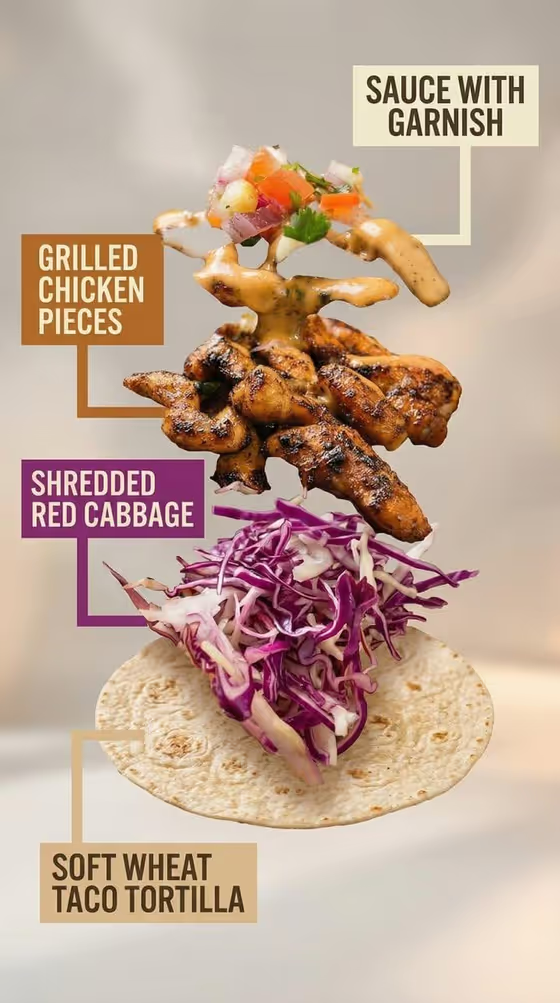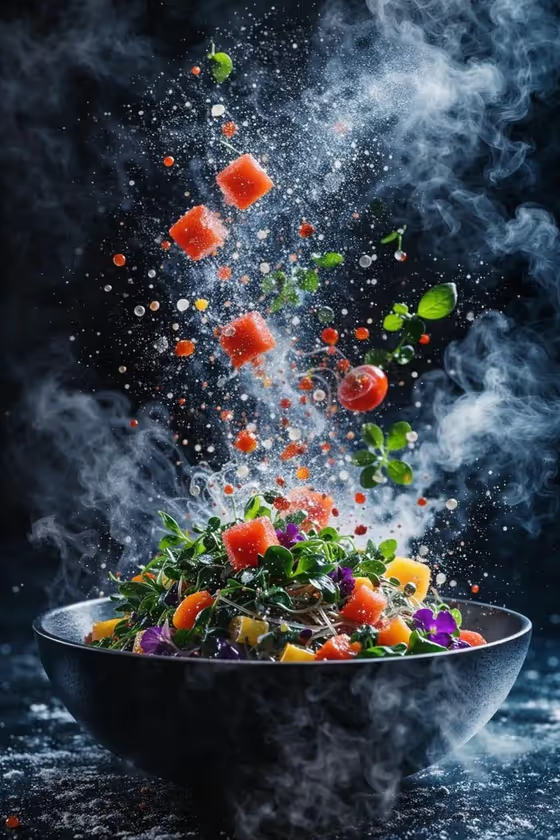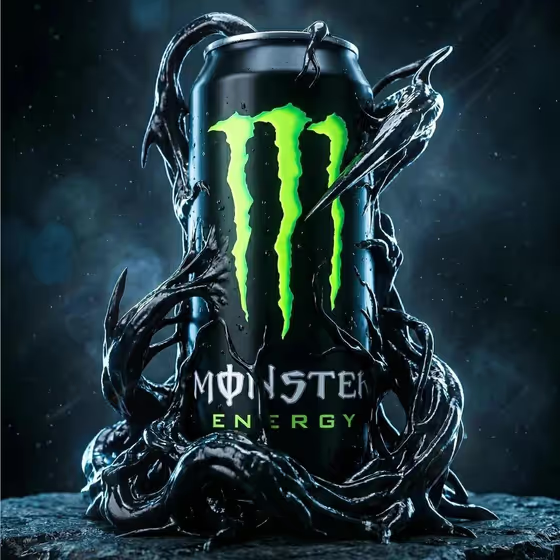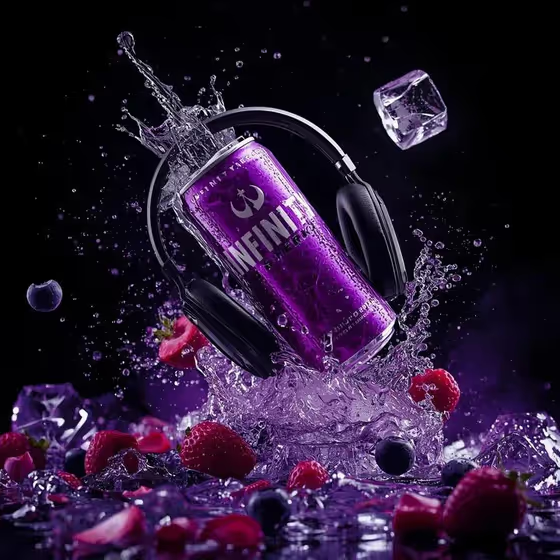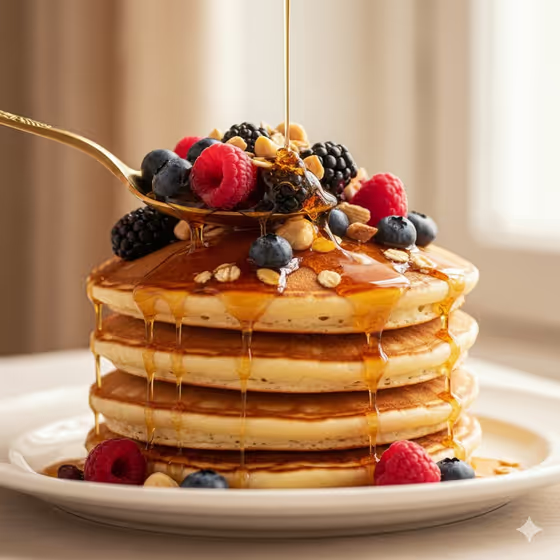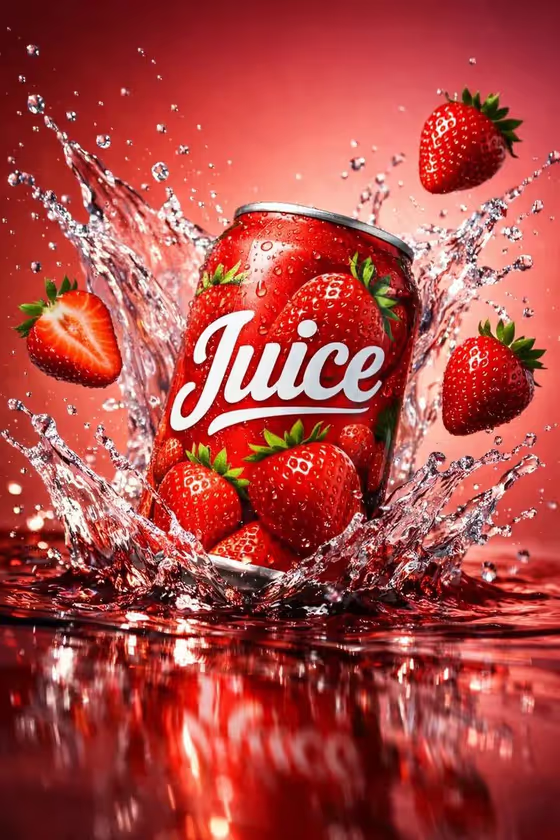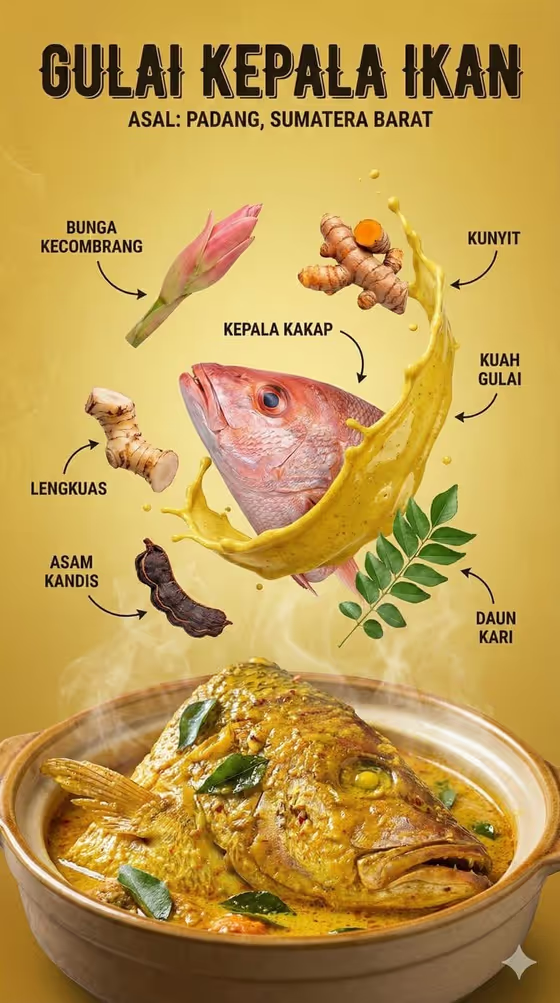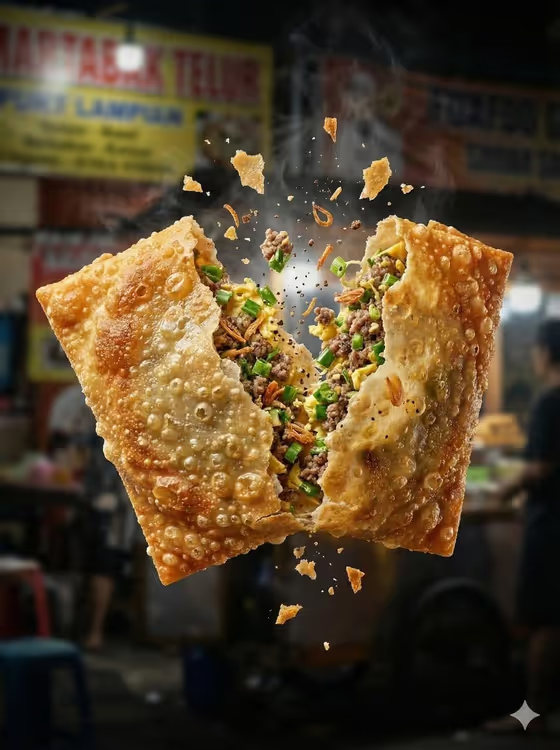
Midair Street-Food Break turns a simple snack into a frozen action shot. The snack splits into two airborne halves, the filling shows between them, and crumbs, crisp flakes and steam hang in the frame against a blurred night-market background. The output is a 3:4 image, which suits vertical posts and menu visuals.
It works well for street-food sellers, home cooks, food bloggers and anyone who wants a dramatic, appetizing picture of a fried or baked snack without setting up a studio shoot. You describe the snack, pick a filling and choose a market mood, and the template handles the framing and lighting.
What works best as input
- The Snack Product field accepts either a short text description or a photo as a visual reference. Use whichever describes your snack best, or combine them.
- If you upload a photo, choose one where the snack is clearly visible and well lit, so the crust color and shape are easy to read.
- If you type instead, be specific about the type and crust, for example 'crispy stuffed croquette' or 'golden spring roll', matching the style of the examples.
- Keep the snack the main subject in your reference. Busy backgrounds or several different foods in one photo can blur what the template should recreate.
- Savory Filling and Night Market Mood are not photo fields, so describe them with a short phrase such as 'spiced minced meat and egg' or 'warm lantern bokeh'.
How to use it
- Open the Midair Street-Food Break template in Phosphene.
- In Snack Product, type a description of your snack or add a reference photo.
- Fill in Savory Filling and Night Market Mood, using the placeholder examples as a guide for the kind of phrase that works.
- Generate the image, then check that the crust, filling and steam match what you wanted. Adjust a field and run it again if something is off.
Tips for a better result
- Make the filling concrete. 'Spiced minced meat and egg' gives the split something specific to show, while a vague word gives the image less to work with.
- Change only the Night Market Mood to get a very different feel from the same snack, such as 'neon food-stall glow' versus 'smoky midnight market'.
- Name the crust in the Snack Product field (golden, flaky, crunchy) so the tactile texture in the break looks right.
- Try the same filling with different snack shapes, such as a spring roll, a pastry or a cutlet, to build a varied set of images.
Common mistakes
- Listing several snacks or fillings in one field. The template is built around one snack splitting open, so keep each field to a single idea.
- Writing a long, complicated scene description in the mood field. A short phrase like 'amber festival lights' fits better than a paragraph.
- Using a reference photo where the snack is small, dark or half hidden, which makes it harder to match the shape and crust.
FAQ
Do I have to upload a photo?
No. The Snack Product field accepts a text description or a visual reference, so you can type something like 'golden spring roll' instead.
Can I change the filling?
Yes. Savory Filling is a required field, and you can enter your own phrase, such as 'mushroom potato and peas' or 'cheese noodles and herbs'.
What size is the result?
The template produces a 3:4 image, a vertical format.
Can I change the background?
You can change its mood through the Night Market Mood field. The template keeps a blurred street-market setting, and the field changes the lighting and atmosphere.