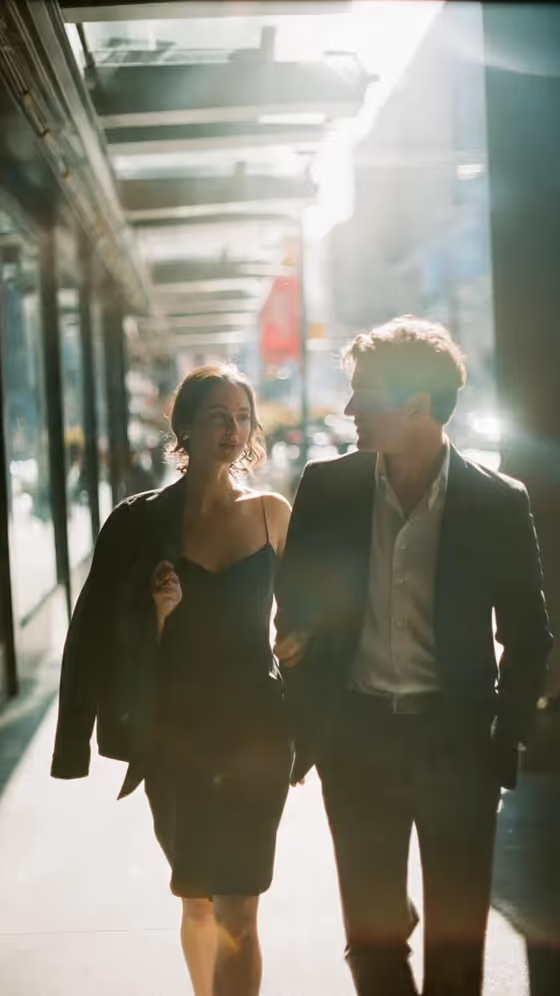
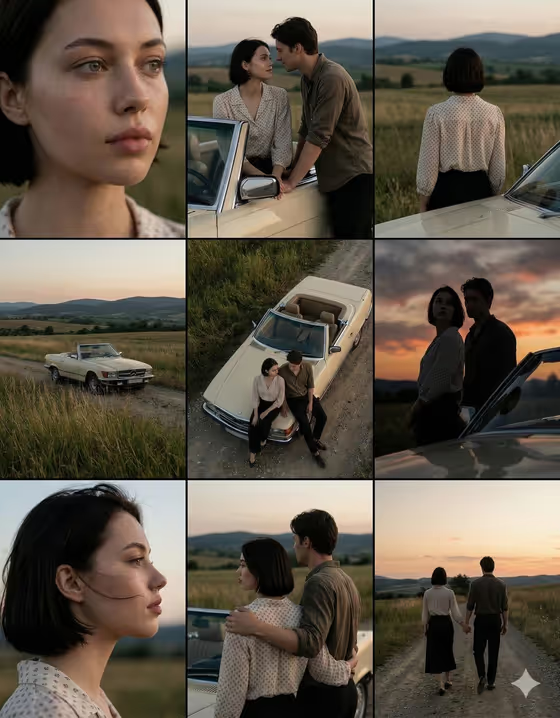
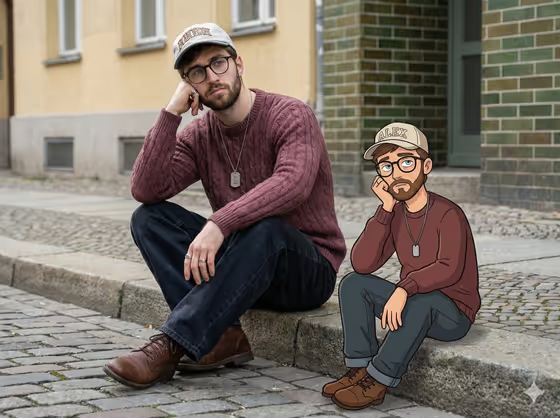
Polaroid With Another Me creates a single flash-lit instant photo of two adults sharing a relaxed, candid moment. You start from one portrait of yourself, and the template builds the second person either as another version of you (future, past, or present-day) or as a specific loved one if you add a second photo.
It suits anyone who wants a believable keepsake-style image, whether that is a playful look at your future self or a snapshot with someone from another time. The result is a 3:4 image designed to look like a real physical instant print, complete with a blank white border.
What works best as input
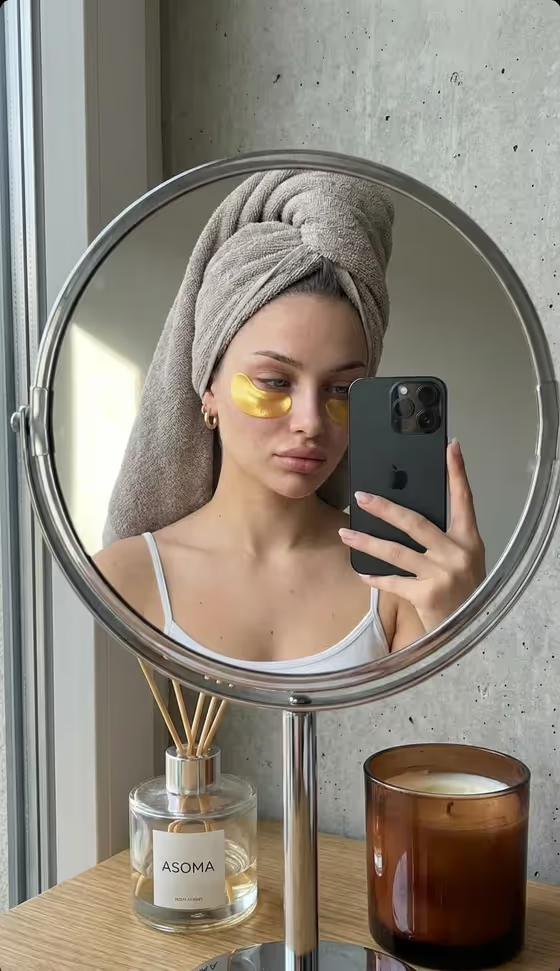
- For Your Photo, upload one clear adult portrait where your face is fully visible and well lit. The template treats it as the main identity reference, so a sharp, front-facing shot gives the best likeness.
- Avoid sunglasses, heavy filters, or anything covering your eyes, smile, or hairline, since those cues help keep both faces recognizable.
- Use a photo of one adult only. Group shots or pictures with other people can confuse which face should be the reference.
- Only add Another Photo if you want a specific loved one instead of another version of yourself. Use a clear adult portrait there too, and leave it empty otherwise.
- Choose the dropdown options (Who You Meet, Era, Location) to match the story you want, since they shape clothing, room details, and film color.
How to use it
- Open the Polaroid With Another Me template in Phosphene and upload your portrait into the Your Photo field.
- Pick Who You Meet, such as My future self or A loved one from another time. If you chose a loved one and want a specific person, upload them in the optional Another Photo field.
- Set the Era and Location to describe when and where the snapshot was taken, for example Late 1990s in a Roadside diner.
- Generate the image, then review the result. Check that both faces look right and the print has a clean white border, and adjust your choices if you want a different feel.
Tips for a better result
- Try the same portrait with different Era choices. Near future, Mid-2000s, and 1970s change the clothing, room details, and color of the instant film.
- Match Era and Location for a more convincing scene, such as 1970s with a Family home hallway or Present day with a Cozy kitchen at night.
- Use Another present-day me for a same-age pairing, and My future self or My past adult self when you want a clear age difference between the two faces.
- If the likeness feels off, re-run with a sharper, more evenly lit Your Photo instead of changing every other setting.
Common mistakes
- Uploading a photo where your face is small, blurry, turned away, or partly covered, which makes it harder to keep both people recognizable.
- Adding a second photo while choosing a self-based relationship, or expecting a specific loved one without uploading Another Photo.
- Expecting captions, dates, or handwriting on the print. The template keeps the border blank and adds no text.
FAQ
Do I need to upload a photo?
Yes. Your Photo is required, and it should be one clear adult portrait. Another Photo is optional.
Can I make a Polaroid with someone other than myself?
Yes. Choose a loved one relationship in Who You Meet and upload an adult portrait of that person in Another Photo.
How many people will appear in the image?
Exactly two adults. The template does not add extra people, and it is built for adult subjects only.
Will the photo include text or a date stamp?
No. The print is designed with a blank white border and no captions, dates, handwriting, logos, or watermarks.