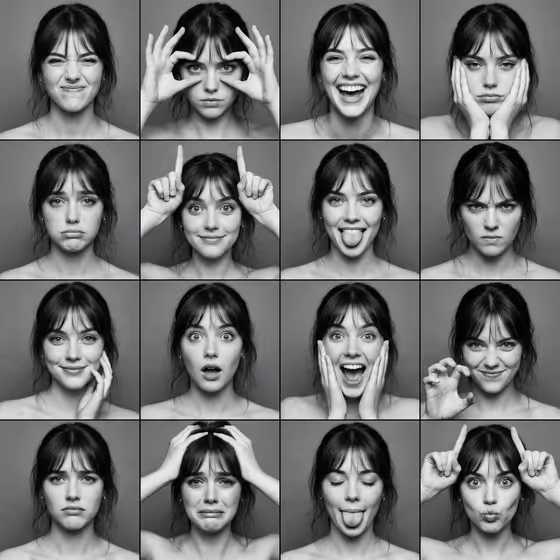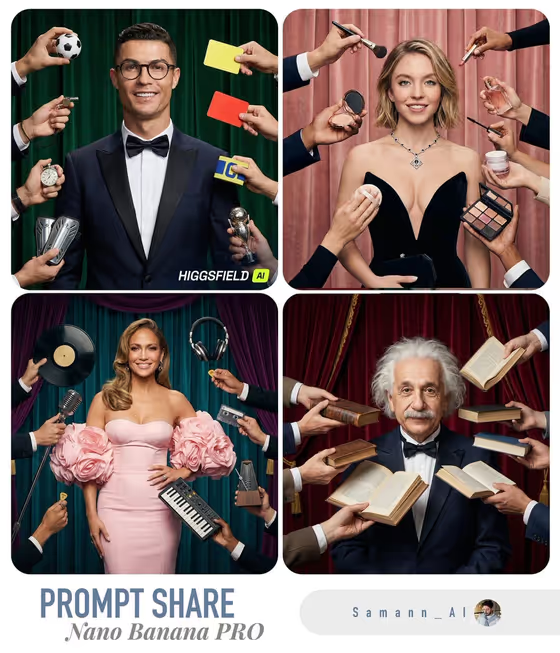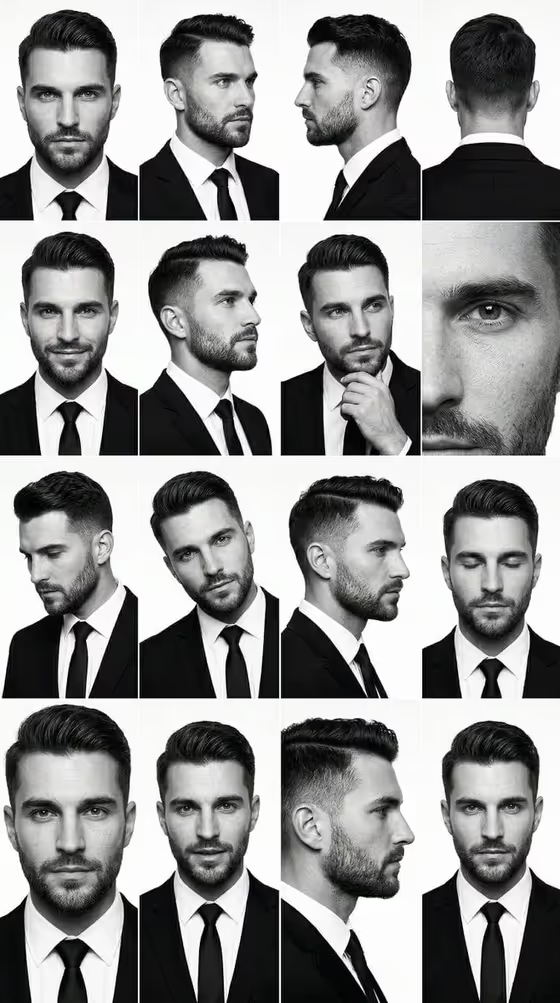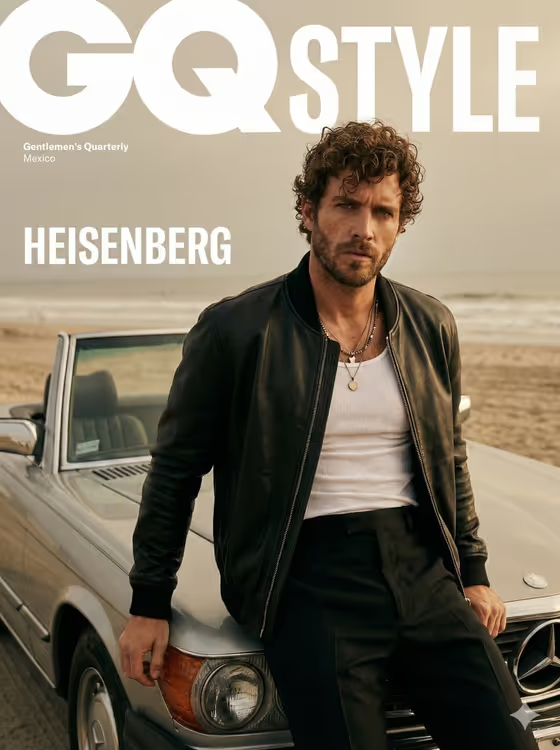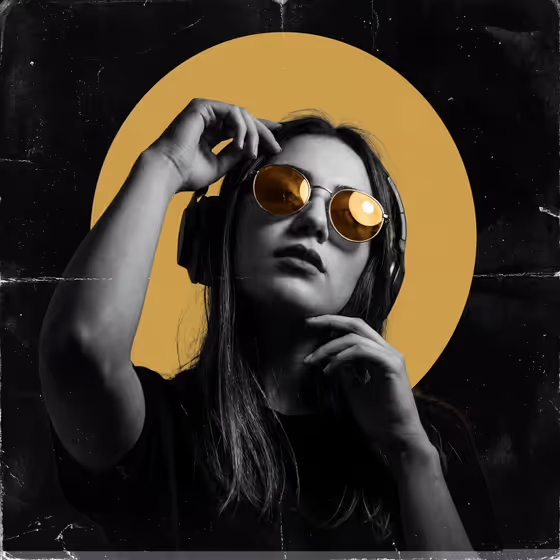
This template turns a portrait into a dark club poster. The subject is shown in monochrome against deep black, with one large flat circle of accent color behind the head, warm reflective lenses, and a worn-print texture of dust and scratches.
It suits musicians, DJs, club performers, event promoters, or anyone who wants a moody gig-flyer look. You describe the subject or add an authorized reference photo, pick one accent color, and the poster layout is handled for you.
What works best as input
- In the Poster subject or product model field you can either describe the person or upload an authorized reference photo. Only use a photo of yourself or someone who has agreed to it.
- If you type a description, be concrete about accessories, since the look is built around them. Something like "DJ wearing headphones and round glasses" gives the template clear props to work with.
- If you upload a photo, choose one with a clear face and shoulders. The poster crops from the chest up, so a head-and-shoulders shot works better than a distant full-body picture.
- Pick a photo or description where reflective eyewear or headphones are part of the subject. The design keeps warm reflective lenses and a music-focused pose, so these details fit naturally.
How to use it
- Open the Underground Gold-Spotlight Poster template in Phosphene.
- In Poster subject or product model, describe your subject or add an authorized reference photo.
- Set Spotlight accent color to the single vivid color you want, such as amber gold, signal red, electric cyan, or acid lime.
- Generate the image, then check the result and adjust either field to try again.
Tips for a better result
- Change only the Spotlight accent color to get a whole set of posters from the same subject. The accent drives both the circular spotlight and the lens reflections.
- Keep the accent to one color. The template is built so that color is the only vivid element against the monochrome portrait.
- Try different subject descriptions from the examples, such as a musician in reflective eyewear or a club performer with bold accessories, to see how props change the poster's character.
- Name specific accessories in your description. Headphones and round glasses match the fixed pose direction, with one hand near the headphones and the other near the chin.
Common mistakes
- Writing a vague subject like "a person". Without props or a role, the poster loses the music and club feel the template is designed around.
- Trying to ask for several accent colors at once. The design uses one vivid color only, so choose one and run it again for alternatives.
- Uploading a reference photo of someone who has not agreed to it, or a very small, blurry image where the face is hard to read.
FAQ
Can I use my own photo?
Yes. The Poster subject or product model field accepts an authorized reference photo as well as a text description. Only use photos you have the right to use.
Do I have to upload a photo?
No. You can simply describe the subject in text, for example a DJ wearing headphones and round glasses.
Will the whole poster be in color?
No. The portrait stays monochrome, and your chosen accent color is the only vivid color, used for the circular spotlight and the lenses.
What shape does the poster come out in?
The template outputs a 3:4 image, framed as a chest-up portrait with the accent circle behind the head.