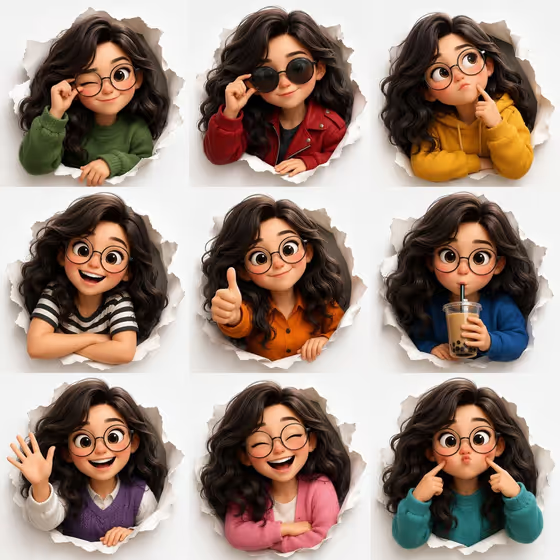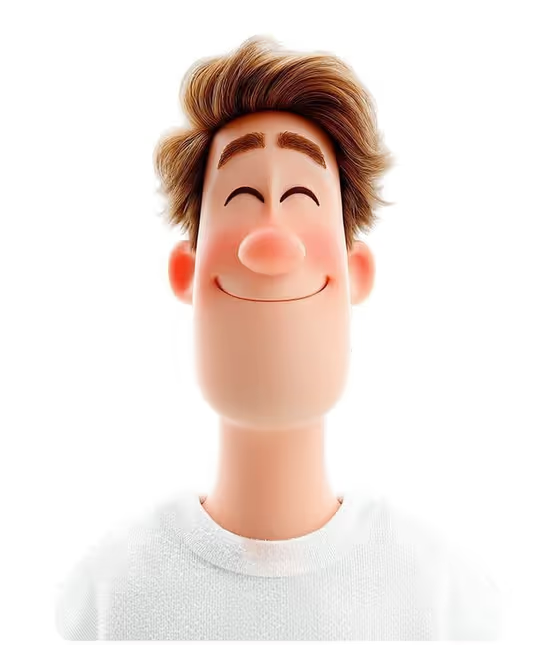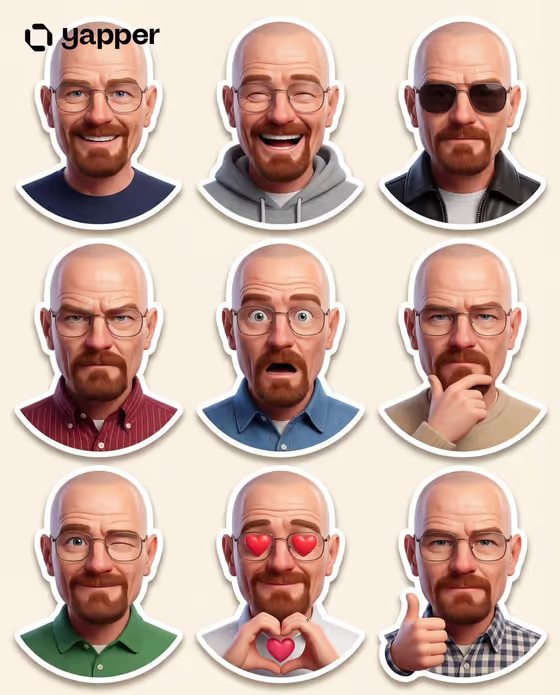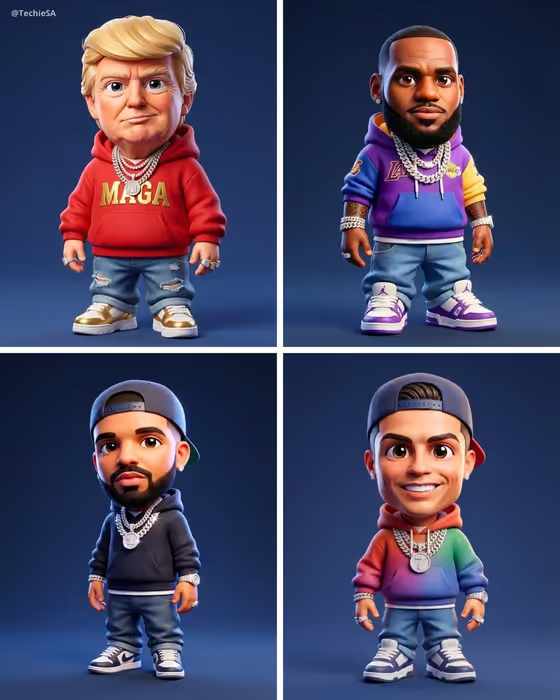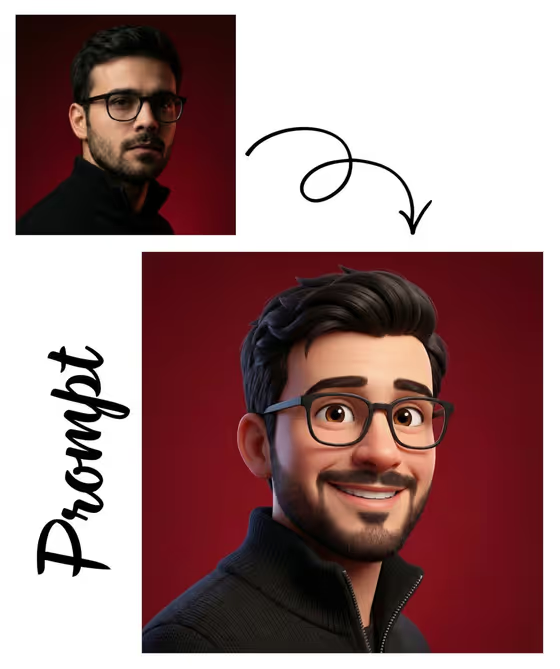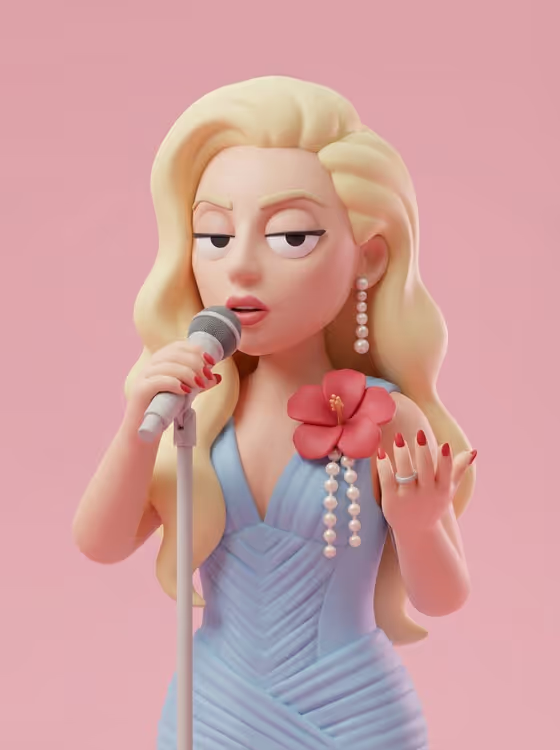
This template turns a portrait into a stylized 3D avatar with smooth plastic-looking skin, soft matte clothing and a flat, unbothered face. The eyes become heavy lids, the nose a rounded form and the mouth a neutral line, much like the glossy toy figure on the cover.
It suits anyone who wants a deadpan collectible-style profile picture, character art or social post. You pick the headwear and the background color, and the pose and composition from your upload carry through, so the avatar still reads as the person in your photo.
What works best as input
- Use a clear photo with one person, because the template keeps your pose and composition and rebuilds the subject as a 3D figure.
- Pick a shot where the hair shape and face proportions are easy to see. Identity is carried through proportions and hair, so those details matter.
- Choose a pose you actually want in the final avatar, such as holding something or a hand raised, since the pose is preserved.
- If you describe instead of uploading, write a short phrase in the Portrait subject field, like 'a calm creative professional' or 'a bored streetwear model'.
How to use it
- Open the Unimpressed Minimal 3D Avatar template in Phosphene.
- In Portrait subject, keep 'the person in my upload' and add your photo, or type a short description of the person instead.
- Choose a Headwear option such as plain knit beanie, minimal baseball cap, soft bucket hat or no headwear, then enter a Background color like solid powder blue.
- Generate the image, then review the 3:4 result and adjust the headwear or background color if you want a different look.
Tips for a better result
- Name a specific solid color for the background, such as solid pale peach or solid charcoal, to get a clean flat field behind the figure.
- Try the same photo with different headwear choices to build a small set of matching avatars.
- Soft pastel backgrounds suit the smooth toy look on the cover, while a darker color like charcoal gives more contrast.
- Choose 'no headwear' if your hairstyle is a key part of how people recognize you.
Common mistakes
- Uploading a photo with several people or a cluttered scene, which makes it harder to keep a clear subject and composition.
- Asking for patterns or busy details in the background color field. The template aims for a simple solid field, so name one plain color.
- Expecting an expressive face. The flat, unimpressed look is the point of this style, so smiles and big reactions are not what it produces.
FAQ
Do I have to upload a photo?
The Portrait subject field accepts a photo, but it is also a text field, so you can describe the person instead, for example 'an unimpressed young adult'.
Will the avatar look like me?
The template preserves identity through proportions and hair, and keeps your pose and composition, while simplifying the facial features into toy-like forms.
Can I change the expression?
The calm, unimpressed expression with heavy lids and a flat mouth is built into the template, so it is not adjustable through the fields.
What shape is the output?
The result is a single image in a 3:4 portrait ratio.