AI action figure maker
How do I turn my photo into an action figure?
Open the Action Figure template in Phosphene, upload a clear full-body photo, and generate. The template renders a short video in which a giant hand lifts you as a rigid plastic collectible and rotates the figure toward the camera. For a still image of a boxed figure, describe the packaging in Create and add your photo as a reference; printed text on packaging is not always spelled correctly.
What is an AI action figure?
An AI action figure turns a photo of a person or character into a collectible-toy version of that subject. In Phosphene the Action Figure template keeps your outfit, colors, and pose, then shows the figure being picked up and turned like a toy-review reveal.
What kind of photo works best?
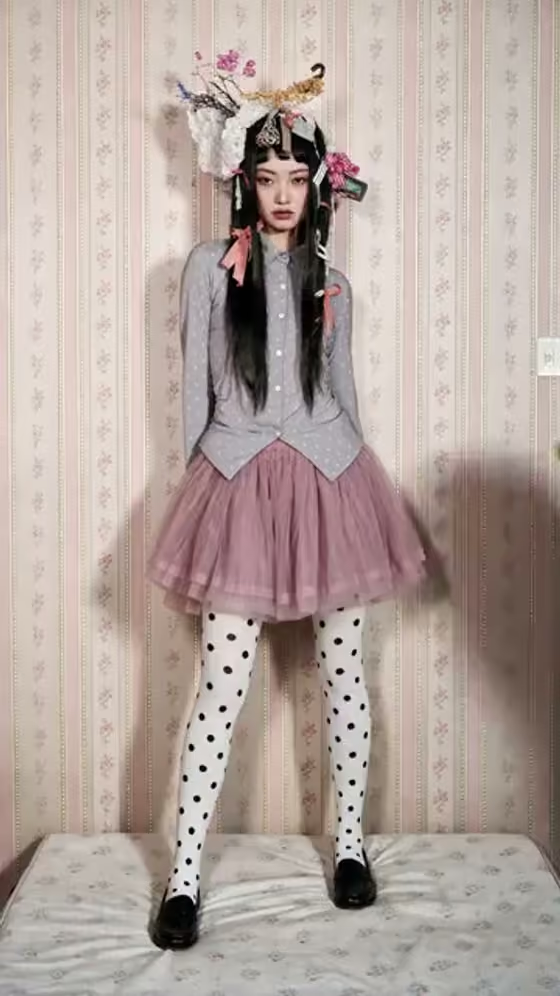
Use one person or one character, standing, with the whole body visible from head to feet. Even lighting and a simple background help the figure read clearly. Photos that cut off the legs or hide the face give the template less to work with.
Will the figure look like me?
The template asks the model to preserve your identity, outfit, pose, and colors. Likeness is not guaranteed, and small details such as faces or logos can drift when the figure is shown at toy scale. Try a sharper photo or run it again if the first result is off.
Can I get a still image instead of a video?
The Action Figure template outputs a video. For a still picture, open Create, add your photo as a reference, and describe the figure, the blister pack or box, and the accessories you want. Results vary by model, and any text printed on the packaging may need a retry.
Can I make a figure of a character or an illustration?
Yes. The template accepts a person or a character image, so you can use your own illustrated character or avatar. Use artwork you made or have permission to use.
Where does it run?
Phosphene runs in the browser at phosphene.cc and as an iOS app. You sign in to the same account on both, and generations use credits from that account.