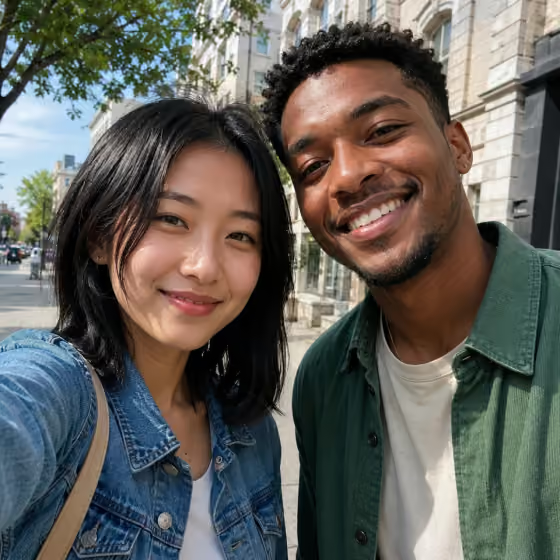
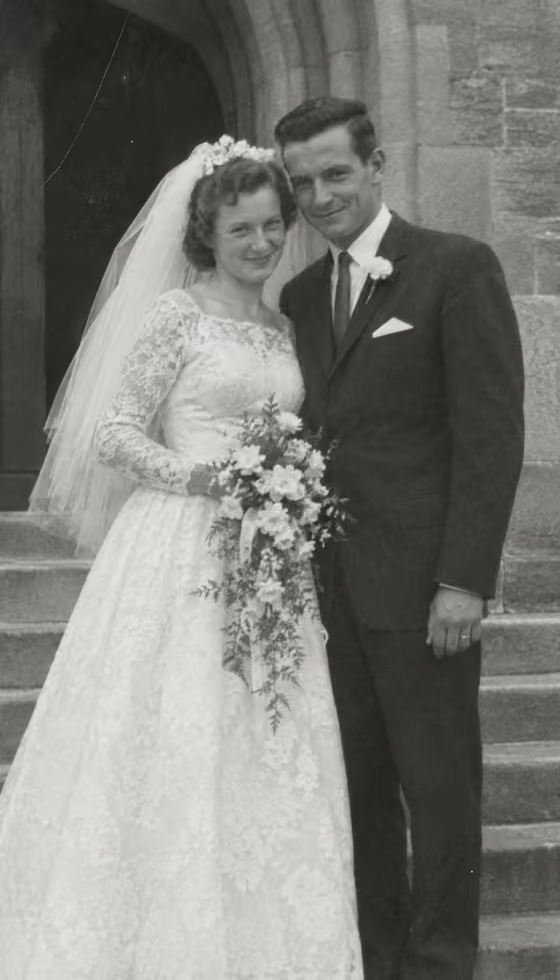
AI couple photo
How do I put two people in one picture?
Open the Group Selfie template in Phosphene, describe each person or upload a photo of each, choose the scene, and generate a shared selfie. If you already have a photo of two people together, the Bring Photo to Life: Couple template turns it into a five-second clip. Likeness is not guaranteed, so use clear, well-lit photos of each person.
How does an AI couple photo work?
The Group Selfie template has one field for each person. For each one you can describe who they are, or upload a photo for a stronger match, then pick a scene. The template combines both into one believable shared selfie.
What photos should I upload for each person?
A sharp, front-facing photo with even light works best. Use one person per photo, with no sunglasses or heavy filters, so the template has a clear reference for each face.
Will both people look like themselves?
Uploaded photos give a stronger match than a description alone, but likeness is not guaranteed. If one face drifts, run it again or replace that person's photo with a clearer one.
Can I use it for people who are far apart?
Yes. Each person is added separately, so they do not need to have been photographed together. Get permission from anyone whose photo you upload.
What if I already have a photo of both of us?
Use Bring Photo to Life: Couple. It animates a photo of two people so they turn toward each other, share a look, and laugh, in a five-second vertical clip.