Template guides for profile pictures
One photo into an avatar worth using.
Profile pictures guides
Showing 1–34 of 34 reviewed guides
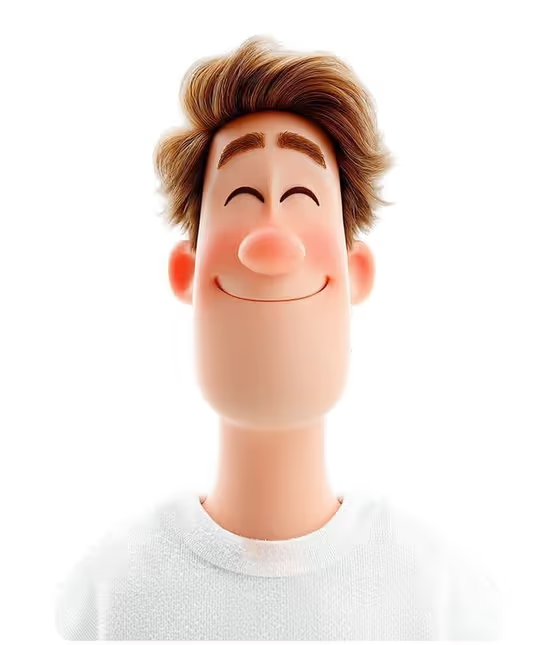 Image3d Avatar Of A Man, With A HappyA cinematic 3D-animated avatar built from your photo, keeping the original pose and framing while adding true three-dimensional depth.Style View guide
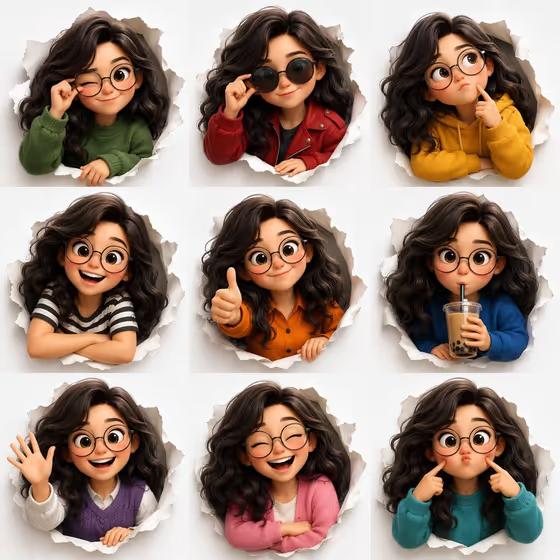 ImageAnimated Avatar Expression SheetTurns your uploaded portrait into an animated avatar under cinematic lighting, ready for an expression set.Style View guide
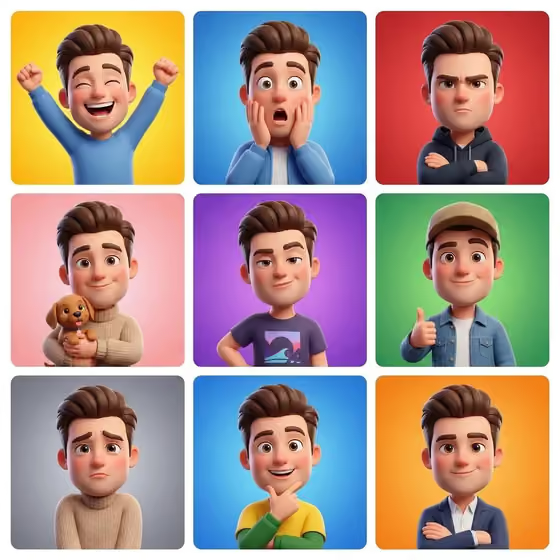 ImageAvatar Emotion GridDescribe a character or upload a photo and get a 3x3 grid of the same 3D cartoon avatar in nine emotions on colorful backgrounds.Portraits View guide
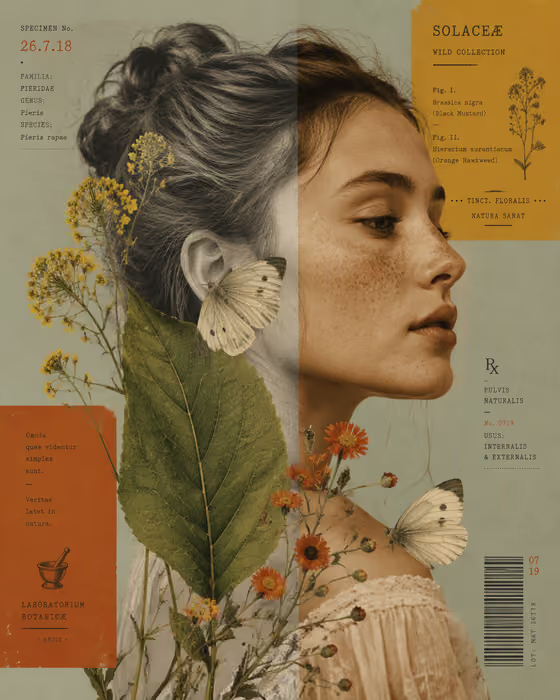 ImageBotanical Duality CollageUpload a profile photo or describe a woman to get a split pencil-and-sepia portrait with wildflowers, moths and apothecary-style color blocks.Portraits View guide
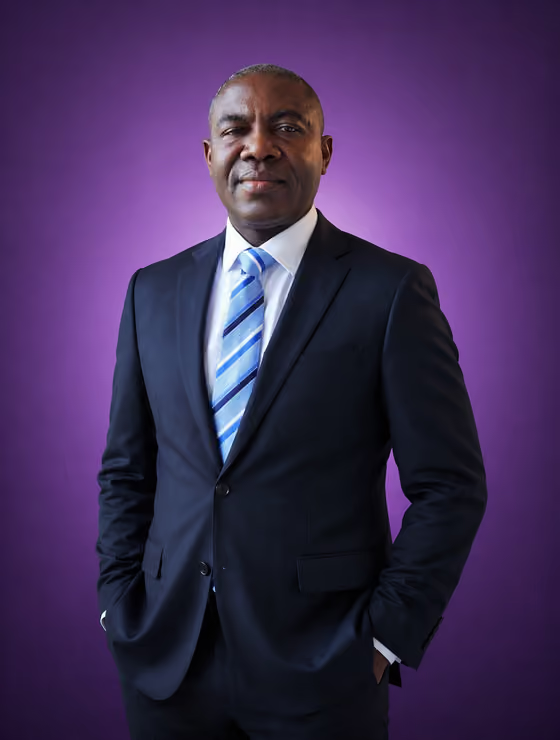 ImageCorporate Headshot PortraitUpload a photo or describe the person, pick an outfit and a backdrop color, and get a polished studio corporate headshot.Portraits View guide
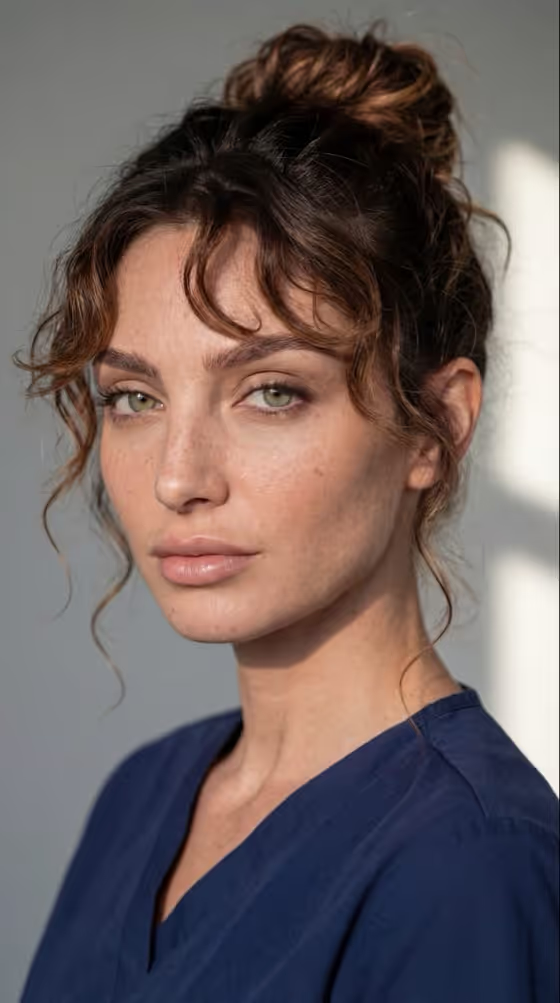 ImageDual Portrait SetDescribe or upload a person, pick two outfits and a studio backdrop, and get a side-angle portrait and a front-facing headshot of the same face.Portraits View guide
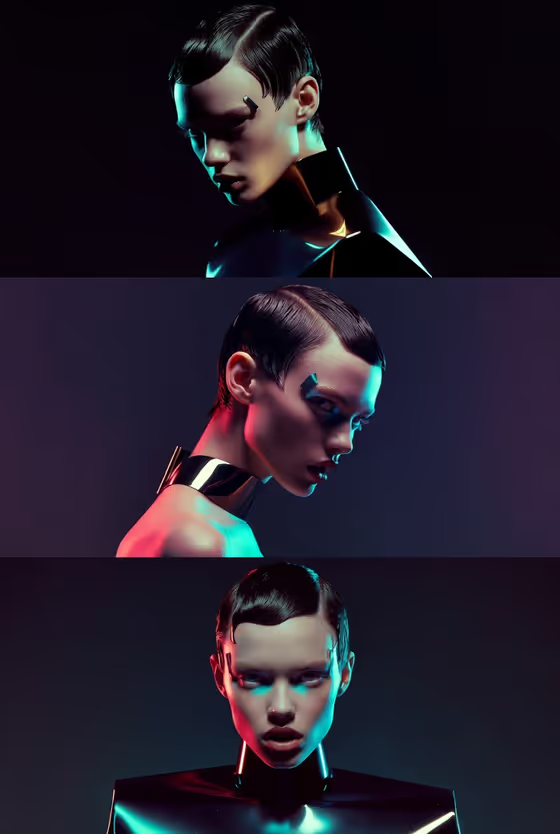 ImageEditorial TriptychDescribe your model, pick a makeup accent and gel colors, and get three stacked fashion frames: 3/4 view, side profile and frontal headshot.Portraits View guide
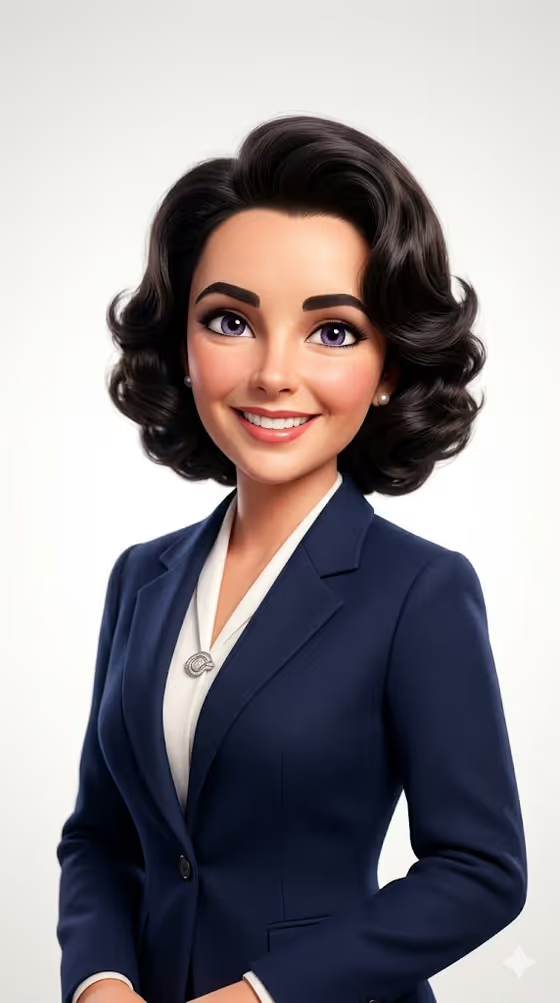 ImageExecutive 3D AvatarDescribe a person or add a reference photo, pick an outfit and expression, and get a Pixar-style 3D executive headshot on white.Style View guide
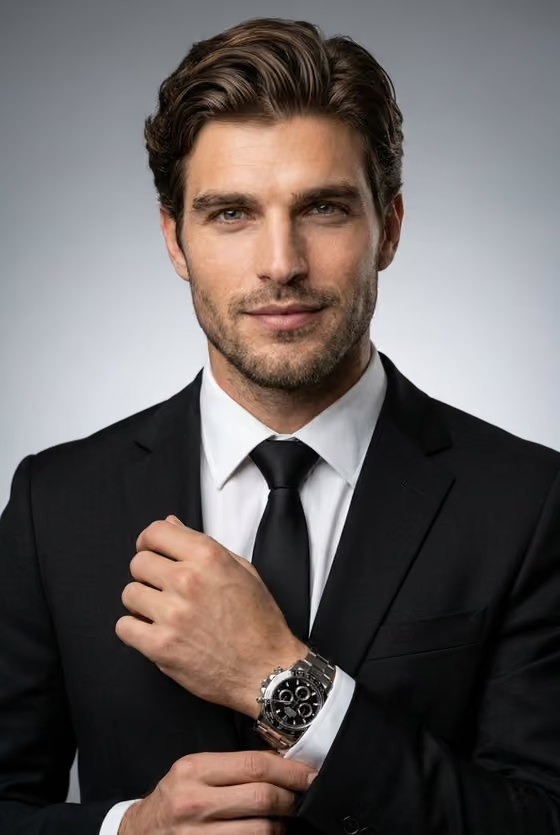 ImageExecutive HeadshotDescribe or upload the person and outfit, then pick an expression, pose and studio backdrop for a polished corporate headshot.Portraits View guide
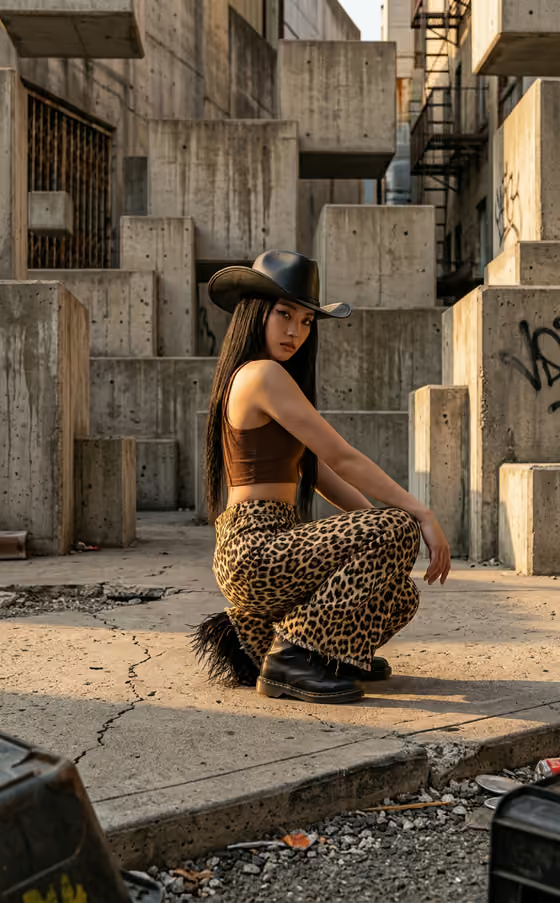 ImageGame Avatar Made RealDescribe your game avatar's outfit, hair and accessories and get a photorealistic real person wearing the same look.Portraits View guide
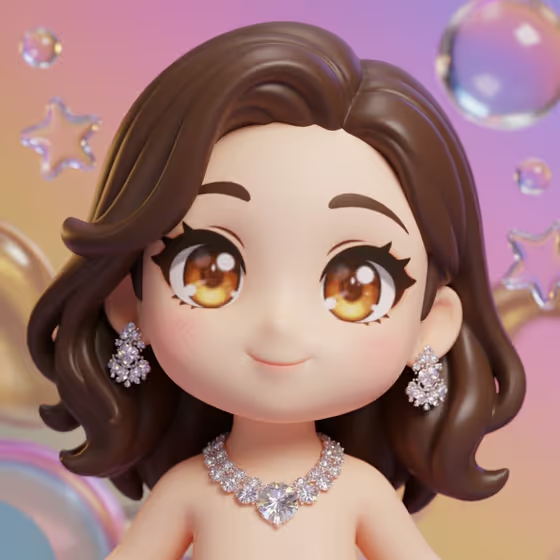 ImageGlossy Chibi AvatarUpload a photo or describe someone, pick a pose, gradient and floating accents, and get a glossy 3D chibi version of them.Style View guide
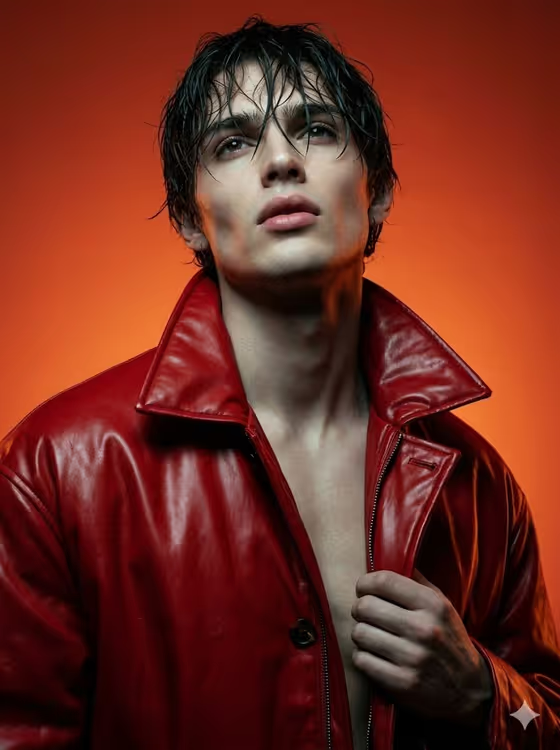 ImageGlossy Fashion PortraitDescribe a model or upload a reference portrait, then pick the jacket color and studio gradient for a glossy high-fashion headshot.Portraits View guide
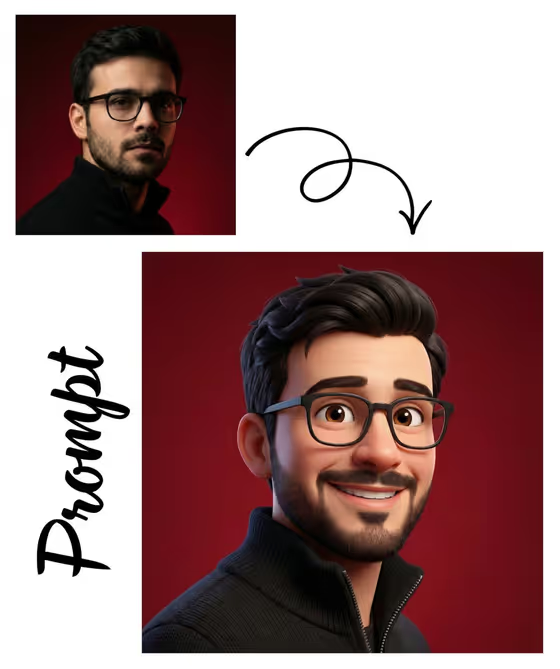 ImageHigh-Quality 3D Avatar OfA Pixar-style 3D likeness of you with a warm smile and soft studio lighting, keeping your features friendly and approachable.Style View guide
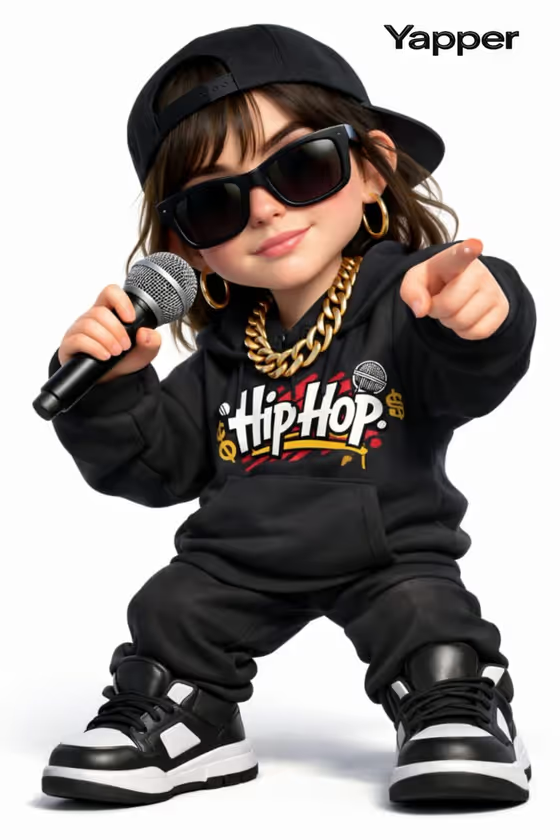 ImageHip-Hop Chibi AvatarUpload a face reference or describe a persona, then pick a hoodie graphic, hoodie color and pose to get a chibi rapper avatar.Style View guide
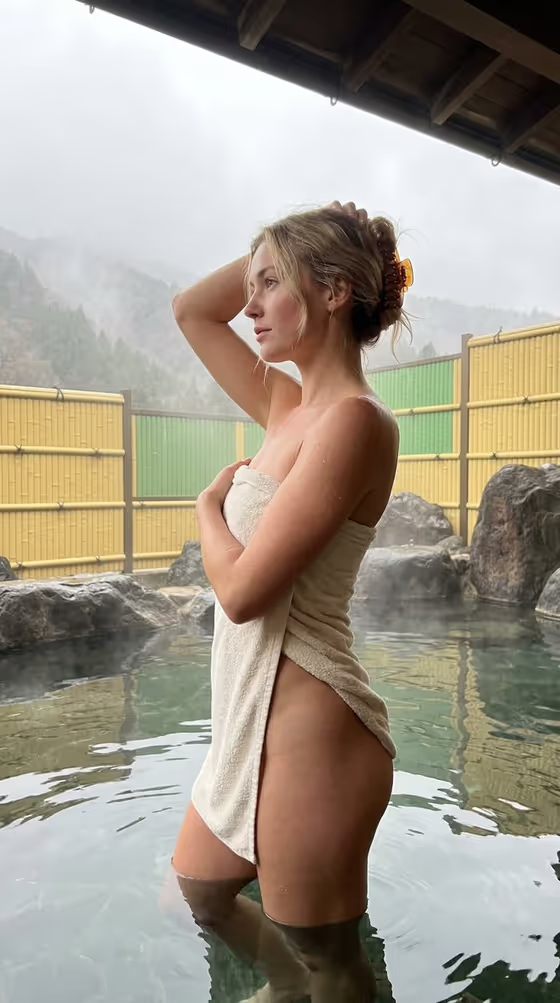 ImageHot Spring PortraitDescribe or upload a traveler, pick the spring setting and bath wrap, and get a misty side-profile photo of them standing knee-deep in a hot spring.Portraits View guide
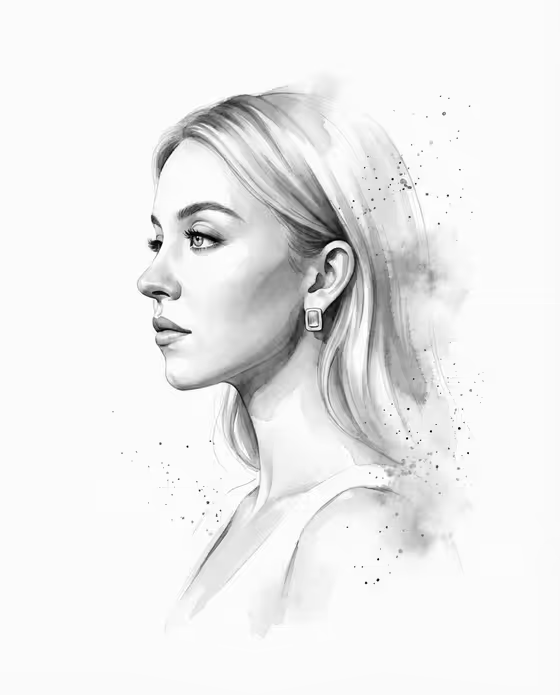 ImageInk Profile DissolveTurns your side-profile photo into a left-facing ink portrait, with charcoal wash dissolving softly from the edges against pure white.Style View guide
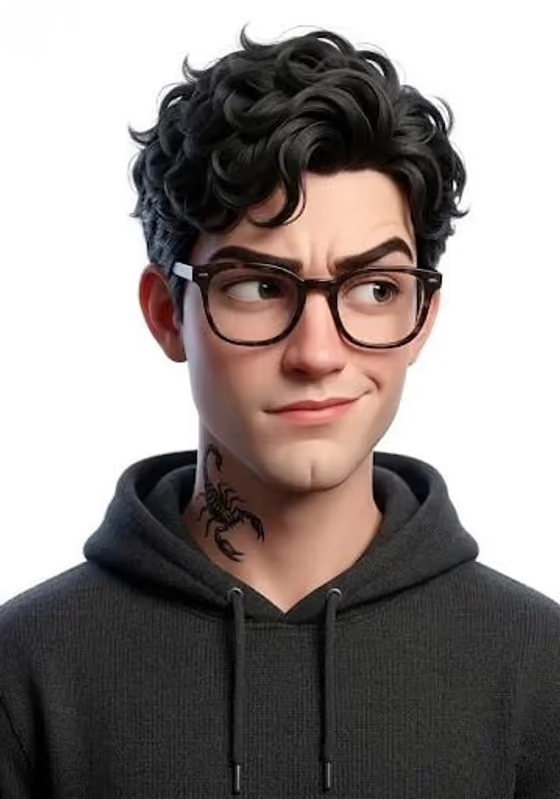 ImageLaughing 3D AvatarDescribe a person or add a reference photo, pick an expression, outfit and backdrop, and get a polished Pixar-style 3D avatar portrait.Portraits View guide
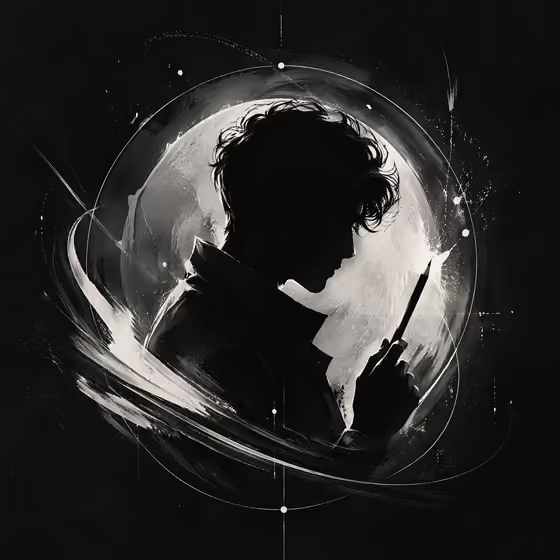 ImageMinimalist Artist AvatarDescribe yourself or upload a portrait to get a black silhouette holding a pencil, framed by brush strokes and a pale circular glow.Portraits View guide
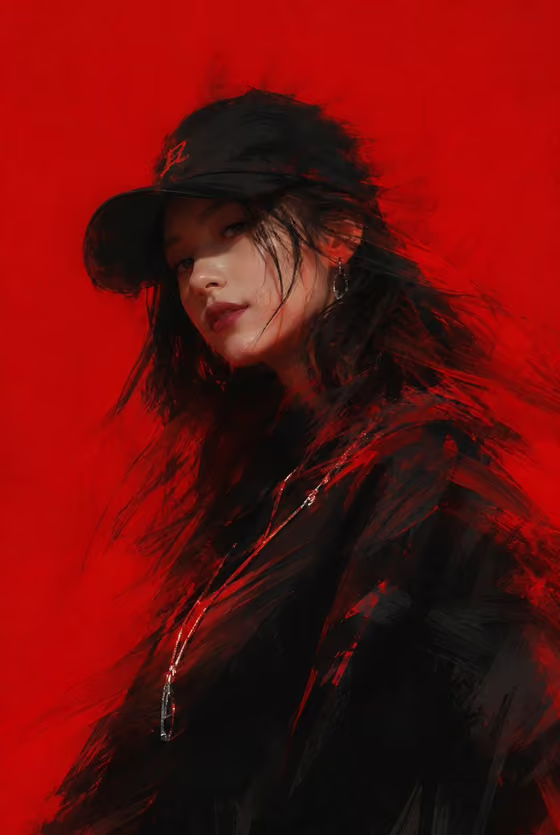 ImageMinimalist Hip-Hop AvatarUpload a photo or describe your subject, then pick a background color and headwear to get a painterly, motion-blurred portrait in black and red.Portraits View guide
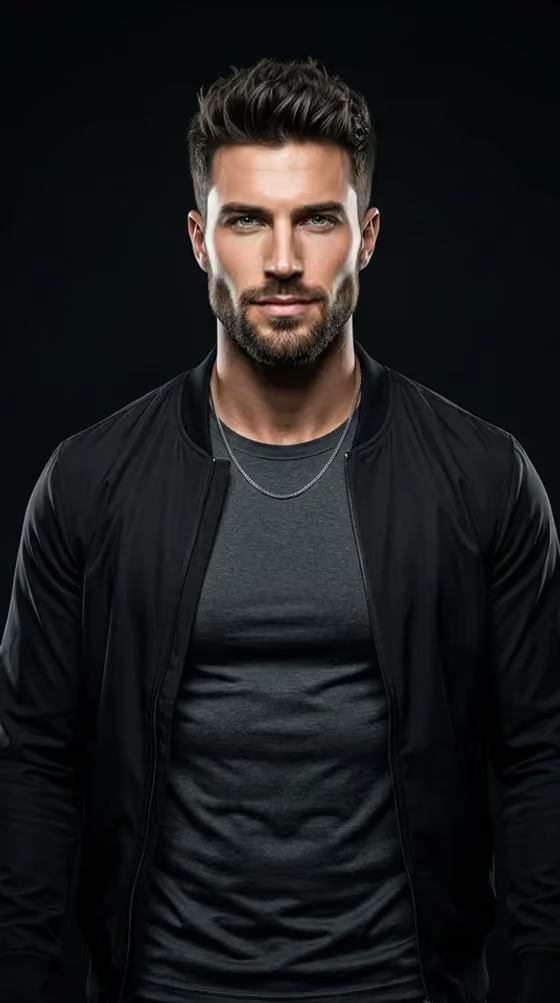 ImageMogged By The AlgorithmMake it look like the app over-optimized your profile photo into a viral archetype.Looxmaxxing View guide
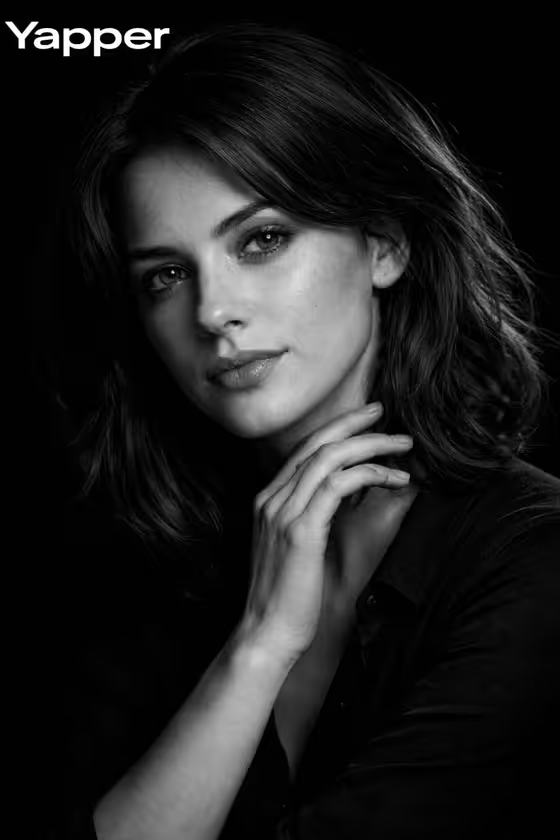 ImageMonochrome Studio PortraitDescribe a person or upload a reference portrait, then pick an expression and pose for a low-key black-and-white studio headshot.Portraits View guide
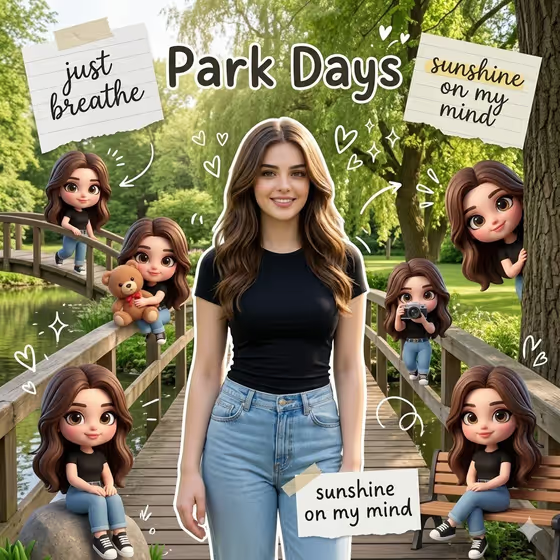 ImagePark Day CollageDescribe or upload the person, then pick an outfit, park setting, title and handwritten notes to get a realistic portrait surrounded by chibi avatars.Style View guide
 ImagePassport PortraitUpload a face photo or describe the person, pick an outfit, expression and clean backdrop, and get a centered passport-style headshot.Portraits View guide
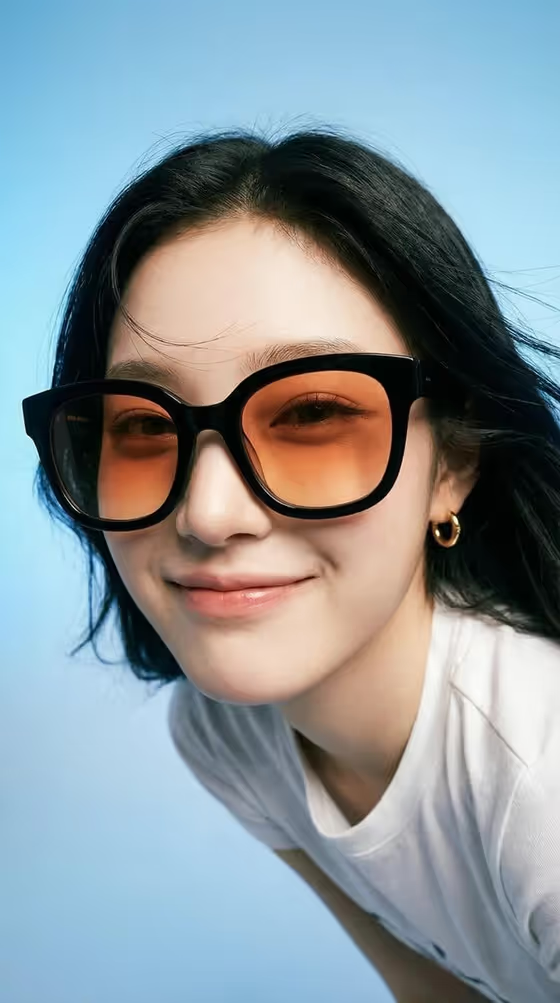 ImagePhotoreal Studio Editorial PortraitA photoreal editorial headshot with controlled studio light, keeping your subject's likeness and expression intact.Portraits View guide
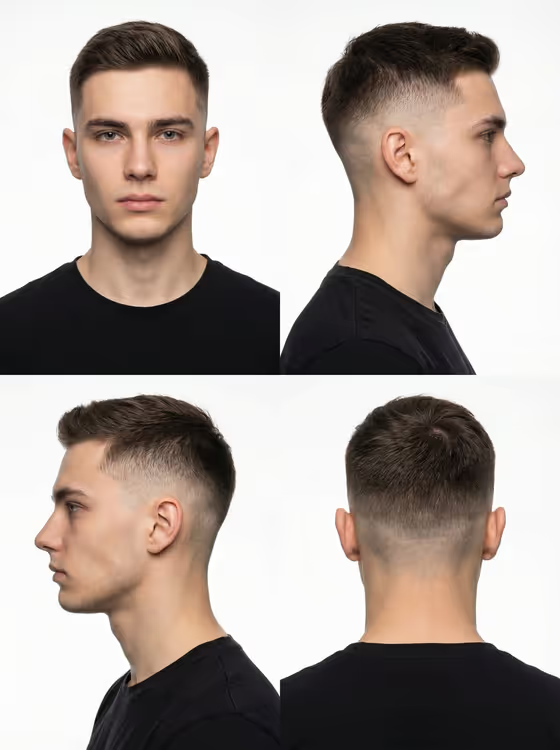 ImagePortrait Turnaround GridDescribe your subject, outfit and hairstyle, or add a reference photo, and get a four-panel headshot grid showing front, both profiles and back.Portraits View guide
 ImagePremium Dashboard PostType a bold headline and name what your dashboard tracks to get a square LinkedIn graphic with floating glass analytics panels on white.Social View guide
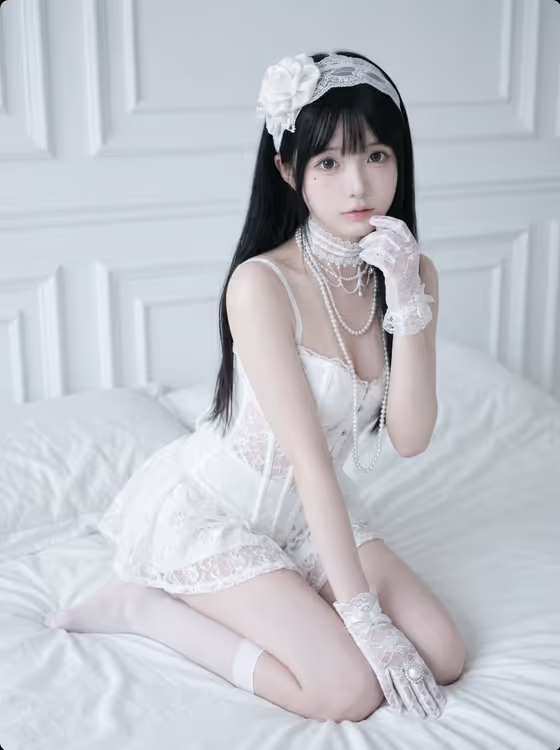 ImageProfessional ID PortraitDescribe or upload the person and pick a wardrobe and expression to get a centered ID-style headshot on a soft gray-to-white backdrop.Portraits View guide
 ImageProfile Promo FlyerUpload a profile photo, type your headline and goal, and pick a style to get a finished promo flyer featuring that person.Marketing View guide
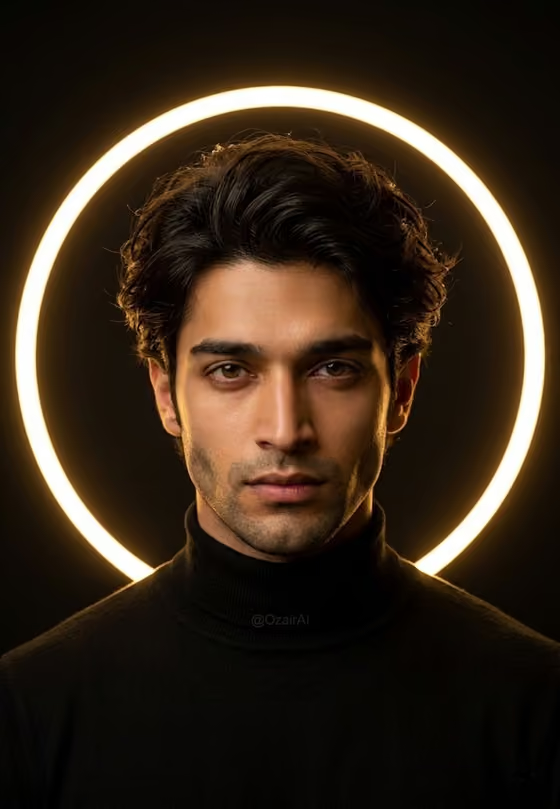 ImageSacred Geometry Halo PortraitUpload a photo or describe your subject and get a close studio headshot with a glowing light ring behind the head like a halo.Portraits View guide
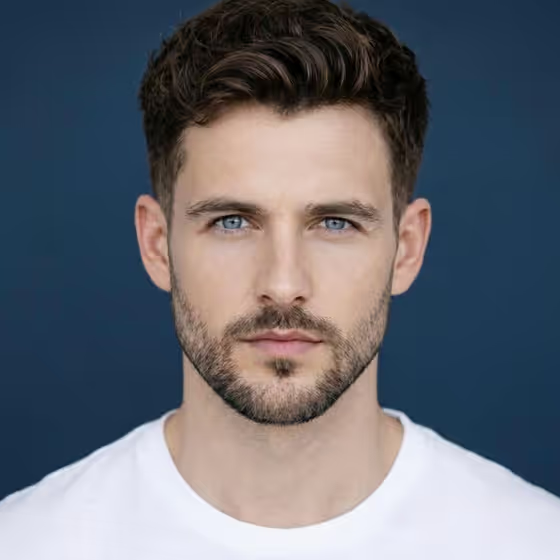 ImageStudio HeadshotDescribe a person or upload a reference photo, pick an outfit, expression and studio backdrop, and get a centered close-up headshot.Portraits View guide
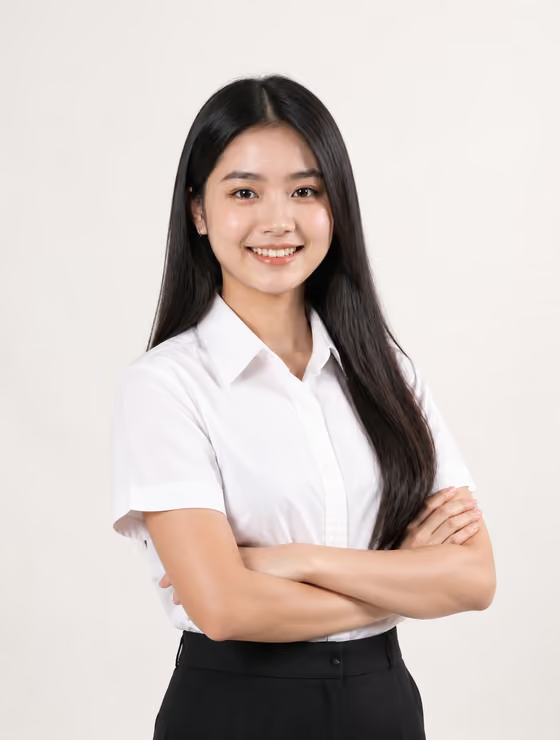 ImageStudio Headshot PortraitDescribe your subject or upload a photo, add an outfit if you like, and get an arms-crossed studio headshot on a clean off-white backdrop.Portraits View guide
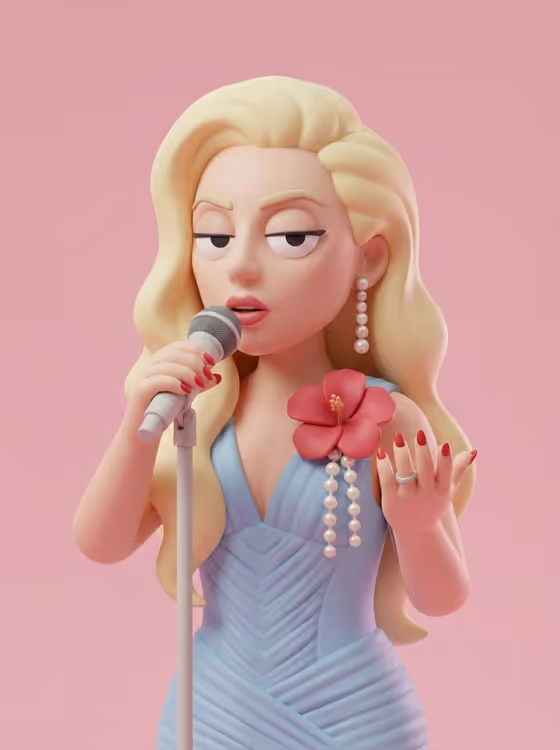 ImageUnimpressed Minimal 3D AvatarUpload a photo, add headwear and a background color, and get a stylized 3D avatar with a flat, unbothered expression.Style View guide
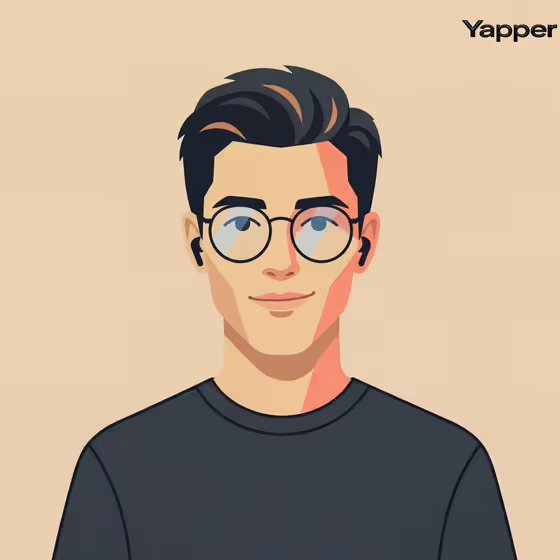 ImageVector Fashion AvatarDescribe yourself or upload photos, pick an outfit, palette and expression, and get a flat vector head-and-shoulders avatar on warm beige.Portraits View guide
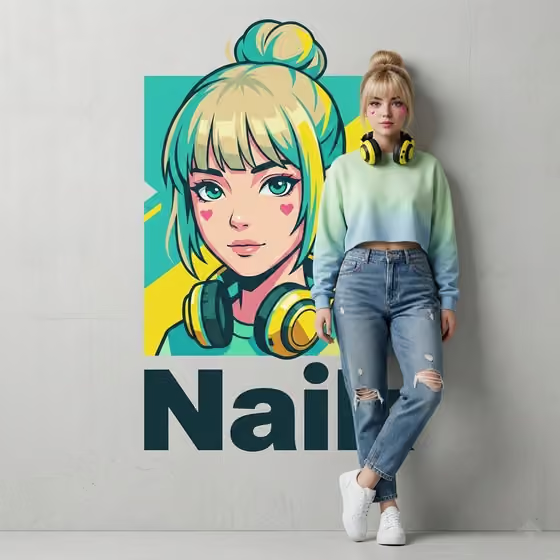 ImageVector Wall PortraitUpload a photo or describe yourself, pick a streetwear look and a name, and get a realistic full-body shot beside your own vector avatar.Portraits View guide