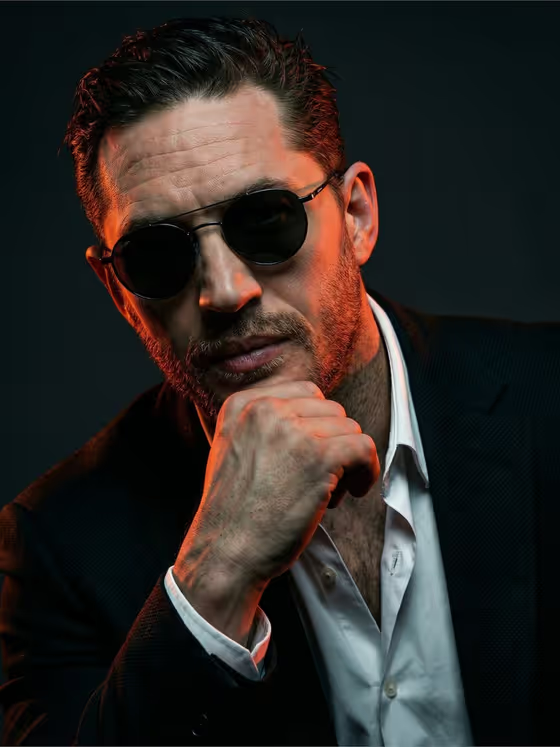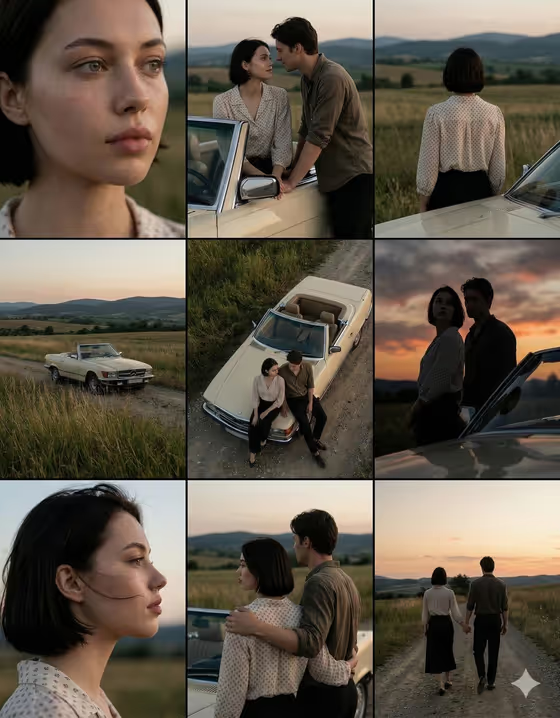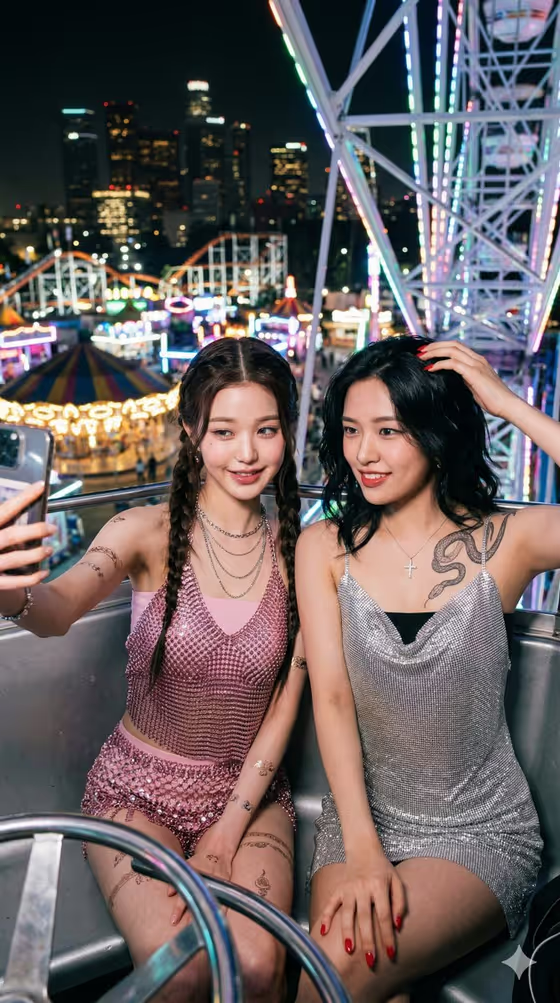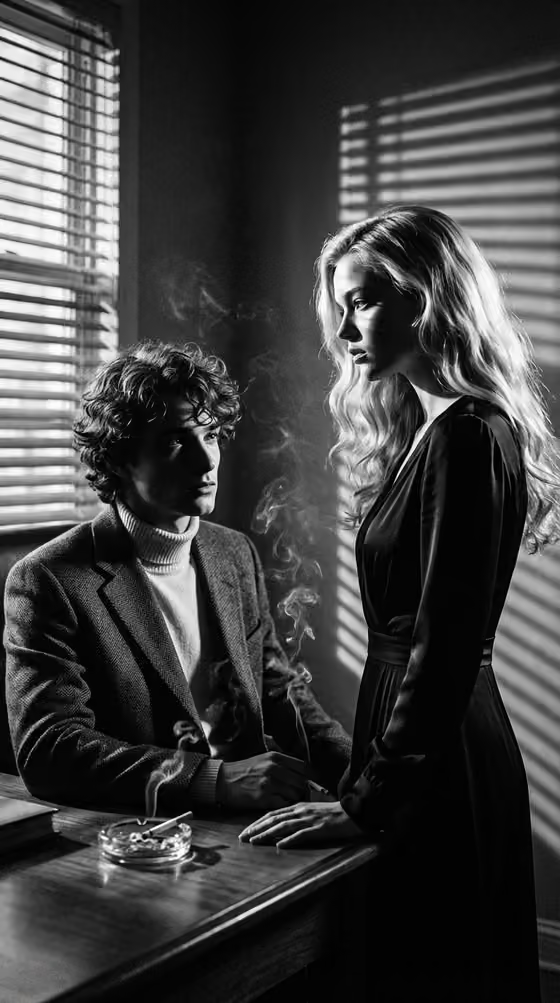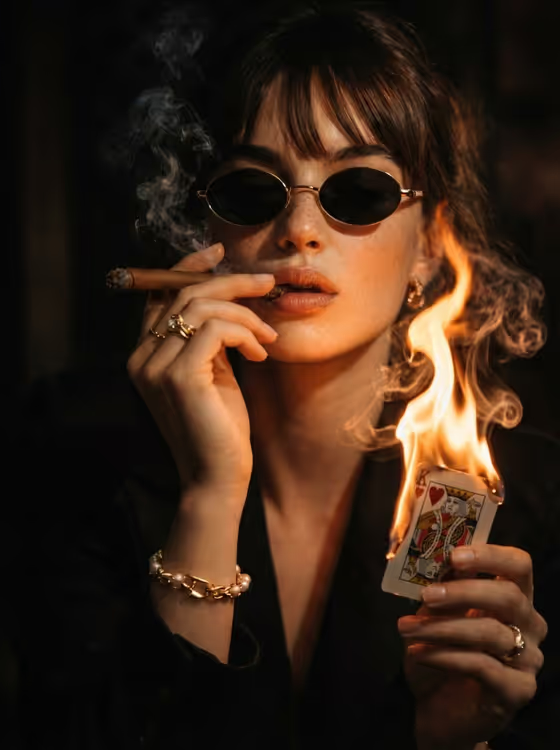
Burning Card Portrait turns a person into a low-key noir portrait. The subject wears a dark suit and oval sunglasses, holds a burning playing card (the king of hearts), and is lit by the warm orange glow of the flame against a dark, blurred background with smoke drifting through the frame.
It suits anyone who wants a moody, cinematic profile picture, an editorial-style portrait, or a dramatic character image. You describe or upload your subject, pick how the scene is framed, and the template keeps the fire, smoke, wardrobe and lighting consistent.
What works best as input
- Use the first field, "stylish woman portrait subject", to either type a short description (the placeholder suggests "a stylish woman") or upload a reference photo of the person you want in the scene.
- Choose a clear, well-lit photo where the face is fully visible and in focus. The template relights the subject with firelight, so you do not need a dramatic source photo.
- A single person facing the camera works best, since the finished image is a close, shallow depth of field portrait.
- If you describe instead of upload, keep it short and concrete, such as "an editorial portrait subject" or "a candid everyday subject", rather than listing clothes, which the template already sets.
- Only upload photos of yourself or people who have agreed to be used, and avoid images that are heavily filtered or blurry.
How to use it
- Open the Burning Card Portrait template in Phosphene.
- In "stylish woman portrait subject", type a short description of who the portrait is of, or upload a photo reference of that person.
- In "Pose and scene", choose how the image is framed, for example an intimate close portrait, a full-body editorial frame, or an environmental candid frame.
- Generate the image, then review the 3:4 result for the face, the burning card and the smoke, and run it again if you want a different take.
Tips for a better result
- Pick the intimate close portrait option if you want the fire glow on the face to be the main feature, as in the cover example.
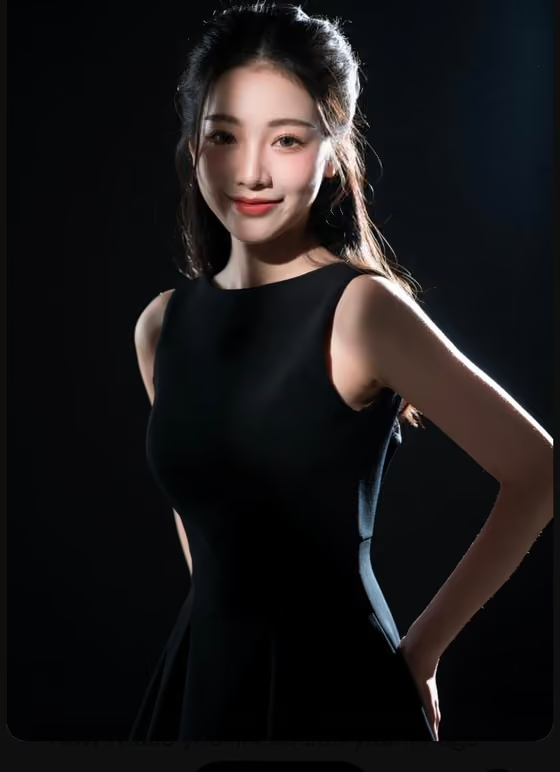
- Try the full-body editorial frame or the environmental candid frame to see more of the suit and the scene around the subject.
- Swap between a text description and a photo upload with the same framing choice to compare how closely the result follows a real face versus a general look.
- Keep your subject description simple so it does not compete with the fixed styling (dark suit, oval sunglasses, cigar, burning king of hearts card).
Common mistakes
- Describing a different outfit or lighting in the subject field. The suit, sunglasses, burning card and low-key fire lighting are fixed parts of this template, so extra styling instructions may not carry through.
- Uploading a dark, low-resolution or group photo. The template needs one clearly visible face to build the portrait around.
- Expecting a bright or daylight look. This template is designed for a dark, high-contrast noir atmosphere with a blurred background.
FAQ
Do I have to upload a photo?
No. The subject field accepts either a text description or an uploaded photo, so you can type something like "a stylish woman" if you prefer.
What does the Pose and scene option change?
It changes how the portrait is framed, with choices such as an intimate close portrait, a full-body editorial frame or an environmental candid frame, while the burning card noir look stays the same.
What size is the image?
The template outputs a single image in a 3:4 portrait aspect ratio.
Can I change the card or the clothing?
Those details are part of the fixed direction: a dark suit, oval sunglasses, a cigar and a burning king of hearts card. The fields you control are the subject and the framing.