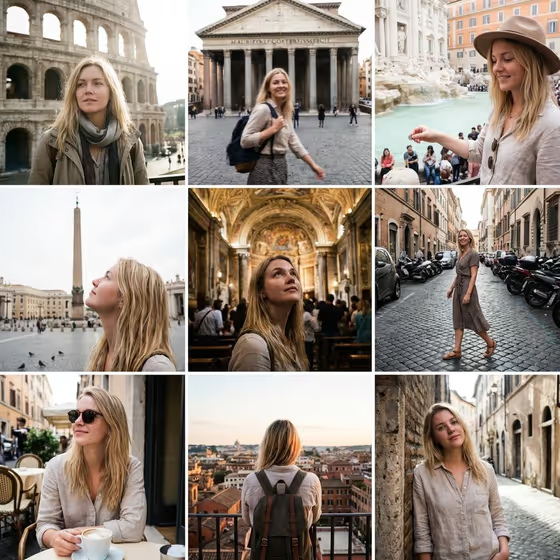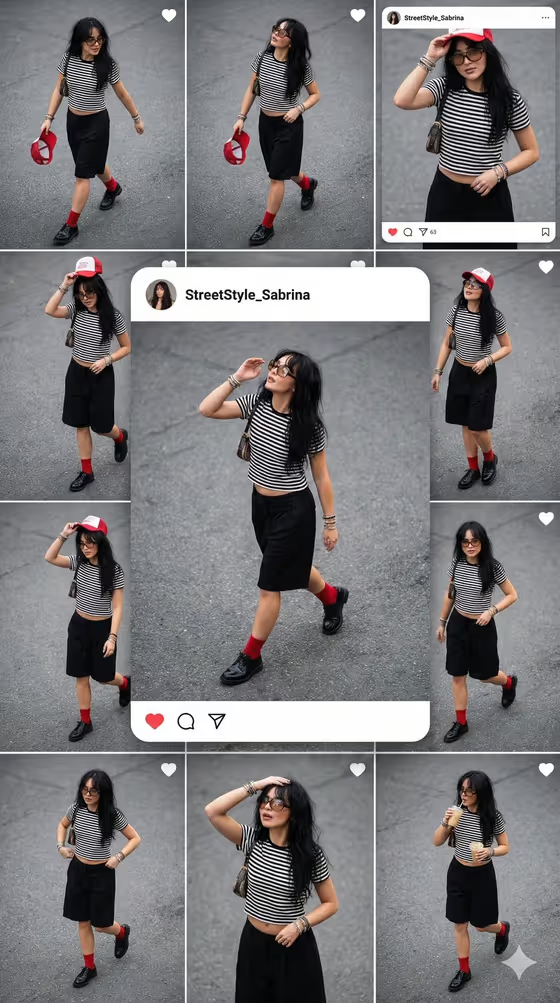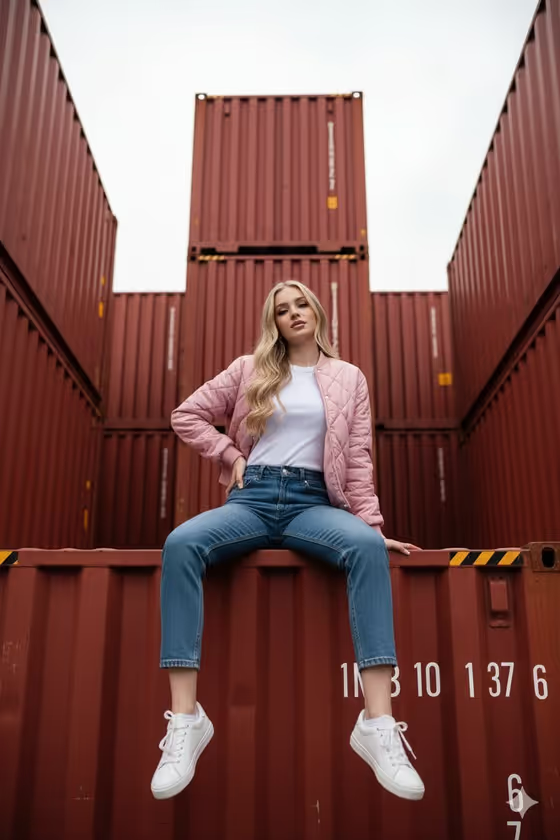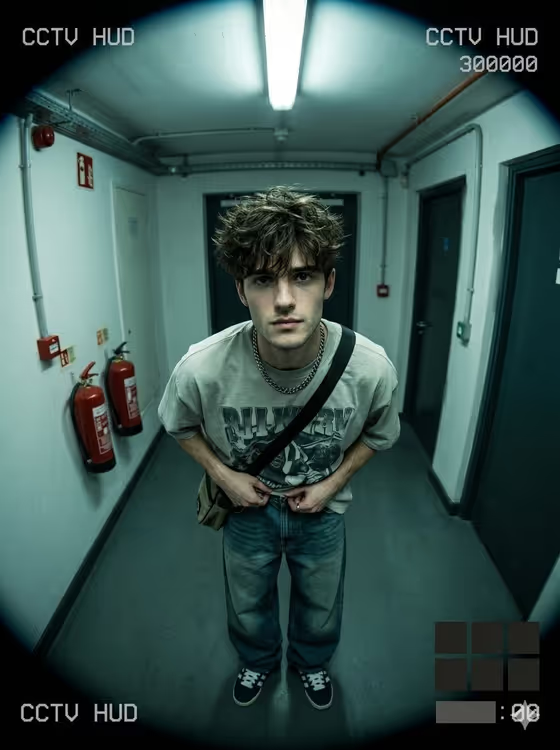
CCTV Hallway Selfie turns a portrait into a fisheye security-camera still, shot from a ceiling corner as if the camera caught you walking down an indoor hallway. The result is a 3:4 image with barrel-warped walls, a cold green-blue tint, scanlines, compression blocks and a blurred, unreadable HUD overlay.
It suits anyone who wants a moody streetwear portrait with a surveillance-footage look. The face stays the sharpest part of the frame, while the outfit and the hallway around it carry the lo-fi camera feel.
What works best as input
- The template asks for 2 or more photos. Use clear, well-lit shots of the same adult person so the face and hair can be matched closely.
- For the Portrait subject field, either keep the suggested wording (an adult subject matching my reference) or write a short description of the person and attach a photo.
- Pick reference photos where the face is not hidden by sunglasses, heavy filters or strong shadows, since the face is meant to be the sharpest point of the result.
- For Hallway outfit or garment, you can type something like an oversized graphic tee with baggy jeans, or attach a photo of the outfit you want featured. Keep the description to one clear look rather than several.
- Use Pose or expression to set the gaze, for example calm direct gaze or intense focused gaze. The default (the source gaze and expression) keeps what your reference already shows.
How to use it
- Open the CCTV Hallway Selfie template in Phosphene and add your reference photos (2 or more).
- Fill in Portrait subject, choose a Pose or expression, and describe or attach your Hallway outfit or garment.
- Generate the image and wait for the 3:4 still to finish.
- Review the result. Check that the face looks like your reference, the outfit reads clearly, and the fisheye hallway view feels right. Adjust a field and generate again if needed.
Tips for a better result
- Try different Pose or expression options such as quiet introspection or intense focused gaze to change the mood while the camera angle stays the same.
- Name specific garment pieces in the outfit field (for example a dark hoodie with loose trousers or a minimalist streetwear set) so the clothing is easy to read from a high angle.
- Keep your reference photos consistent in lighting and age so the face matches well across the generated frame.
- If you like the outfit in a photo you already have, use my referenced outfit and attach that photo instead of describing it.
Common mistakes
- Using only one or two blurry, dark or heavily filtered photos, which makes it harder to hold the likeness in the final frame.
- Writing a long, complicated outfit description. The view is top-down and wide, so simple, bold garments show up best.
- Expecting readable text. The timestamp, HUD and any print on the clothing are designed to stay blurred or unreadable.
FAQ
How many photos do I need to upload?
The template requires 2 or more photos, which are used as the face reference.
Can I change the camera angle or the hallway look?
No. The ceiling-corner top-down fisheye view, green-blue low-light tint, scanlines and compression look are fixed parts of this template.
Will the timestamp and HUD text be readable?
No. The overlay is meant to look like real CCTV footage but stays blurred and unreadable.
What aspect ratio does it produce?
The output is a 3:4 image.