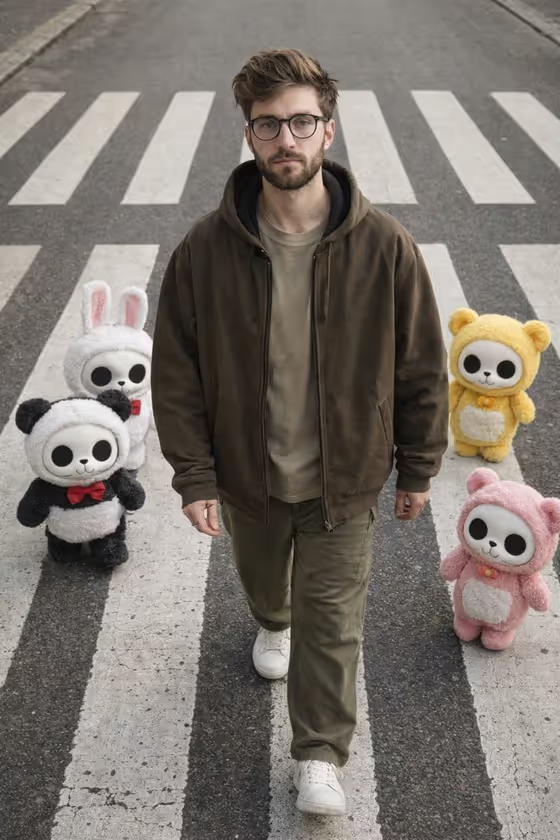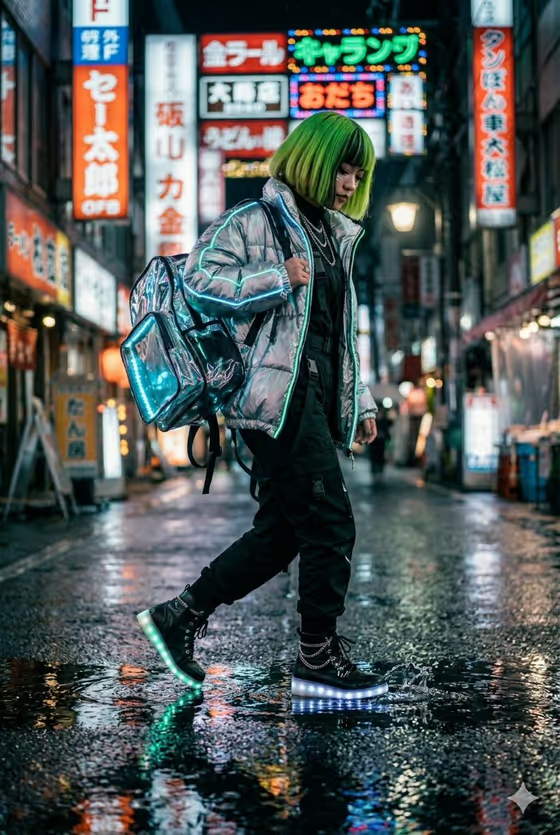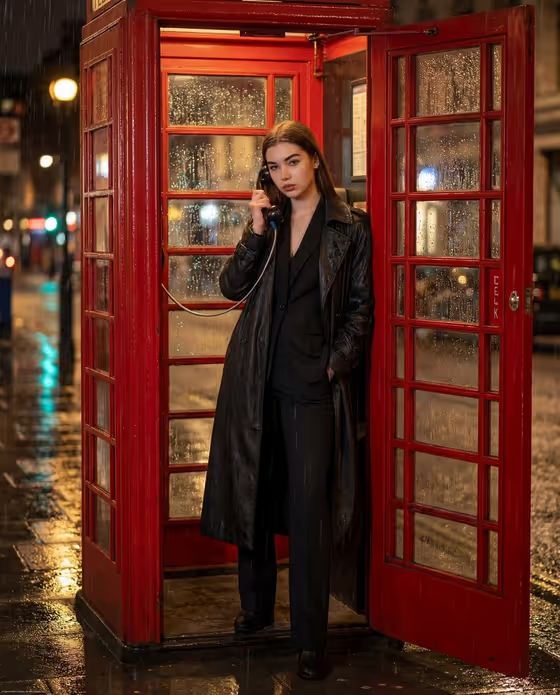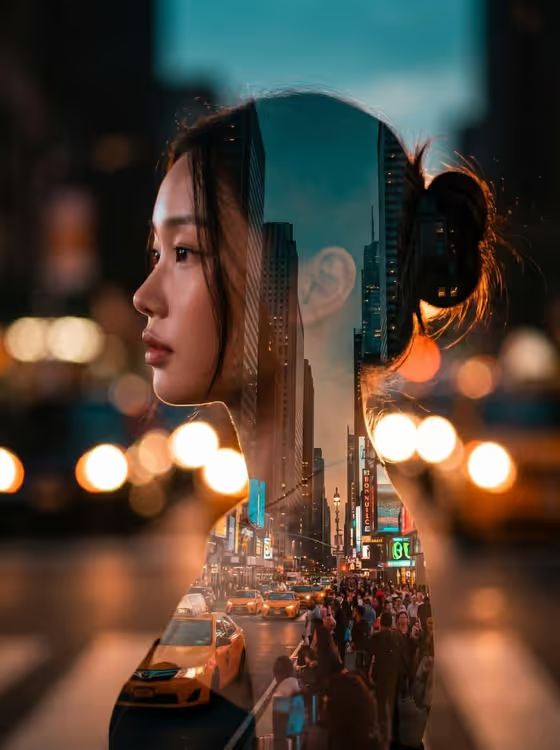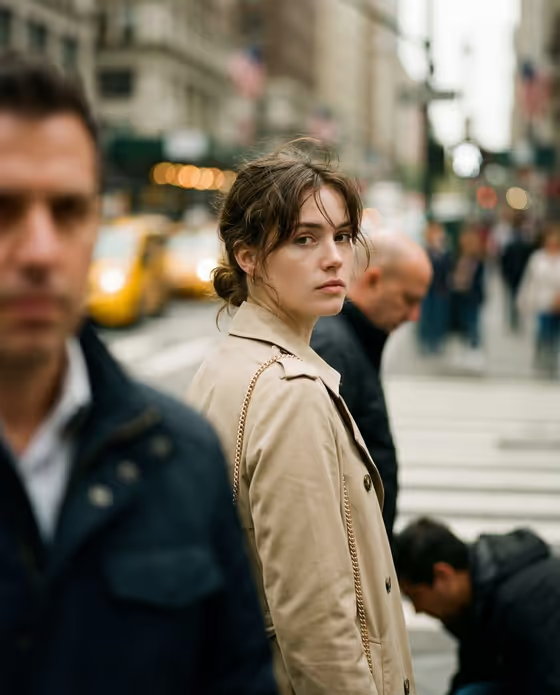
Crosswalk Documentary Portrait makes a candid, documentary-style street portrait of one person caught mid-turn at a crosswalk. The subject looks calmly toward the camera while pedestrians and traffic blur softly behind, much like the cover image with its beige trench coat, yellow cabs and out-of-focus passersby.
You choose who the subject is, what they wear, and which city the scene is set in. It suits anyone who wants a moody editorial or photojournalism look for a character, a profile picture, a story illustration or a fashion concept, in a 2:3 portrait frame.
What works best as input
- For Subject, either describe the person in a short phrase (for example "a calm young man") or add a reference photo. The template is set up for 2 or more uploads, so give it a subject reference plus a second reference such as a clothing photo.
- Use clear, well-lit photos where the face is fully visible and not covered by sunglasses, heavy shadow or a mask. Only use photos of yourself or people who have agreed to it.
- For Street Wardrobe, describe the outfit and any bag in concrete terms (colors, coat style, accessories) or upload a clear photo of the clothing on its own or worn.
- Keep each text field short and specific. The placeholders, like "a beige trench coat and gold-chain bag", show the right length: a garment, a color and one accessory.
- Pick City Setting from the options provided, such as Busy New York crosswalk or Rainy London junction. It is a choice field, so you do not need to upload a photo for it.
How to use it
- Open the Crosswalk Documentary Portrait template in Phosphene.
- Fill in Subject by typing a description or adding a reference photo, then fill in Street Wardrobe the same way.
- Choose a City Setting from the list, then generate the image.
- Review the result for the face, outfit and background blur. If something is off, adjust the wording or swap a reference photo and generate again.
Tips for a better result
- Try the same Subject and Street Wardrobe across different City Setting choices (Neon Tokyo crossing, Golden Paris boulevard) to get a small series with a consistent character.
- Match the outfit to the weather of the city you pick. A navy raincoat and canvas tote fits a rainy London junction better than a light cream jacket.
- Keep Subject descriptions to mood and character, such as "an introspective city visitor", rather than long lists of features, so the candid, unposed feeling stays natural.
- Use the template's example phrases as a starting point and change one detail at a time, like the coat color or bag, to see how it affects the image.
Common mistakes
- Uploading a blurry, tiny or heavily filtered photo as the subject reference, which gives the result less to work with.
- Writing a long, crowded outfit description. Too many items competes for attention, while one coat and one bag reads clearly.
- Expecting a posed studio look. This template is built for a candid mid-turn moment with a soft, shallow background, so requests for stiff poses or sharp backgrounds work against it.
FAQ
Do I have to upload photos?
The template lists 2 or more uploads, and Subject and Street Wardrobe both accept a photo as well as text. City Setting is a choice from a list, not a photo.
What does the output look like?
A single image in a 2:3 portrait ratio showing the subject mid-turn at a crosswalk, looking toward the camera, with blurred pedestrians and traffic behind.
Can I change the city?
Yes. City Setting offers options such as Busy New York crosswalk, Rainy London junction, Neon Tokyo crossing and Golden Paris boulevard.
Can I use it for someone else's photo?
Only use photos of yourself or people who have agreed to it, and avoid using the likeness of public figures.