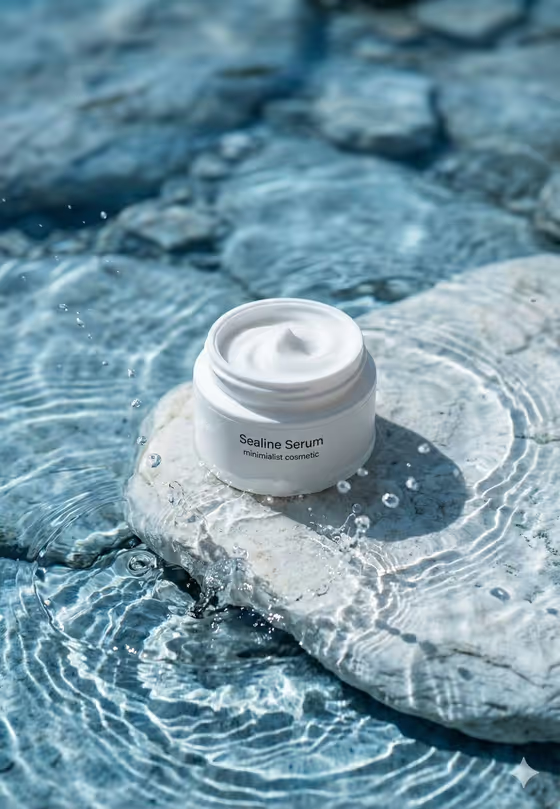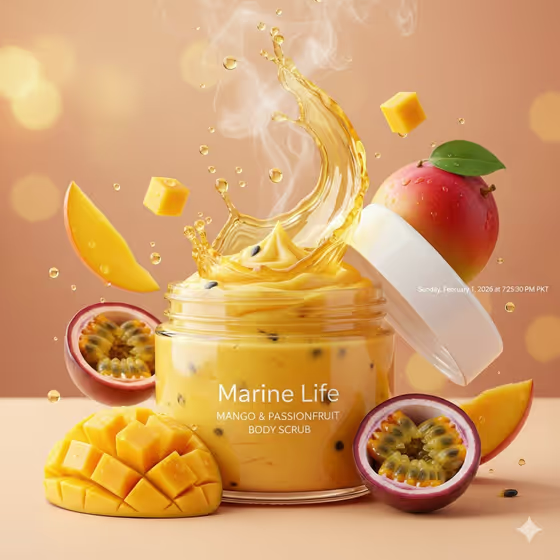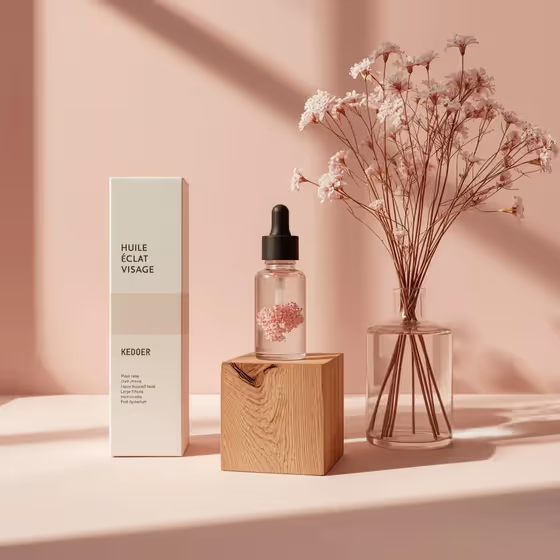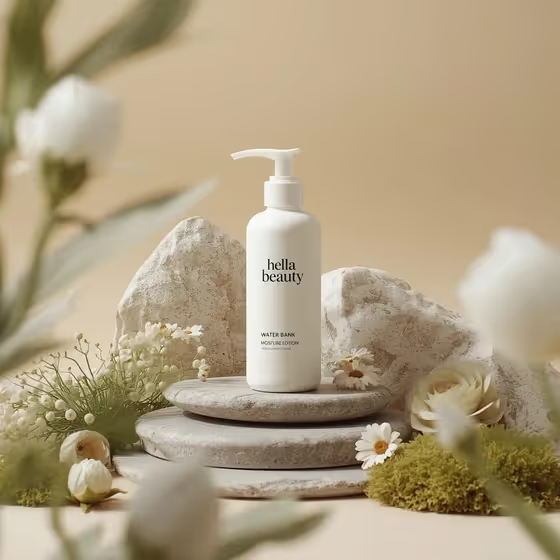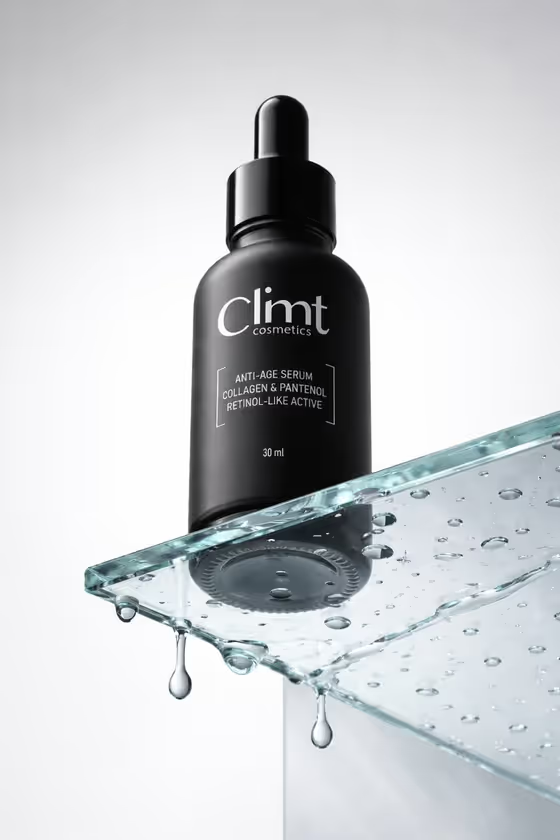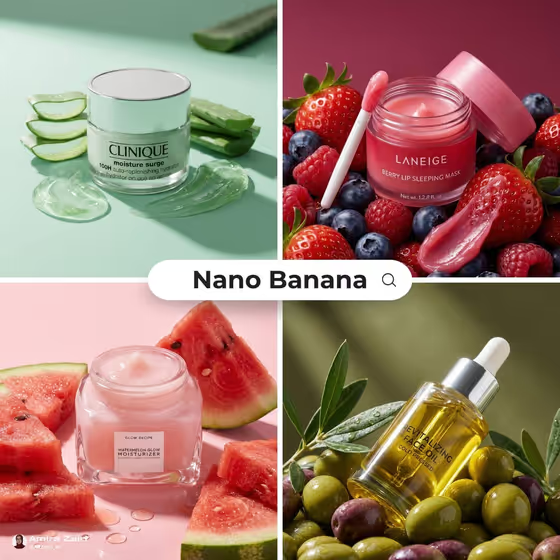
Fresh Ingredient Skincare Hero turns a skincare product into a square, editorial-style advertisement. Your product sits in the middle of fresh ingredient pieces, with visible pulp, seeds, moisture and glossy highlights, all in one saturated color story. The cover collage shows the idea: a jar on aloe slices, a lip mask in berries, a moisturizer beside watermelon wedges, an oil bottle among olives.
It is made for skincare brands, indie founders, and anyone who sells or showcases beauty products and wants the ingredient story to read at a glance. The template asks for a Skincare Product, a Hero Ingredient and an Ingredient Color Mood, so you can steer the look without writing a full prompt.
What works best as input
- For Skincare Product, either describe the item or add a visual reference. A short description like "glass serum dropper" or "minimal moisturizer jar" works, and a clear photo of your actual product helps the packaging shape come through.
- If you use a photo, pick one with a plain background, even lighting and the whole package visible. Avoid heavy reflections or cropped edges so the shape and label area are easy to read.
- This template is set up for 2 or more photos, so combine your product reference with a reference for the Hero Ingredient when you can. A sharp photo of the actual fruit or botanical shows the texture you want.
- Be specific with Hero Ingredient. "Blood orange slices" or "cucumber ribbons" gives a clearer picture than just "fruit".
- Choose an Ingredient Color Mood that matches the ingredient, such as citrus coral for orange slices or berry magenta for strawberries. The Color Mood field takes text only, so describe it in words rather than uploading a photo.
How to use it
- Open the Fresh Ingredient Skincare Hero template in Phosphene.
- Fill in Skincare Product by typing a short description or adding a reference photo of your item.
- Set the Hero Ingredient and the Ingredient Color Mood, using the examples as a starting point (for instance, blood orange slices with citrus coral).
- Generate the image, then review the square result for packaging detail, ingredient placement and color balance, and adjust a field and run it again if something is off.
Tips for a better result
- Match the ingredient to the product story. A cucumber ribbon scene with cool botanical green suits a hydrating mist, while strawberries with berry magenta suit a lip or glow product.
- Keep the product description short and concrete. Material and shape (glass, dropper, jar, bottle) guide the render better than long marketing phrases.
- Try the same product with different ingredient and mood pairs, like tropical pink with dragon-fruit wedges, to build a set of matching ad variations.
- If a result feels busy, simplify the Hero Ingredient to one clear item instead of a mix.
Common mistakes
- Using a vague product description like "skincare bottle". Without a shape or material, the packaging can come out generic.
- Picking a color mood that fights the ingredient, such as a cool green mood with berries. The scene works best when the palette and ingredient agree.
- Uploading a cluttered or dark product photo. Busy backgrounds and harsh glare make the packaging harder to reproduce cleanly.
FAQ
Do I have to upload a photo?
The Skincare Product and Hero Ingredient fields accept either a text description or a photo reference. The template is set up for 2 or more photos, so adding references gives the most control. The Ingredient Color Mood is text only.
What aspect ratio does the result use?
The template outputs a square 1:1 image, in an editorial product composition.
Can I use any ingredient?
The examples include blood orange slices, ripe strawberries, cucumber ribbons and dragon-fruit wedges, but you can describe other fresh ingredients. Clear, specific wording gives the best match.
Will my real label and logo appear exactly?
Packaging detail is part of the look, but generated text and logos may not match your real label perfectly. Check the label area carefully in the result before using it.