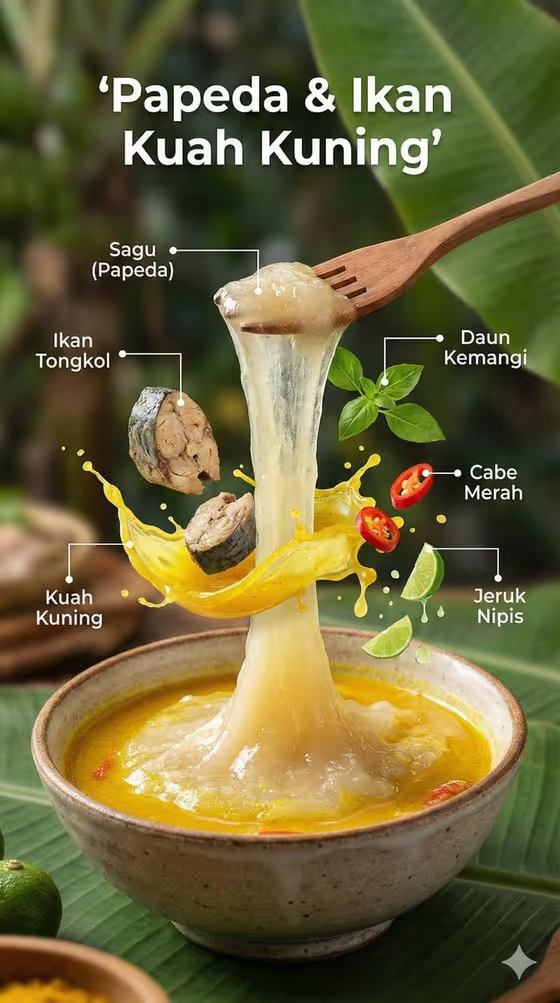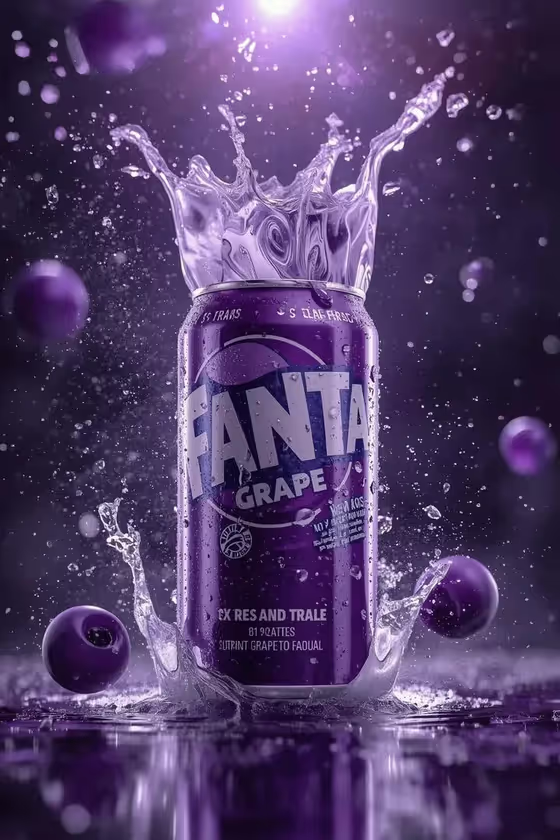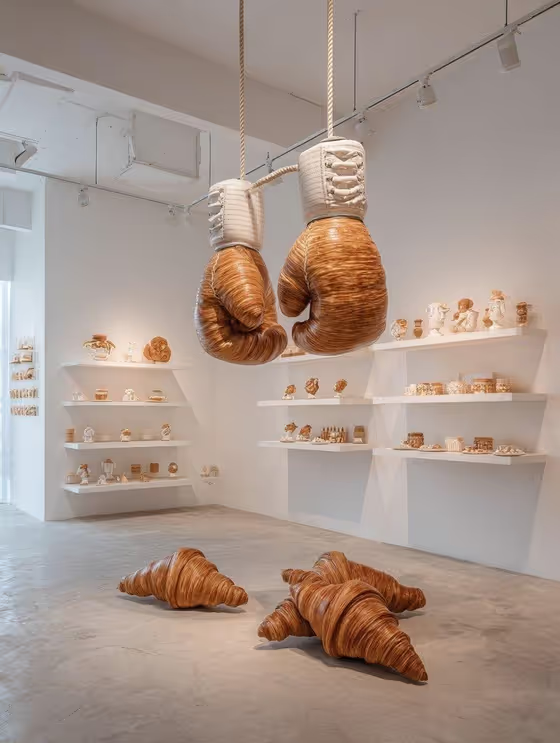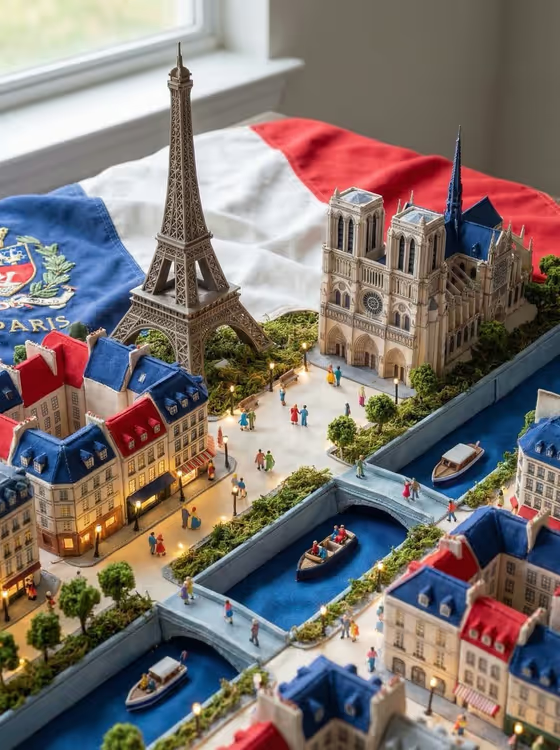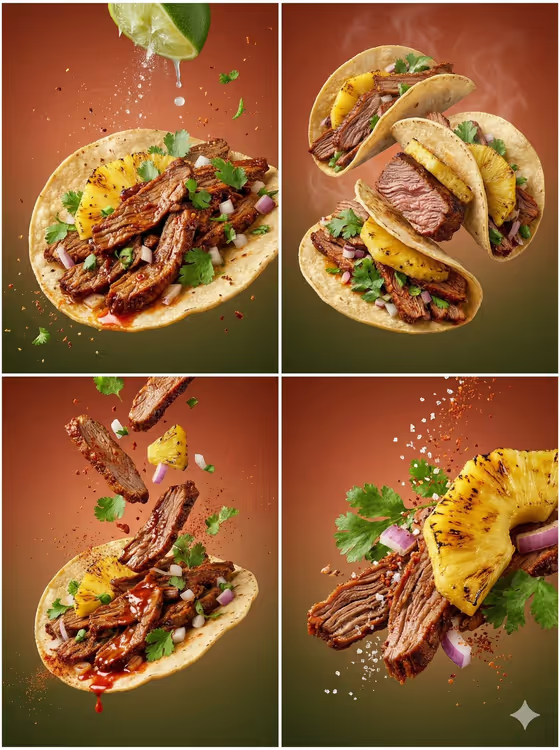
Cuisine Variation Series turns a dish into a layered, exploded food shot. You get a 3:4 image where the filling and construction are pulled apart, with crumbs, sauce, spices and garnish frozen in the air around the food, as in the cover's tacos with grilled pineapple, sliced meat, red onion and cilantro.
It suits home cooks, food bloggers, restaurant owners and anyone who wants a polished picture of a traditional or favorite dish without a studio setup. You name the dish or add a food reference, pick how the structure is revealed, and the template handles the lighting, background and frozen motion.
What works best as input
- In the Cuisine Subject Product field, name the dish specifically, such as Turkish börek, Japanese ramen or Italian lasagna. A precise name helps the result show the right layers and ingredients.
- If you add a food reference photo instead of or alongside the text, choose a clear shot where the dish is well lit and its main components are visible.
- Pick a reference that shows the real construction of the dish (tortilla, filling, toppings) so the exploded view can stay faithful to how it is actually made.
- Keep the subject to one dish. Naming a single dish gives a cleaner composition than listing several.
How to use it
- Open the Cuisine Variation Series template in Phosphene.
- In Cuisine Subject Product, type the dish name or add a food reference photo.
- Choose an option in Premium Variation: Exploded ingredient view, Layer-revealing close-up, Floating garnish hero or Clean plated cross-section.
- Generate the image, then review how the layers, garnish and background look. Adjust the dish name or the variation and run it again if you want a different take.
Tips for a better result
- Try the same dish with each Premium Variation. The cover shows how one dish can read as a flat plated shot, a floating hero, scattered ingredients or a close-up of grilled pineapple and meat.
- Name regional dishes with their origin (for example Mexican tamales) so the cuisine's authentic look carries through.
- For the most visible layers, pick dishes with distinct components like pastry, filling, sauce and herbs.
- If a result misses a key ingredient, add it to the dish name, such as the filling or topping that defines the dish.
Common mistakes
- Using a vague name like food or dinner. The template needs a recognizable dish to reveal real layers and construction.
- Adding a dark, blurry or cluttered reference photo, which makes the dish's structure hard to read.
- Choosing Clean plated cross-section and expecting lots of flying crumbs. Pick Exploded ingredient view or Floating garnish hero for more frozen motion.
FAQ
Do I have to upload a photo?
No. The Cuisine Subject Product field accepts a text description, such as Japanese ramen, and it also accepts a food reference photo if you want to add one.
What does Premium Variation change?
It sets how the dish shows its structure: Exploded ingredient view, Layer-revealing close-up, Floating garnish hero or Clean plated cross-section. This field is a choice, not a photo upload.
What shape is the output?
The template makes a single image in a 3:4 portrait ratio.
Can I use it for dishes from any cuisine?
It is built around national and traditional dishes, with examples like Turkish börek, Mexican tamales and Italian lasagna, so naming a specific dish works best.