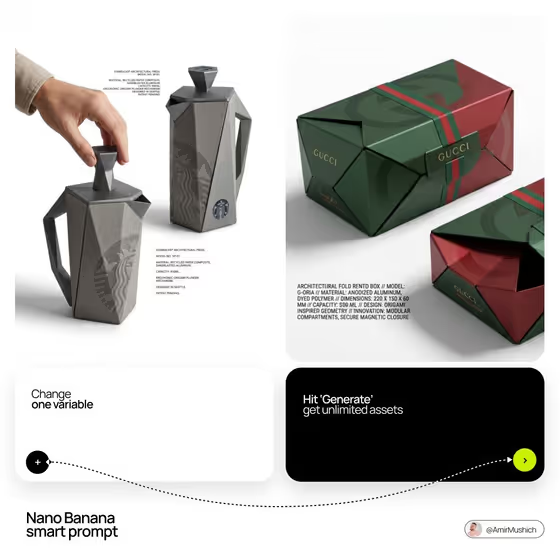
Designer Object Reinvented turns an everyday item into a premium industrial-design concept. You get a single 3:4 image on a clean white ground: one view shows a hand operating the redesigned object, and a second view shows the identical object in a static pose so the full silhouette is visible.
It suits product designers, brand teams and anyone who wants to see a familiar object (a fan, a grinder, a speaker) rethought with a bold form and the brand's logo applied. The result reads like a presentation board, with small specification blocks placed in the empty space around the object.
What works best as input
- Brand name is text only, so type the brand or studio name as you want it to appear on the object, for example ARC OBJECTS or NORTH LAB. Short names tend to sit more cleanly as a logo on a surface.
- Object category and Functional object both accept a photo. If you upload one, pick a clear, well-lit shot of the plain object on a simple background so its purpose and basic proportions are easy to read.
- If you prefer text for Functional object, name one specific item such as a tabletop fan or a compact speaker. One concrete object works better than a vague group of things.
- Design geometry is text only. Describe the form in a few words, like faceted origami shell or folded architectural planes, so the redesign has a single clear shape language.
- Match Object category to the object you chose (for example lifestyle appliance for a tabletop fan) so the concept stays coherent.
How to use it
- Open the Designer Object Reinvented template in Phosphene.
- Fill in Brand name, Object category, Functional object and Design geometry. Where a field accepts a photo, you can upload one instead of typing.
- Generate the image, which comes out in 3:4 with the hand view and the static view side by side.
- Review the result, check that the logo, shape and spec text look right on both views, then change one field and generate again if you want a variation.
Tips for a better result
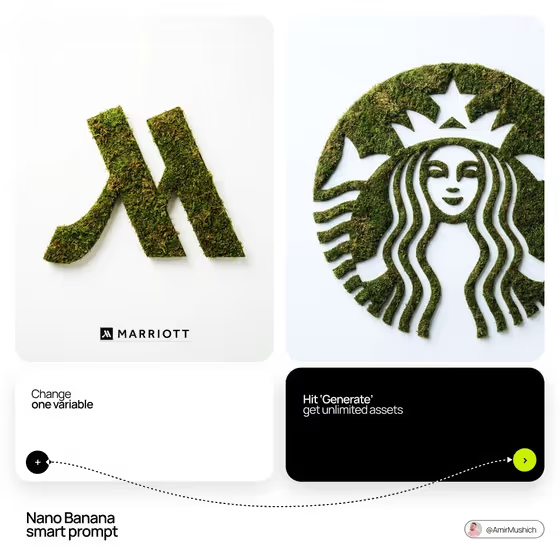
- Change one variable at a time, such as only the Design geometry, so you can see exactly what each choice does to the object.
- Try the same object with different geometry phrases, for example faceted origami shell versus arched monolithic frame, to compare very different silhouettes.
- Keep the brand name short and distinctive so the logo placement and the specification copy look intentional.
- Use a clear reference photo for Functional object when the item has a specific mechanism you want the redesign to respect.
Common mistakes
- Packing several objects or shapes into one field. The template redesigns a single object with a single geometry, so combining many ideas muddies the result.
- Uploading a cluttered or dark photo for the object, which makes the original form hard to read and weakens the redesign.
- Using a very long brand name, which can crowd the logo and the small specification blocks.
FAQ
Do I have to upload photos?
Not necessarily. Brand name and Design geometry are text only, while Object category and Functional object accept either a photo or a typed description.
What will the image show?
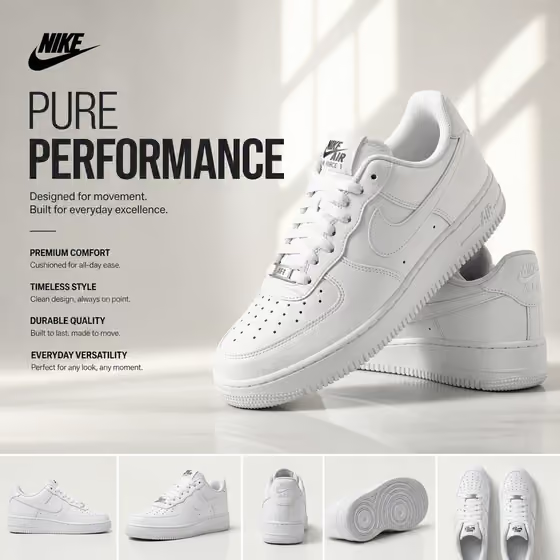
A white-background composition with a hand operating the redesigned object and the same object beside it in a static pose, with the brand logo on the object and small specification text in the empty space.
Will both views look the same?
The template is directed to keep both instances identical, differing only in the hand interaction versus the static pose. Review the result to confirm, and regenerate if something differs.
Can I use a real brand name?
You can type any brand or studio name you like, but make sure you have the right to use it for your purpose. Invented names like FORMA or KINETIC HOUSE are a safe way to explore concepts.