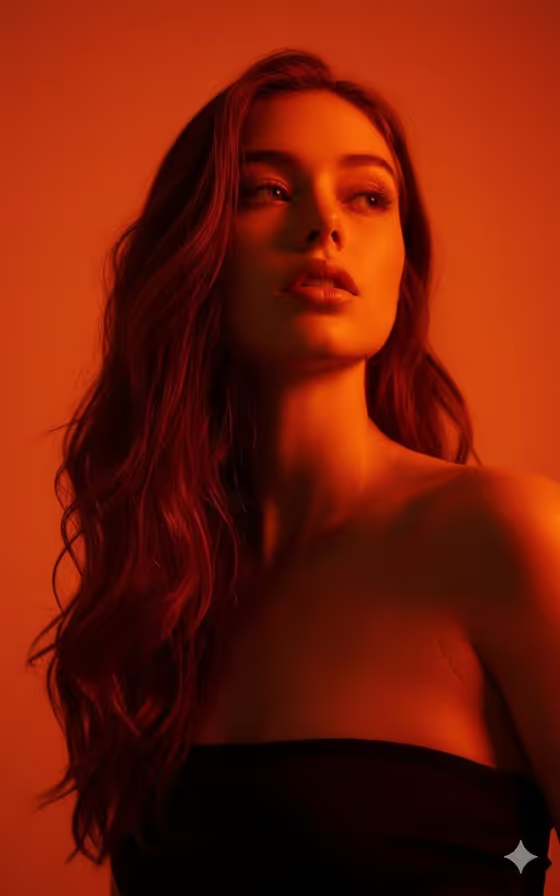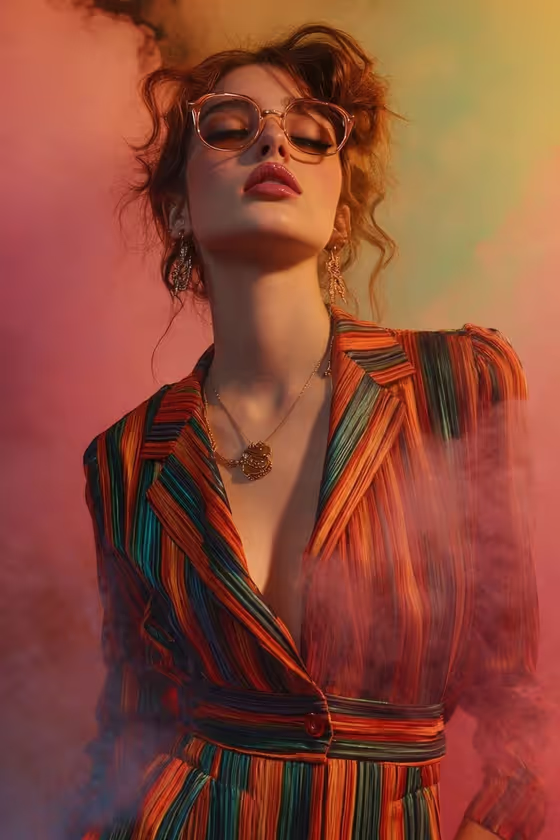
This template builds a dramatic, fashion-style portrait shot from a low angle, looking up past a pair of round eyeglasses toward the jawline and neck. The look is cinematic: warm studio light, a shallow depth of field, and soft colored smoke drifting behind and around the subject, as in the cover image with its pink, coral, peach and green haze.
It suits anyone who wants an editorial eyewear portrait for a profile image, a style mood board, or a creative project. You only describe two things, the Subject and the Outfit, and the template handles the framing, lighting and atmosphere.
What works best as input
- The Subject and Outfit fields each accept a text description or a photo reference, so you can mix them (for example, a photo for the subject and a written outfit).
- Because the template asks for two or more uploads, plan on providing a reference for both the Subject and the Outfit rather than leaving one empty.
- For a subject photo, use a clear, well-lit shot with the face fully visible and no heavy filters, so the likeness carries into the upward-angle framing. Only use photos of people who are happy to be depicted.
- For an outfit reference, pick an image where the garment is easy to read: collar, neckline, pattern and colors. Bold patterns such as vertical stripes show up well in this framing.
- If you write text instead, keep it short and concrete, like 'A poised creative professional' or 'A bold retro look', then add one or two details about fabric or color.
How to use it
- Open the Dramatic Eyewear Portrait template in Phosphene.
- Fill in the Subject field with a short description or add a reference photo of the person you want shown.
- Fill in the Outfit field with a description or a reference image of the clothing, such as a tailored jacket with lapels or a retro striped look.
- Generate the image, then check the 3:4 result for the upward angle, the round glasses, the jawline emphasis and the smoky background. Adjust your inputs and run it again if something is off.
Tips for a better result
- Choose an outfit with a defined neckline or lapels. The framing runs from the upper chest to just above the head, so the collar area is what shows most.
- Pick outfit colors that can harmonize with the warm pink, peach and coral smoke, such as orange, teal, red or green accents, for a balanced palette.
- Try the example prompts as a starting point, like 'A charismatic performer' or 'A relaxed linen ensemble', and change one detail at a time to compare results.
- Keep the Subject description simple. The template already sets the pose, lighting and background, so extra scene details in the text can compete with them.
Common mistakes
- Describing a full-body outfit or a wide scene. The shot is a medium close-up from upper chest upward, so lower-body details will not appear.
- Using a dark, blurry or heavily filtered subject photo, which makes it harder to keep the face and features consistent in a low-angle view.
- Writing a long, busy outfit description with many patterns and accessories, which can clutter the single clear focal point the template aims for.
FAQ
Do I have to upload photos?
The Subject and Outfit fields both accept a photo or a text description. The template is set up for two or more uploads, so providing a reference for each works best.
What aspect ratio does it produce?
The output is a 3:4 image, a vertical portrait format.
Can I change the background smoke or the glasses?
Those are part of the fixed direction, so the template keeps the round eyeglasses, the upward angle and the colored mist. You control the Subject and Outfit.
What kind of outfit works well?
Something with a visible collar or neckline, like a tailored jacket or dress with lapels. Bold or striped patterns suit the colorful backdrop in the cover image.