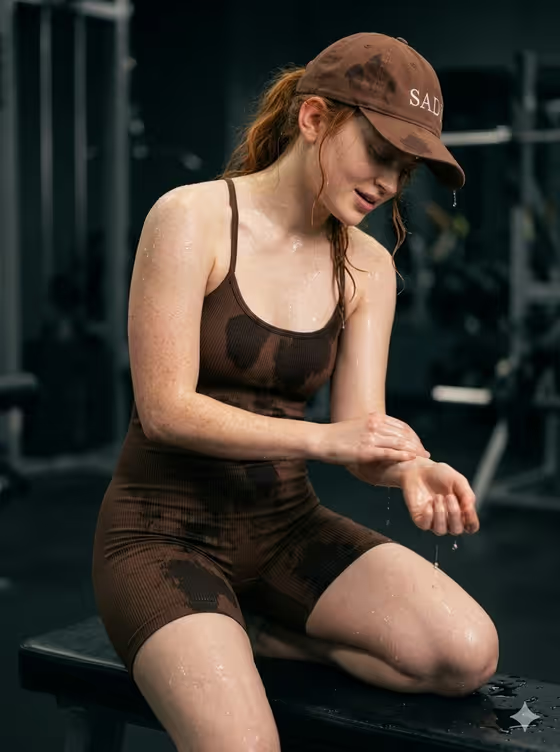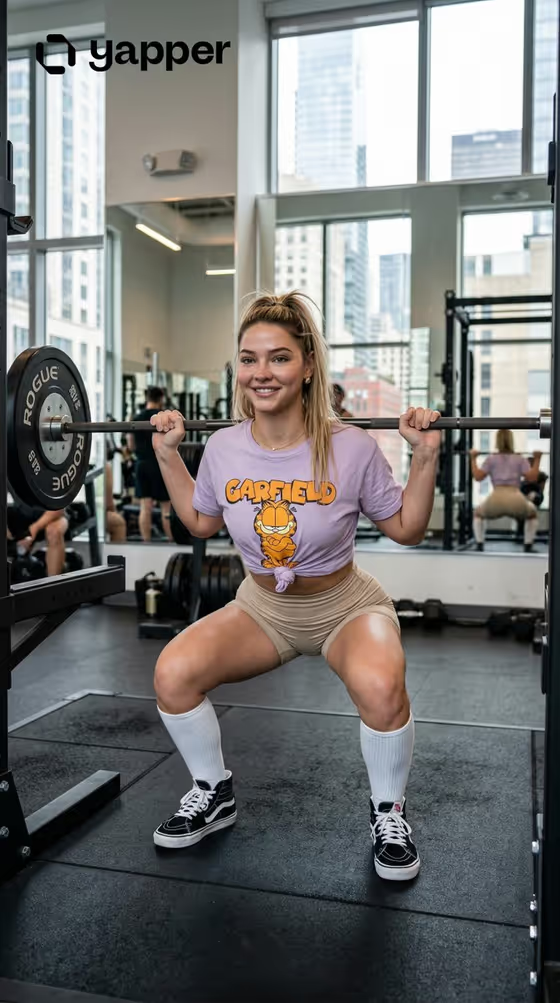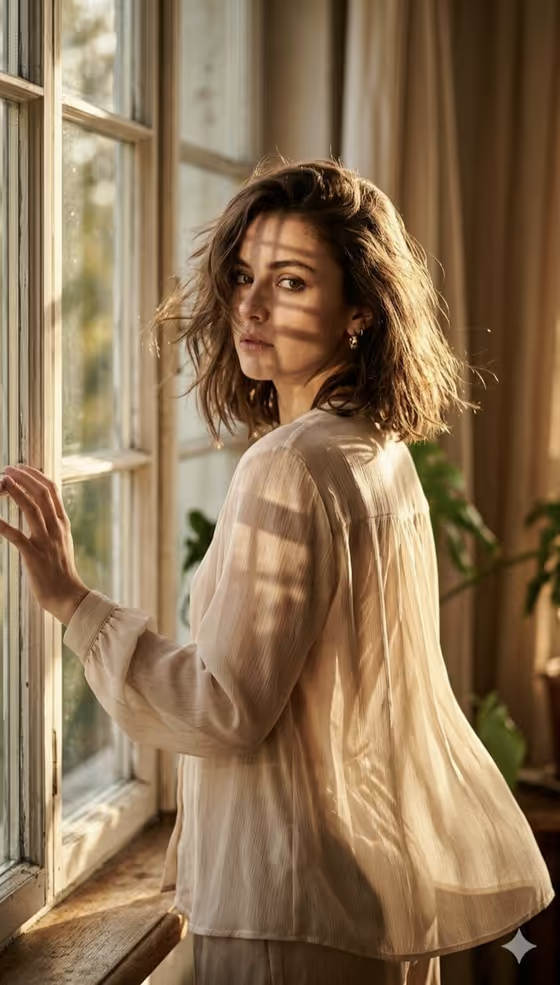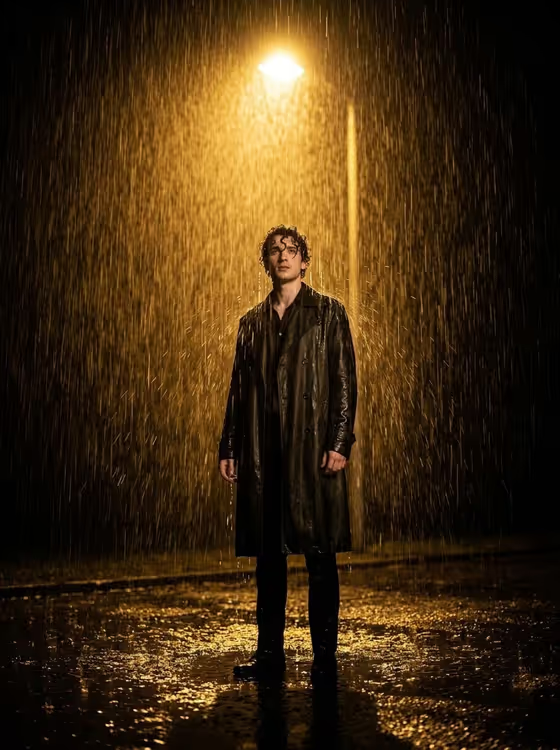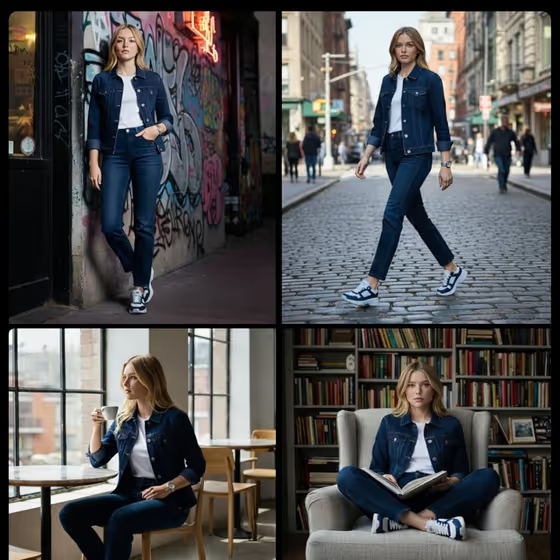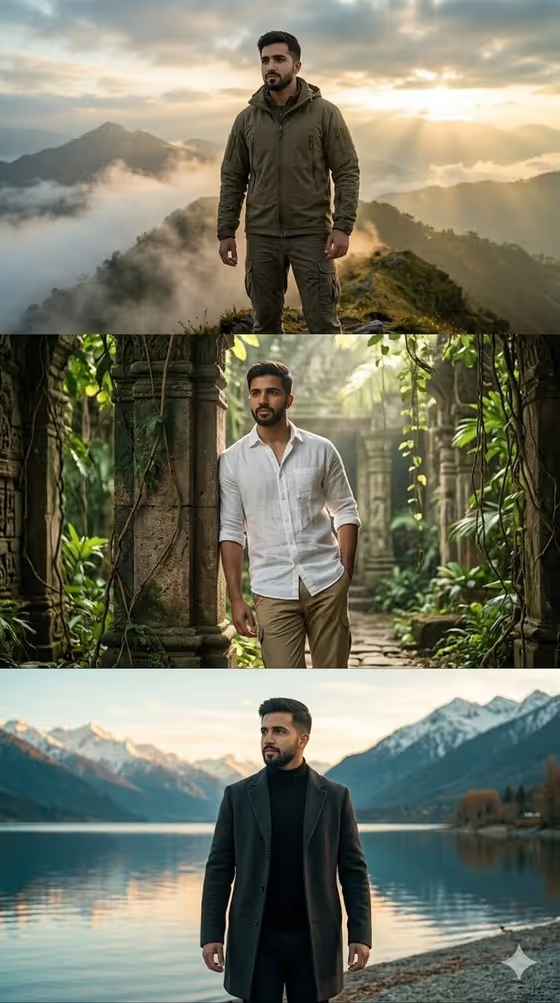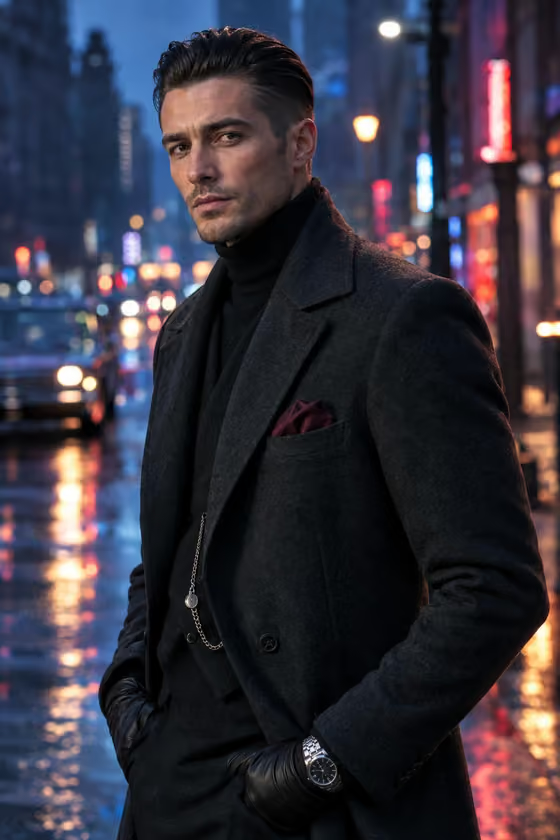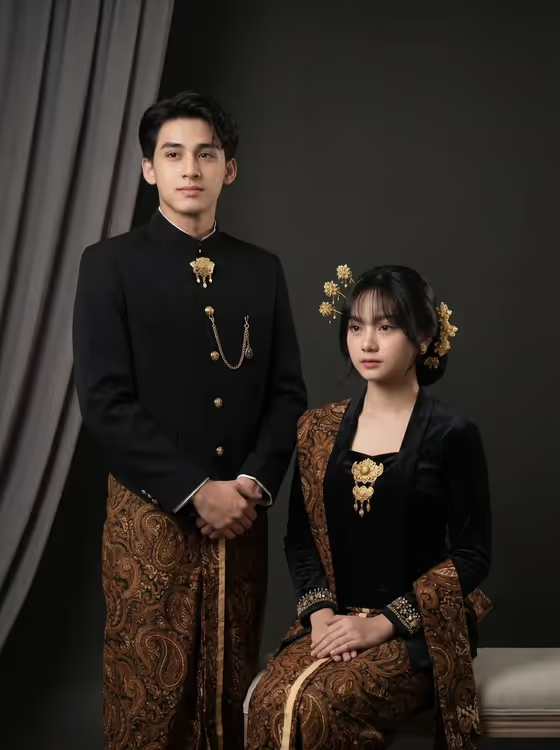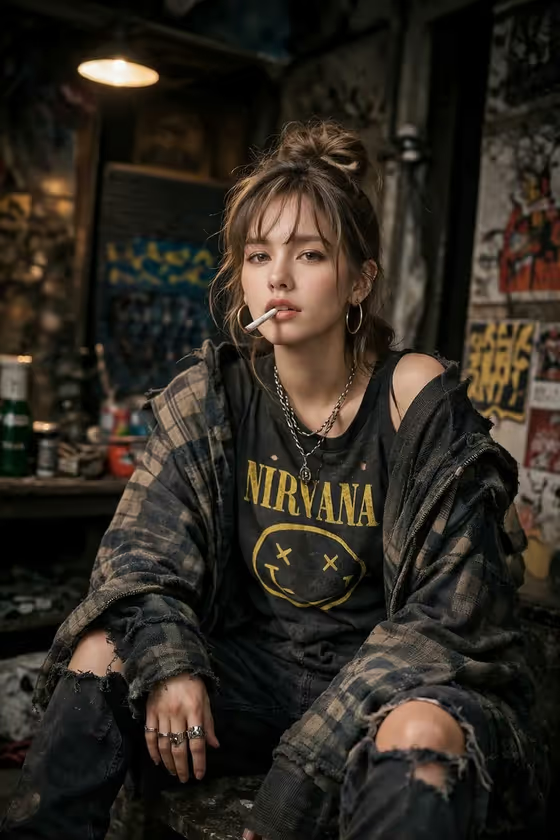
Grunge Defiance Portrait turns a subject into a gritty street portrait. The look is oversized layered clothing, a messy styled-in-passing feel, and a cluttered, dimly lit urban backdrop with a single warm light, heavy grain and sharp focus on the eyes. The result is a 3:4 image.
It suits anyone who wants a moody, editorial take on a person or character: profile images, zine or album-style artwork, fashion mood boards, or creative portraits. You either describe the subject in words or upload a reference photo, then pick how the scene is framed.
What works best as input
- If you upload a reference in the "defiant woman portrait subject" field, use a clear, well-lit photo where the face is easy to see, since the template focuses on sharp detail around the eyes.
- Only use photos of yourself or people who have agreed to it, and avoid images of real public figures.
- A single person facing roughly toward the camera works better than a crowded group shot or a heavily cropped face.
- If you describe instead of upload, keep it short and concrete, like the placeholder "a defiant woman", and add one or two traits such as hair or age range.
- Avoid very busy source backgrounds, because the template supplies its own cluttered urban setting.
How to use it
- Open the Grunge Defiance Portrait template in Phosphene.
- In "defiant woman portrait subject", type a short description of your subject or upload a reference photo of them.
- Choose an option in "Pose and scene", such as the nonchalant default, an intimate close portrait, a full-body editorial frame or an environmental candid frame.
- Generate the image, then check the face, clothing and background. Adjust your description or framing choice and run it again if something is off.
Tips for a better result
- Try the different "Pose and scene" options on the same subject. A close portrait emphasizes the eyes, while a full-body frame shows off the oversized layered clothing.
- Add one distinguishing detail to your subject text, like a hairstyle or a specific character trait, so results feel less generic.
- If you used a text description first, try again with a reference photo to get closer to a real likeness (with permission).
- Generate a few variations and compare them, since grain, lighting and background clutter will differ each time.
Common mistakes
- Writing a long, detailed description of clothing and setting. The template already fixes the grunge wardrobe and urban backdrop, so extra scene instructions can fight the look.
- Uploading a small, blurry or heavily filtered photo, which makes the face and eyes less reliable in the result.
- Expecting a bright, clean look. This template is built around dim light, grain and a gritty atmosphere.
FAQ
Do I have to upload a photo?
No. The subject field accepts a text description or an uploaded reference, so you can use either.
What shape is the output?
The image comes out in a 3:4 portrait aspect ratio.
Can I change the grunge clothing or the background?
Not really. The oversized grunge layers and the cluttered, dimly lit urban setting are part of the template's fixed direction. You mainly control the subject and the pose and scene framing.
What does the Pose and scene field do?
It sets how the shot is framed, with choices like an intimate close portrait, a full-body editorial frame or an environmental candid frame, while keeping the overall grunge look.