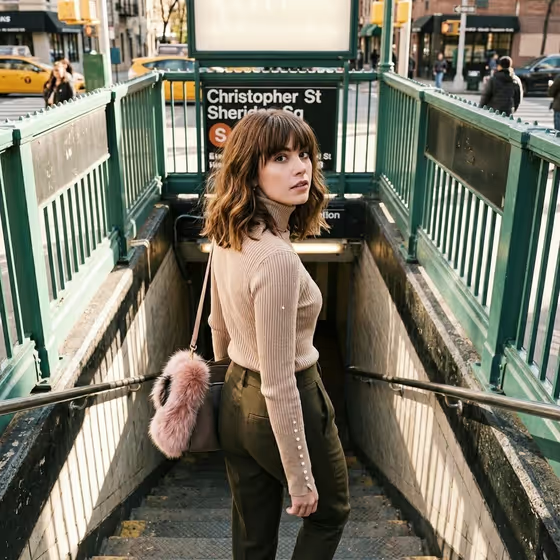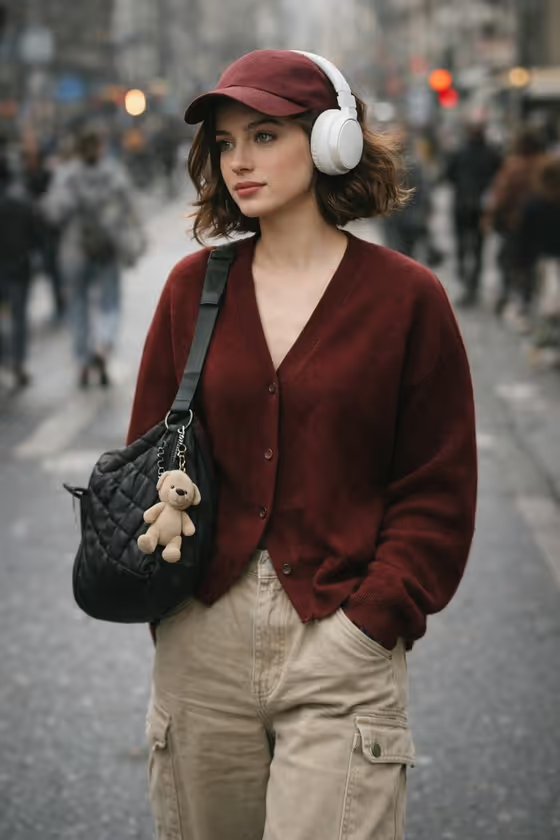
Headphone Street Style turns your reference photo into a candid, city-street portrait. The look is built around a maroon cardigan, a maroon baseball cap, oversized beige cargo pants, big white over-ear headphones and a black quilted shoulder bag with a small plush keychain. The result is a 3:4 vertical image with a soft, blurred crowd behind the subject.
It suits anyone who wants a casual fashion-editorial portrait for a profile picture, a social post or a style mood board. The template asks for two or more photos, so it works best when you have a few clear shots of the same person to guide the likeness.
What works best as input
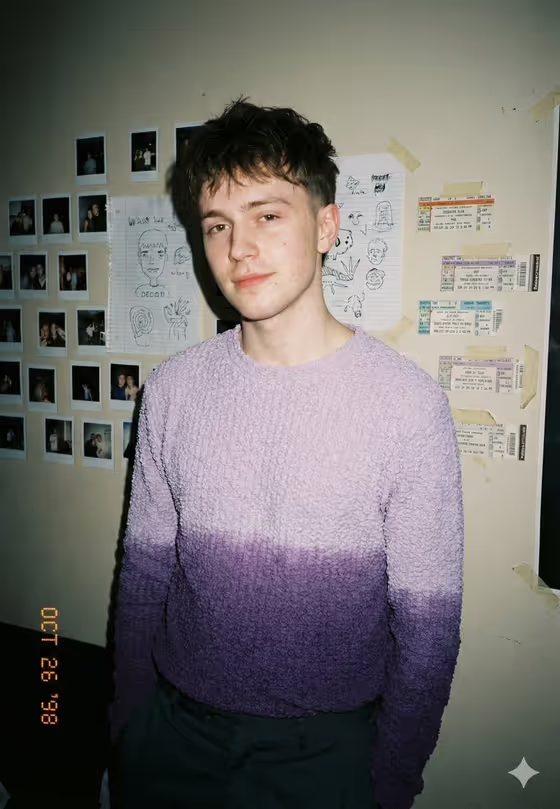
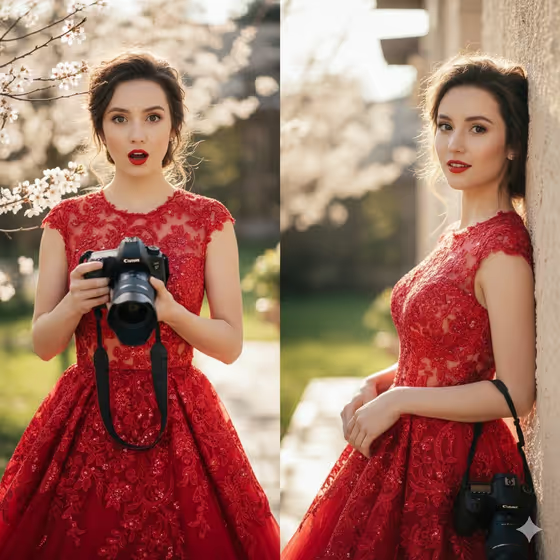
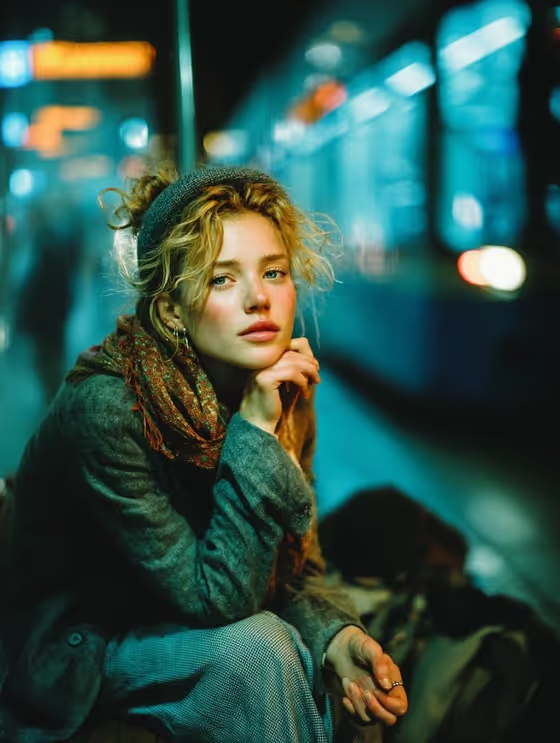
- Upload at least two clear photos of the same person, since this template requires 2+ photos. Well-lit, front-facing shots with the face fully visible help the likeness carry over.
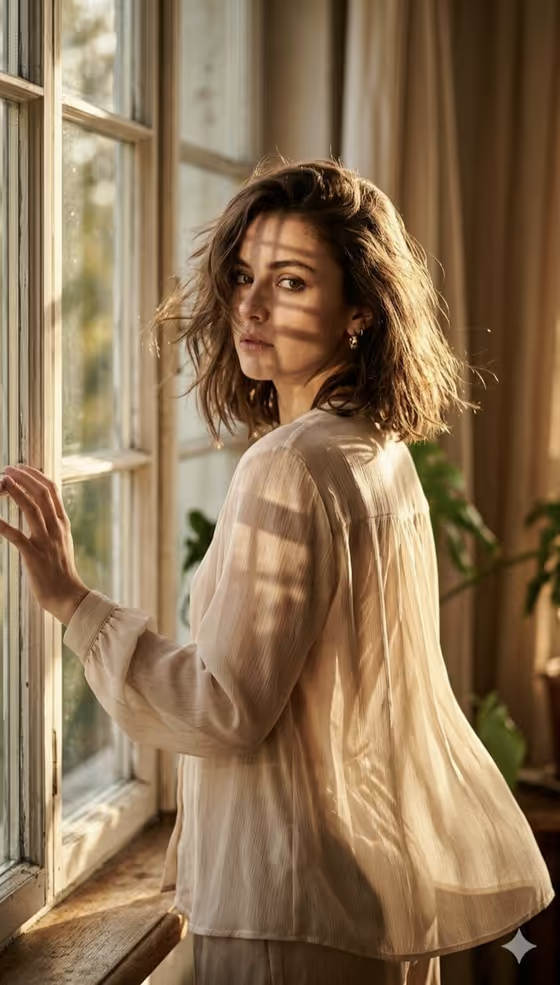
- Pick photos that show the pose and energy you want to keep. The fixed direction reuses the source pose, setting, light direction and lens perspective, so your reference photos shape the final framing.
- In the Portrait subject field, you can add a photo or type a short description such as "an adult woman matching my reference". Keep it simple and respectful, and only use photos of yourself or people who have agreed to it.
- For Bag or headphone accessory, either describe it (for example "a textured crossbody bag" or "large white over-ear headphones") or add a photo of the item you want featured.
- Avoid heavy filters, sunglasses or hats that hide the face in your reference photos, because they make the likeness harder to match.
How to use it
- Open the Headphone Street Style template in Phosphene and add your two or more reference photos.
- Fill in Portrait subject by choosing a photo or describing the person, then set Pose or expression, for example "candid spontaneous energy" or "the source pose and energy".
- Fill in Bag or headphone accessory with a short description or a photo of the item you want featured, such as "a black quilted shoulder bag".
- Generate the image, then review the framing, outfit details and face likeness. Adjust your fields and run it again if something is off.
Tips for a better result
- Use "the source pose and energy" in Pose or expression if you like the attitude in your photos. Try "calm editorial stillness" or "confident direct presence" for a more styled feel.
- Be specific in the accessory field. "A textured crossbody bag" gives the model a clearer target than just "a bag".
- Try the same reference photos with different pose options to compare a candid look against a more composed one.
- If you want the headphones to stand out most, name them directly in the accessory field, for example "large white over-ear headphones".
Common mistakes
- Uploading only one photo. The template expects two or more, and fewer references can weaken the likeness.
- Using blurry, dark or heavily cropped photos, which leaves the model little to work with for the face.
- Writing a long, conflicting description in the text fields. Short, concrete phrases like the examples work better than stacking many ideas.
FAQ
How many photos do I need?
The template asks for two or more photos, so add at least two clear shots of the same person.
Can I change the outfit?
The template is built around a specific look: a maroon cardigan and cap, beige cargo pants, white over-ear headphones and a black quilted shoulder bag. You can steer the featured bag or headphone accessory, but the core outfit is part of the template.
What shape is the result?
It makes a single image in a 3:4 vertical ratio.
Can I type a description instead of using a photo?
The Portrait subject and Bag or headphone accessory fields accept either a photo or a text description. Pose or expression is a text or choice field only.