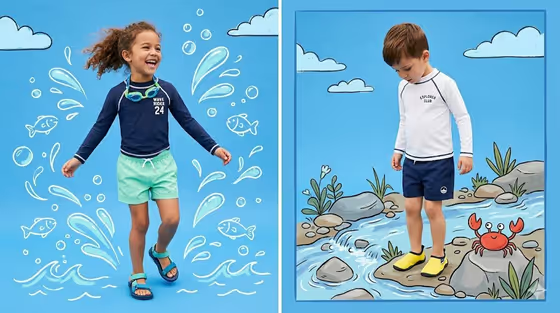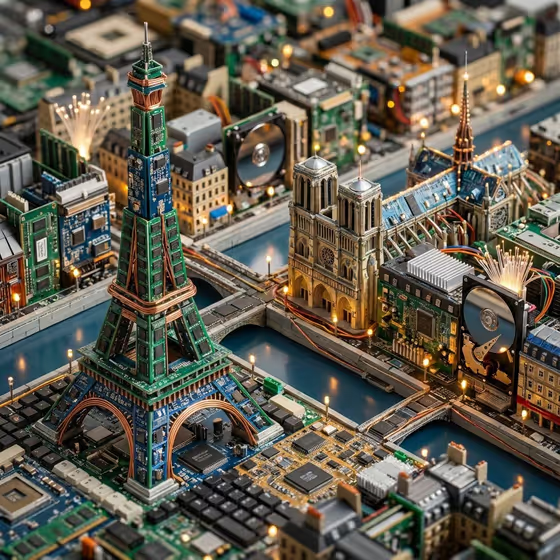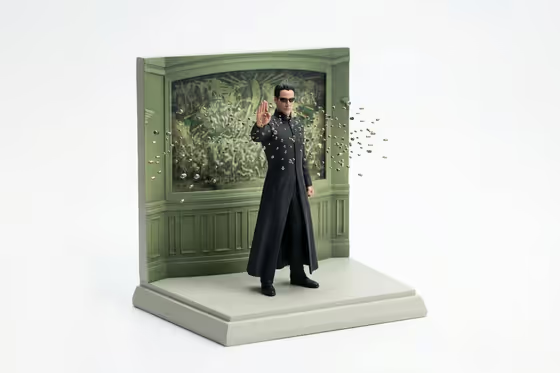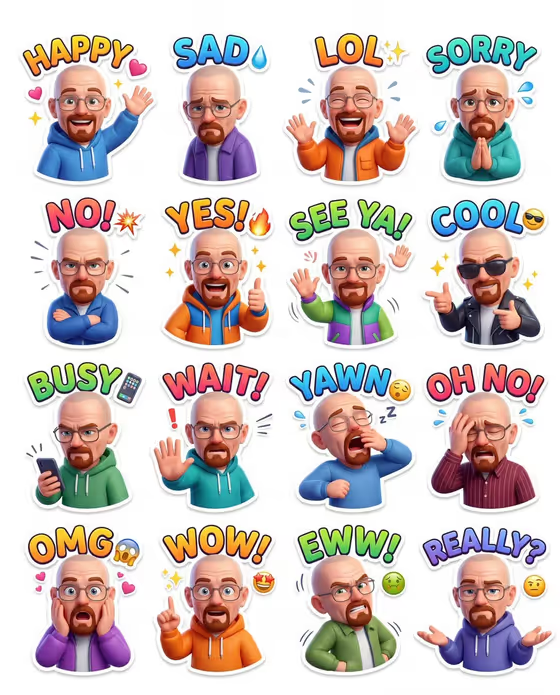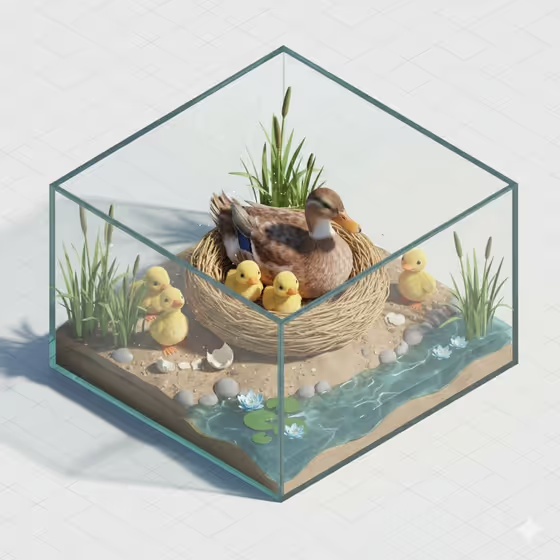
This template turns a subject you choose into an isometric miniature diorama, shown as a small cube of nature with a nest, chicks, reeds, water and soft pastel greens and blues. The cover shows a mother duck in a woven nest inside a glass-like box, which gives a good sense of the clean, storybook look you can expect.
It suits anyone who wants a wholesome, collectible-style 3D illustration, such as a themed avatar, a nursery or classroom graphic, a social post, or a gift card image. Your subject goes in as the central character of the scene, and a creative direction setting shifts the overall mood.
What works best as input
- The Scene subject or object field accepts a photo as well as text, and the template asks for one upload. Pick a clear image where the subject is easy to see and not hidden behind other objects.
- If you would rather describe it, type a short, concrete noun phrase such as a specific bird or animal. The built-in examples (a famous city landmark, a lively neighborhood scene) show the field takes place or object ideas too, but the nest scene works best with a subject that can sensibly sit in a nest.
- Choose a photo with even lighting and a plain or simple background so the subject's shape and colors read well when rebuilt in a pastel 3D style.
- Keep it to one main subject. A single clear subject gives the diorama a clear focal point, like the mother duck in the cover image.
How to use it
- Open the Isometric Miniature Nature Diorama template in Phosphene.
- In Scene subject or object, upload your photo or type a short description of the subject you want at the center of the nest.
- Set Creative direction by choosing one of the options, such as Clean editorial, Cinematic dramatic, Playful colorful or Quiet premium.
- Generate the image, then review the result. Check that the subject, nest and chicks look the way you wanted, and adjust your inputs and run it again if needed.
Tips for a better result
- For the softest, most storybook result, try Quiet premium or Clean editorial as the creative direction. The template already leans toward pastel greens and blues, so these keep it calm and tidy.
- Try Playful colorful when you want a livelier version, for example for a children's project or a cheerful social post.
- Use a subject with distinctive colors or markings, since those details help the central character stand out against the pale background.
- Generate a few versions with different subjects or directions and compare them. Small changes to the subject wording can noticeably change the character in the nest.
Common mistakes
- Using a busy photo with several competing subjects, which can make the central character unclear in the diorama.
- Writing a long, vague description instead of a short, specific subject, which gives the scene less to hold onto.
- Expecting the output to match your photo exactly. The template rebuilds your subject in a stylized miniature 3D look, so treat the result as an interpretation.
FAQ
Do I have to upload a photo?
The Scene subject or object field accepts a photo, and the template lists one upload as its requirement. You can also describe your subject in text there.
What does Creative direction change?
It sets the overall mood of the scene. You can pick options like Clean editorial, Cinematic dramatic, Playful colorful or Quiet premium.
What will the image look like?
Expect an isometric miniature nature scene with a nest, chicks, layered leaves and a soft sky, in pastel greens and blues with a clean 3D render feel.
What shape is the output?
The template produces a still image in a 3:4 aspect ratio.