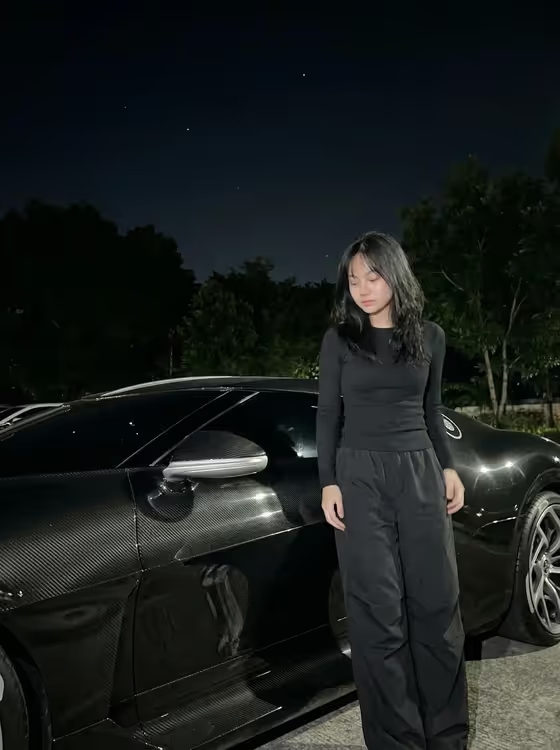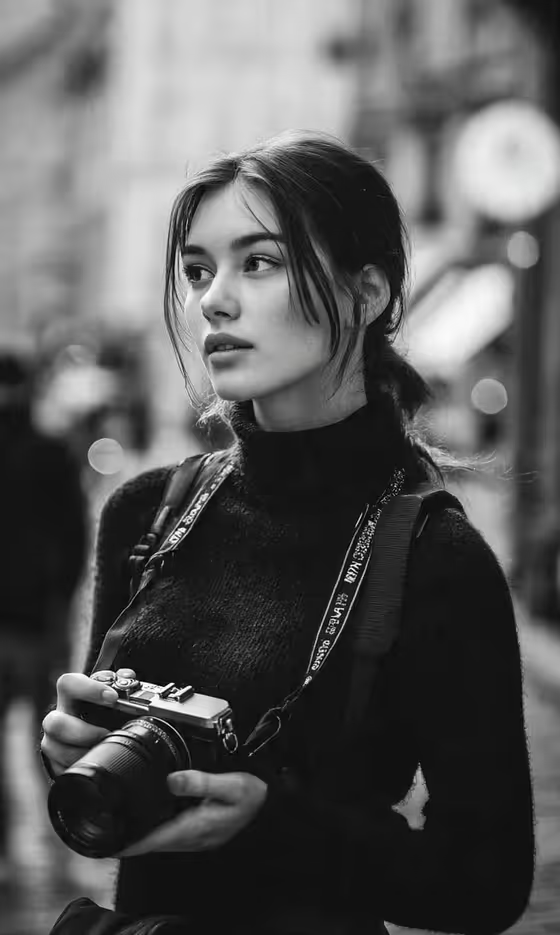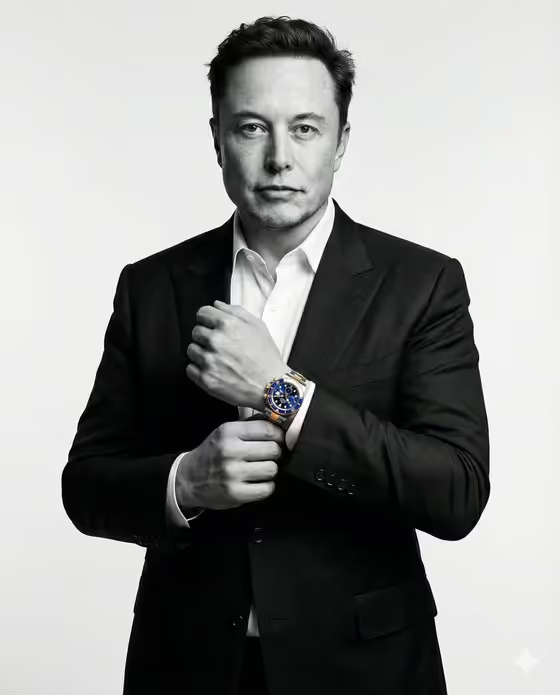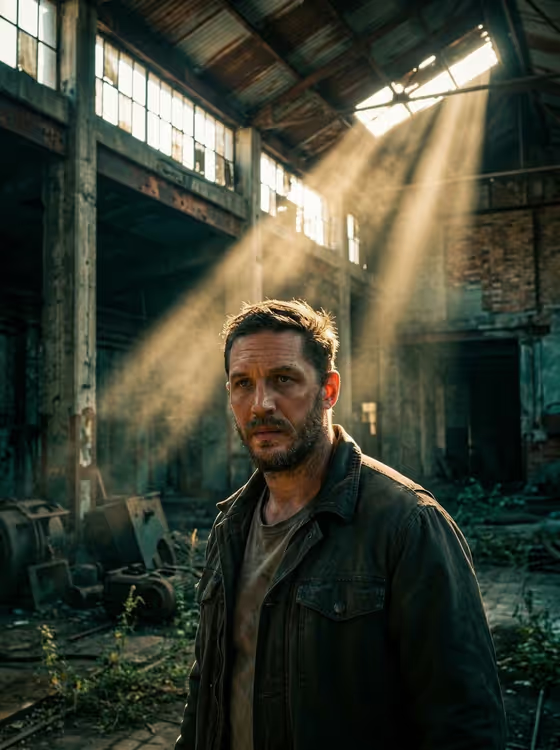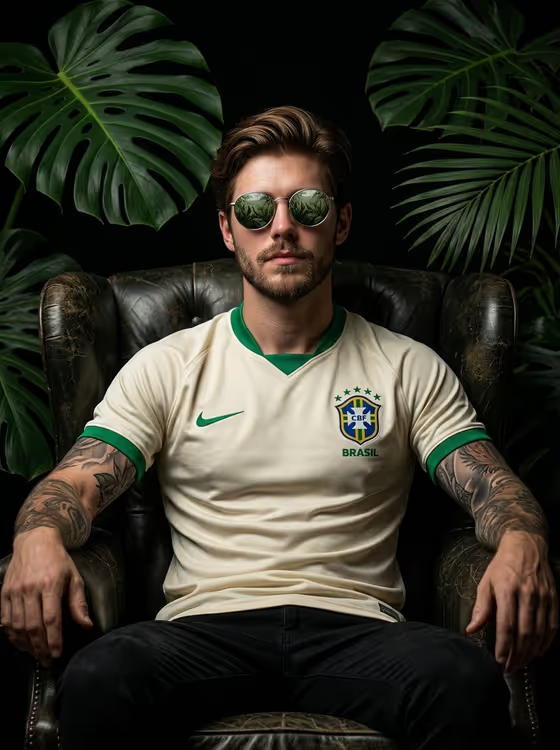
Jungle Football Throne turns a portrait into a dark, cinematic editorial shot. The subject sits in a worn leather armchair against a black background, framed by big tropical leaves and lit with low, dramatic light, wearing a cream football jersey with green trim.
It suits football fans, players and anyone who wants a bold, moody profile or poster-style image. You provide a photo or a short description of the subject, plus a pose or expression, and the template handles the setting, styling and lighting. The result is a 3:4 portrait image.
What works best as input
- Use a clear, well-lit photo of one adult, with the face fully visible and in focus. A sharp reference gives the template more to work with.
- A photo where you are already seated or facing the camera at a similar angle fits the armchair scene best.
- If you describe the subject in the Portrait subject field instead, keep it short and concrete, for example 'an adult football player matching my reference' or 'an adult man with a distinctive presence'.
- Avoid heavy filters, strong sunglasses glare, or crowded group shots, since the template expects a single clear subject.
How to use it
- Open the Jungle Football Throne template in Phosphene and add your photo to the Portrait subject field, or type a short description of the subject.
- Fill in Pose or expression, either by picking one of the suggestions (such as 'the source seated pose' or 'upright composed pose') or writing your own.
- Generate the image and wait for the 3:4 portrait to finish.
- Review the result, check the face, jersey and pose, and adjust the Pose or expression field if you want a different feel before generating again.
Tips for a better result
- Try different pose options like 'relaxed seated posture' or 'candid mid-action posture' to change the attitude without touching the rest of the scene.
- Keep the subject description brief and let the fixed styling do the work. Overloading the field can fight with the jersey, leaves and lighting already built in.
- Run a few variations with the same photo and compare them. Small changes to the pose wording can shift the mood noticeably.
- Use a photo with even lighting on the face so the dramatic low-key look in the final image has a clean base to build on.
Common mistakes
- Writing a long, detailed description that contradicts the template's built-in look, such as asking for a bright beach setting. The scene is designed around a dark armchair and jungle leaves.
- Using a blurry, tiny or heavily cropped photo, which gives the result little facial detail to follow.
- Leaving Pose or expression vague or empty-minded. Pick or write something specific so the posture matches what you want.
FAQ
Do I have to upload a photo?
The Portrait subject field accepts a photo, and it also takes a typed description. Using a photo gives the result a reference to follow.
Can I change the jersey or the background?
No. The cream football jersey with green accents, the dark armchair, the jungle leaves and the black background are part of the template's fixed direction. You control the subject and the pose or expression.
What shape is the output?
It is an image in a 3:4 portrait ratio.
What should I put in Pose or expression?
Choose a suggestion such as 'the source seated pose', 'relaxed seated posture' or 'upright composed pose', or write a short pose or expression of your own.