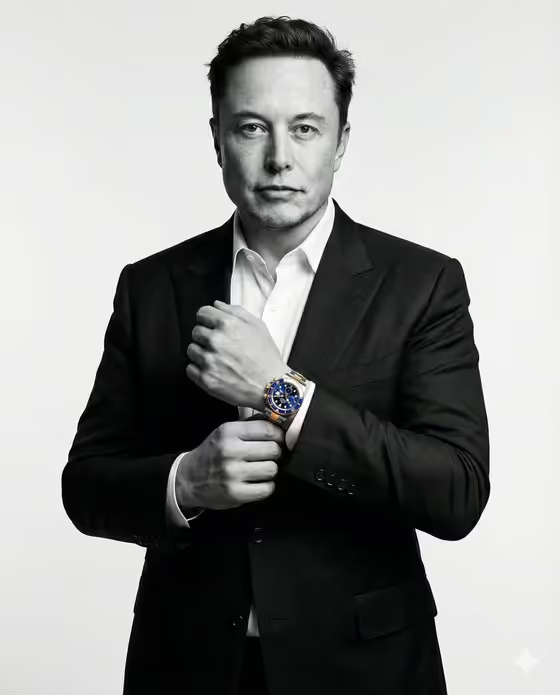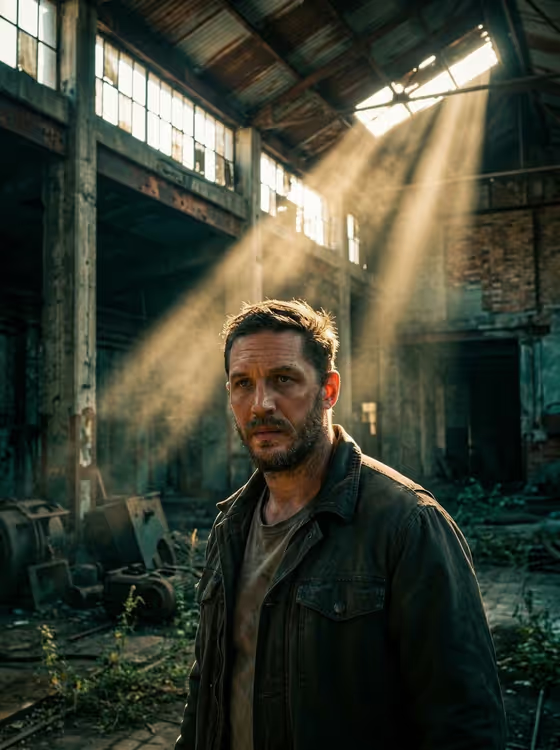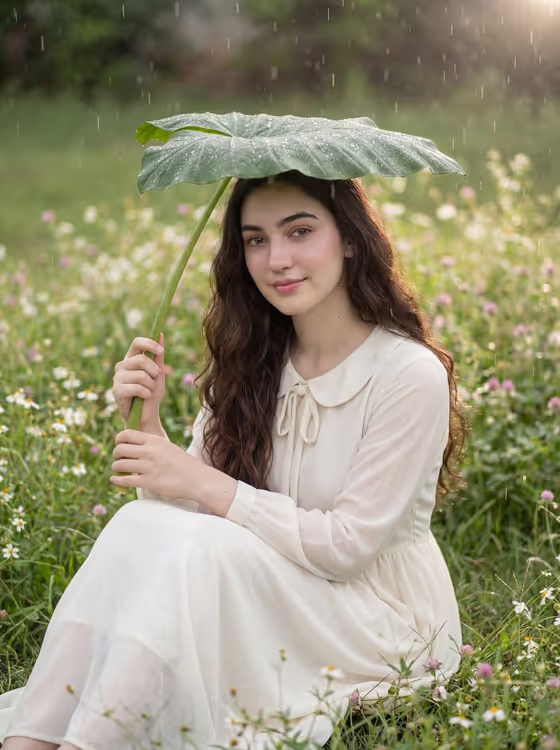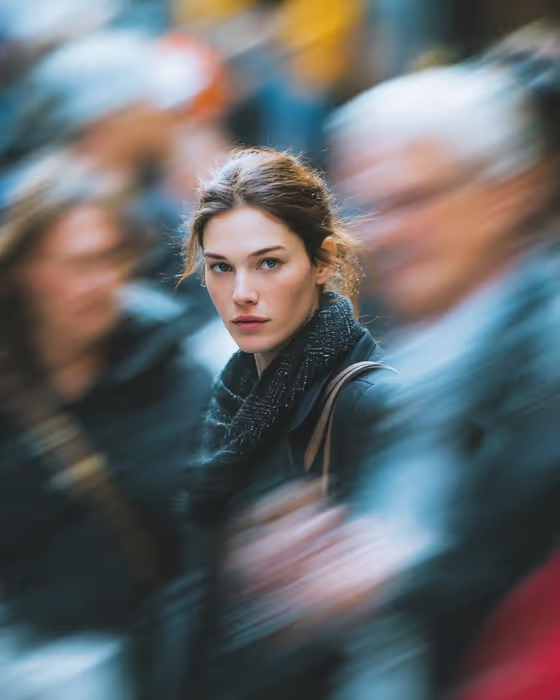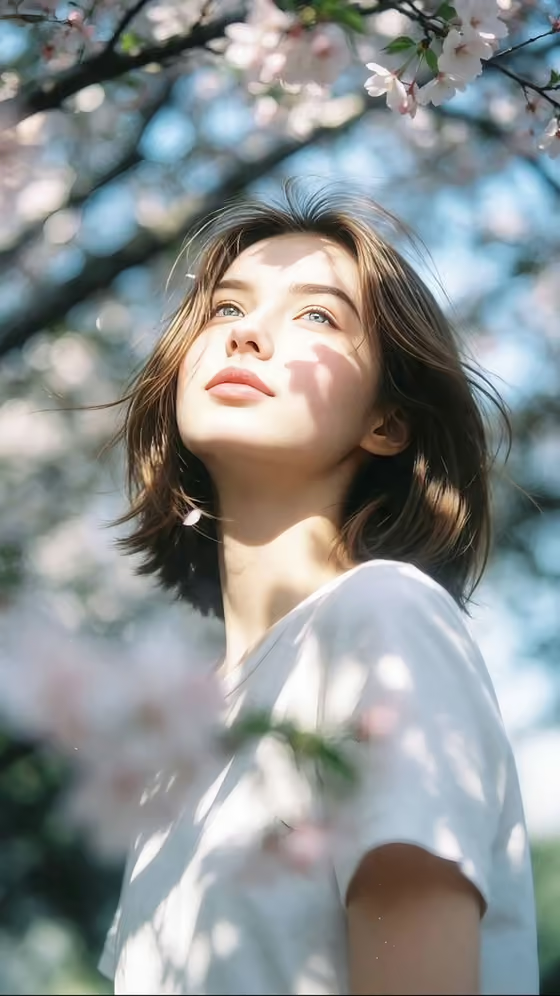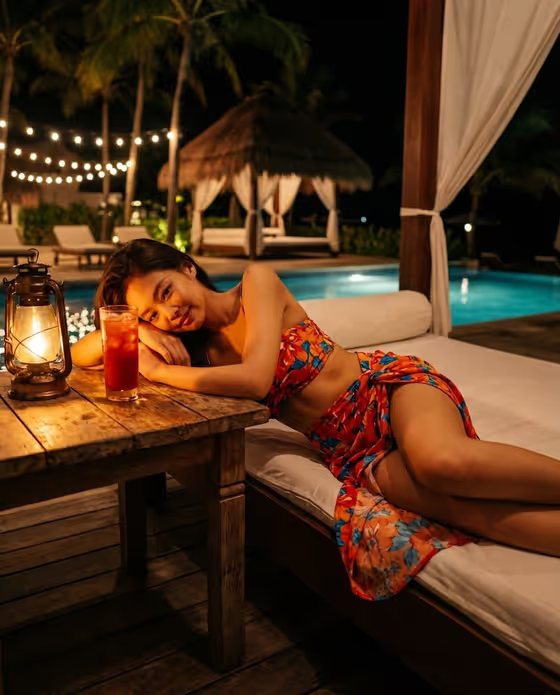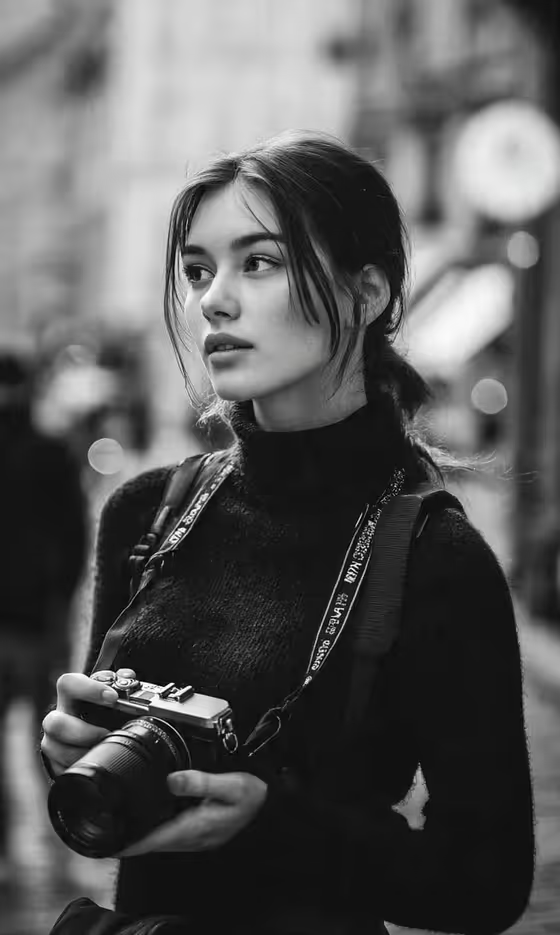
Monochrome Street Photographer turns a portrait into a black-and-white street scene. Your subject stands in a city street holding a mirrorless camera with both hands, dark turtleneck and camera strap in place, with blurred pedestrians and lights melting into soft bokeh behind them.
It suits anyone who wants a moody, documentary-style portrait: creatives, photographers, or anyone after a timeless editorial look. The output is a 3:4 image with high-contrast monochrome tones, film grain, and a shallow depth of field.
You start from a photo, so the result is built around the person in your reference rather than a generic model.
What works best as input
- Use a clear, well-lit photo where the face is easy to see. The template builds the portrait around the subject you provide, so a sharp reference helps.
- Choose a photo where the expression and gaze are already close to what you want. The default pose option, the source gaze and expression, keeps what your photo shows.
- A head-and-shoulders or half-body shot works well, since the final frame is a vertical 3:4 portrait with the camera held at chest height.
- In the Portrait subject field you can also describe the subject in words, for example an adult woman matching my reference, to go with your photo.
- Avoid heavy filters or strong color casts on the source, because the template converts everything to black and white and works best from natural tones.
How to use it
- Open the Monochrome Street Photographer template in Phosphene.
- Fill in Portrait subject by choosing or describing who the portrait is of, and add your reference photo so the result matches them.
- Set Pose or expression to the mood you want, such as calm direct gaze, quiet introspection, or intense focused gaze. Leave it on the source gaze and expression to keep what your photo shows.
- Generate the image, then review the framing, the camera in the hands, and the bokeh background, and run it again if you want a different take.
Tips for a better result
- Try the different Pose or expression options on the same photo. Quiet introspection and intense focused gaze give noticeably different moods in a monochrome portrait.
- Keep your subject description short and specific. The example phrasing, like an adult man with a distinctive presence, shows the level of detail that fits the field.
- Pick a reference with natural, soft light on the face. The template aims for soft natural light and realistic skin texture, so a similar starting point blends in more easily.
- Generate a few variations and compare them, since small differences in gaze and framing change how candid the moment feels.
Common mistakes
- Using a low-resolution, blurry, or heavily cropped photo, which gives the template little to work from and can weaken the likeness.
- Writing a long, complicated description in Portrait subject. Keep it to who the subject is and let the template handle the street, camera, and lighting.
- Expecting color in the result. This template is deliberately black and white, so choose it for the monochrome look.
FAQ
Do I need to upload a photo?
The Portrait subject field accepts a photo, and the template is set up around one reference upload. Adding a clear photo helps the portrait match your subject.
Can I get a color version?
No. The template is built around deliberate black and white with film grain and strong tonal contrast.
What does the Pose or expression field do?
It sets the subject's gaze and mood. You can keep the expression from your source photo or choose options like calm direct gaze, quiet introspection, or intense focused gaze.
What shape is the final image?
It is a vertical 3:4 portrait, framed for a subject holding a camera against a blurred city background.