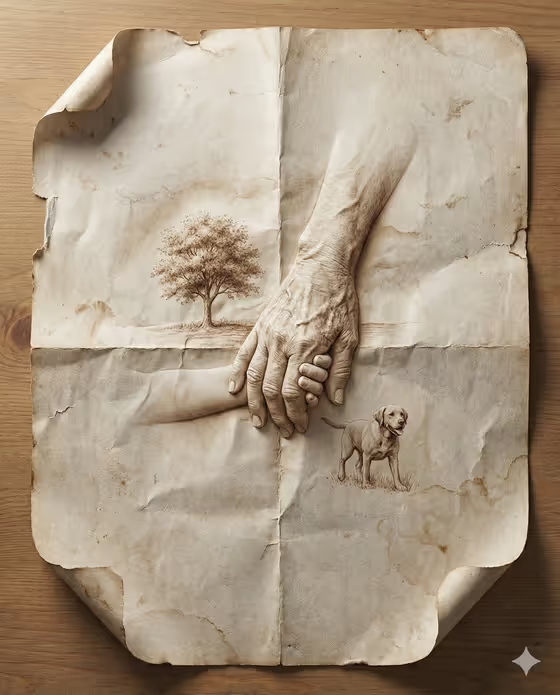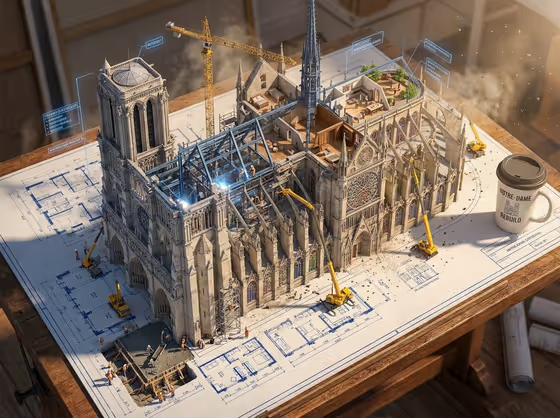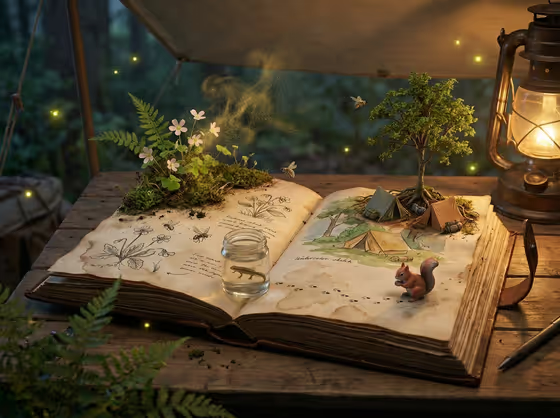
Living Naturalist Journal turns a field journal subject into a 3:4 image of an open, weathered notebook on a camp table. Sketched plants, insects, terrain and a small animal rise off the pages, with tiny tents, graphite footprints and a specimen jar sitting among the drawings.
It suits nature lovers, illustrators, teachers, and anyone who wants a storybook-style visual for an expedition theme. You choose the journal subject, the living specimens and the sketch animal, and the template handles the lantern-lit camp setting around them.
What works best as input
- For the Field journal subject slot, you can either type a short description or upload a reference. Keep it to a place or theme, like the examples "alpine field notes" or "coastal naturalist journal".
- If you upload a reference for the journal subject, pick one with a clear landscape or habitat so the pages can borrow its mood.
- Living specimens is a choice field and does not take a photo. Pick the option that matches your habitat, such as "ferns, orchids, and frogs" for a wet forest theme.
- Sketch animal is text only. Name one animal in plain words, like "barn owl" or "tree frog", so it reads clearly as the figure stepping off the page.
How to use it
- Open the Living Naturalist Journal template in Phosphene.
- Fill in Field journal subject by typing a theme or uploading a reference, then choose your Living specimens.
- Type your Sketch animal, for example "red fox", and check that all three fields suit the same habitat.
- Generate the image, then look over the journal pages, the animal and the specimens, and adjust a field to try another version.
Tips for a better result
- Match the three fields to one environment. A "desert ecology notebook" with "cacti, beetles, and lizards" and a "desert lizard" gives a more coherent scene than mixed habitats.
- Change only one field per run, such as swapping the sketch animal from a red fox to a tree frog, to see how much each choice shifts the result.
- Use specific subjects over broad ones. "Rainforest expedition log" gives the pages a clearer identity than just "nature".
- Try the example subjects as a starting point, then rewrite them with your own region or season in mind.
Common mistakes
- Choosing an animal that clashes with the habitat, like a seabird for a desert notebook, which can make the page feel confused.
- Writing a long sentence in the journal subject field. A short, clear theme works better than a full story.
- Trying to upload a photo to Living specimens or Sketch animal. Only the journal subject slot accepts a reference.
FAQ
Do I have to upload a photo?
No. The Field journal subject can be typed as a short description, or you can upload a reference there. The other two fields do not take photos.
What shape is the result?
The template outputs a single image in a 3:4 aspect ratio.
What does the Sketch animal do in the image?
It is drawn on the page and steps off it, leaving graphite footprints, as in the red fox example.
Can I change the camp table and lantern setting?
The open journal on a camp table, warm lantern light and fireflies are fixed parts of the template. You control the journal subject, specimens and animal.