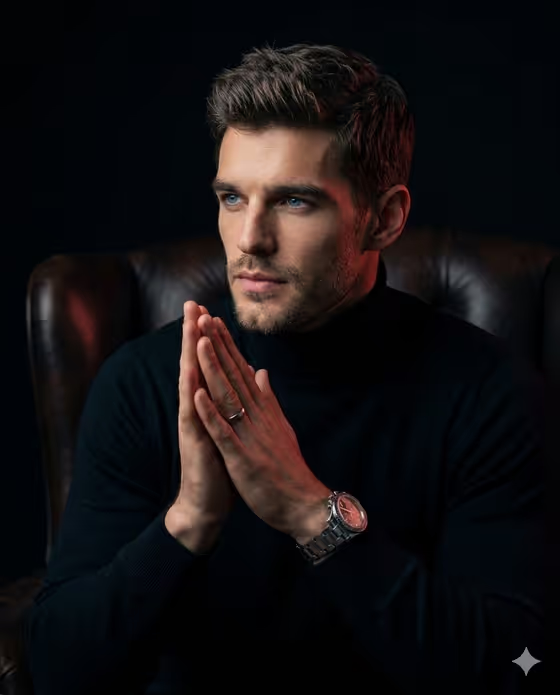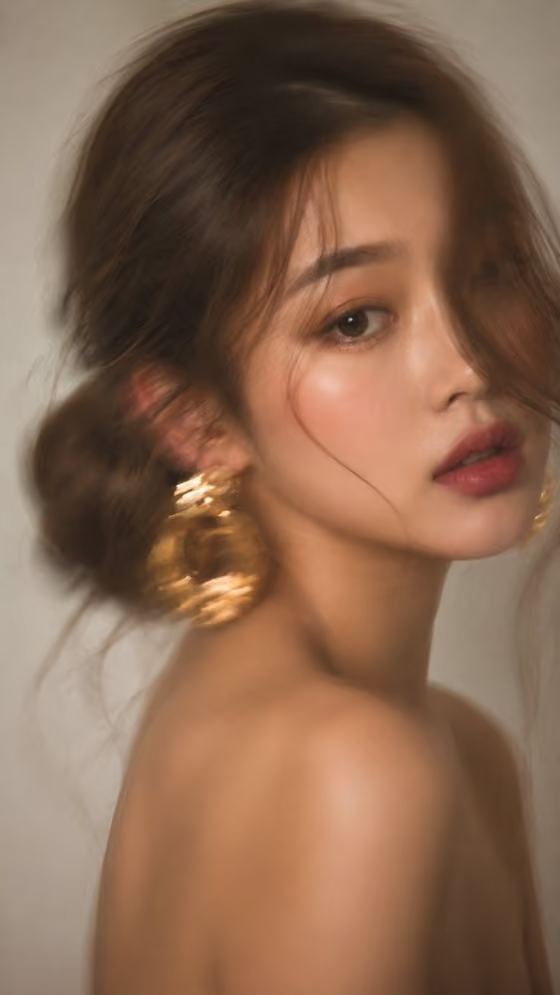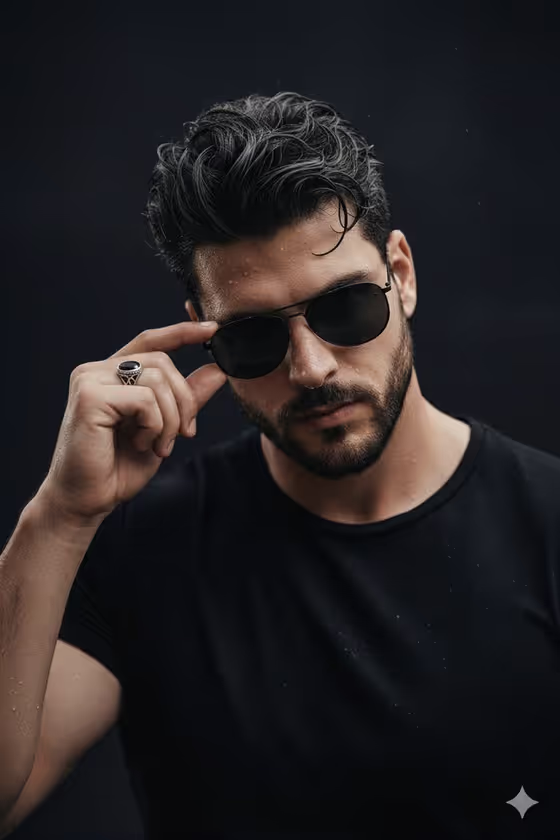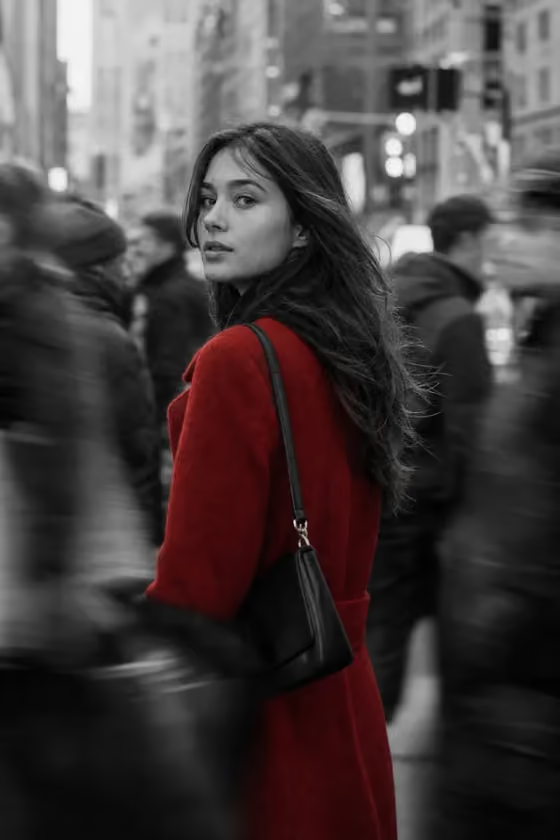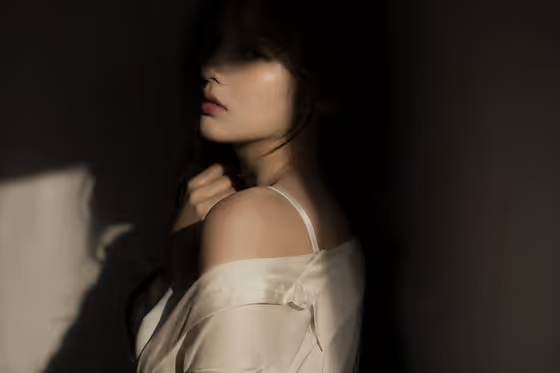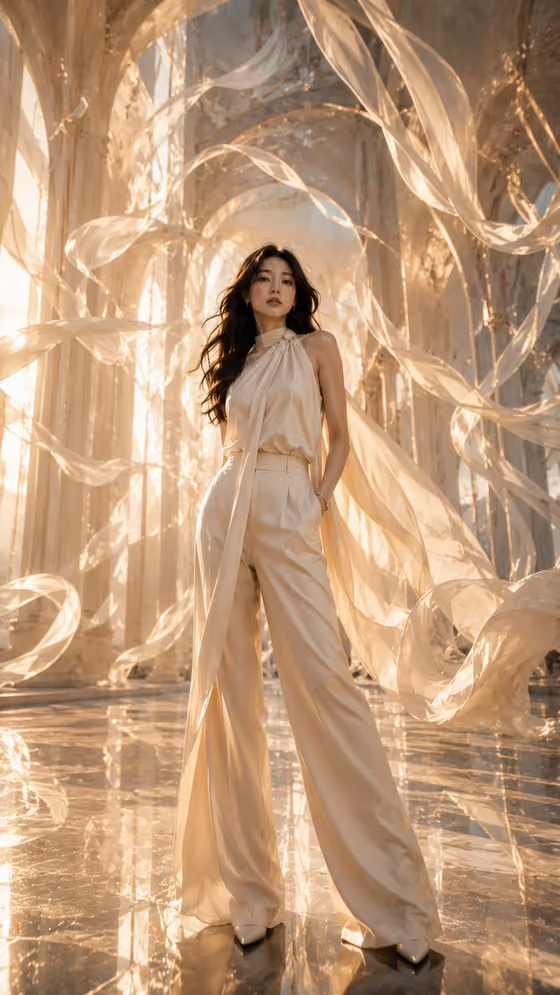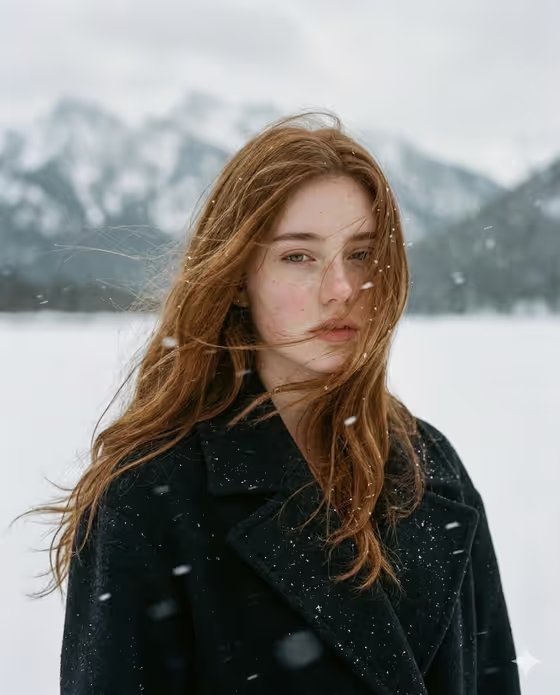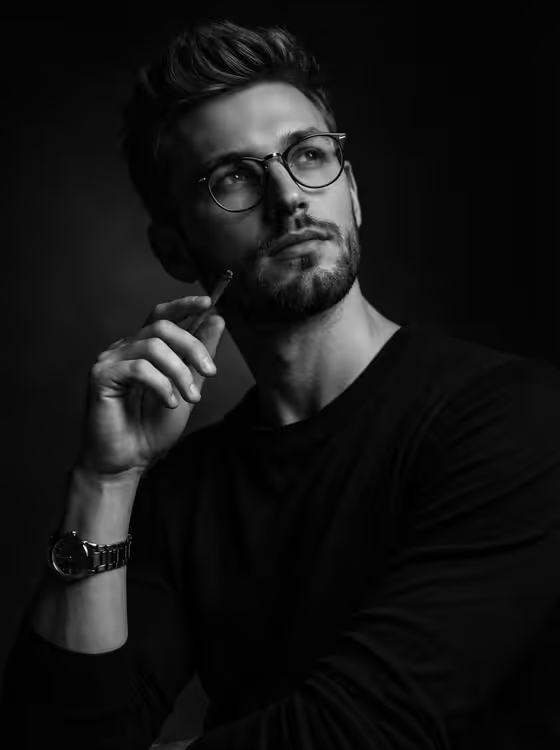
Monochrome Thinker makes a black-and-white studio portrait lit in classic Rembrandt style. The subject sits against a dark background with deep shadows, a pencil held near the face, and a gaze that drifts slightly upward and to the side, as in the cover image.
It suits anyone who wants a moody, editorial-looking portrait: profile pictures, author or creative bios, or a fine art style headshot. The look is fixed, so your job is choosing who appears in it and how the frame is composed.
What works best as input
- In the subject field (labeled "thoughtful man portrait subject"), you can either type a short description or upload a reference photo. The default idea is "a thoughtful man", but you can swap in something like "an editorial portrait subject".
- If you upload a photo, pick a clear, well-lit image of one person facing the camera or close to it, with the face fully visible and in focus.
- Avoid reference photos with heavy filters, sunglasses, or hands covering the face, since the template builds around a clearly lit face and a pencil near it.
- Only use photos of yourself or people who have agreed to be photographed, and keep the description respectful and simple.
- If you type instead, keep it short and concrete. A few words about the person works better than a long list of details, because the template already sets hair, glasses, sweater, and watch.
How to use it
- Open the Monochrome Thinker template in Phosphene.
- Fill in the subject field by typing a short description or uploading a reference photo of the person you want in the portrait.
- Choose an option in Pose and scene, such as an intimate close portrait, a full-body editorial frame, or an environmental candid frame.
- Generate the image, then check the result for lighting, face likeness, and framing, and run it again if you want a different take.
Tips for a better result
- Try the intimate close portrait option when you want the dramatic side lighting and shadow to dominate the frame.
- Compare a full-body editorial frame with a close portrait using the same subject to see how much of the sweater, watch, and pencil you want visible.
- If a reference photo gives a result that feels off, retry with a different photo that has a similar angle to the cover, with the head turned slightly and eyes looking up and aside.
- Keep the subject description minimal so the fixed styling (round glasses, stubble, black sweater, metal watch) stays consistent.
Common mistakes
- Writing a long description in the subject field that conflicts with the fixed styling, such as asking for bright colors, since the output is built as a high-contrast black-and-white image.
- Uploading a small, blurry, or heavily shadowed photo, which gives the lighting little real face detail to work with.
- Expecting the pose to change freely. The pencil near the face and the upward glance are part of the template, and Pose and scene only changes how the shot is framed.
FAQ
Will the result be in color?
No. The template is built as a dramatic black-and-white studio portrait with high contrast and deep shadows.
Can I upload my own photo?
Yes. The subject field accepts a photo as well as typed text, so you can upload a reference of the person you want in the portrait.
What does Pose and scene change?
It sets how the image is framed, with options like an intimate close portrait, a full-body editorial frame, or an environmental candid frame. The Rembrandt lighting and overall look stay the same.
What aspect ratio does it produce?
The template outputs a 3:4 portrait-oriented image.