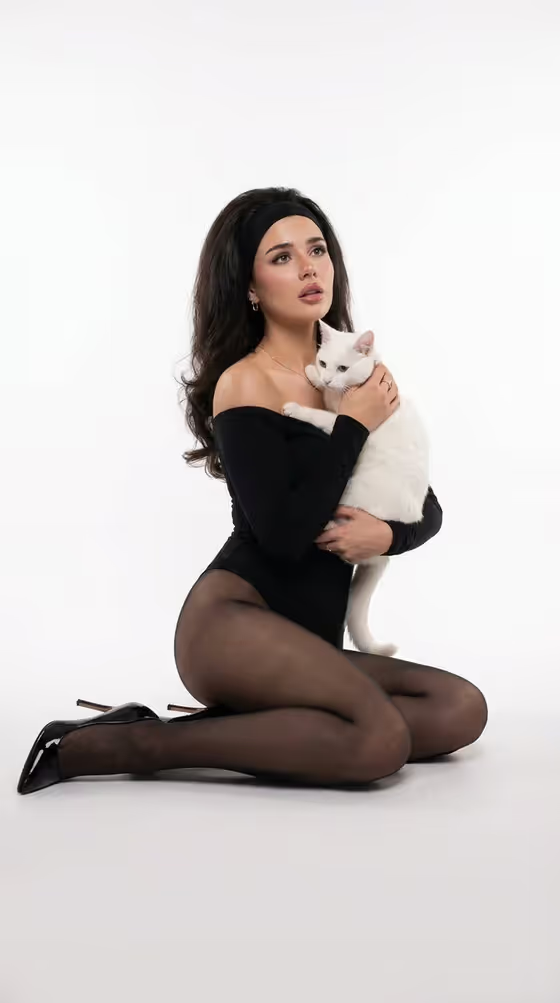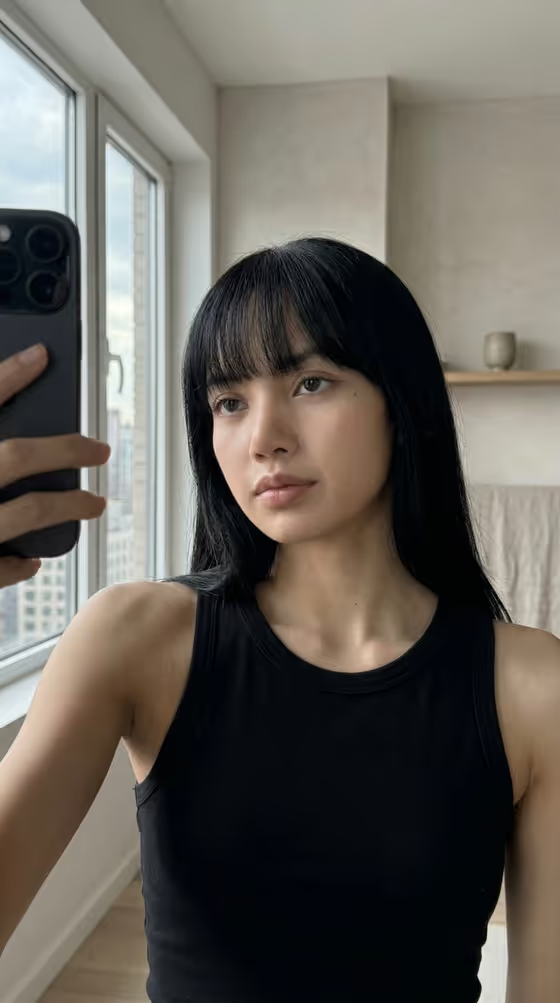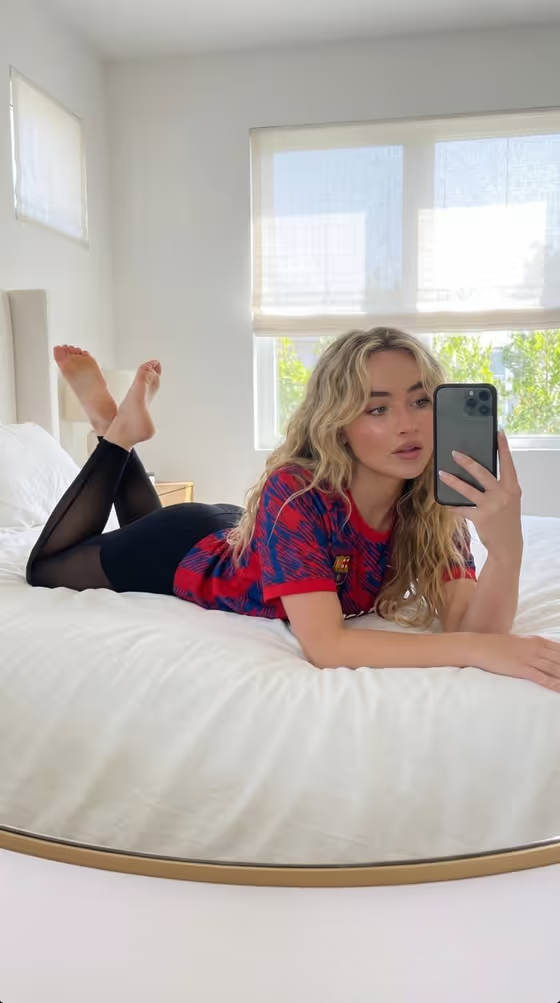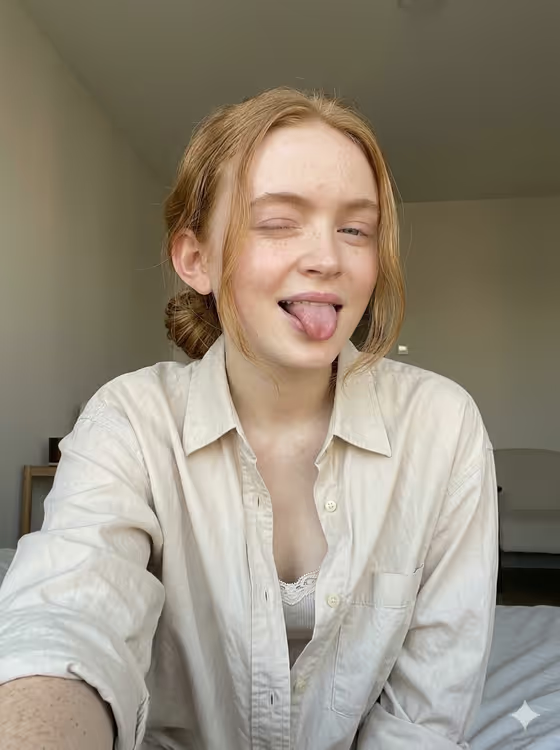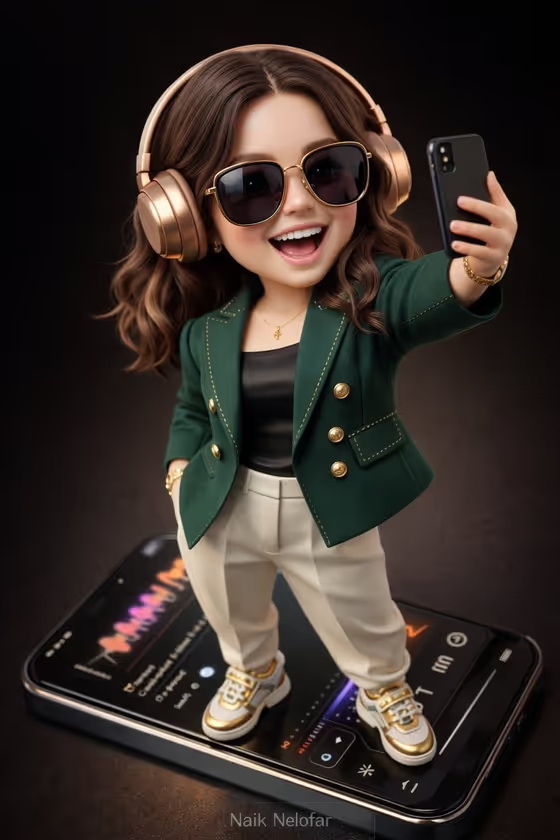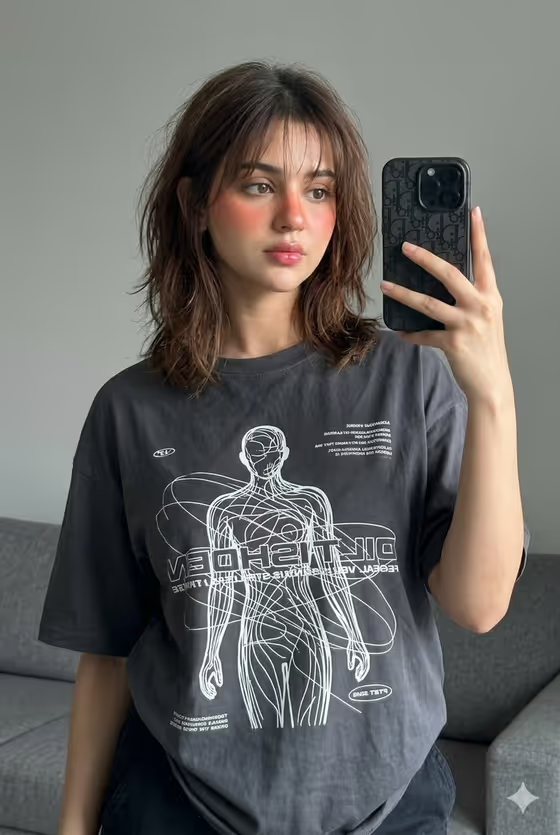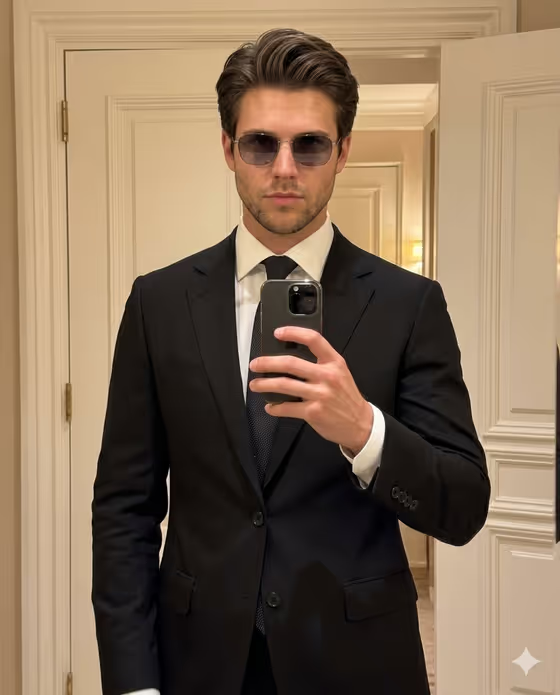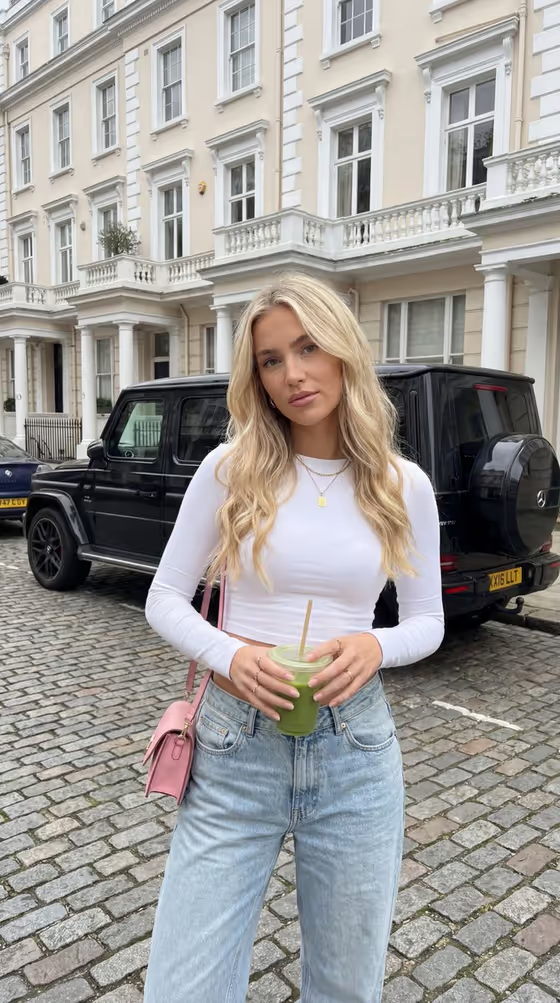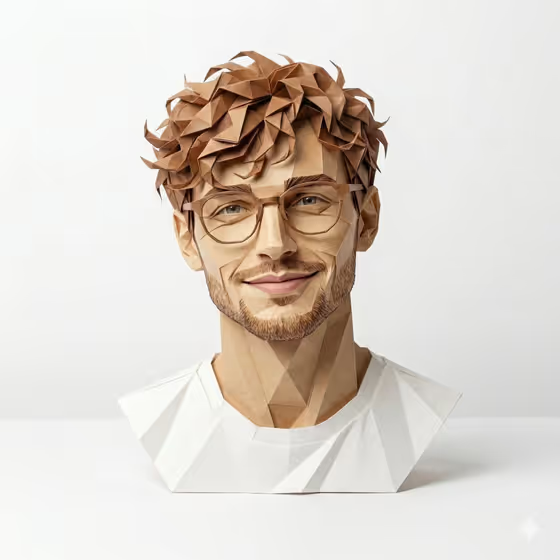
Origami Identity Figure turns a portrait into a photographed paper sculpture. The result is a figure folded from matte paper in geometric planes, keeping the silhouette, expression and colors of your source. The cover shows the idea: a smiling bust with faceted hair, glasses and a folded white shirt on a clean studio surface.
It suits anyone who wants a stylized, handcrafted-looking version of a portrait, such as a profile picture, a gift concept or a creative avatar. You start from a photo and choose a paper finish and a pose, and the template handles the folding look.
What works best as input
- Use a clear photo where the face and head are fully visible and in focus. The template translates facial details into folded planes, so sharp source detail gives it more to work with.
- Pick a photo with the pose you want to keep. The default Collectible pose is 'matching the uploaded pose', so the figure follows your reference unless you say otherwise.
- Choose an image with distinctive features, like glasses, curly hair, a beard or a recognizable outfit. These carry the silhouette and read well as geometric folds.
- Avoid heavy filters or very dark lighting. The template keeps your reference palette and avoids black paper, so a naturally colored photo translates more faithfully.
- Only use photos of yourself or people who are fine with being featured, and avoid using the likeness of public figures.
How to use it
- Open the Origami Identity Figure template in Phosphene and add your photo to the Portrait subject field, or describe the subject in text if you prefer.
- Set the Paper finish, for example premium matte color paper or subtle fibrous art paper, to choose how the folded material looks.
- Fill in Collectible pose, or keep 'matching the uploaded pose' to follow your photo, then generate the 3:4 image.
- Review the result and check that the silhouette, hair, outfit colors and expression match your source. Adjust the finish or pose and generate again if you want a different take.
Tips for a better result
- Try different Paper finish options such as lightly pearlescent folded stock or crisp recycled paper to see how the fiber texture and sheen change the same portrait.
- Change the Collectible pose to something like 'standing in a calm hero stance' or 'seated with folded limbs' to move beyond a simple bust.
- Keep the pose description short and concrete. The template already adds studio lighting, soft shadow and layered paper thickness, so you only need to steer the posture.
- If the figure drifts from your photo, start again with a closer, better-lit reference so hair, glasses or clothing details stay recognizable.
Common mistakes
- Using a small, blurry or heavily cropped photo, which leaves too little facial and clothing detail to fold into accurate geometric planes.
- Describing a very busy scene or long pose instruction. The template focuses on one figure on a clean surface, so overloaded descriptions can muddy the result.
- Expecting black paper or printed-on features. The template folds colors and details into paper planes and avoids black, so outfits in black may come out in other tones.
FAQ
Do I have to upload a photo?
The Portrait subject field accepts a photo reference, and the template is built around uploading one. You can also describe the subject in text, but a photo keeps the silhouette and palette closest to the real person.
What does the Paper finish setting do?
It controls the type of paper the figure appears to be folded from. Examples include premium matte color paper, subtle fibrous art paper, lightly pearlescent folded stock and crisp recycled paper.
Will the figure keep my pose?
Yes, if you leave Collectible pose as 'matching the uploaded pose'. You can type a different pose, such as a calm standing stance, to change it.
What format is the result?
It is a single image in a 3:4 aspect ratio, showing the origami figure on a clean studio surface with soft natural shadow.