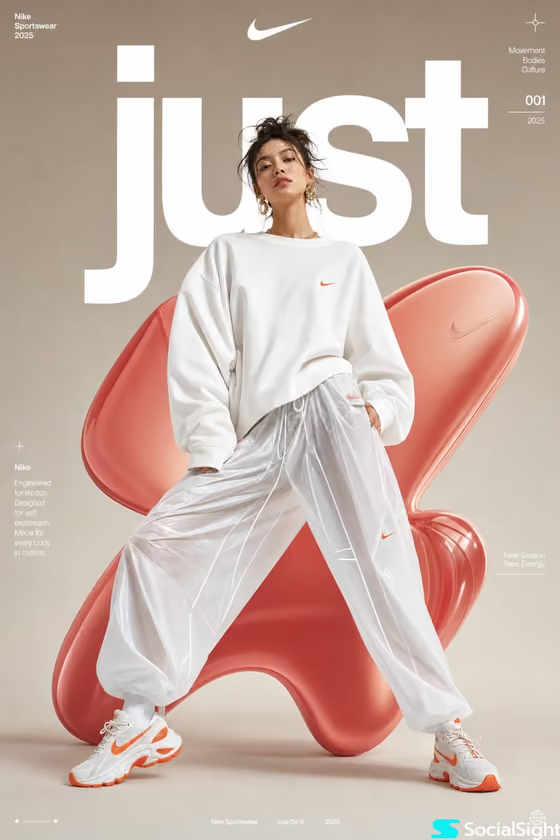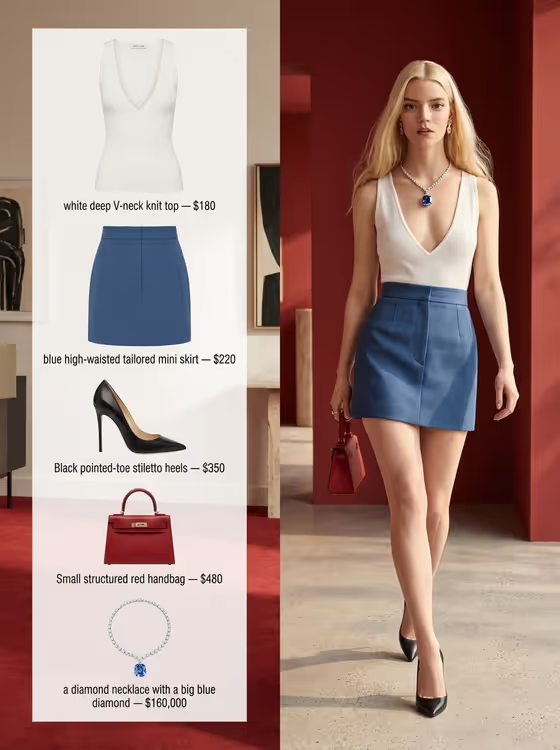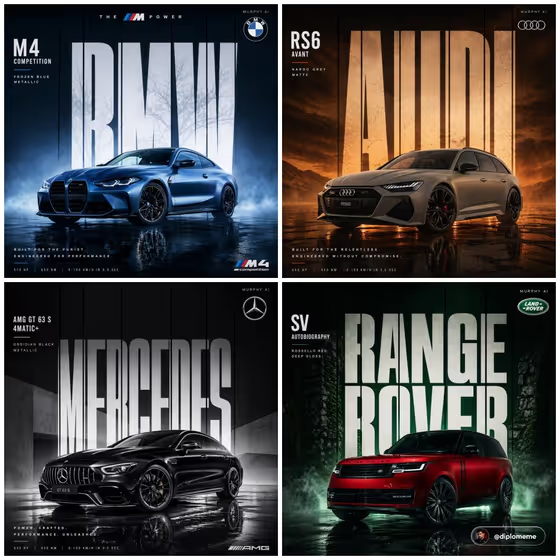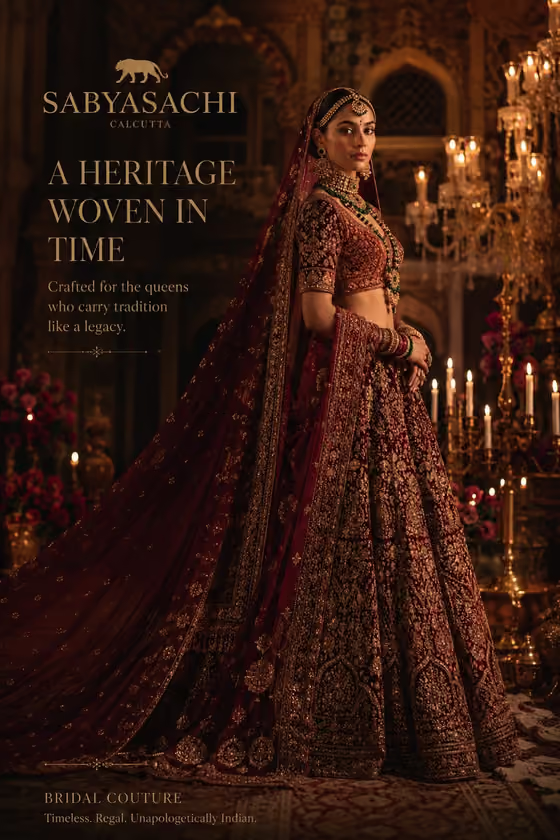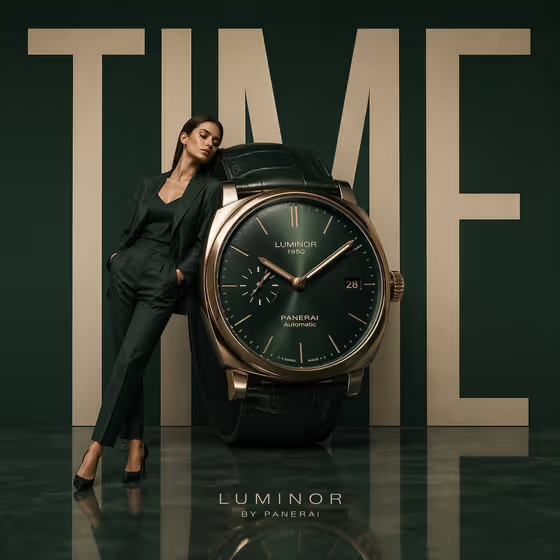
Sculptural Time Campaign builds a square luxury ad where your watch is scaled up into a giant sculpture and a full-body model leans against its dial. Behind them sits one huge word in bold type, all set against a deep emerald backdrop with a polished, reflective floor.
It suits watch brands, jewelers, retailers and designers who want a premium campaign visual for a product page, social post or pitch. You describe the watch, the model and the word, and the template handles the staging and lighting.
What works best as input
- For Watch product or design, type a clear description such as "oversized Swiss dress watch" or "minimal steel wristwatch". This slot is text only, so put the case shape, strap and dial style into your words.
- For Campaign model or person, you can either describe someone (for example "a poised adult man") or upload a matching reference photo. A sharp, evenly lit, full-body photo of a consenting adult works best.
- If you use a person reference, pick a photo where the pose is relaxed and the whole body is visible, so the lean against the dial looks natural.
- For Rendered campaign word, keep it to one short, bold word in capitals like TIME, MOMENT or PRECISION. Shorter words stay larger and more legible behind the subjects.
How to use it
- Open the Sculptural Time Campaign template in Phosphene.
- Fill in Watch product or design with a short description of the watch you want to feature.
- Fill in Campaign model or person by describing the model or uploading a reference photo, then type your word into Rendered campaign word.
- Generate the image, then check that the watch face, the model's pose and the background lettering all read clearly before using it.
Tips for a better result
- Be specific about the watch's details, such as dial color, metal tone and strap material, so the giant dial feels intentional rather than generic.
- Try different campaign words to change the mood. A single confident word like PRECISION reads differently from MOMENT, and the layout stays the same.
- Vary the model description (for example an elegant adult woman versus an androgynous fashion model) to test which look fits your brand.
- Keep the watch and model descriptions short and focused, since the template already sets the emerald color, floor reflections and centered composition.
Common mistakes
- Using a long phrase or sentence for the campaign word. It gets crowded behind the subjects and loses the bold, poster-like effect.
- Writing a vague watch description like "a watch". Without detail about the case and dial, the hero product can look generic.
- Uploading a cropped or cluttered photo of the model. A partial or busy reference makes it harder to get a believable full-body lean against the dial.
FAQ
Can I upload a photo of my watch?
The Watch product or design slot is text only, so describe your watch in words. Only the Campaign model or person slot accepts a photo reference.
Can I change the background color?
The template is built around a deep emerald set with a reflective floor, so that direction is fixed. You can change the watch, the model and the word.
What format does the result come in?
It produces a single square 1:1 image with the giant watch, the model and the large typography centered in frame.
Will the word appear fully visible?
The word is placed as massive type behind the sculpture and is partially covered by the watch and model, so some letters are intentionally hidden. Short words stay easiest to read.