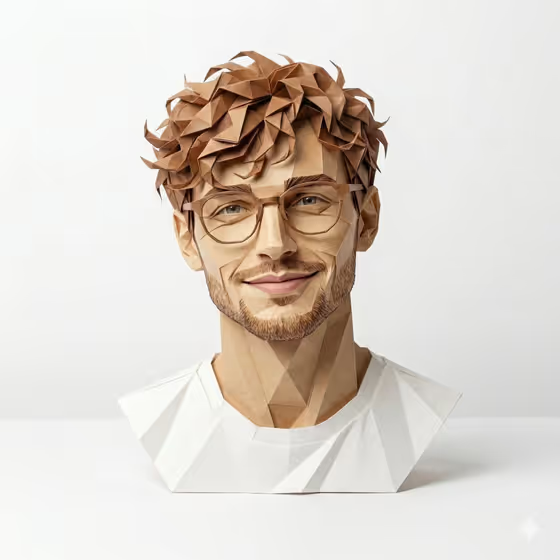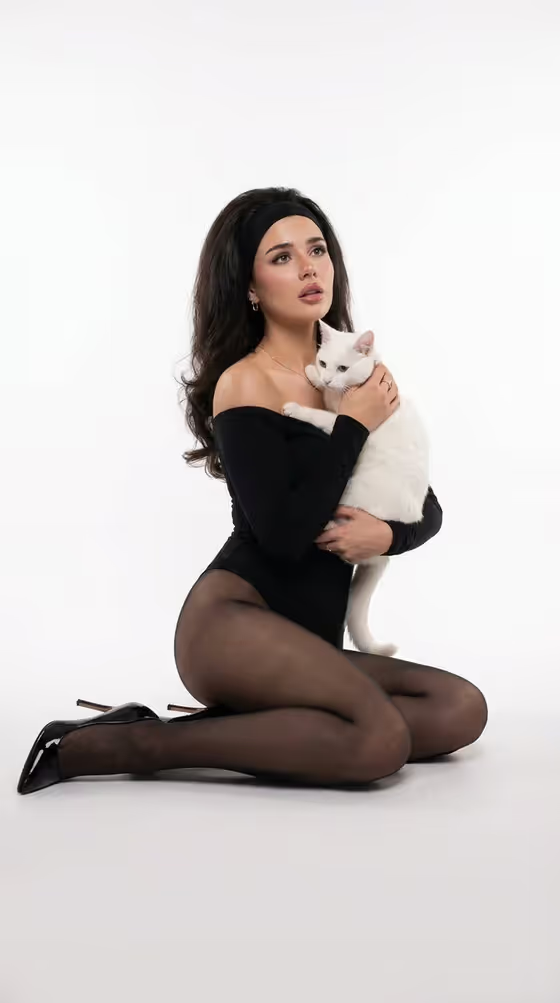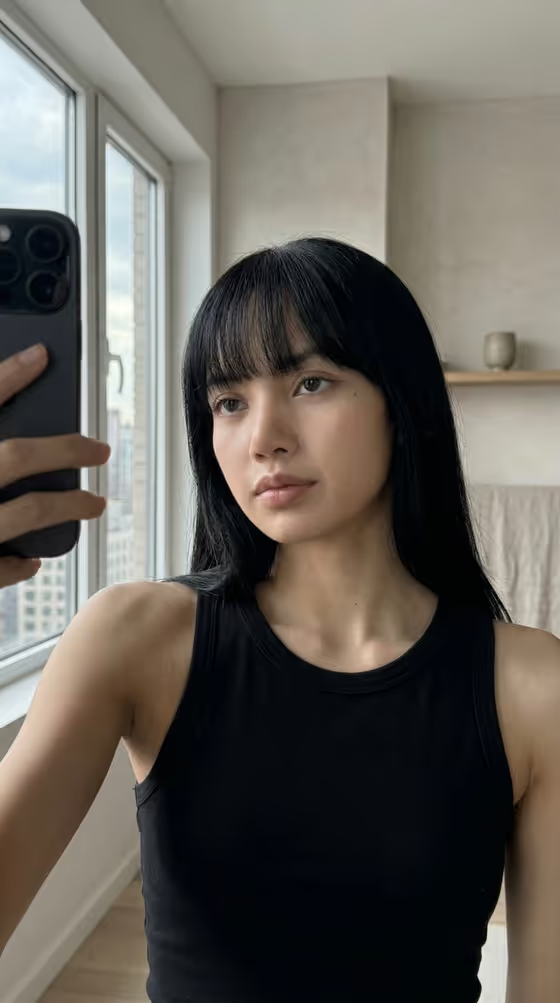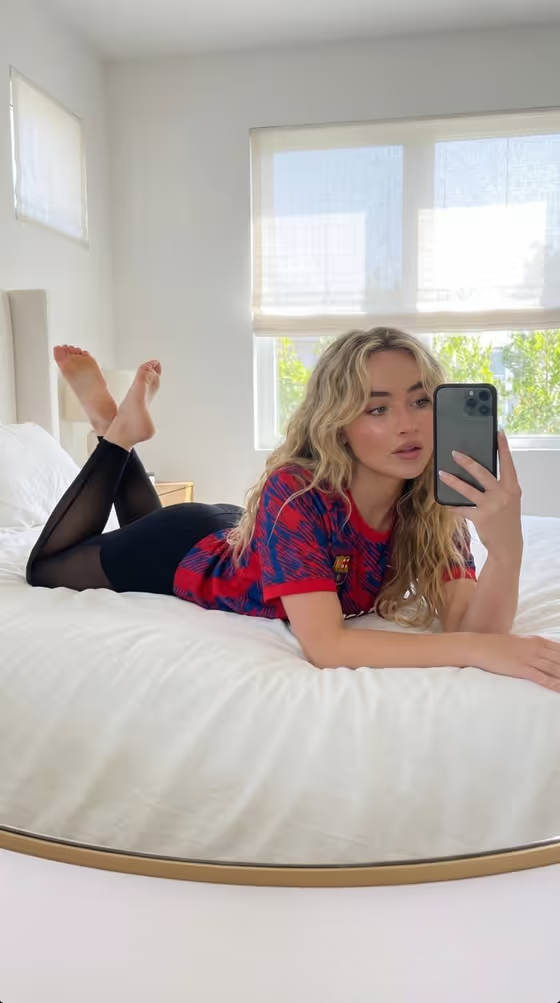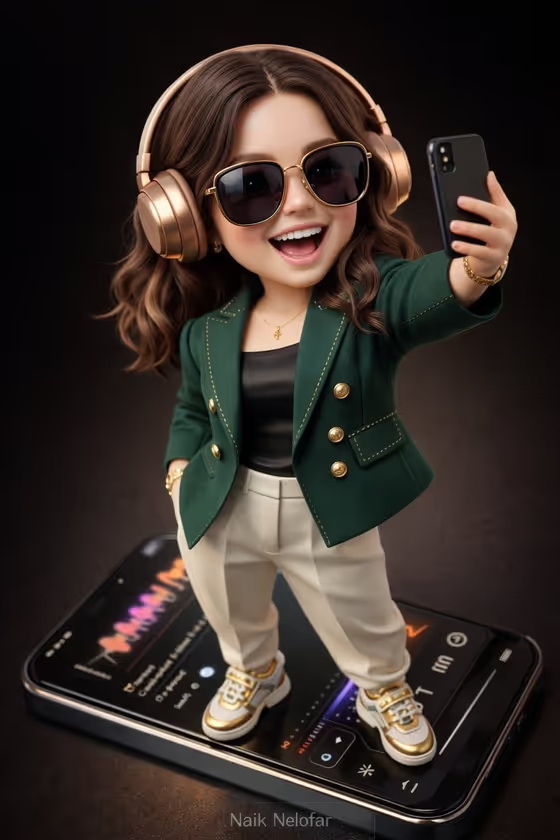
Designer Chibi Figure turns a person, character or idea into a collectible-toy-style figure with slightly exaggerated cute proportions and photoreal skin and hair. The cover shows the look: a laughing figure in an emerald green tailored jacket with gold buttons, ivory trousers, gold-and-white sneakers, glossy sunglasses and rose gold headphones, standing on a giant smartphone and taking a selfie.
It suits anyone who wants a personalized display-piece image, such as a profile picture, a gift concept or an original character shown as a premium toy. The output is a 3:4 image, and the template asks for two or more photos or references, so it works best when you bring clear material for your subject.
What works best as input
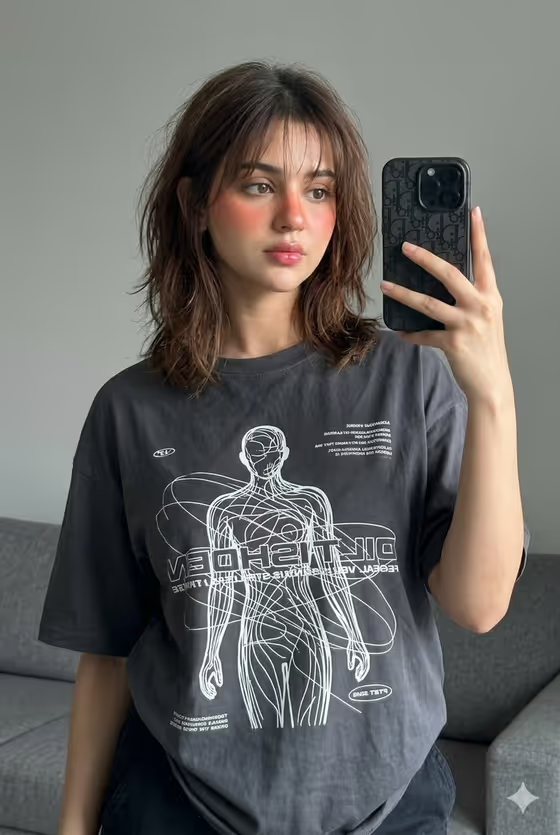
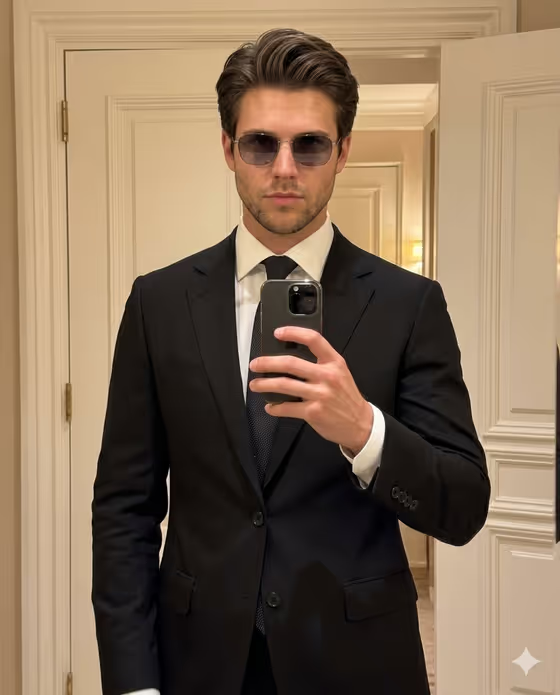
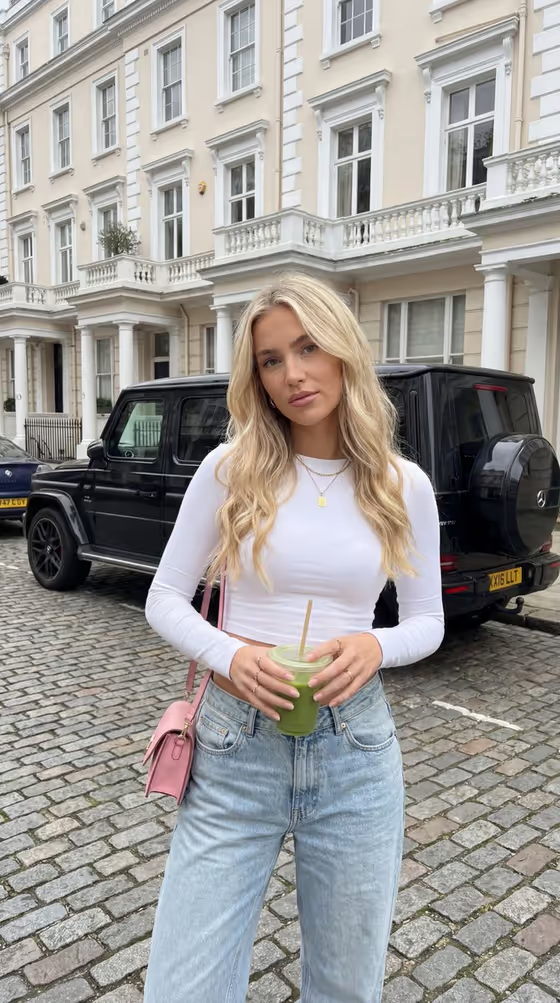
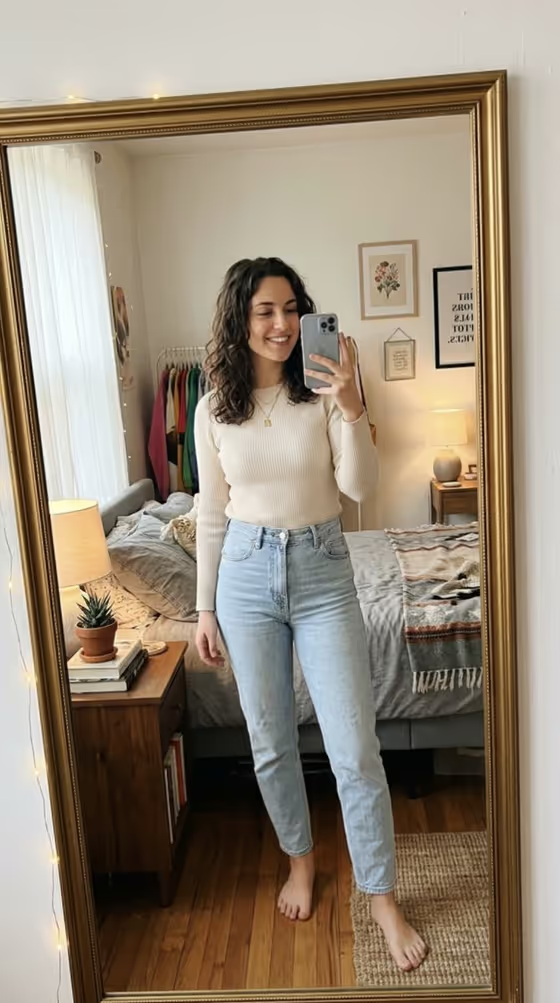
- Use at least two clear photos or references of the same subject, since the template expects 2 or more. Pick ones that show the face and overall look from slightly different angles.
- Choose well-lit, sharp images where the face is not hidden by shadows, filters or heavy cropping. The template renders natural skin pores and hair strands, so a clean source gives it more to work with.
- Include the hair and any signature item (glasses, a hairstyle, accessories) in your references so they carry over into the figure.
- If you describe the subject in text instead, be specific, for example 'a fashion designer chibi figure' or 'an original character', and mention the traits that define them.
- Only use photos of yourself or people who have agreed to it, and keep the reference respectful and neutral.
How to use it
- Open the Designer Chibi Figure template in Phosphene.
- In the subject field (the fashion designer chibi figure character subject), describe who or what the figure is, and add your photo references where the field accepts them.
- Set Character staging to the framing you want, such as a collectible character portrait, a full-body character scene or an environmental story moment.
- Generate the image, then check the face, hair, outfit details and the small watermark text at the bottom. Adjust your inputs and run it again if something is off.
Tips for a better result
- Keep the subject description short and concrete. The template already defines the emerald jacket, ivory trousers, headphones and phone, so extra detail is best spent on the person or character themselves.
- Try different Character staging options to change how the same subject is framed, from a portrait-style collectible to a fuller scene.
- Use the example subjects as a starting point, such as 'an original character' or 'a personalized collectible figure', and edit them to fit your idea.
- Add references that show the hairstyle and any signature accessory clearly, so those traits survive the toy-style stylization.
Common mistakes
- Uploading only one photo or very low-quality images. The template asks for 2 or more, and blurry or dark references weaken the likeness.
- Writing a long, conflicting description that fights the fixed look. The outfit, dark brown studio backdrop and smartphone stage are built into the template.
- Mixing photos of different people in one subject field, which makes it unclear whose features the figure should follow.
FAQ
How many photos do I need?
The template is set to 2 or more photos. You can also describe the subject in text, but references help the figure match who you have in mind.
Can I change the outfit or the phone stage?
The look is mostly fixed: the emerald jacket, ivory trousers, headphones, selfie pose, phone stage and dark brown backdrop are part of the template. Your inputs shape the subject and the staging.
What size is the result?
It is a single image in a 3:4 aspect ratio.
Will the image include text?
Yes. The template adds a small, subtle watermark text near the bottom of the image, as seen on the cover.