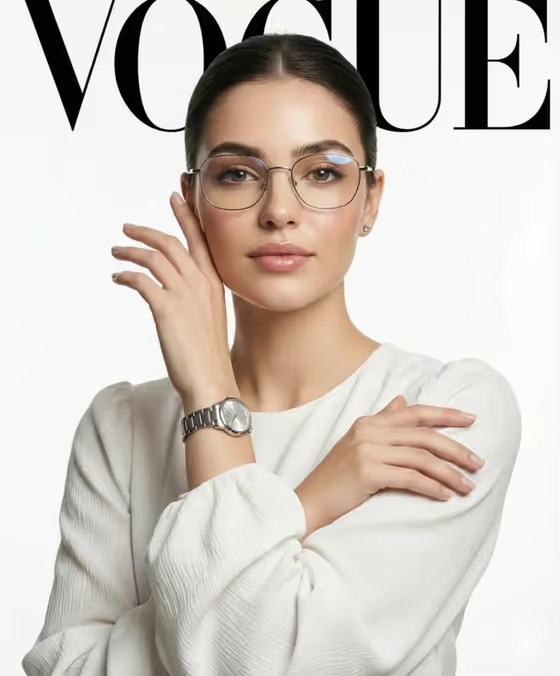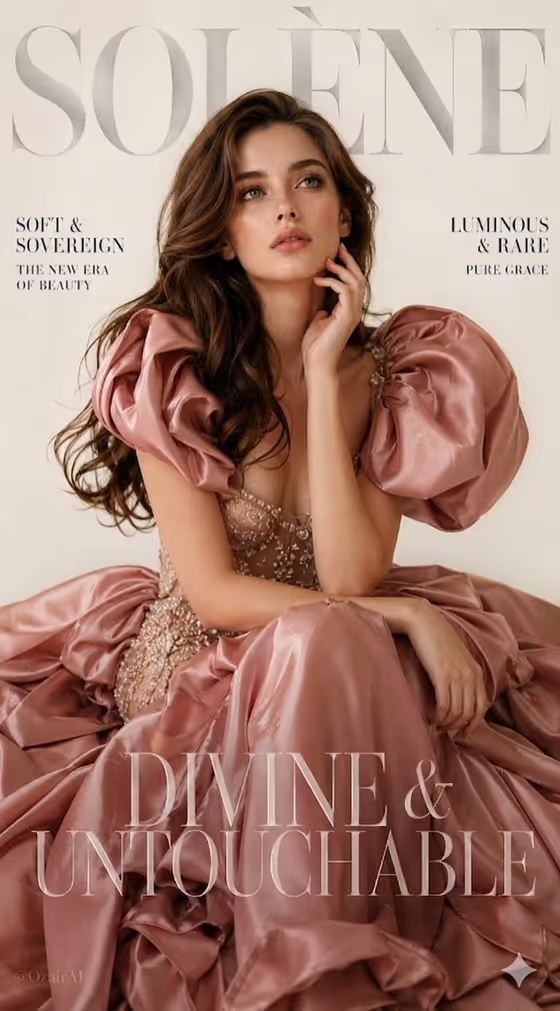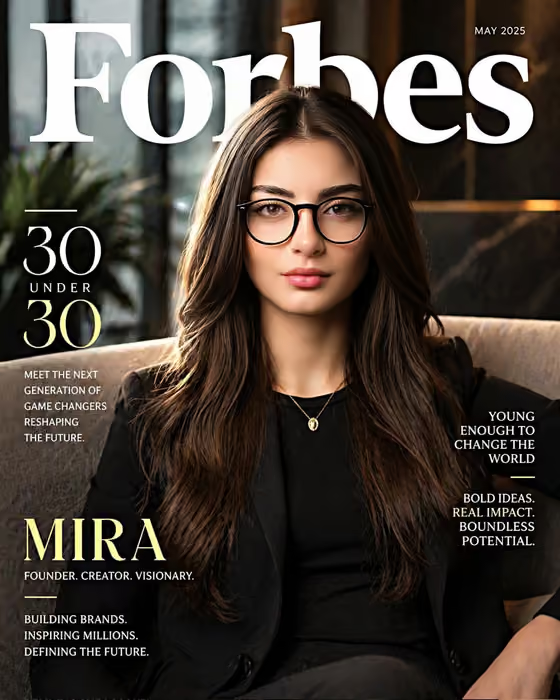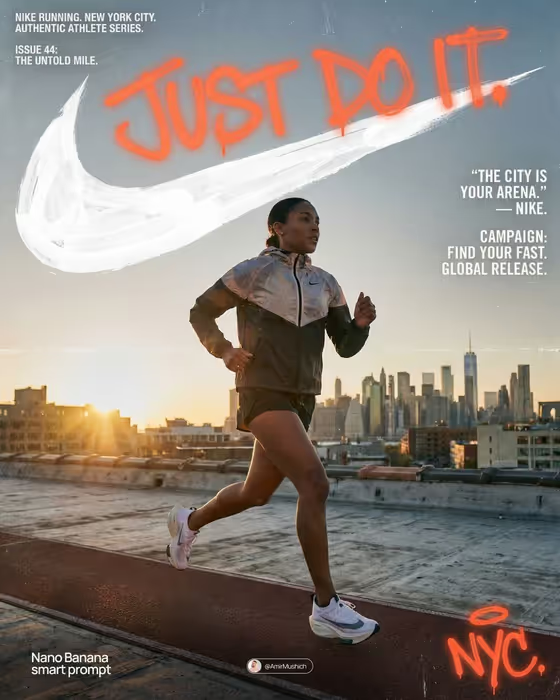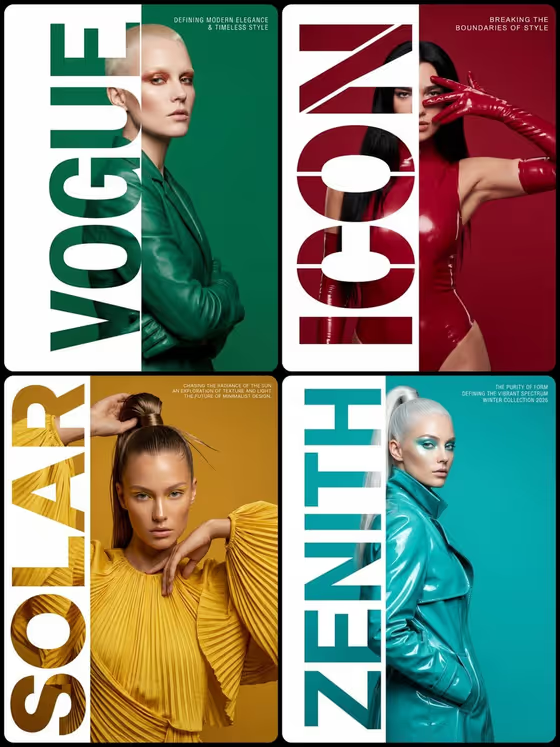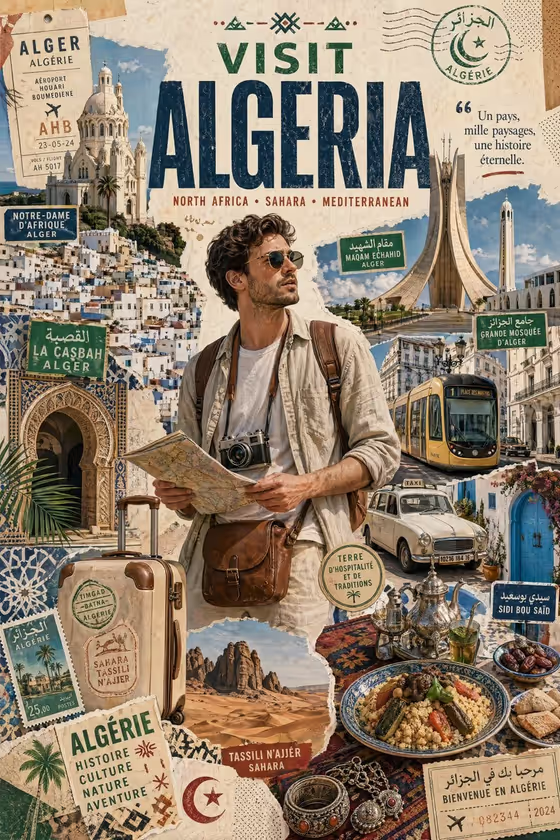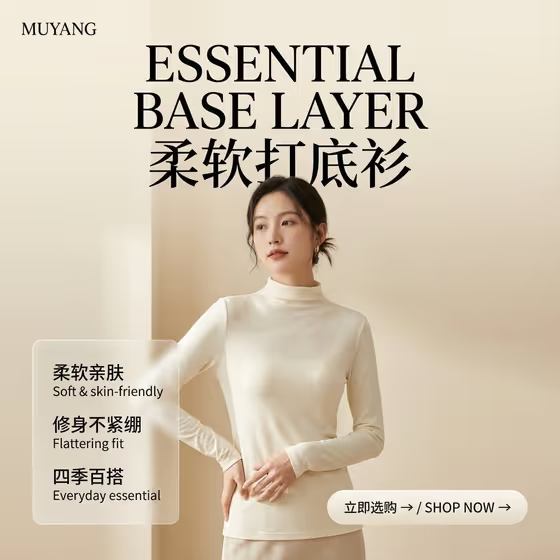
This template turns a garment into a vertical quiet luxury fashion poster. Your piece appears on an elegant adult model in a soft cream studio with daylight, generous empty space and a restrained, uncluttered look, similar to the knit base layer shown on the cover.
It suits small clothing brands, online shop owners and designers who want a calm, premium poster for knitwear, base layers and other simple tops without organizing a studio shoot. You describe or upload the garment, pick a pose and a palette, and the template handles the rest of the scene.
What works best as input
- For the Garment product or outfit field, you can type a short description such as 'oatmeal mock-neck base layer' or upload a photo of the garment. Both are allowed in that one field.
- If you upload a photo, use a clear shot where the whole garment is visible, with the neckline, sleeves and hem all in frame. The template is set to match silhouette, neckline, sleeve length, fabric, seams and color, so the cleaner the reference, the closer the match.
- Choose a photo with even lighting and a plain background so the true color and texture of the fabric are easy to read.
- If you describe instead of upload, be specific about color, neckline and sleeve length, for example 'soft camel long-sleeve top'. Vague words like 'nice sweater' leave too much to guess.
- For Studio palette, keep to soft neutrals such as 'cream and oatmeal' or 'mist gray and ivory'. This field is text only, so describe the colors in words.
How to use it
- Open the Quiet Luxury Knitwear Poster template in Phosphene.
- In Garment product or outfit, type a description of your piece or upload a reference photo of it.
- Set Model pose (for example 'relaxed three-quarter standing pose' or 'gentle hand at waist') and enter your Studio palette, such as 'pale camel and beige'.
- Generate the poster, then review the result. Check that the neckline, sleeves, color and fabric match your garment, and adjust your inputs if something is off.
Tips for a better result
- Pick a palette that sits close to your garment color but not identical, such as cream and oatmeal around a cream top, so the piece stays readable against the backdrop.
- Try different poses on the same garment. A full-body hand at side shows the whole silhouette, while a gentle hand at waist can show off the fit of a fitted top.
- Use a reference photo when exact seams, collar shape or fabric texture matter, and a text description when you are still exploring colors.
- Run the same garment through a few palettes like 'mist gray and ivory' and 'soft monochrome neutral' to build a small set of posters for a collection.
Common mistakes
- Uploading a cropped, dark or heavily filtered garment photo, which makes it harder to reproduce the real color and construction.
- Choosing a loud or high-contrast palette. The template is built around soft, quiet neutrals, so bold colors work against the intended look.
- Writing a vague garment description with no color or neckline detail, then being surprised when the result does not resemble your product.
FAQ
Do I have to upload a photo?
No. The garment field accepts either a text description or an uploaded reference, so you can type something like 'cream fitted knit top' instead.
What shape will the poster be?
It is a vertical poster in a 3:4 aspect ratio, set in a soft warm off-white studio with plenty of negative space.
Will the garment look like my real product?
The template is directed to match the silhouette, neckline, sleeve length, fabric, seams and color of your garment. A clear reference photo or a detailed description gives it the best chance, but always review the result against your product.
Can I change the model pose?
Yes. Model pose is a selectable field with options such as relaxed three-quarter standing pose, full-body hand at side, gentle hand at waist and restrained walking pose.