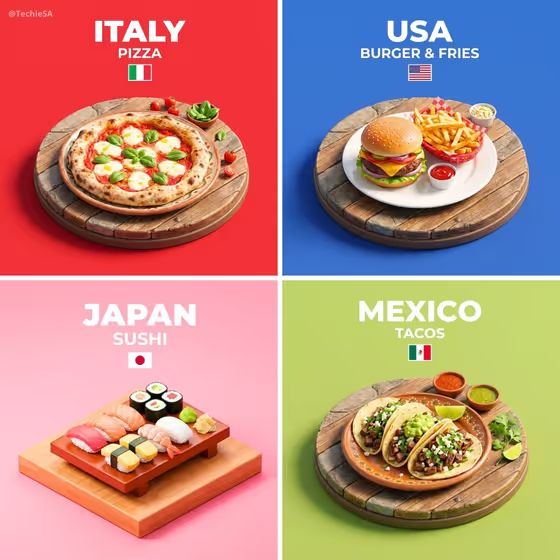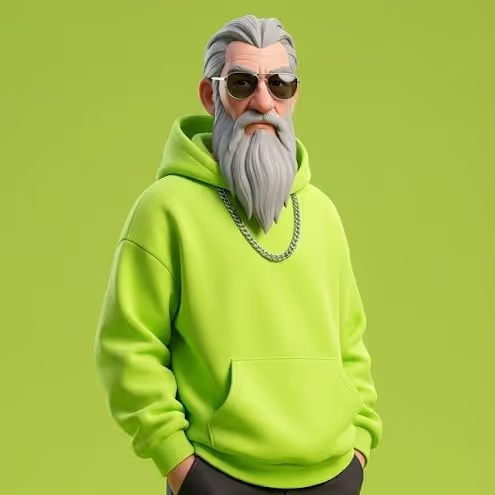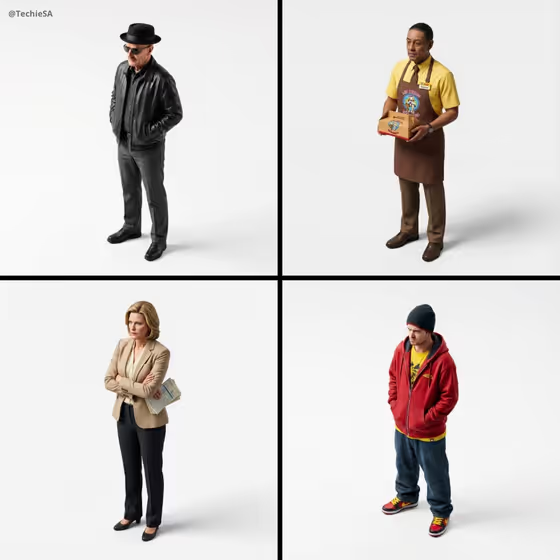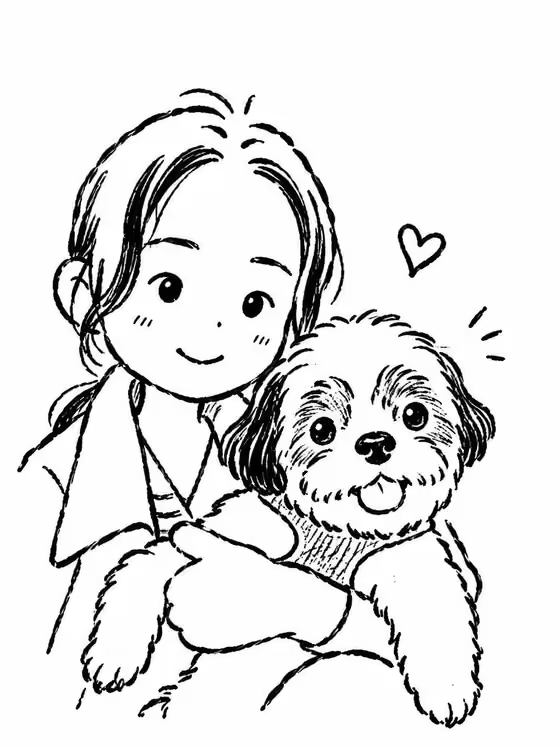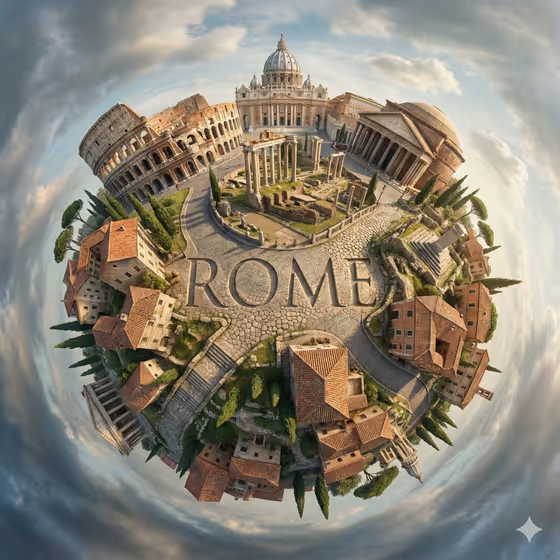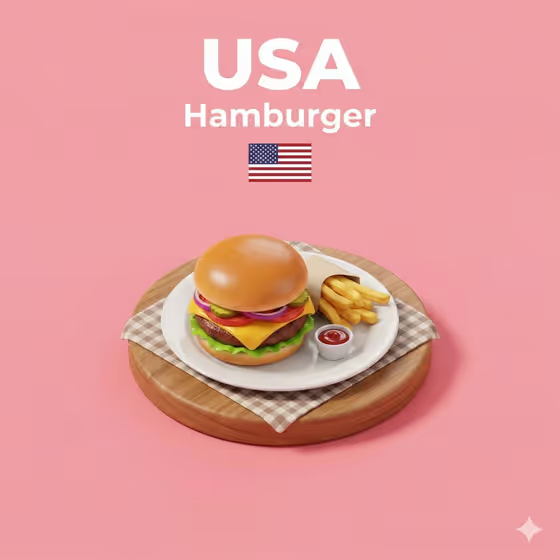
This template turns a dish or featured object into a small isometric 3D cartoon diorama. The cover shows a hamburger with fries and ketchup on a plate, set on a round wooden base with a checkered cloth, placed on a soft pink background with bold title text and a small flag at the top.
It suits food creators, menu designers, travel or culture posts, and anyone who wants a clean, collectible-looking tile for a recognizable dish. The output is a single 3:4 image.
What works best as input
- Use a clear photo of one dish or object in the 'Featured product or object' slot, shot so the whole item is visible and not cropped at the edges.
- Pick a subject that is instantly recognizable, like the burger on the cover, since the diorama is built around a highly recognizable presentation.
- Choose a photo with even lighting so colors and textures (bun, lettuce, cheese) read clearly and carry into the 3D look.
- If you would rather type, describe the dish or object in plain words, for example the dish name plus one or two defining ingredients.
How to use it
- Open the Recognizable Dish Table Diorama template in Phosphene.
- In 'Featured product or object', upload a photo of your dish or object, or type a short description of it.
- Set 'Creative direction' to the mood you want, such as Clean editorial, Playful colorful, Cinematic dramatic or Quiet premium, or describe your own.
- Generate the image, then review the base, title text and flag, and run it again with adjusted wording if something is off.
Tips for a better result
- Name the dish and its country or origin clearly, since the scene uses a title, a subtitle and a small national icon built from your subject.
- Try different creative directions on the same photo. Playful colorful suits the bright cartoon feel of the cover, while Quiet premium gives a calmer result.
- Mention a side or garnish in your description (like fries or a dipping sauce) if you want supporting elements on the plate or table.
- Keep the subject to one main dish so the raised base stays uncluttered and the title text has room at the top.
Common mistakes
- Uploading a busy photo with several dishes or a cluttered table, which makes it unclear what the diorama should feature.
- Using a vague description like 'food' or 'a thing', which gives the scene nothing recognizable to build around.
- Choosing a cropped or very dark photo, so the dish details and colors are lost in the 3D rendering.
FAQ
Can I use a photo, or do I have to type?
The 'Featured product or object' field accepts either an uploaded photo or a text description. The 'Creative direction' field is a choice or short description, not a photo.
What does the finished image look like?
A 3:4 isometric 3D cartoon scene with a raised base, your dish with simple plate or table elements, a solid background, large title text at the top and a small flag or national icon below it.
Does it only work for food?
It is built around a signature dish, as in the burger example, but the slot also accepts products and objects. Dishes with a recognizable look will match the intended style best.
Can I change the mood of the scene?
Yes. Use the 'Creative direction' field with options like Clean editorial, Cinematic dramatic, Playful colorful or Quiet premium to steer the feel.