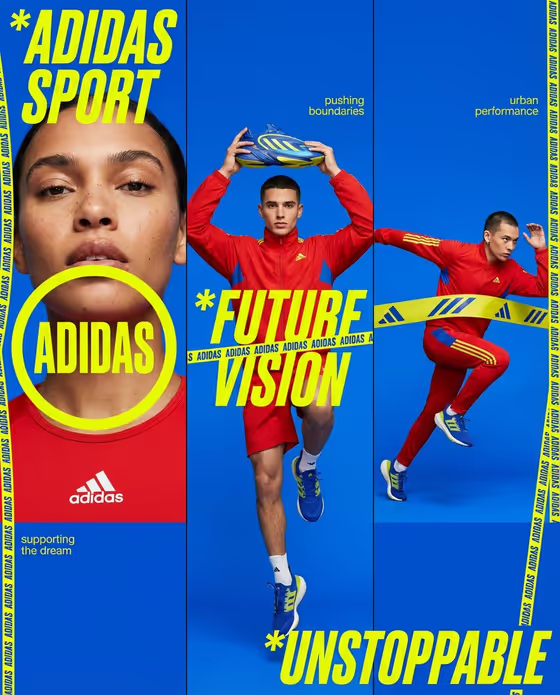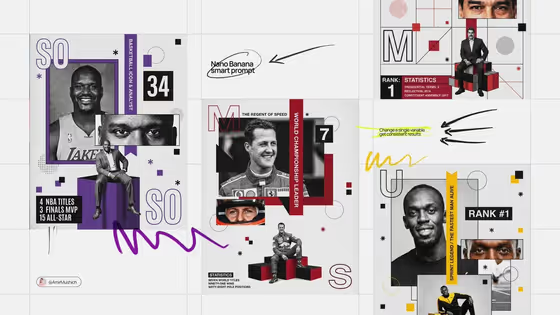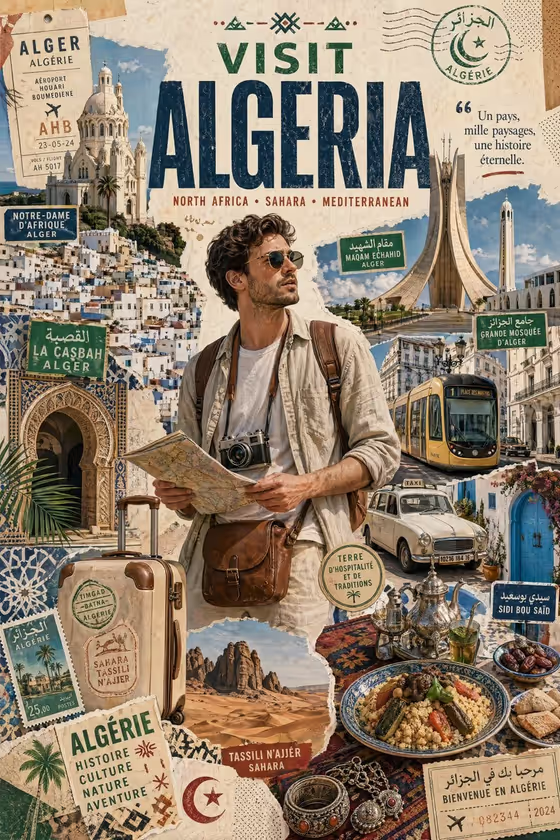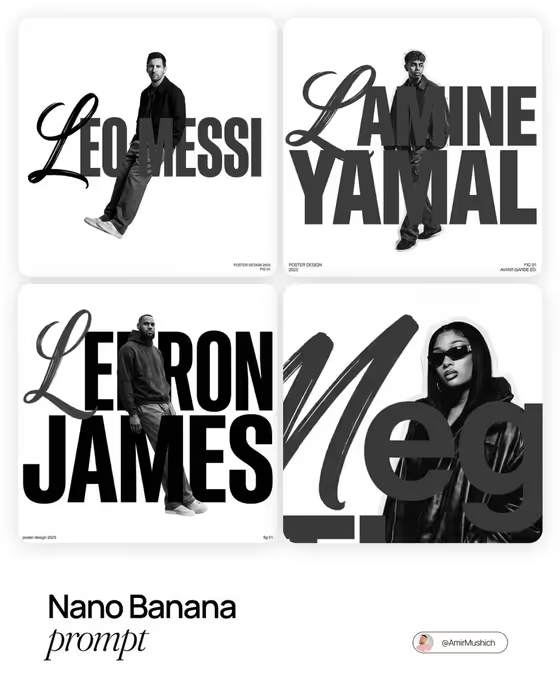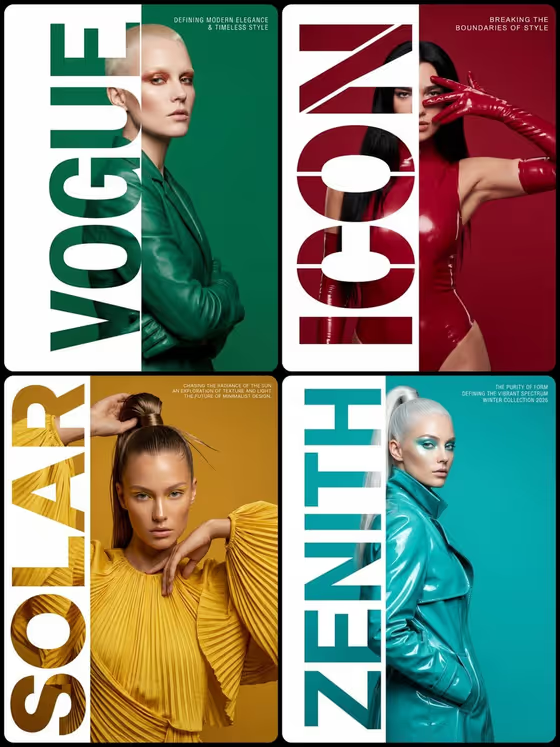
This template builds a vertical fashion poster in 9:16 where one giant stenciled word runs the full height of the left third. The subject appears whole on the right two-thirds, with only a sliver of them showing through the letterforms. The cover examples (VOGUE, ICON, SOLAR, ZENITH) show how the word, the background color and the outfit can all echo each other.
It suits designers, stylists, brand teams and creators who want an editorial campaign look for a collection, a launch or a portfolio piece. You can describe your subject in text or upload a reference photo in the first field, then choose a word, a color and an optional corner caption.
What works best as input
- In the Poster subject product or person field you can type a description or upload a reference. If you upload, pick a clear photo where the subject is easy to read.
- A reference with a visible pose and outfit gives the poster more to work with. The cover posters show subjects in strong, deliberate poses with sculptural clothing.
- If you describe instead of uploading, be specific about the person or product and the styling, for example 'a poised couture model' or 'a musician in tailored fashion'.
- Use the reference option wording 'the subject in my reference' if you want the poster to follow your uploaded image.
- Keep the Vertical word short and bold. Single words like FORM, VOLT, MODE or ICON are the kind of input the field is built for.
How to use it
- Open the Vertical Stencil Fashion Poster template in Phosphene.
- Fill in Poster subject product or person by typing a description or uploading a reference, then enter your Vertical word.
- Set the Poster background color, and optionally add a Corner caption for the top-right corner.
- Generate the poster, then check that the word, subject and color work together before adjusting and running it again.
Tips for a better result
- Match the background color to the outfit or product, as in the cover where the green jacket sits on green and the teal coat on teal. This keeps the monochrome field feeling intentional.
- Try different words with the same subject to see how letter shapes change what shows through the stencil.
- Keep the Corner caption brief and editorial, like 'AUTUMN EDITION' or 'STUDY IN MOTION', since it is meant to be compact spaced type.
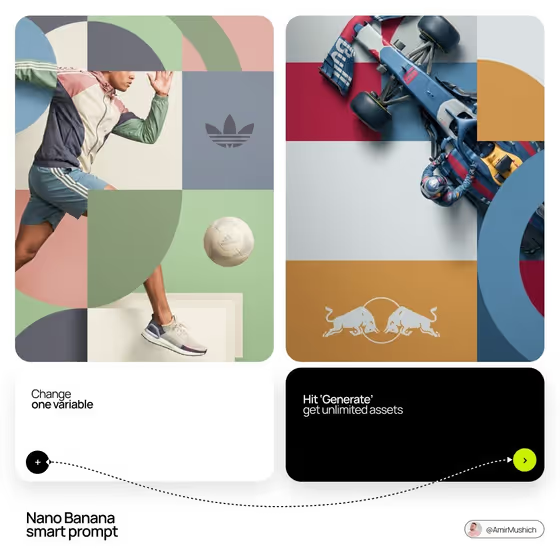
- Change only one field at a time between generations so you can tell which choice improved the result.
Common mistakes
- Using a long phrase or several words in Vertical word. The stencil is designed around one giant word, so shorter works better.
- Writing a vague subject like 'a person'. Without styling or pose details the poster loses its fashion editorial feel.
- Picking a busy or multicolor background description. The template expects a strict monochrome field.
FAQ
Do I have to upload a photo?
No. The subject field accepts either a text description or an uploaded reference, so you can use whichever you prefer.
Can I change which side the word appears on?
The template's fixed direction places the giant word in the left third, so the layout is set to that side.
Is the corner caption required?
No, Corner caption is optional. Leave it empty if you want a cleaner poster.
What shape is the output?
The poster is a 9:16 vertical image.