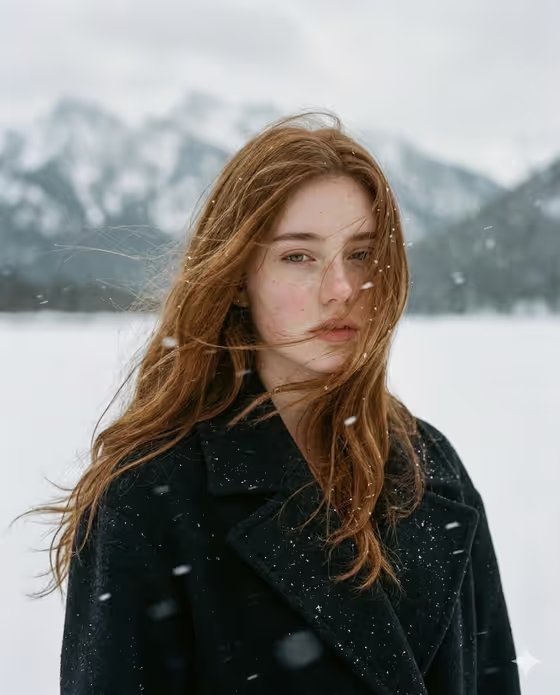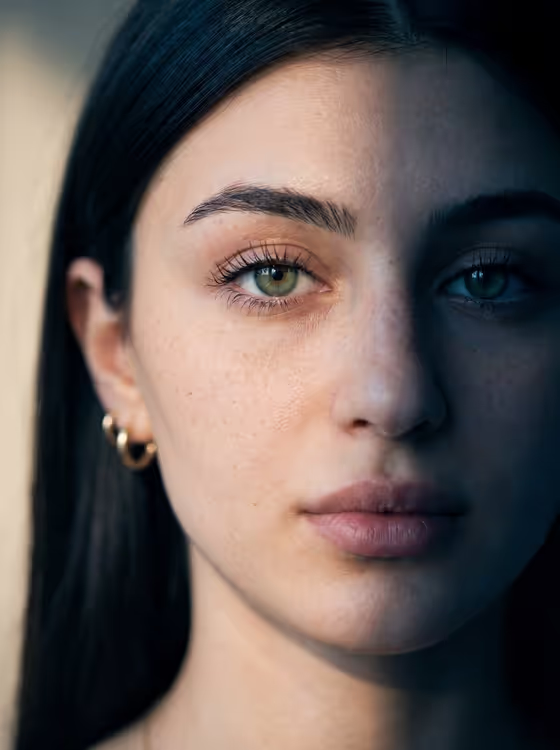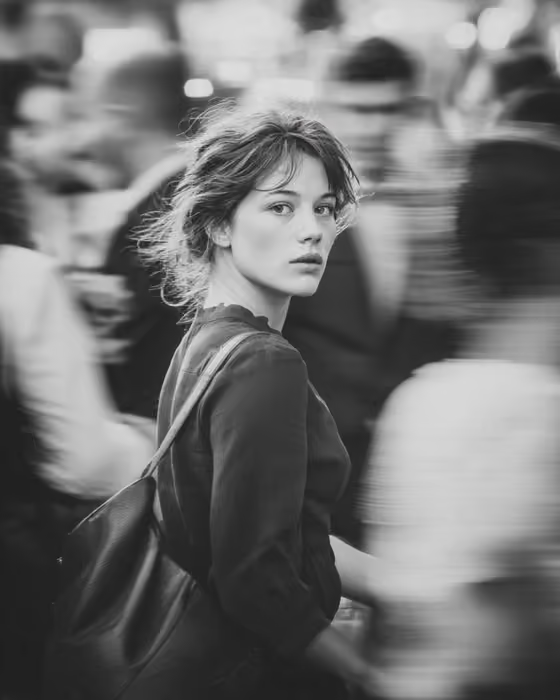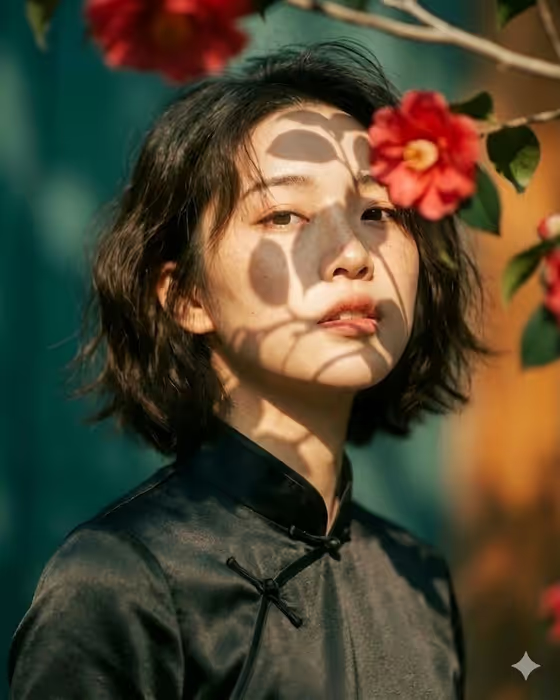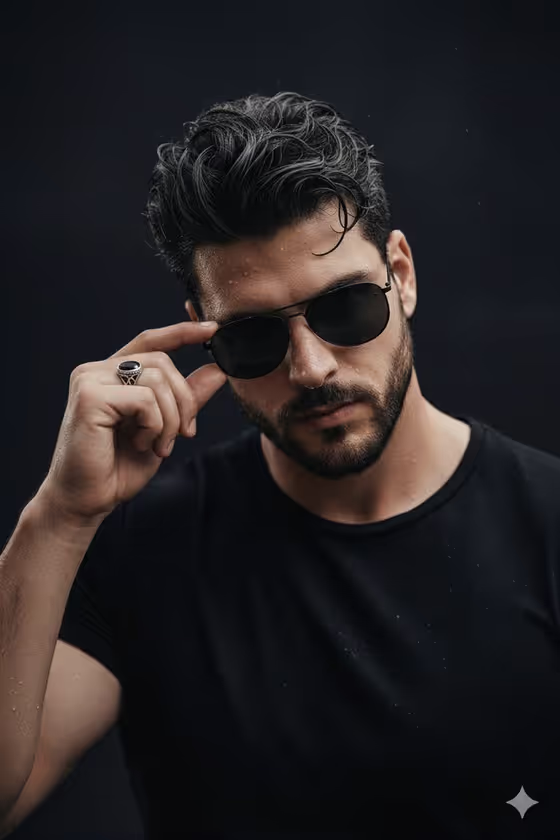
Rain-Wet Aviator turns a reference photo into a dark, close-up portrait in the 3:4 format. The subject has damp skin and hair, one hand lightly touching the frame of aviator sunglasses beaded with water droplets, all under low-key light against a near-black background.
It suits anyone who wants a moody, editorial-style headshot for a profile picture, a creative project, or a personal collection. You upload one photo to guide the face, then choose how the subject and the pose should read.
What works best as input
- Use a clear, well-lit photo where the face is fully visible and in focus, since the template uses your upload as the facial and identity reference.
- Pick a front-facing or slightly angled shot without sunglasses, hats, or hands covering the face, so the features are easy to read.
- Avoid heavy filters or extreme editing on the source photo, because they can carry over into the face the template recreates.
- In the Portrait subject field, a short plain description works best, such as the suggested example 'an adult man matching my reference', which keeps the result tied to your upload.
How to use it
- Open the Rain-Wet Aviator template in Phosphene and upload your reference photo.
- In Portrait subject, keep the placeholder text or describe the person in a short phrase that matches your photo.
- In Pose or expression, choose an option such as 'the source pose and energy', 'calm editorial stillness', 'confident direct presence', or 'candid spontaneous energy', or write your own.
- Generate the image, then review the face, the water droplets on the glasses and skin, and the hand gesture before saving.
Tips for a better result
- Try 'calm editorial stillness' for a quiet, composed look and 'confident direct presence' for a more assertive one, then compare the results side by side.
- Leave Pose or expression on 'the source pose and energy' if your reference photo already has a strong attitude you want to keep.
- Keep the subject description brief and consistent with your photo, so the extra wording does not pull the face away from your reference.
- Generate a few times with the same photo and different pose choices to find the mood you like best.
Common mistakes
- Uploading a small, blurry, or heavily shadowed photo, which gives the template less facial detail to work from.
- Writing a long, detailed subject description that conflicts with your reference photo, such as a very different age or look.
- Expecting the pose to change dramatically while 'the source pose and energy' is selected, since that option follows your original photo.
FAQ
Do I need to upload a photo?
Yes, this template expects one uploaded photo, which is used as the facial and identity reference for the portrait.
What aspect ratio does the result use?
The template outputs a 3:4 portrait-oriented image.
Can I describe the person instead of relying only on the photo?
The Portrait subject field accepts a short text description alongside your photo, and the placeholder 'an adult man matching my reference' shows the style that works well.
Will the glasses and water droplets always look the same?
The template is built around aviator sunglasses with water droplets, damp skin, and low-key lighting, but each generation can vary in the exact details, so it is worth reviewing and trying again if needed.