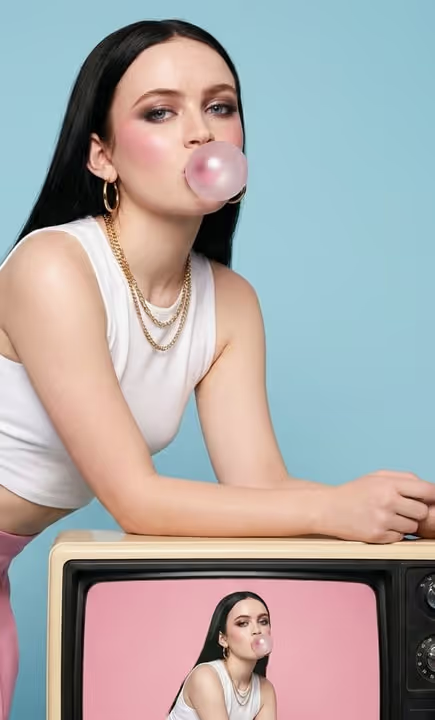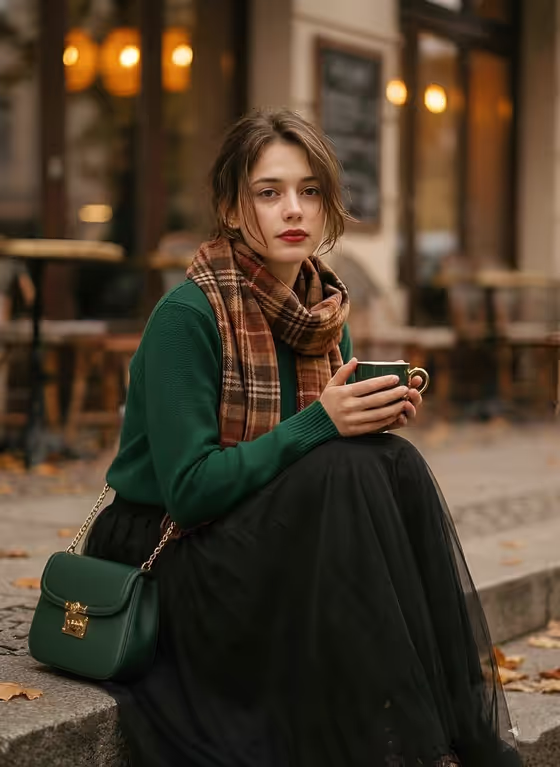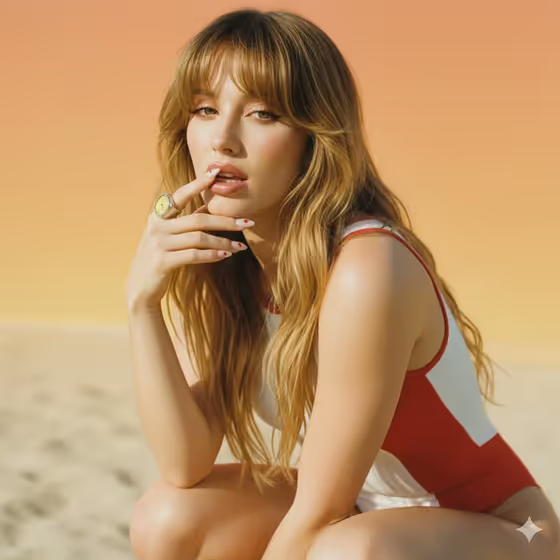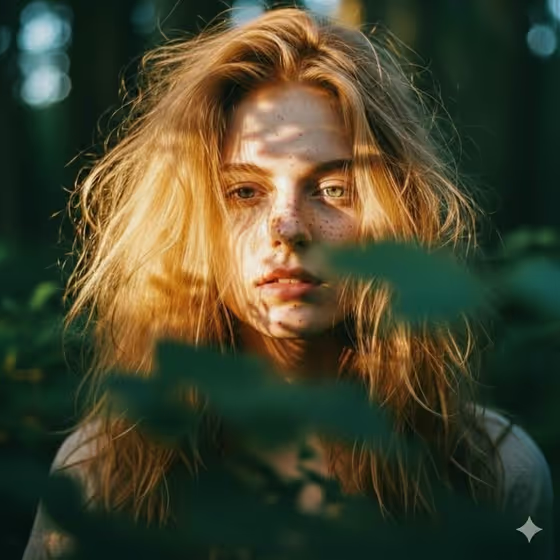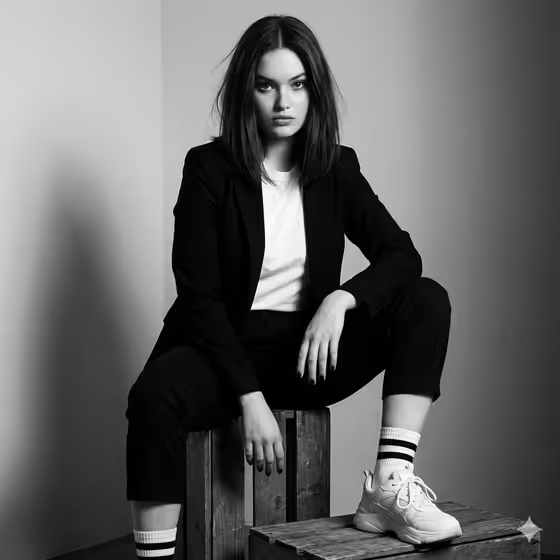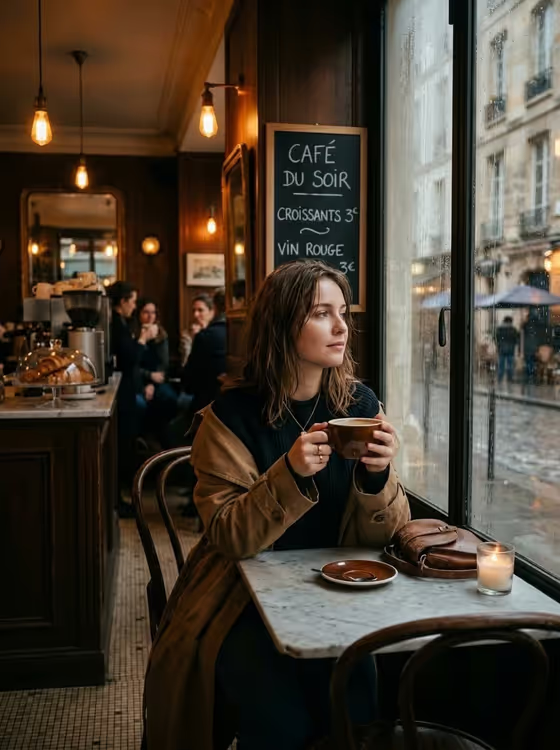
Rainy Paris Cafe turns a portrait subject into a moody, cinematic café scene. The result is a 3:4 image of someone sitting alone at a marble table, holding a coffee cup and looking out a large rain-streaked window, with warm Edison bulbs, wooden walls and a chalkboard menu behind them.
It suits anyone who wants a cozy lifestyle or editorial-style portrait with a Parisian rainy-day mood, whether for a profile picture, a social post or a story-driven character shot. You choose who appears and how the scene is framed, and the café styling stays consistent.
What works best as input
- Use a clear photo where the face is well lit and in focus, since the subject slot accepts an uploaded reference as well as a text description.
- If you describe instead of upload, keep it short and concrete, like the placeholder 'a thoughtful woman', and add a detail or two that matters, such as hair or clothing.
- Pick a reference with a calm, natural expression. The scene is quiet and contemplative, so a relaxed look blends in better than an exaggerated one.
- Avoid heavy filters, sunglasses or hats that hide the face, because they make it harder to carry the person's look into the café setting.
- Use a photo of someone you have permission to depict, and keep the description respectful.
How to use it
- Open the Rainy Paris Cafe template in Phosphene.
- In the subject field (labeled 'thoughtful woman portrait subject'), upload your reference photo or type a short description of the person.
- In 'Pose and scene', choose a framing option such as an intimate close portrait, a full-body editorial frame or an environmental candid frame.
- Generate the image, then review the 3:4 result and adjust your subject description or framing choice if you want a different look.
Tips for a better result
- Try each Pose and scene option with the same subject. A close portrait emphasizes the face and window light, while a full-body or environmental frame shows more of the café.
- If you describe your subject in text, include small details like clothing or hairstyle so the person feels specific rather than generic.
- The template keeps the café details fixed (wooden walls, hanging bulbs, marble table, chalkboard menu), so put your effort into the subject and framing rather than trying to change the setting.
- Run a few variations with slightly different wording or a different reference photo and compare, since small input changes can shift expression and composition.
Common mistakes
- Uploading a dark, blurry or heavily cropped photo, which gives the template little to work from for the subject.
- Writing a long, crowded description in the subject field. Keep it focused on the person, not the café, since the scene is already set.
- Expecting to rewrite the scene, like swapping the chalkboard text or the location, when the café styling is fixed by the template.
FAQ
Do I have to upload a photo?
No. The subject field accepts either an uploaded reference photo or a text description, such as 'a thoughtful woman'.
Can I change the café or the weather?
The rainy Parisian café look is fixed in this template. You control the subject and the Pose and scene framing.
What shape is the image?
The output is a single image in a 3:4 portrait aspect ratio.
Which framing should I choose?
Choose an intimate close portrait to focus on the face, a full-body editorial frame to show the whole figure, or an environmental candid frame to show more of the café around them.