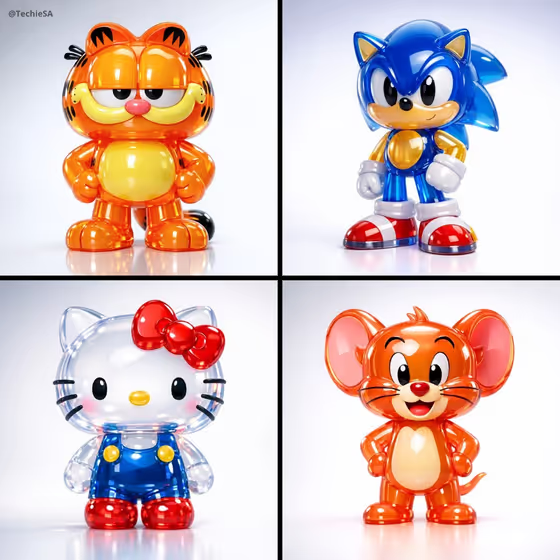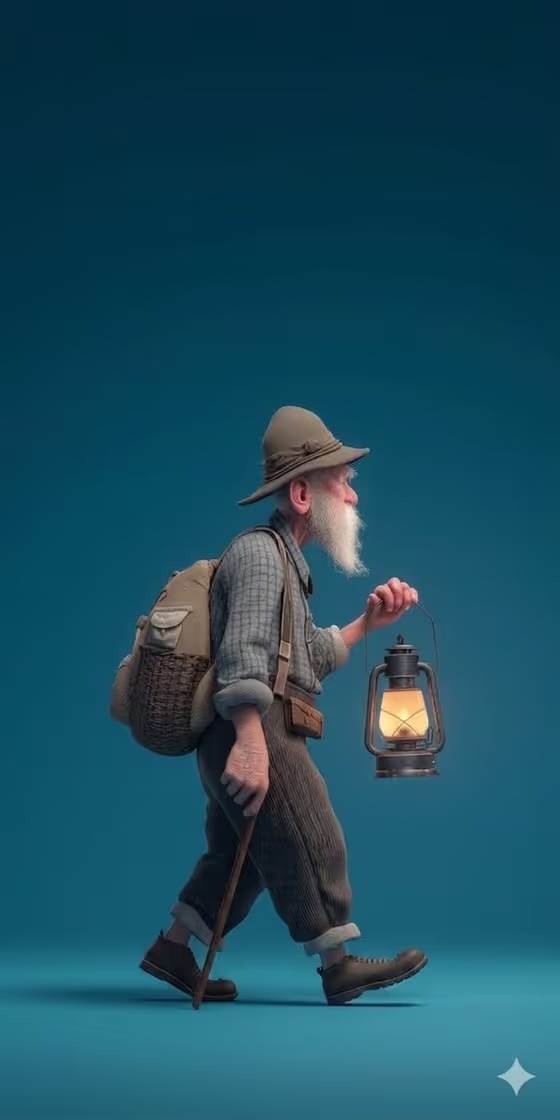
Teal Hiker Figurine turns a character into a stylized 3D figurine-style image. The cover shows an older hiker with a long white beard walking in side profile from left to right, carrying a lit lantern and a woven pack, with a walking stick in his other hand, all against a deep-teal studio backdrop with soft floor reflections.
It suits anyone who wants a collectible-style character portrait: an original character, a personalized figure, or a hiker like the one on the cover. The output is a 3:4 vertical image with a matte, textured finish, soft diffused lighting and plenty of empty space around the figure.
What works best as input
- The template asks for 2 or more photos, so gather a couple of clear references of the same subject from different angles.
- In the 'elderly hiker character subject' field you can type a short description (the placeholder is 'an elderly hiker') or add a photo reference of the exact character you want.
- If you use photos, pick well-lit, uncluttered shots where the face, clothing and any signature details are easy to read.
- If you type instead, name the one subject plainly, such as 'an original character' or 'a personalized collectible figure', rather than listing many different people or objects.
- Only use photos of people who are happy to be turned into a stylized figure, and keep the subject to one person or character.
How to use it
- Open the Teal Hiker Figurine template in Phosphene.
- Fill in 'elderly hiker character subject' by typing a description or adding your reference photos.
- Choose a value for 'Character staging', for example collectible character portrait, full-body character scene or environmental story moment, or keep the default full-body profile framing.
- Generate the image, then review the result and adjust your subject text or references if the look is not what you wanted.
Tips for a better result
- Keep the subject description short and concrete. The template already supplies the hat, plaid shirt, pack, lantern and stick styling, so you mainly need to say who or what the figure is.
- Try the different 'Character staging' options to change how the figure is framed while keeping the same teal studio look.
- Use references that show the details you care about most, such as a beard, hair or clothing, so the figurine keeps its defining look.
- Run it again with a slightly reworded subject to compare variations, since the same setup can read differently each time.
Common mistakes
- Uploading only one photo or a blurry, heavily cropped one. The template expects 2 or more references, and unclear images give the figure less to hold onto.
- Writing a long, multi-subject description in the subject field. This template is built around one figure walking in profile, so extra characters or objects can muddy the result.
- Expecting a busy scene. The look relies on a plain teal backdrop and open negative space, so asking for lots of background detail works against it.
FAQ
Do I have to upload photos?
The template is set up for 2 or more photos, but the subject field also accepts a typed description, so you can describe your character in words as well.
What does the final image look like?
A 3:4 vertical, stylized 3D figurine-style image of one character walking in side profile on a deep-teal studio background, with a matte finish and soft lighting.
Can I use it for something other than an elderly hiker?
Yes. The subject field lists examples like an original character or a personalized collectible figure, though the walking pose, lantern and backdrop stay part of the template's look.
What does 'Character staging' change?
It controls how the subject is framed, with options such as collectible character portrait, full-body character scene or environmental story moment, without changing the figure's defining look.