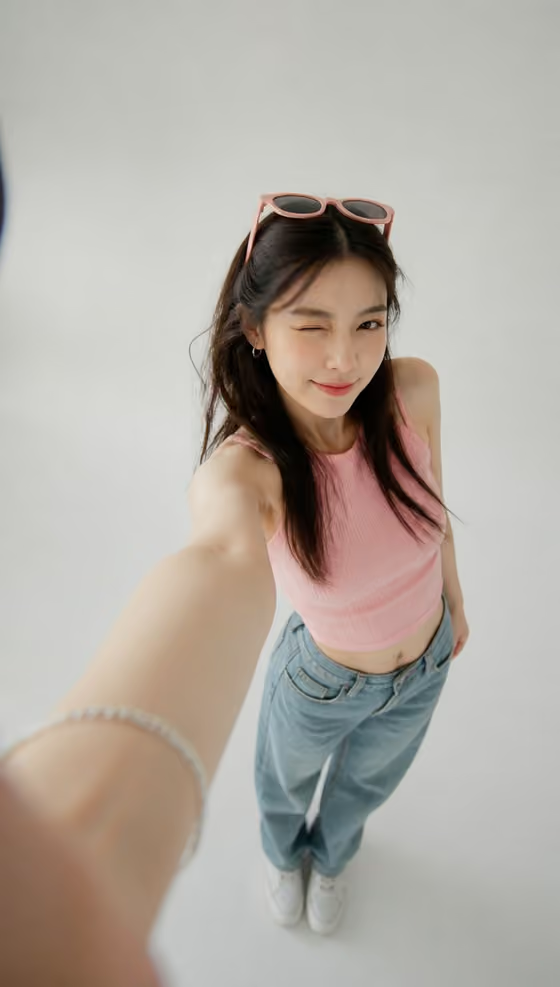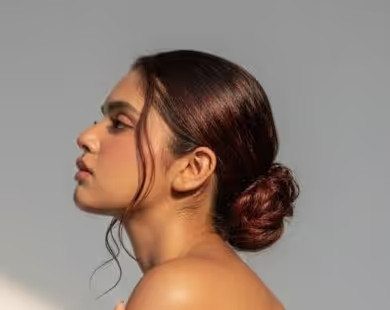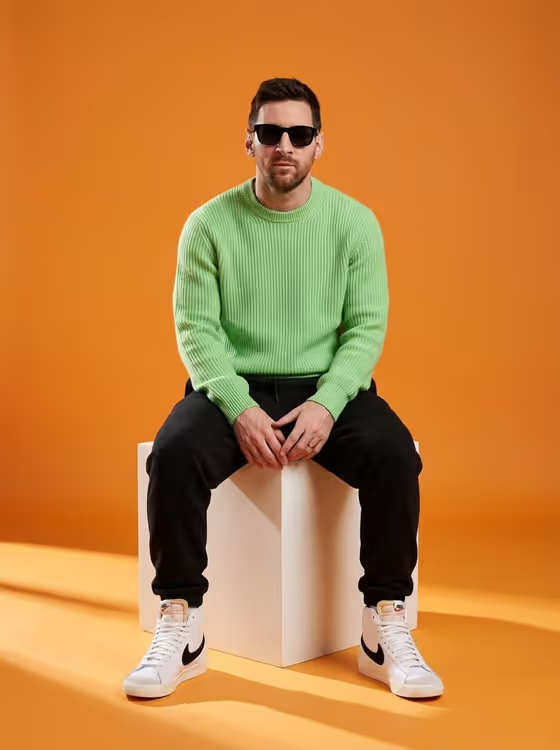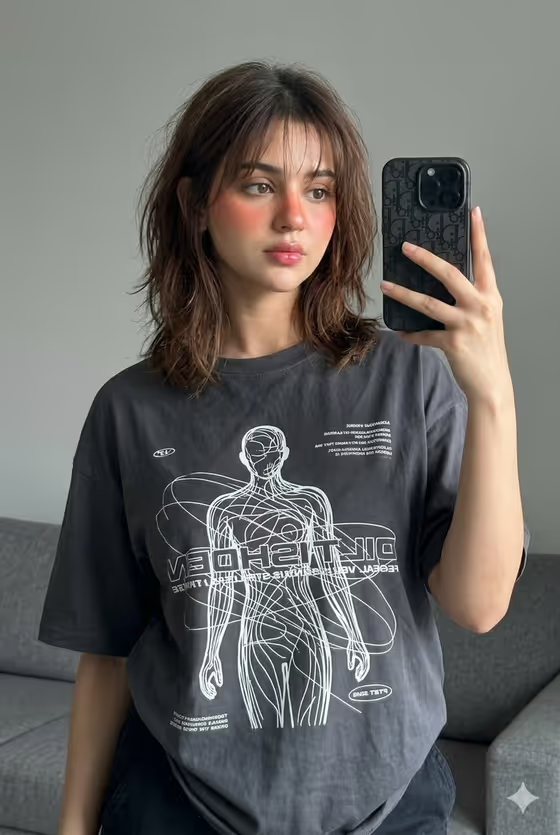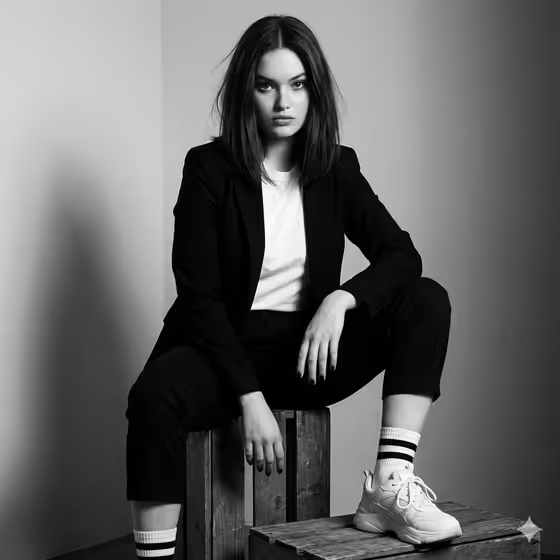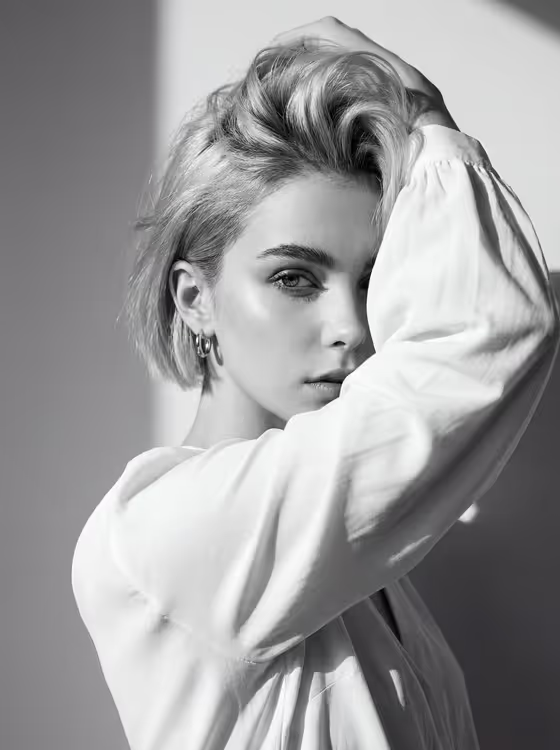
This template makes a raw black-and-white fashion portrait in a 3:4 frame. One arm is raised across part of the face while the hand holds the hair, and the subject looks straight into the camera. Hard daylight throws sharp shadows across a plain wall, the face and the fabric.
It suits anyone who wants an editorial, magazine-style portrait: personal profile images, mood boards, lookbook-style tests or fashion concepts. You choose the person or subject and the white wardrobe piece, and the fixed direction handles the pose, light and monochrome grain.
What works best as input
- For the Portrait person or subject field, you can upload a photo or describe the person in text. If you upload, pick a clear shot where the face is easy to read and not already hidden by hair or objects.
- A photo with even, visible features gives the template more to preserve, since the prompt asks to keep identity and hair intact. Avoid heavy filters or blurry, low-resolution images.
- If you describe instead, be specific and brief, like the placeholder 'an intense adult woman' or 'a dramatic adult man'. Mention mood and hair if it matters.
- Only use photos of yourself or people who have agreed to be shown. Keep descriptions respectful and focused on look and mood.
- For White wardrobe, choose the garment that fits the shape you want, such as a loose white blouse, an oversized white shirt or a soft ivory draped top. Loose, flowing pieces suit the raised-arm pose well.
How to use it
- Open the Raised-Arm Monochrome Fashion template in the Portraits category.
- In Portrait person or subject, upload a portrait or type a short description, for example 'an androgynous editorial model'.
- Pick your White wardrobe option, such as 'oversized white shirt'.
- Generate the image, then check the result for the raised arm, the direct gaze and the hard shadows. Adjust your inputs and run it again if something is off.
Tips for a better result
- Try different wardrobe choices to change the silhouette. A draped ivory top will catch light differently from a crisp oversized shirt.
- If the likeness feels off, switch to a clearer, front-facing reference photo rather than adding more words.
- Vary the subject description (an intense woman, a dramatic man, an androgynous model) to see how the same lighting and pose read on different looks.
- Judge the result at full size. The direction asks for visible grain and crisp 85mm-style detail, so check eyes, hair strands and fabric folds.
Common mistakes
- Uploading a photo with the face already covered or turned away, which leaves little to work from.
- Writing a long, detailed description that fights the fixed direction, such as asking for color, soft lighting or a busy background. The template is built around monochrome, hard light and a plain wall.
- Expecting a smooth, retouched beauty look. The direction deliberately keeps grain and skin texture raw.
FAQ
Can I upload my own photo?
Yes. The Portrait person or subject field accepts a photo reference, or you can type a description instead.
Can I change the wardrobe color?
The White wardrobe field is built around white and ivory pieces, so the look stays in that range. You choose which garment, such as a blouse, shirt or draped top.
Will the result be in color?
No. The template is set up for a black-and-white portrait with strong contrast and visible grain.
What shape is the output?
A single image in a 3:4 portrait aspect ratio.